

Data Cleaning
Convert Text to Number in Excel: 4 ways, fastest first
Convert text to numbers in Excel: the green-triangle button, Paste Special multiply, VALUE, and Text to Columns — and how to tell text from numbers.
Convert text to numbers in Excel: the green-triangle button, Paste Special multiply, VALUE, and Text to Columns — and how to tell text from numbers.

Remove spaces in Excel: TRIM for extra spaces, SUBSTITUTE for every space, Find and Replace for a one-off, and the invisible space that survives all three.

TRIM in Excel removes leading, trailing and double spaces — the fix for VLOOKUPs that fail and duplicates that won't merge. Plus the space TRIM cannot remove.

Text to Columns in Excel step by step: split by comma, space or a fixed width, keep leading zeros, and undo when it goes wrong.

Delete every blank row in Excel in one go with Go To Special, the filter method for partly empty rows, and the mistake that deletes real data.
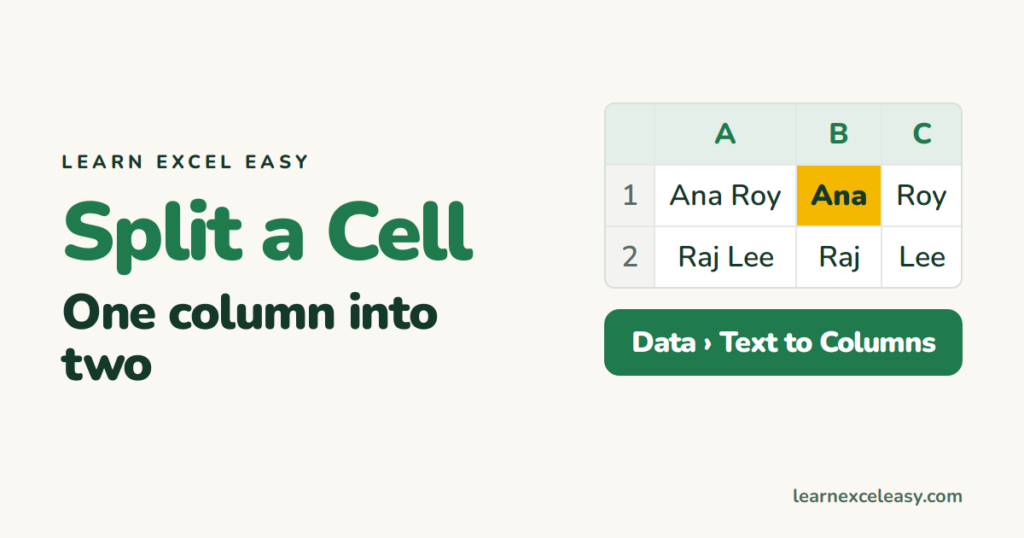
Split a cell in Excel: full names into first and last with Text to Columns, or the instant Flash Fill trick, plus TEXTSPLIT for newer Excel.

Find and replace in Excel with Ctrl+H: change a word across the sheet, replace in a selection only, and remove characters by replacing with nothing.

Remove duplicates in Excel with the built-in button in three clicks, and see the two ways it goes wrong.
One short Excel lesson in your inbox every morning. Free, no spam, unsubscribe any time.
Also join us on Facebook
