
Data Cleaning
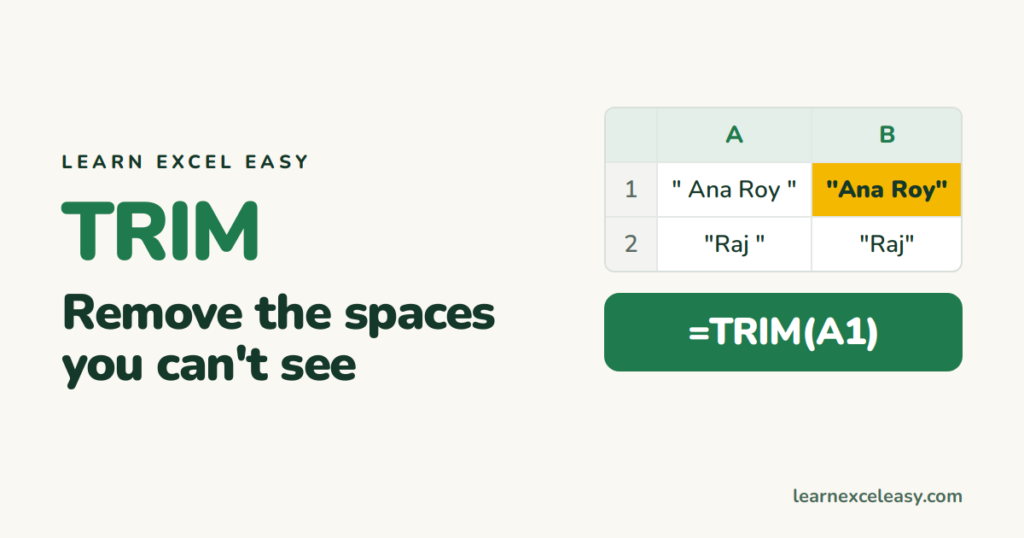
TRIM in Excel: remove extra spaces that break lookups
TRIM in Excel removes leading, trailing and double spaces — the fix for VLOOKUPs that fail and duplicates that won't merge. Plus the space TRIM cannot remove.
TRIM in Excel removes leading, trailing and double spaces — the fix for VLOOKUPs that fail and duplicates that won't merge. Plus the space TRIM cannot remove.
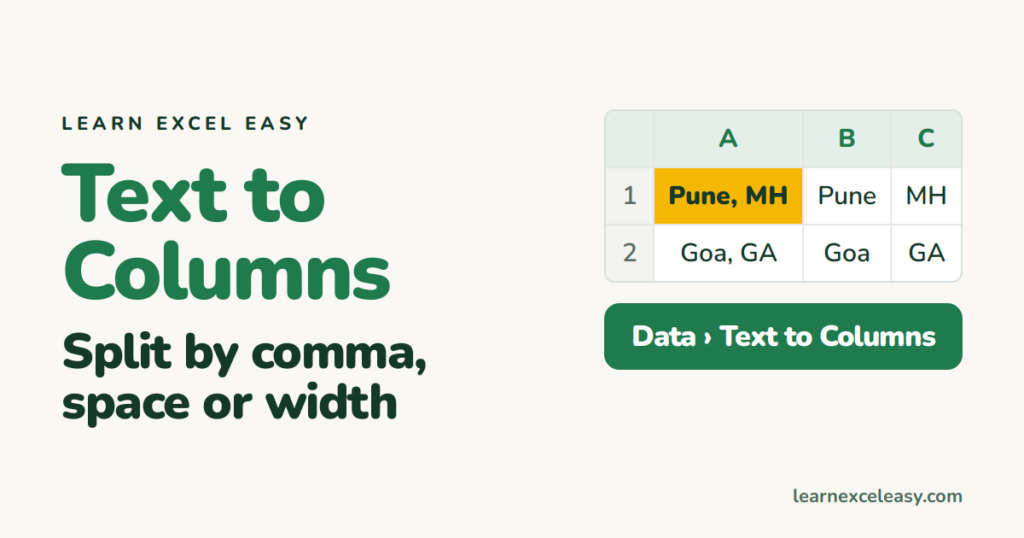
Text to Columns in Excel step by step: split by comma, space or a fixed width, keep leading zeros, and undo when it goes wrong.

Delete every blank row in Excel in one go with Go To Special, the filter method for partly empty rows, and the mistake that deletes real data.

Make an Excel line graph in four steps, add a second line, fix the axis that starts at the wrong number, and add data labels.

Excel vs Google Sheets compared on what matters to a learner: cost, sharing, formulas, big data, offline use, and whether skills transfer.

Excel says there is a circular reference: what it means, how to find the exact cell, and how to fix the two usual causes.

Excel not responding? What to do in the next 60 seconds to save your work, then the five causes that make it freeze and how to fix each.

Set a print area in Excel so only your table prints, fit it on one page, repeat the heading row, and clear the area when done.
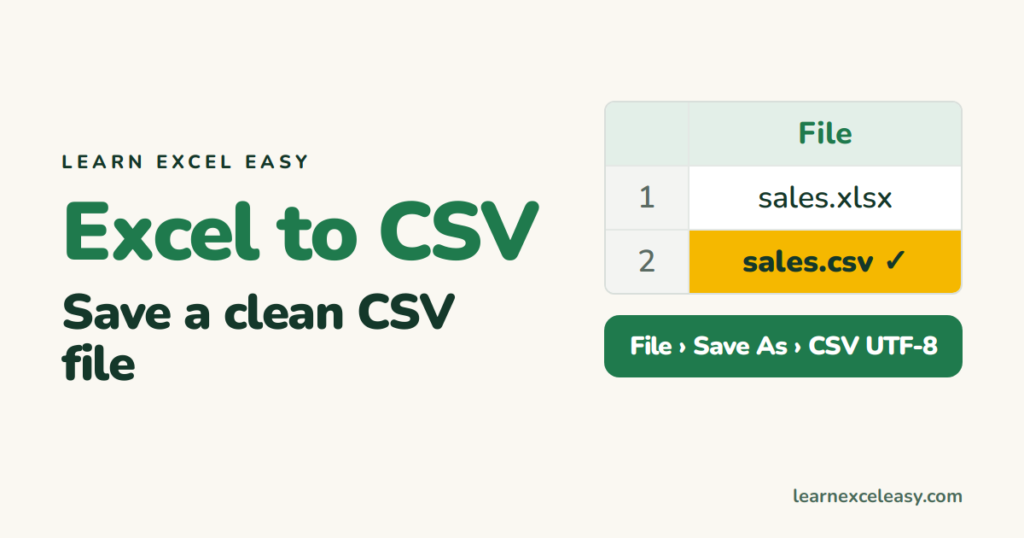
Save Excel as CSV the right way: which CSV type to pick, why only one sheet is saved, and how to keep leading zeros and dates intact.
One short Excel lesson in your inbox every morning. Free, no spam, unsubscribe any time.
Also join us on Facebook
