
Shortcuts
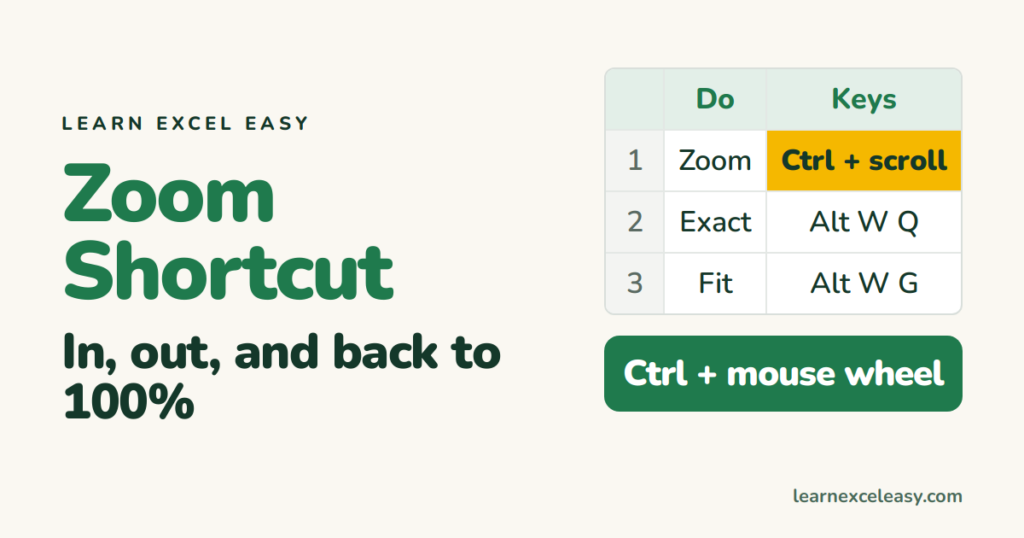
Excel Zoom Shortcut: zoom in, out, and back to 100% from the keyboard
Zoom in Excel with Ctrl+scroll, the Alt-key sequence for exact zoom, zoom to a selection, reset to 100%, and set a default zoom for every new sheet.
Zoom in Excel with Ctrl+scroll, the Alt-key sequence for exact zoom, zoom to a selection, reset to 100%, and set a default zoom for every new sheet.
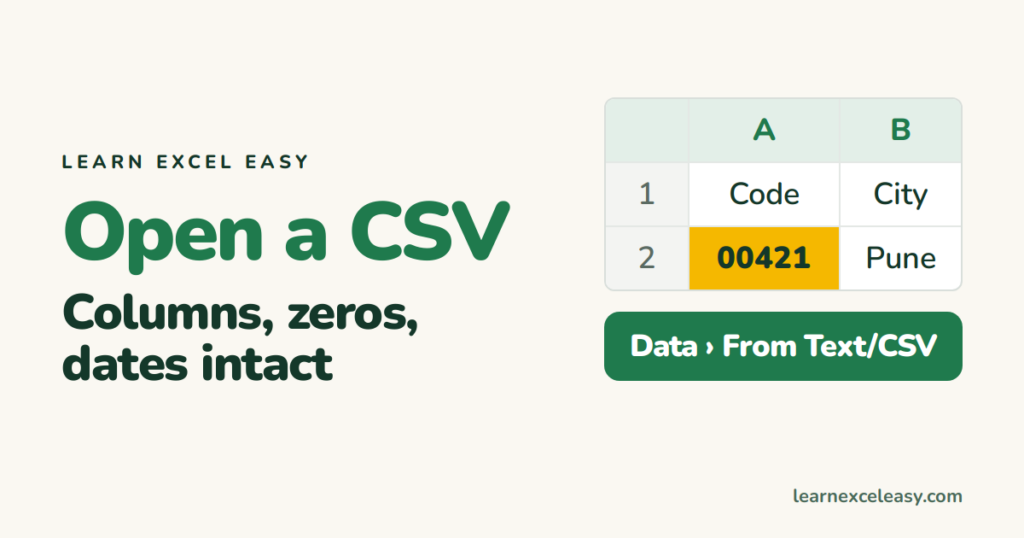
Open a CSV file in Excel the safe way so columns split correctly, leading zeros survive and dates don't flip — and what to do when everything is in one column.
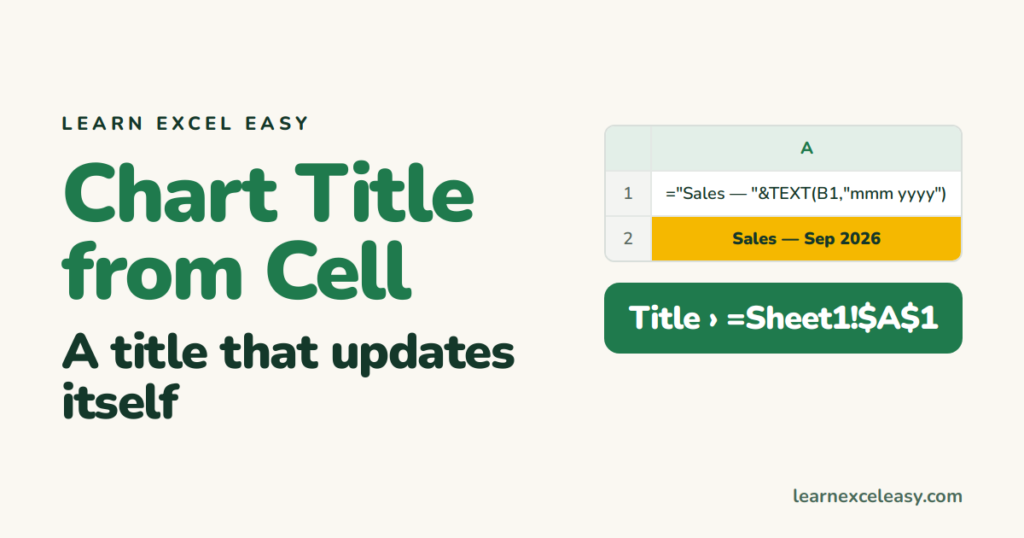
Link an Excel chart title to a cell so it updates when the cell changes — including a title built from a formula with the month or total inside it.
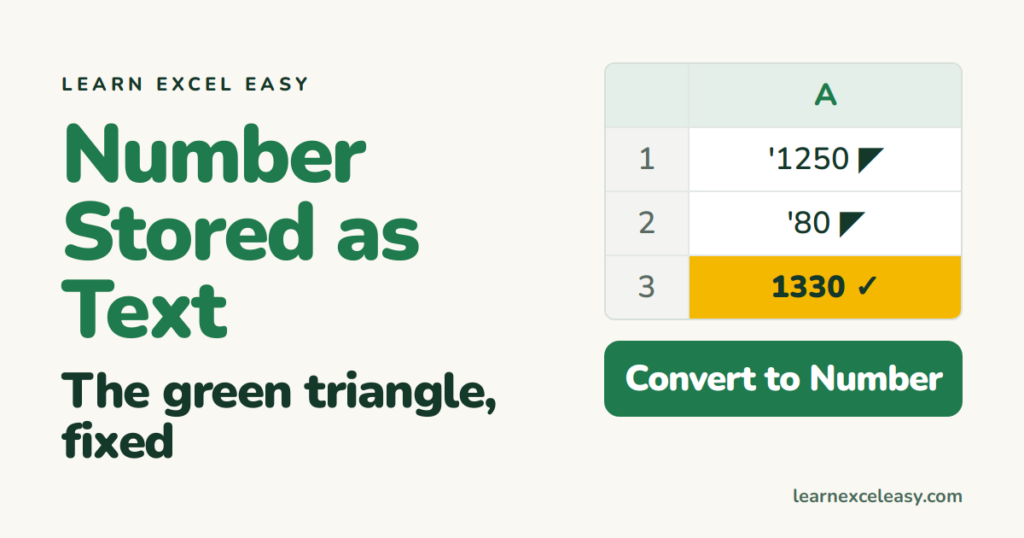
What 'Number Stored as Text' means in Excel, why it breaks SUM and lookups, the one-click fix, the fix for thousands of cells, and how to keep leading zeros on purpose.
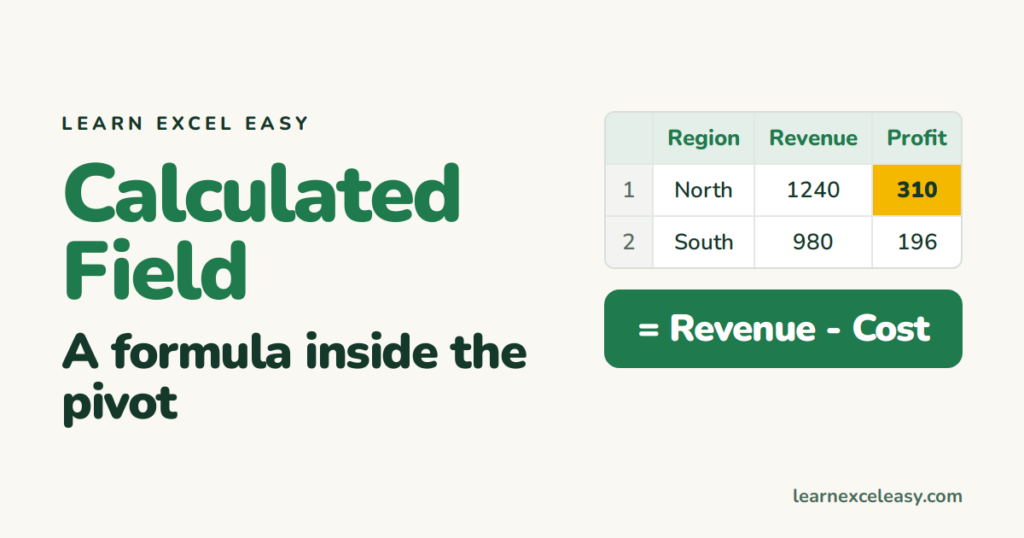
Add a calculated field to an Excel pivot table — profit from revenue and cost, margin %, price per unit — edit it, and know the case where it gives the wrong answer.
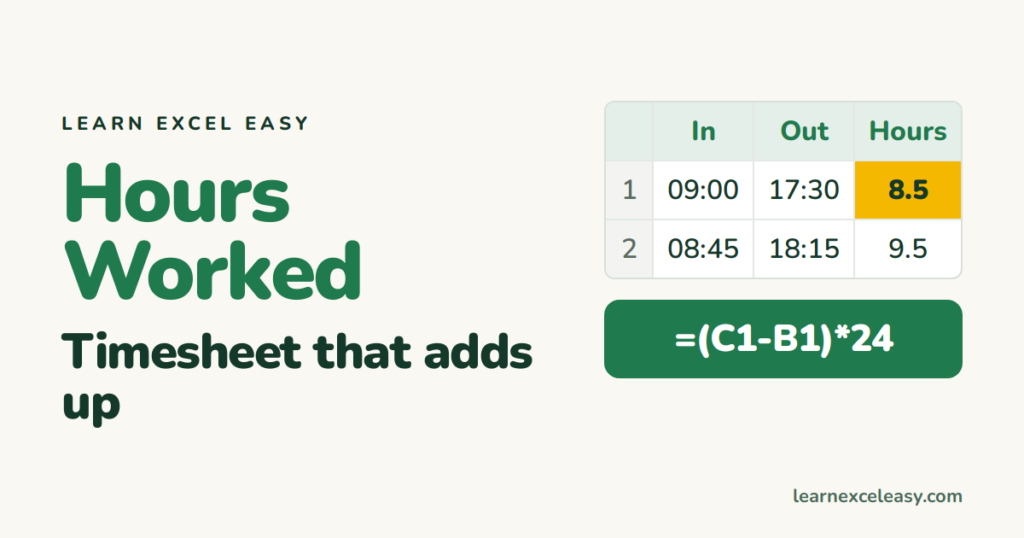
Calculate hours worked in Excel from start and end times, subtract a break, total a week correctly past 24 hours, convert to decimal for pay, and add overtime.
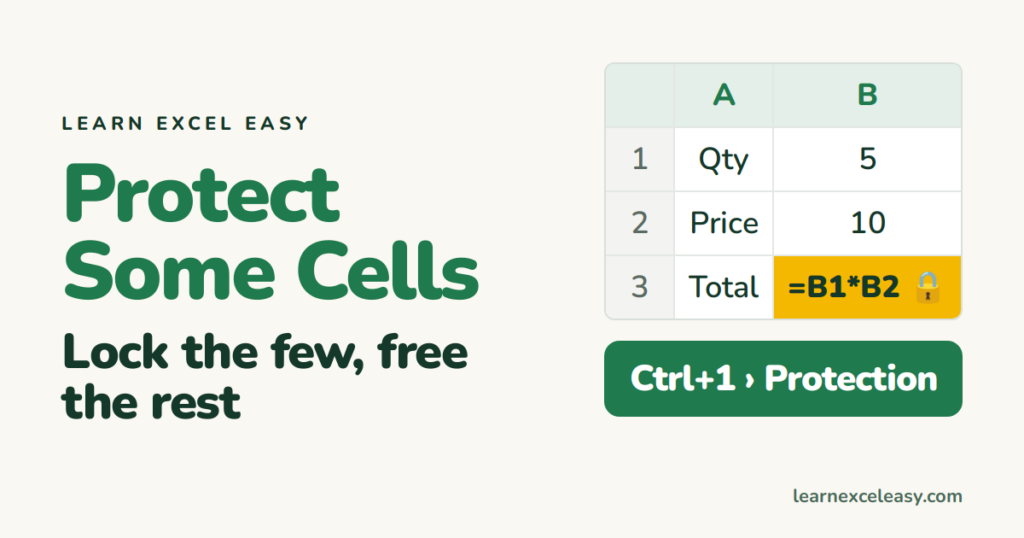
Protect only certain cells in Excel — formulas or headings — while everything else stays editable: unlock all, lock the few, protect the sheet.
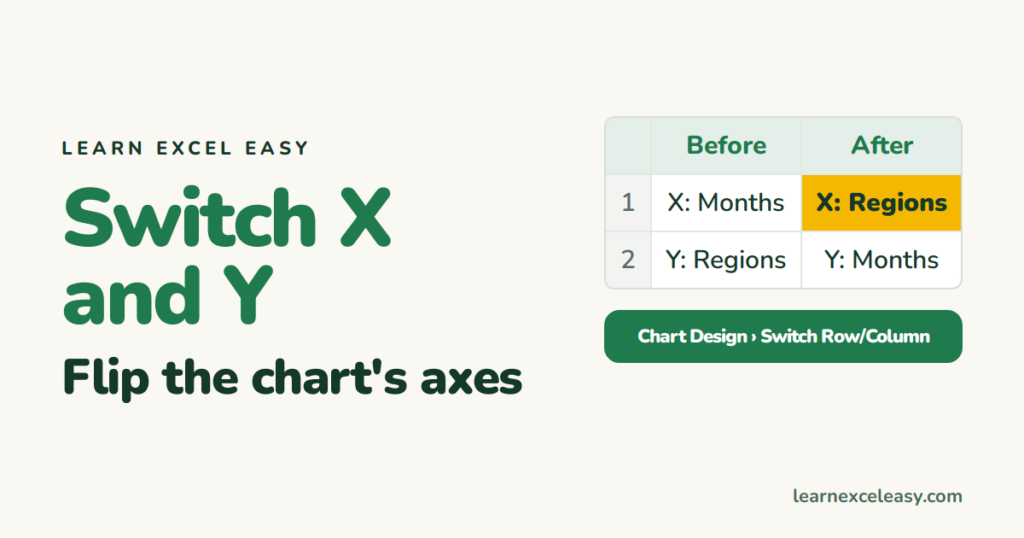
Switch the X and Y axis in Excel: Switch Row/Column for bar and line charts, swap the series values for a scatter plot, and flip a bar chart's direction.
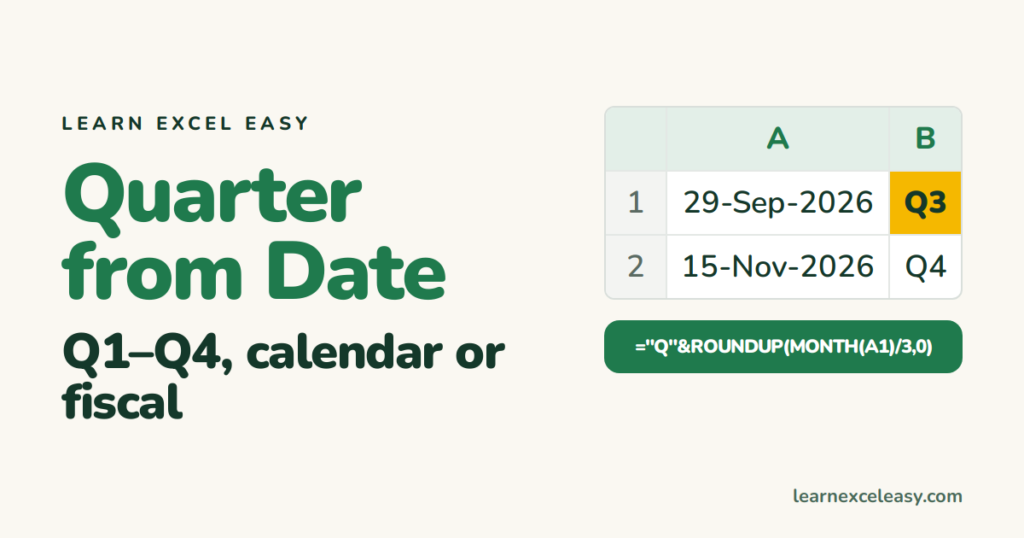
Get the quarter from a date in Excel with one formula, show it as Q3 2026, handle a fiscal year starting in April, and total sales by quarter.
One short Excel lesson in your inbox every morning. Free, no spam, unsubscribe any time.
Also join us on Facebook
