
Get the Quarter from a Date in Excel (Q1–Q4, and fiscal quarters)
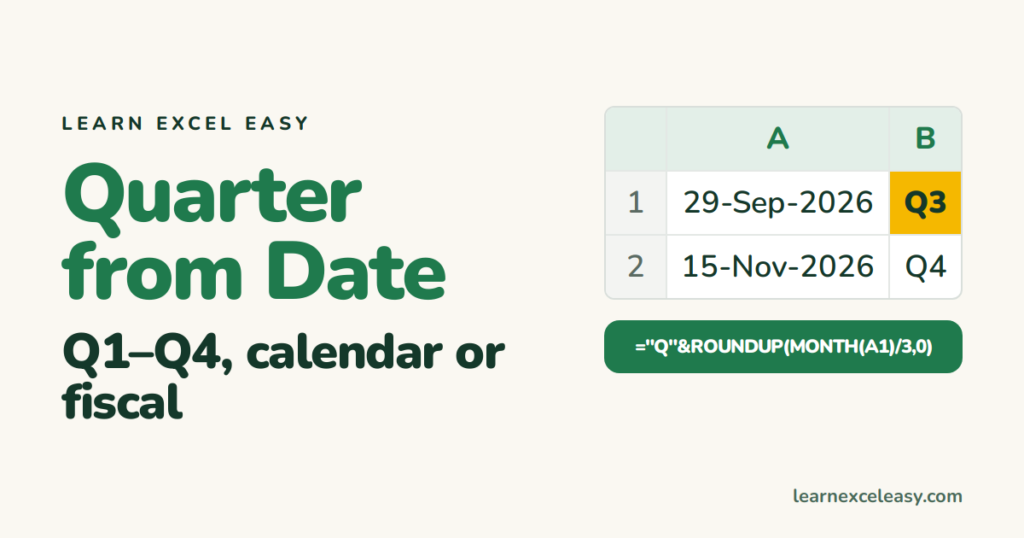
Excel has no QUARTER function, but the maths is one line.
Calendar quarter (Jan–Mar = Q1)
=ROUNDUP(MONTH(A1)/3, 0)
September is month 9; 9/3 = 3 → 3. October is 10; 10/3 = 3.33, rounded up → 4.
As text with the year
="Q" & ROUNDUP(MONTH(A1)/3,0) & " " & YEAR(A1)
→ Q3 2026. For sorting, put the year first: =YEAR(A1)&"-Q"&ROUNDUP(MONTH(A1)/3,0).
Fiscal year starting in April (India, UK)
April–June must be Q1. Shift the month by 3:
=ROUNDUP(MOD(MONTH(A1)-4, 12)/3 + 0.01, 0)
Or the readable version: =CHOOSE(MONTH(A1), 4,4,4, 1,1,1, 2,2,2, 3,3,3) — lists the quarter for each month Jan to Dec.
Fiscal year label (FY 2026-27)
="FY " & IF(MONTH(A1)>=4, YEAR(A1), YEAR(A1)-1) & "-" & TEXT(IF(MONTH(A1)>=4, YEAR(A1)+1, YEAR(A1)), "00")
Steps: total per quarter
- Dates in A, amounts in B, quarter label in C (formula above).
- E1:
Q3 2026. F1:=SUMIF(C:C, E1, B:B).
Or a pivot: Date to Rows › right-click › Group › Quarters and Years.
Check it worked
31 March → Q1 (calendar) / Q4 (fiscal from April). 1 April → Q2 / Q1.

20 years with spreadsheets and enterprise systems. Writes one short, plain-English Excel lesson a day. Got an Excel question? learnexceleasycom@gmail.com
