
Dates & Times
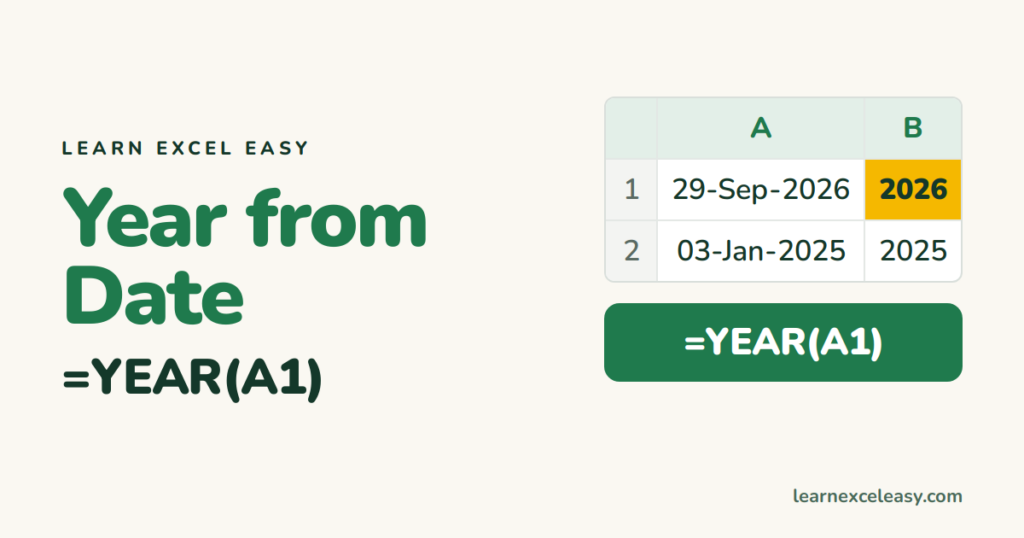
Get the Year from a Date in Excel (YEAR, and grouping by year)
Extract the year from a date in Excel with YEAR, as text with TEXT, the fiscal year, and total or count by year with SUMIF and a pivot.
Extract the year from a date in Excel with YEAR, as text with TEXT, the fiscal year, and total or count by year with SUMIF and a pivot.

Calculate hours worked in Excel from start and end times, subtract a break, total a week correctly past 24 hours, convert to decimal for pay, and add overtime.
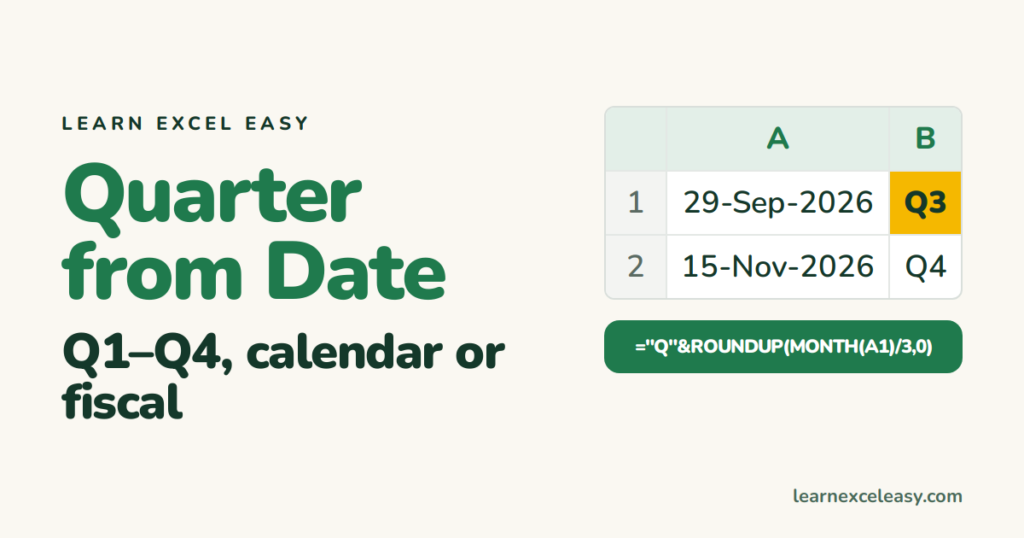
Get the quarter from a date in Excel with one formula, show it as Q3 2026, handle a fiscal year starting in April, and total sales by quarter.

Calculate years between two dates in Excel: whole years with DATEDIF, decimal years with YEARFRAC, years and months together, and service length for a list.

Get the week number in Excel with WEEKNUM, the ISO week that matches most calendars, the week's start date, and totals per week with SUMIF.

Add months to a date in Excel with EDATE, subtract months, land on the last day of the month with EOMONTH, and add years or days the same way.
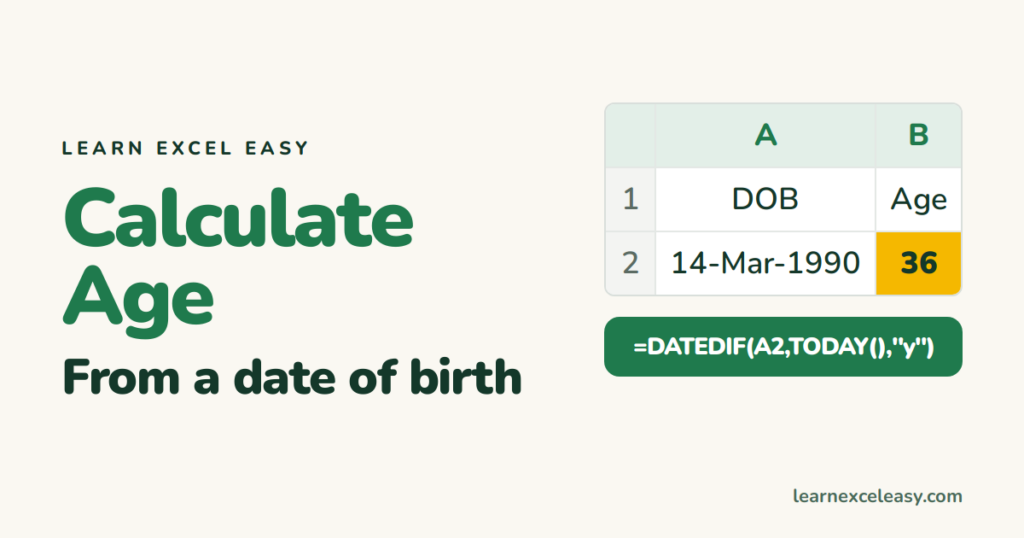
Calculate age in Excel from a birth date with DATEDIF: years only, years and months, age on a specific date, and why YEARFRAC rounds wrong.

Convert text to real dates in Excel with Text to Columns, DATEVALUE, or DATE with pieces — for dd/mm/yyyy, 20260929, and dates with dots.

Sort by date in Excel oldest to newest, keep rows together, sort by month ignoring the year, and fix the sort when dates are stored as text.
One short Excel lesson in your inbox every morning. Free, no spam, unsubscribe any time.
Also join us on Facebook
