
Years Between Two Dates in Excel (whole years, or decimal)
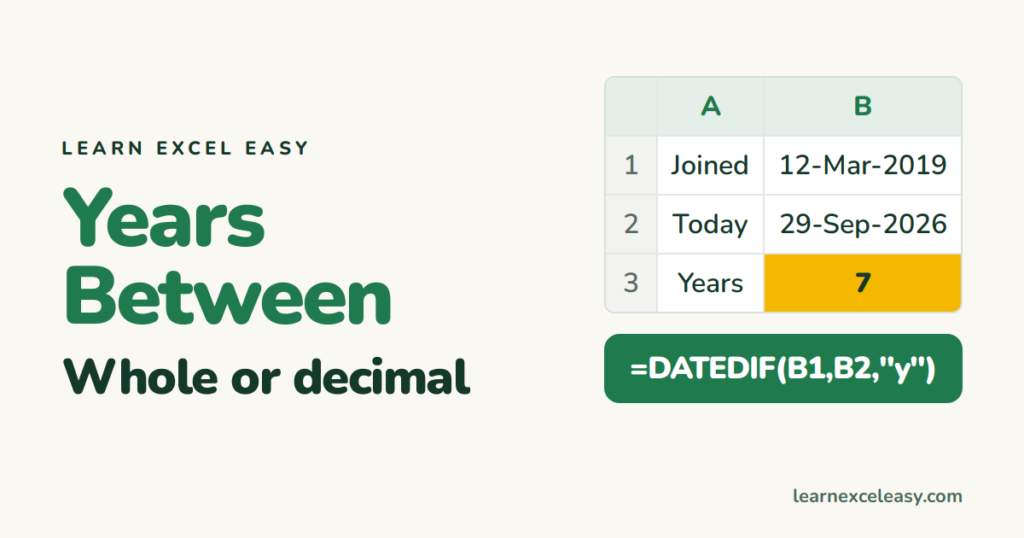
“How many years between?” has two honest answers: 7 (full years) or 7.55 (exact). Excel has a function for each.
Whole years
=DATEDIF(B1, B2, "y")
12 Mar 2019 to 29 Sep 2026 → 7. Counts only completed years.
Decimal years
=YEARFRAC(B1, B2)
→ 7.55. Good for interest, pro-rata leave, average tenure.
Years and months in words
=DATEDIF(B1,B2,"y") & " yrs " & DATEDIF(B1,B2,"ym") & " mths"
→ 7 yrs 6 mths.
Steps: service length for every employee
- Join dates in column B.
- C2:
=DATEDIF(B2, TODAY(), "y"). Enter. Drag down. - Average tenure:
=AVERAGE(C:C). Over 5 years:=COUNTIF(C:C, ">=5").
Check it worked
Two dates exactly 3 years apart: DATEDIF “y” = 3, YEARFRAC = 3.00.
Common mistakes
#NUM! in DATEDIF — start date is after end date. Swap them.
Using (B2-B1)/365 — off by a few days every leap year. Fine for rough work, not for HR or finance.
All the units DATEDIF knows: DATEDIF.

20 years with spreadsheets and enterprise systems. Writes one short, plain-English Excel lesson a day. Got an Excel question? learnexceleasycom@gmail.com
