
Shortcuts
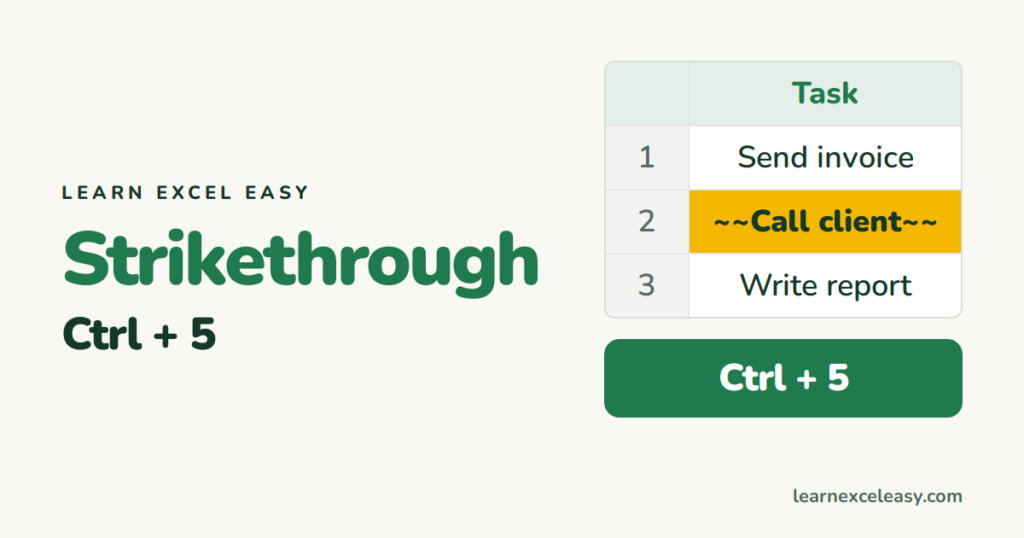
Excel Strikethrough Shortcut: Ctrl+5 (and strike through automatically)
Strikethrough in Excel with Ctrl+5, remove it, strike through part of a cell, and strike through done tasks automatically with conditional formatting.
Strikethrough in Excel with Ctrl+5, remove it, strike through part of a cell, and strike through done tasks automatically with conditional formatting.

Insert a row in Excel with Ctrl+Shift+Plus, delete with Ctrl+Minus, insert several at once, and insert a column the same way.
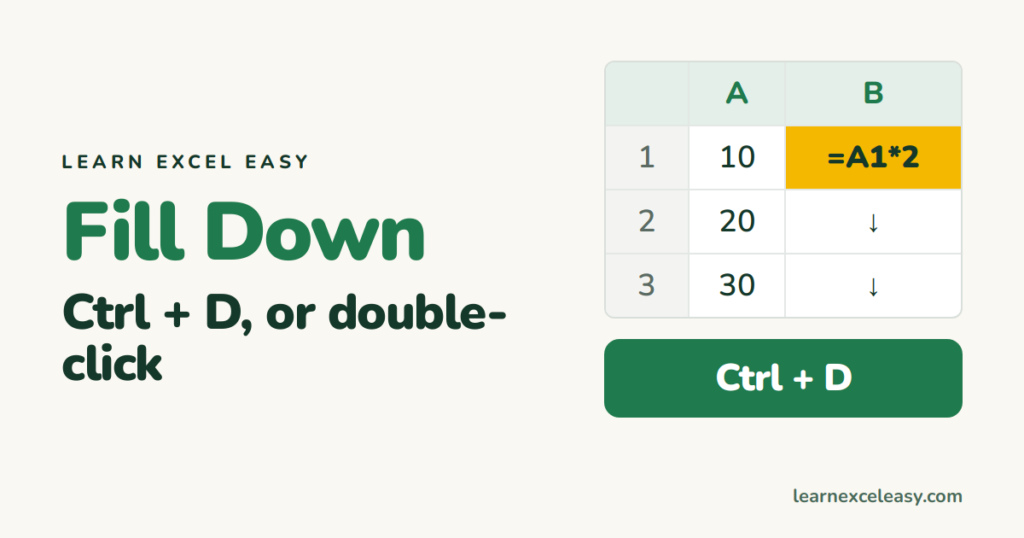
The Excel fill down shortcut Ctrl+D, fill right with Ctrl+R, the double-click that fills to the bottom, and filling only the blank cells.
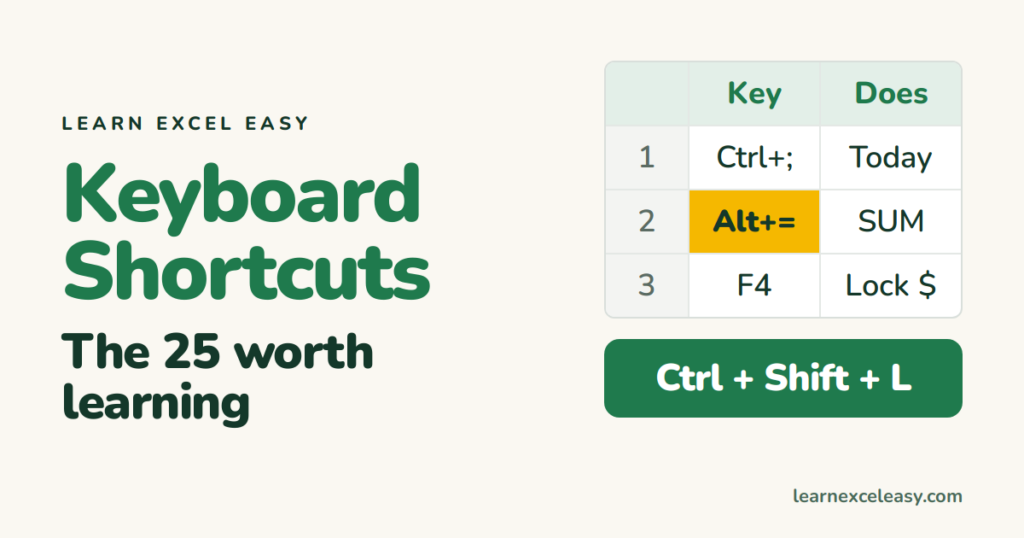
The 25 Excel keyboard shortcuts that save real time, grouped by what they do. Learn three a week.
One short Excel lesson in your inbox every morning. Free, no spam, unsubscribe any time.
Also join us on Facebook
