
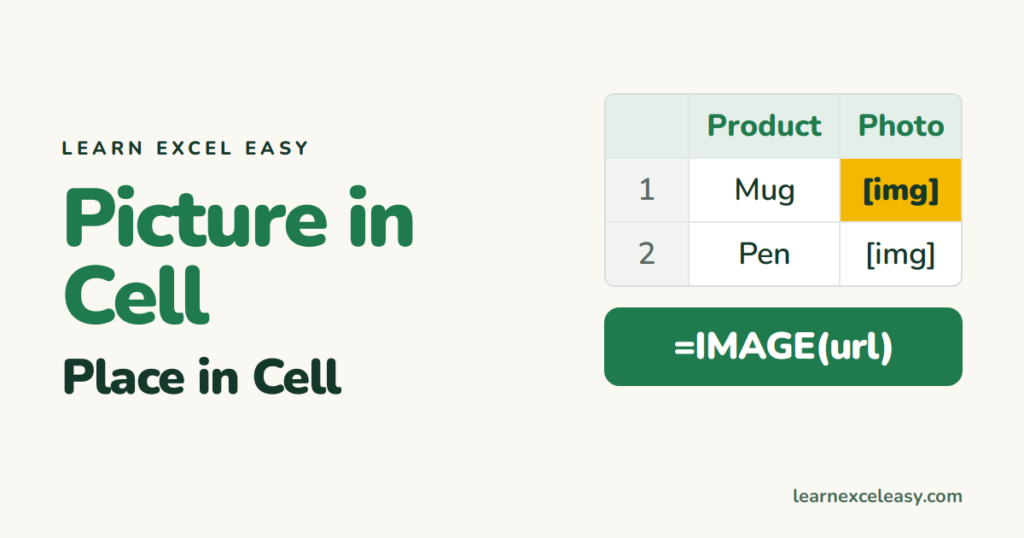
Formatting
How to Insert a Picture in an Excel Cell (so it moves with the cell)
Place a picture inside a cell with Place in Cell or the IMAGE function, or float it over cells and make it move and sort with its row.
Place a picture inside a cell with Place in Cell or the IMAGE function, or float it over cells and make it move and sort with its row.
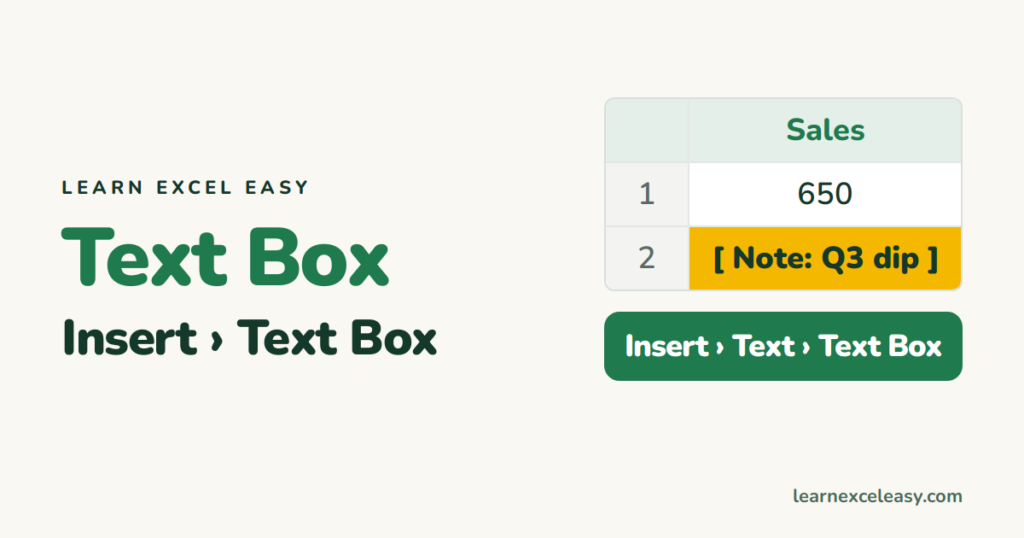
Insert a text box that floats over the grid, format and move it, link it to a cell so it shows a live value, and remove its border.
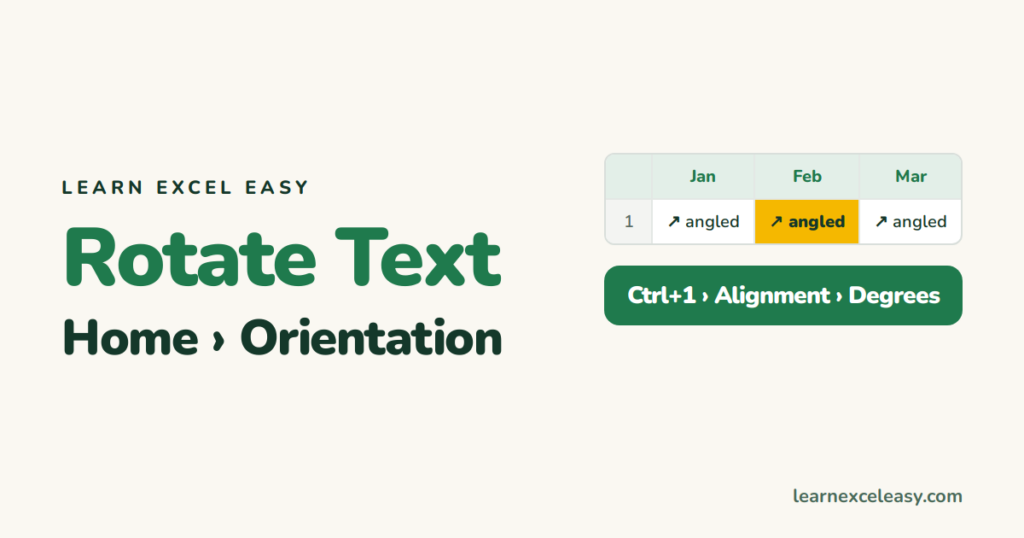
Rotate text in a cell with the Orientation button, set an exact angle, stack letters vertically, and rotate text in a text box or chart axis.

Use Merge & Center to put a title across several columns, undo it, fix the greyed-out button, and use Center Across Selection when you don't want merged cells.
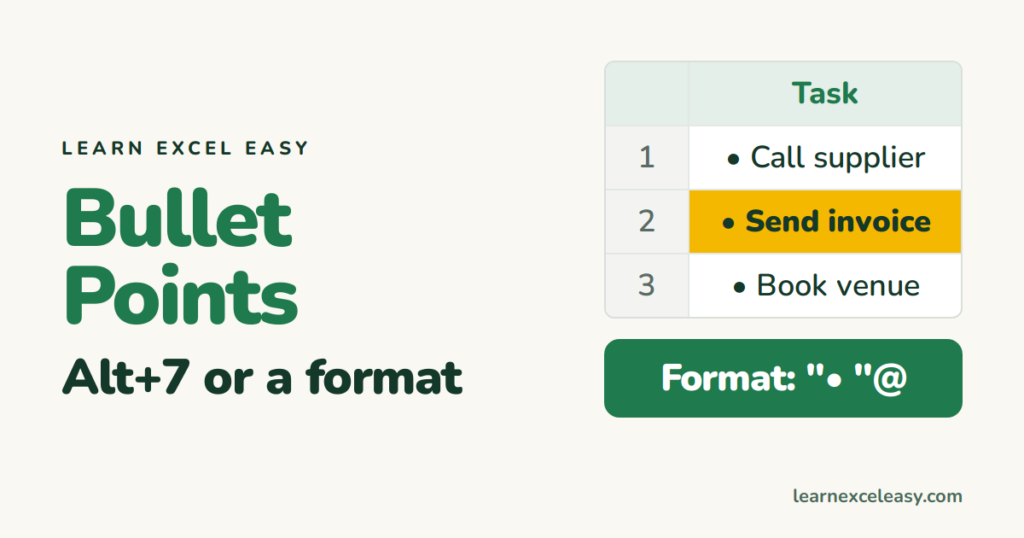
Add bullet points in Excel with Alt+7, a custom number format that bullets a whole column, several bullets in one cell with Alt+Enter, or a text box.
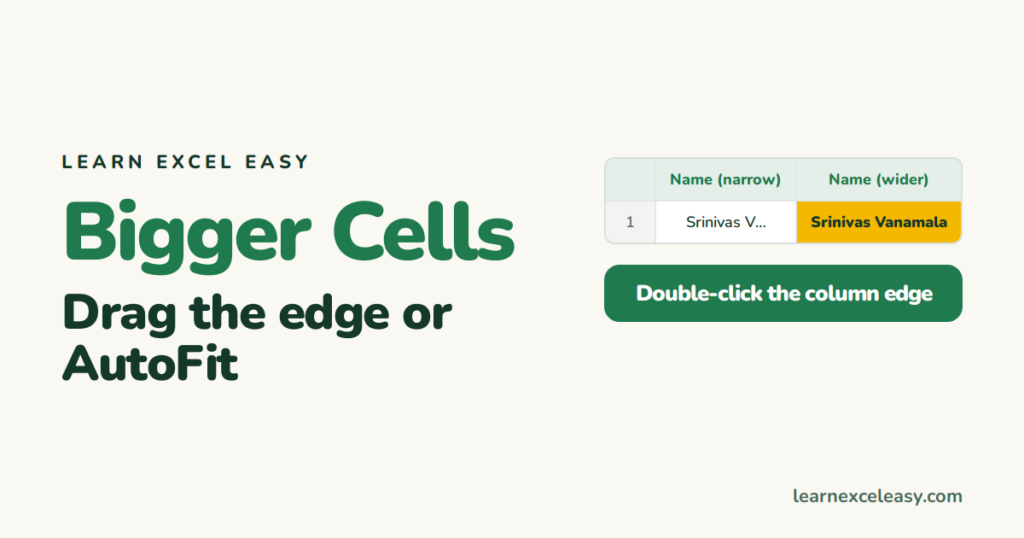
Make cells bigger by dragging the column or row edge, set an exact width and height, autofit to the contents, and make every cell the same size at once.
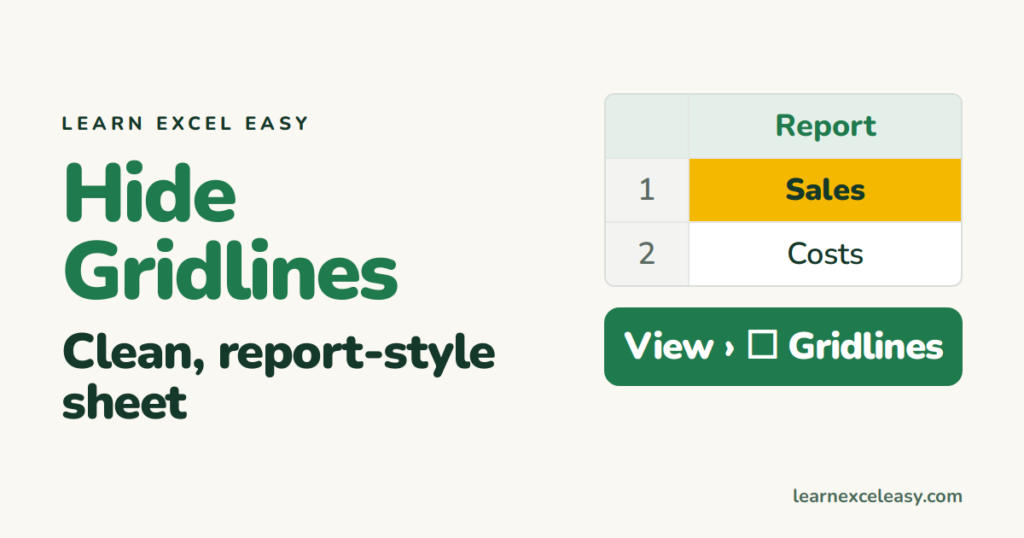
Turn off the grey gridlines for a clean report or dashboard: View › untick Gridlines. Hide them for one sheet, all sheets, just a range with white fill, and control printing separately.
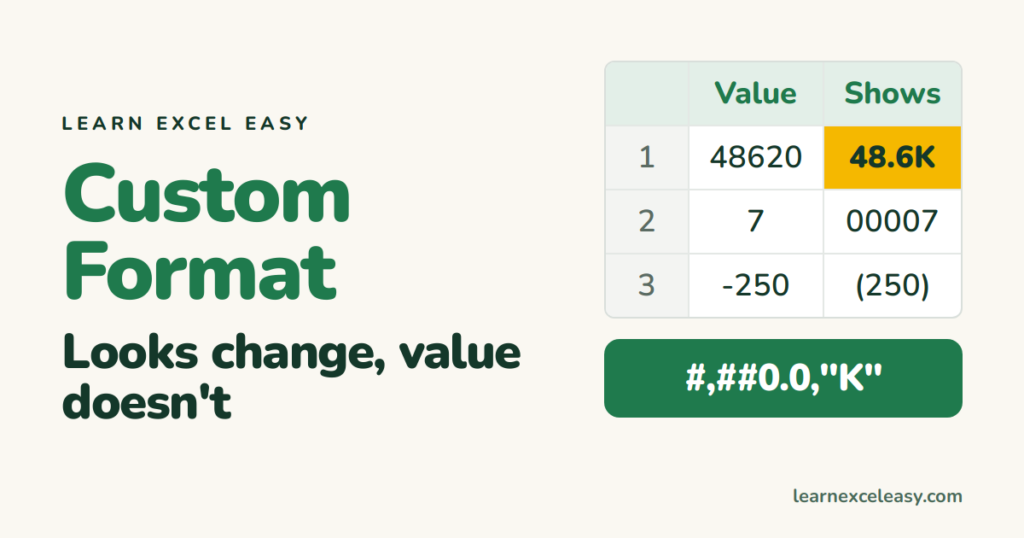
Change how numbers look without changing their value: 12.5K, ₹ lakhs, units like 'kg', leading zeros, negative in red, hide zeros. The four-part code explained with ready-to-copy formats.
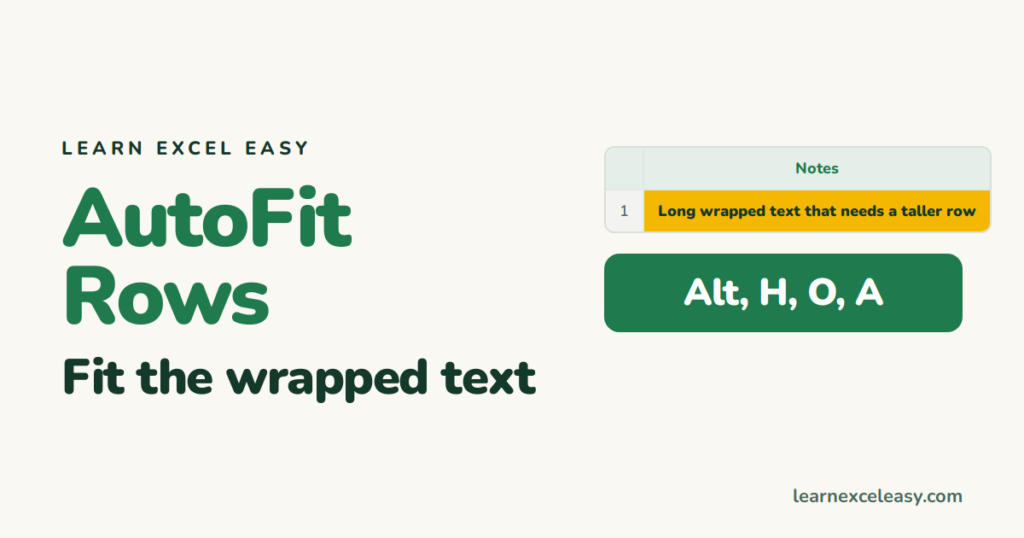
Make rows grow to fit wrapped text: double-click the row border, Home › Format › AutoFit Row Height, or Alt H O A. Why it fails on merged cells and how to work around it.
