Excel Format Painter: copy formatting in one click (or many)
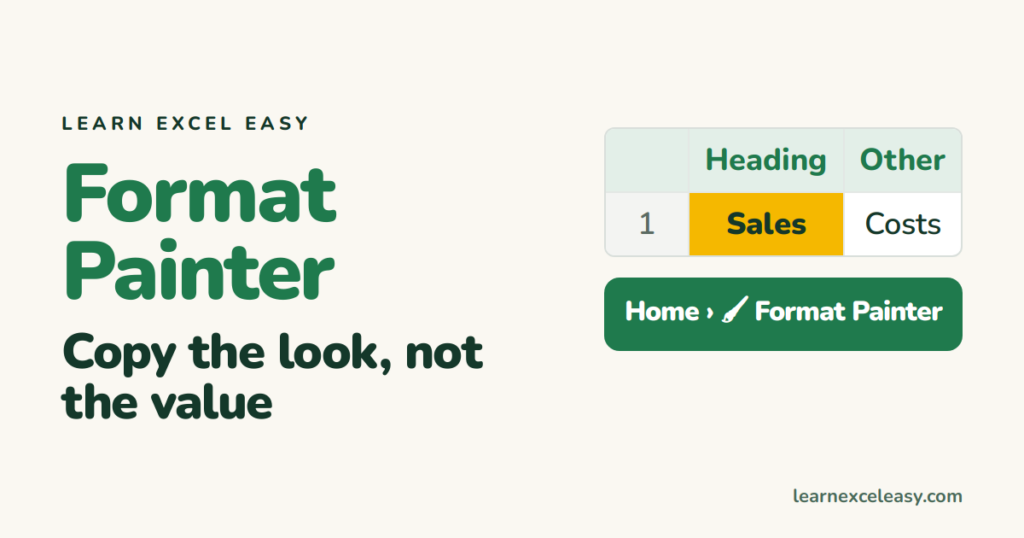
Format Painter copies colours, fonts, borders and number formats from one cell to others. Single-click vs double-click to paint many places, the keyboard route, and what it copies.
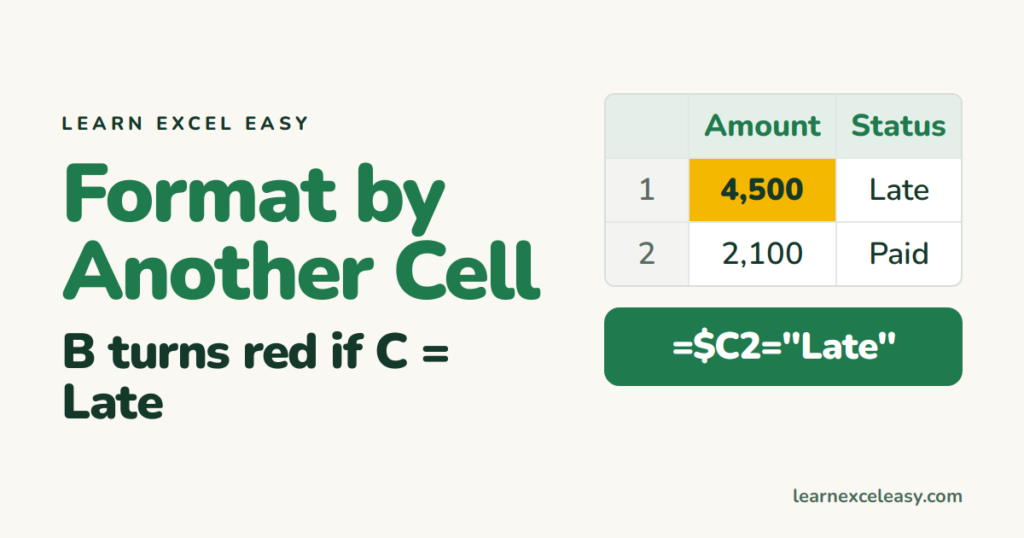

Colour a cell depending on the value in a different cell: overdue dates, amounts over a target in another cell, a status column. The formula rule, the $ signs that make it work, and fixes.
Excel drops the zeros from 00042. Keep them with a custom number format, the TEXT function, an apostrophe, or by formatting as Text before typing. Pincodes, IDs and phone numbers.
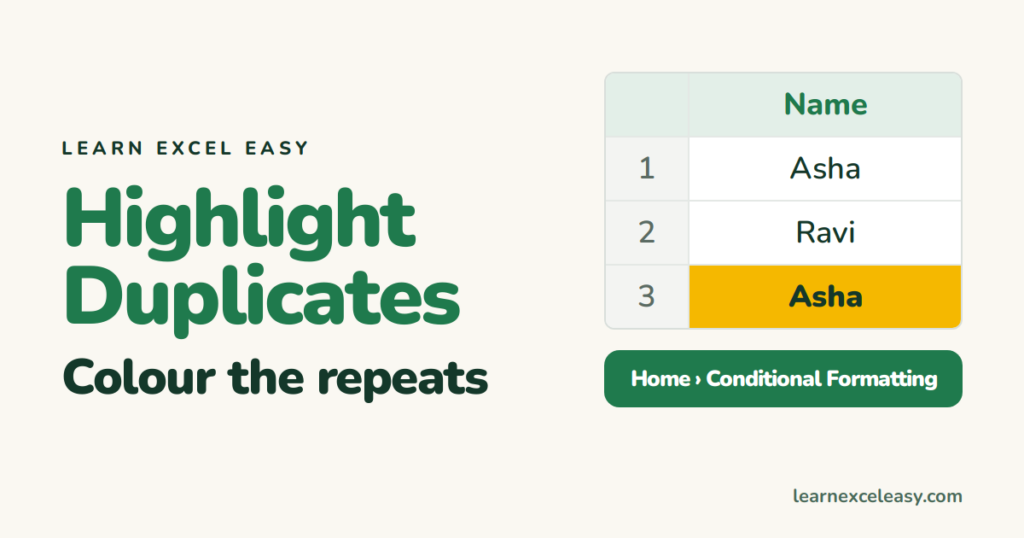
Colour duplicate values with conditional formatting in 3 clicks. Highlight only the 2nd and later copies, whole duplicate rows, duplicates across two columns, and remove the colour.
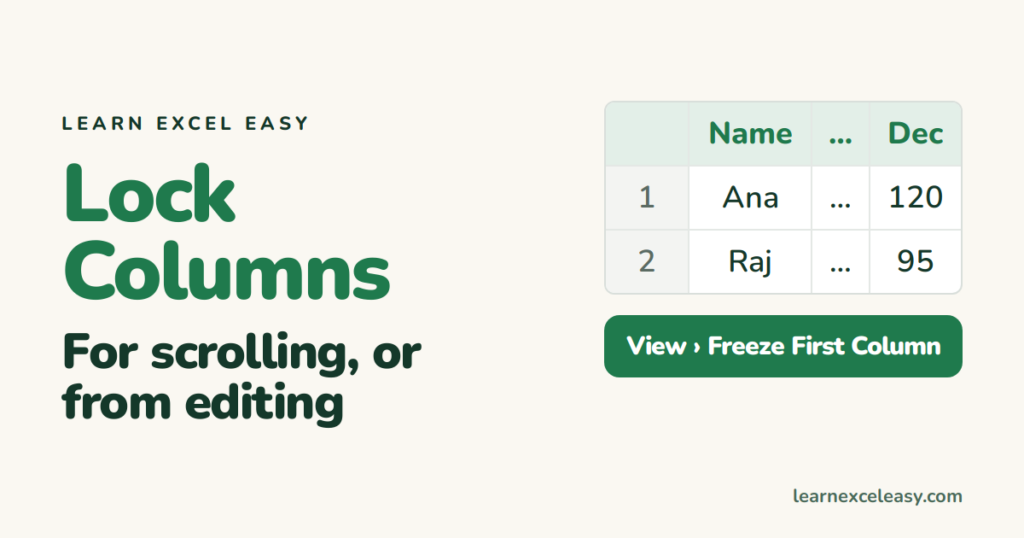
Lock columns in Excel two ways: freeze the first column so it stays while you scroll sideways, or lock columns against editing with sheet protection.
Freeze the top row in Excel with View › Freeze Panes › Freeze Top Row. Freeze two rows or a column too, unfreeze, and the difference between freezing and locking for editing.
AutoFit columns in Excel with a double-click, the whole sheet in one go, the keyboard shortcut, and why long text and merged cells stop it working.
Highlight an entire row in Excel when one cell says Late, is over a number, or matches a date — one conditional formatting formula and the $ that makes it work.
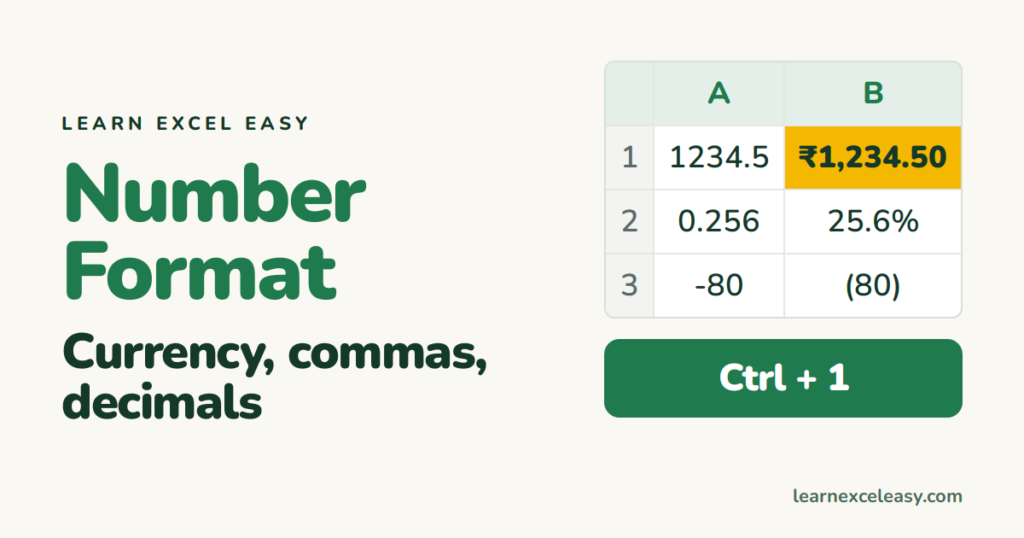
Excel number formats explained: currency, comma thousands separator, decimal places, percent, dates, and a custom format with negatives in red.