
Import, Export & Convert
Import Excel to Google Sheets (and keep it in sync)
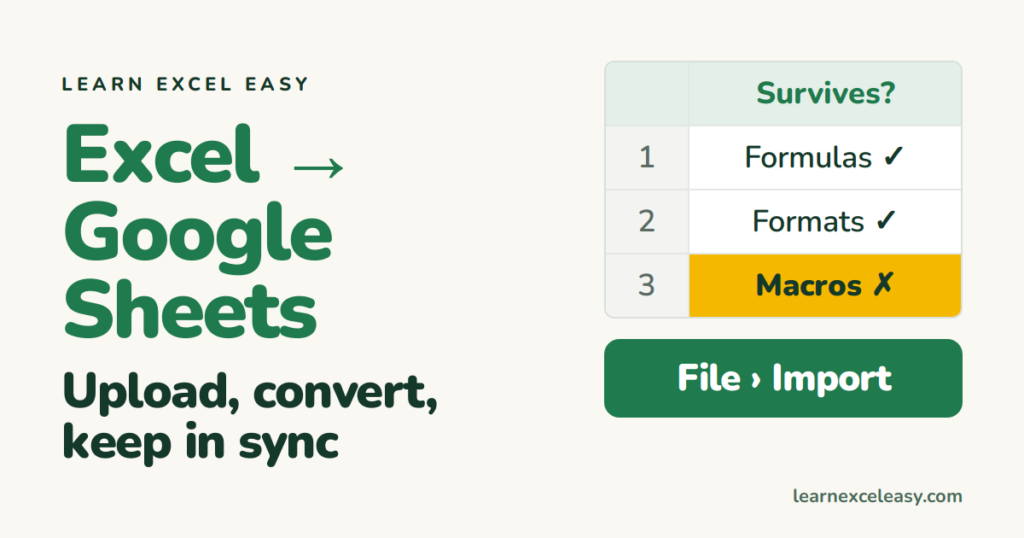
Import an Excel file into Google Sheets: upload and convert, open .xlsx directly without converting, what survives the trip, and keep a Sheet updated from Excel.
Import an Excel file into Google Sheets: upload and convert, open .xlsx directly without converting, what survives the trip, and keep a Sheet updated from Excel.
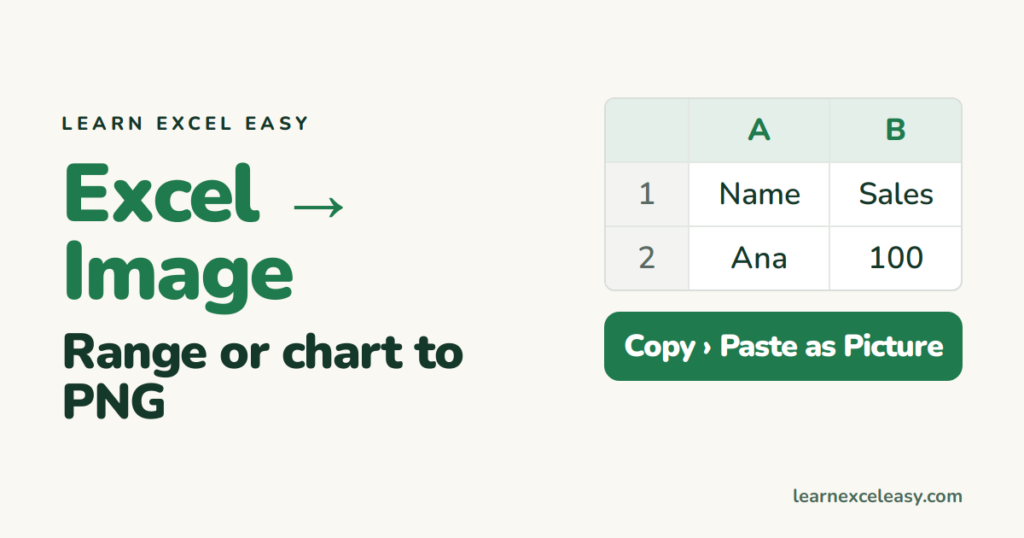
Turn an Excel range or chart into an image: copy as picture, save a chart directly as PNG, take a high-resolution screenshot, and paste into email or slides.
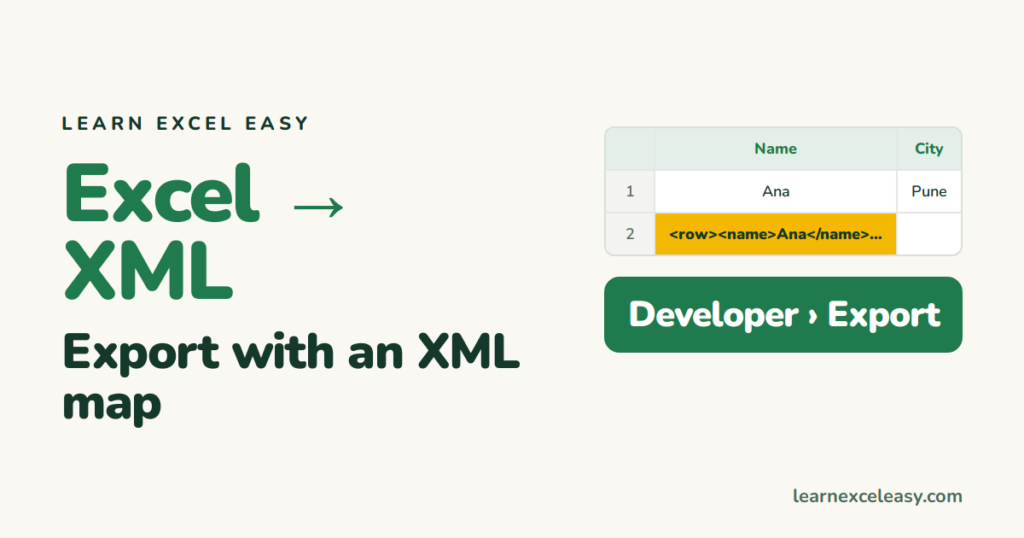
Export Excel to XML with an XML map, the quick way for a simple list using the Developer tab, a formula-built XML for small sheets, and importing XML into Excel.
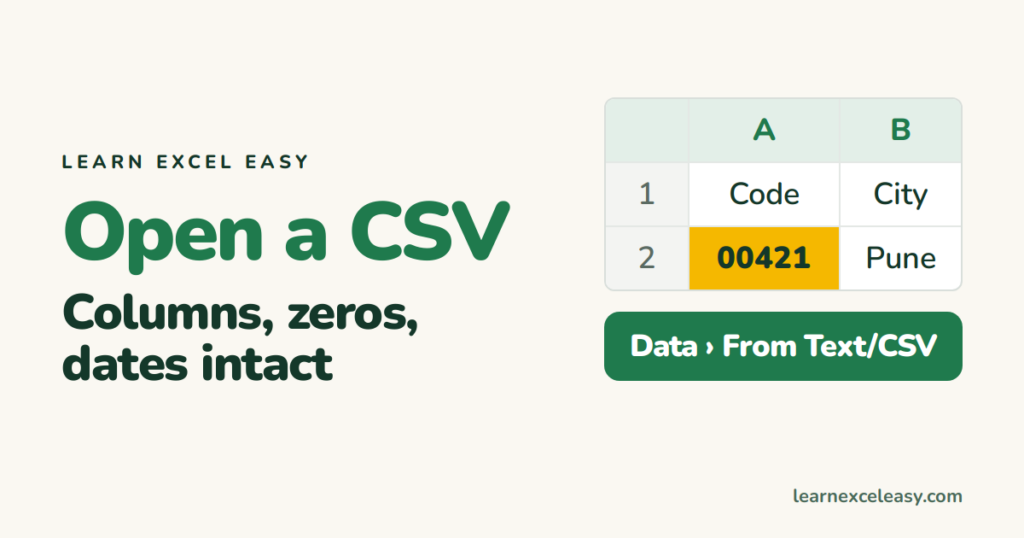
Open a CSV file in Excel the safe way so columns split correctly, leading zeros survive and dates don't flip — and what to do when everything is in one column.
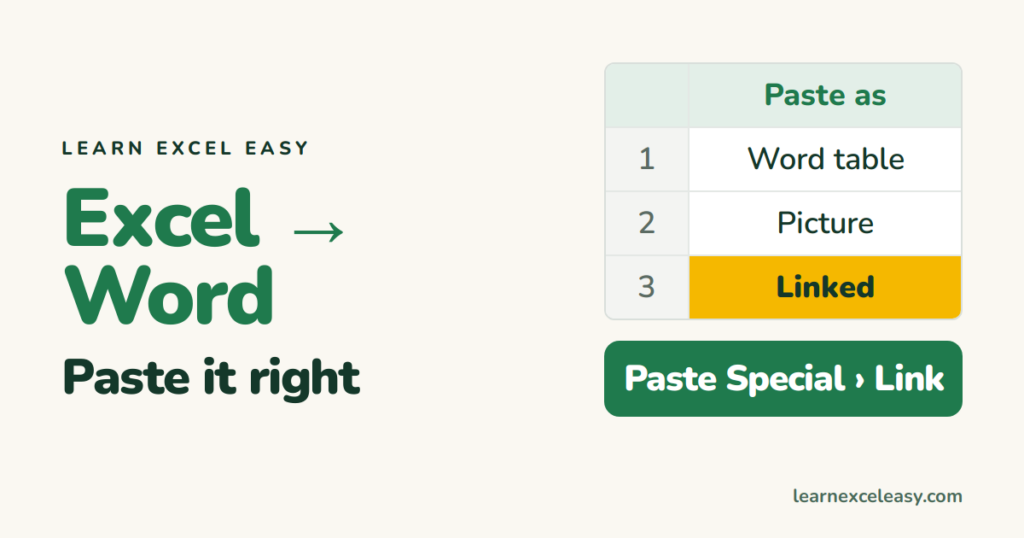
Get an Excel table into Word three ways: paste as a Word table, paste as a picture, or paste a link that updates when the spreadsheet changes.

Convert Excel to JSON with a formula that builds each row, with Power Query for clean output, or with a free converter — and the shape developers expect.
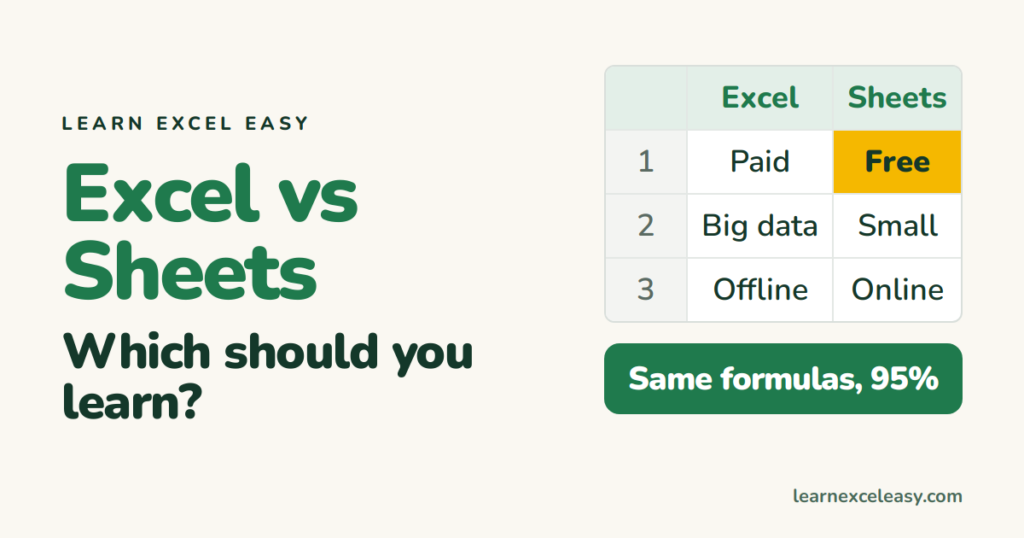
Excel vs Google Sheets compared on what matters to a learner: cost, sharing, formulas, big data, offline use, and whether skills transfer.
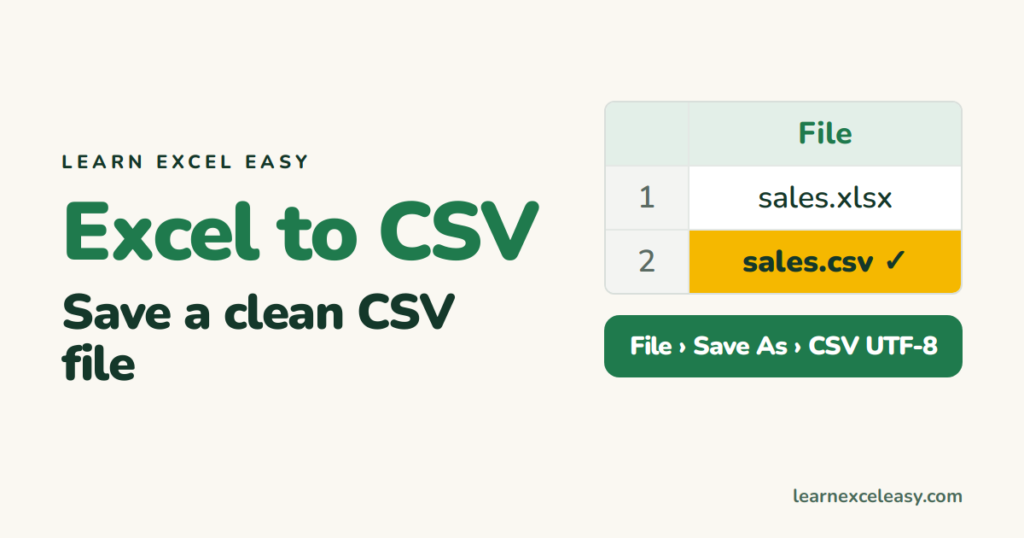
Save Excel as CSV the right way: which CSV type to pick, why only one sheet is saved, and how to keep leading zeros and dates intact.
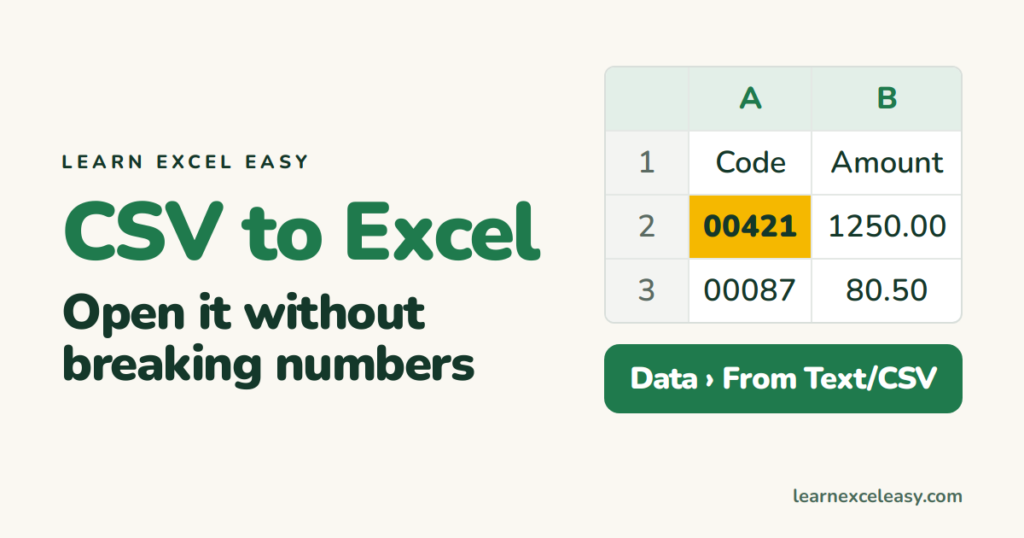
Open a CSV in Excel properly: keep leading zeros, stop dates flipping, handle a file where everything landed in one column, then save as .xlsx.
One short Excel lesson in your inbox every morning. Free, no spam, unsubscribe any time.
Also join us on Facebook
