
Print, Share & Protect
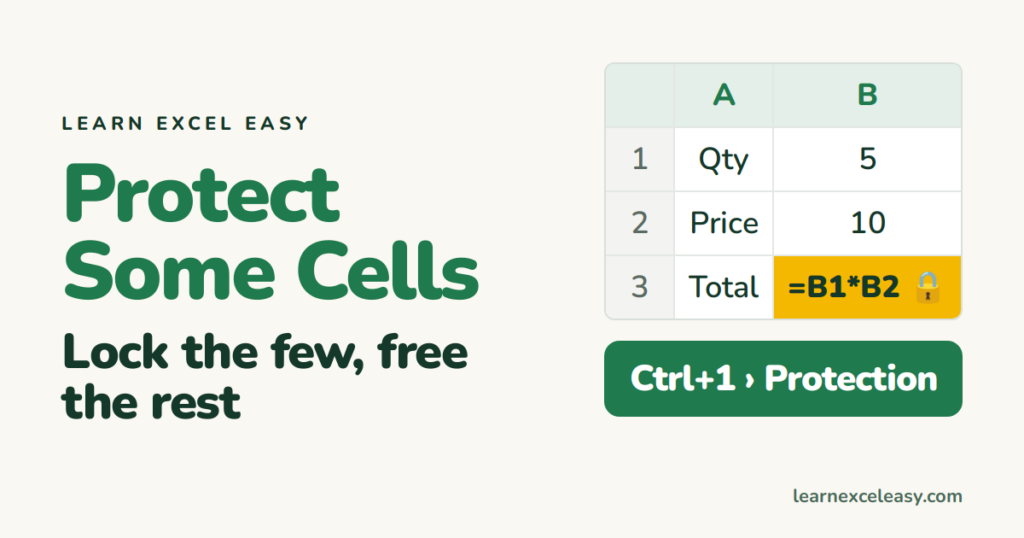
Protect Certain Cells in Excel (lock some, leave the rest open)
Protect only certain cells in Excel — formulas or headings — while everything else stays editable: unlock all, lock the few, protect the sheet.
Protect only certain cells in Excel — formulas or headings — while everything else stays editable: unlock all, lock the few, protect the sheet.
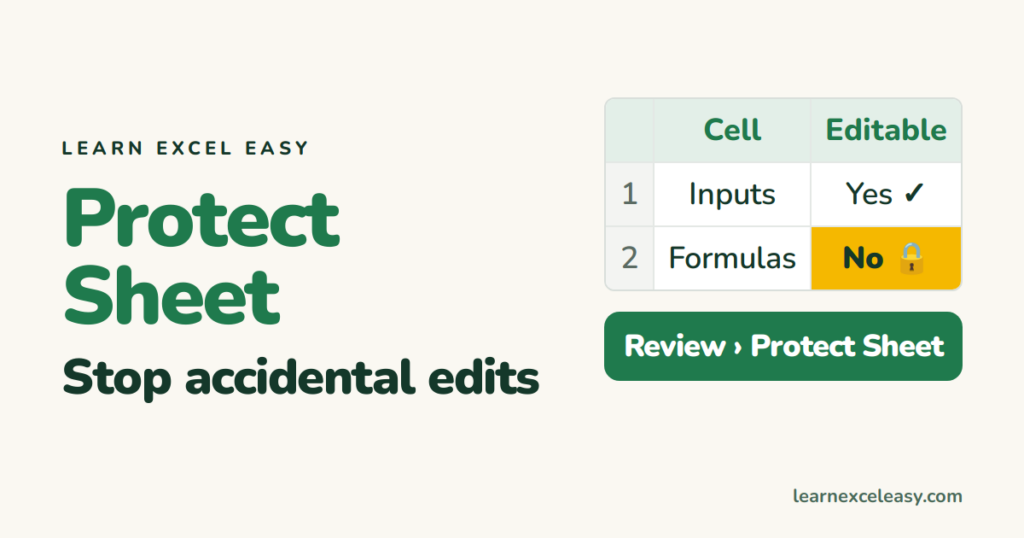
Protect a sheet in Excel so cells cannot be changed, allow specific cells to stay editable, choose what users may still do, and unprotect.
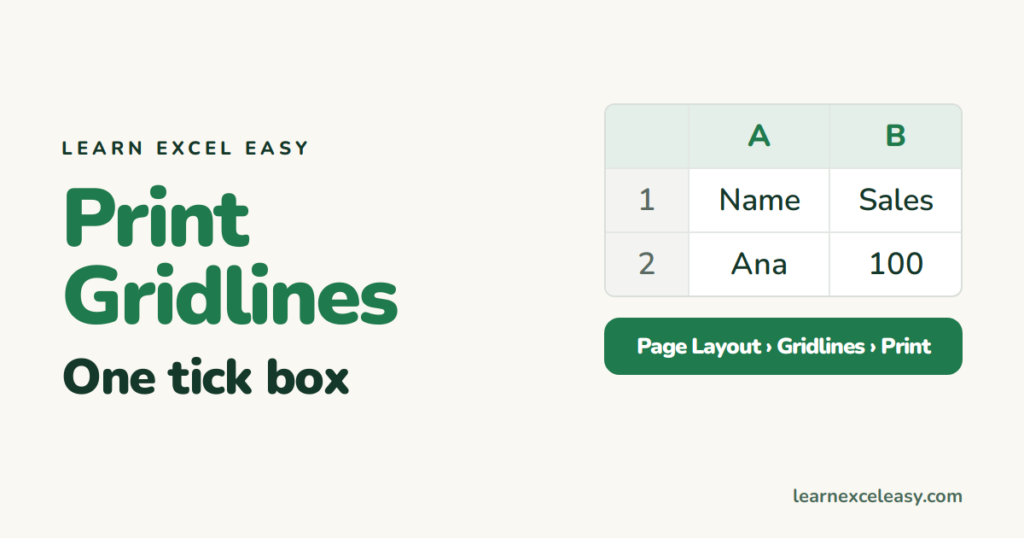
Print gridlines in Excel with one tick box, print them for part of a sheet, use borders when gridlines won't print, and fix the greyed-out option.
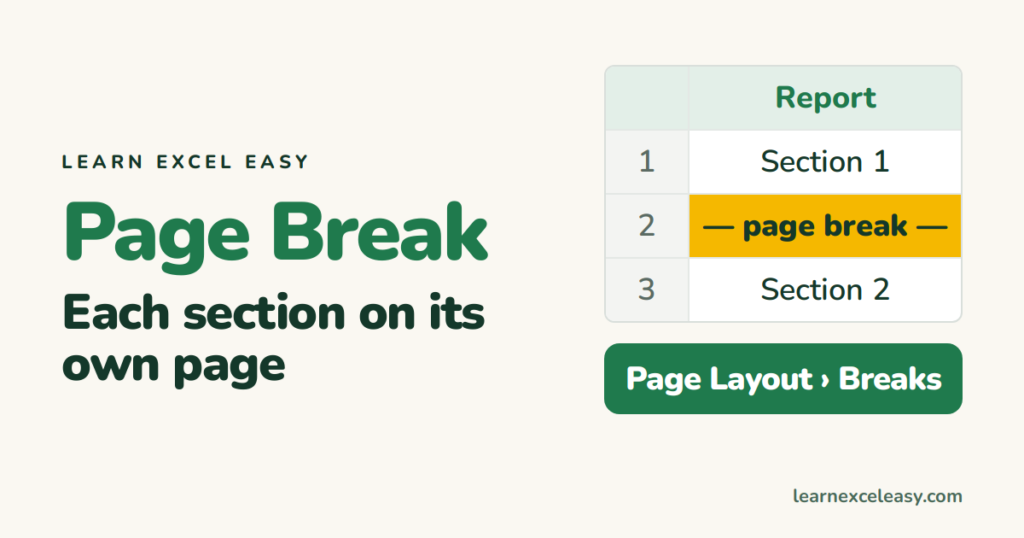
Insert a manual page break in Excel so each section prints on its own page, see where breaks fall with Page Break Preview, move them, and remove them.
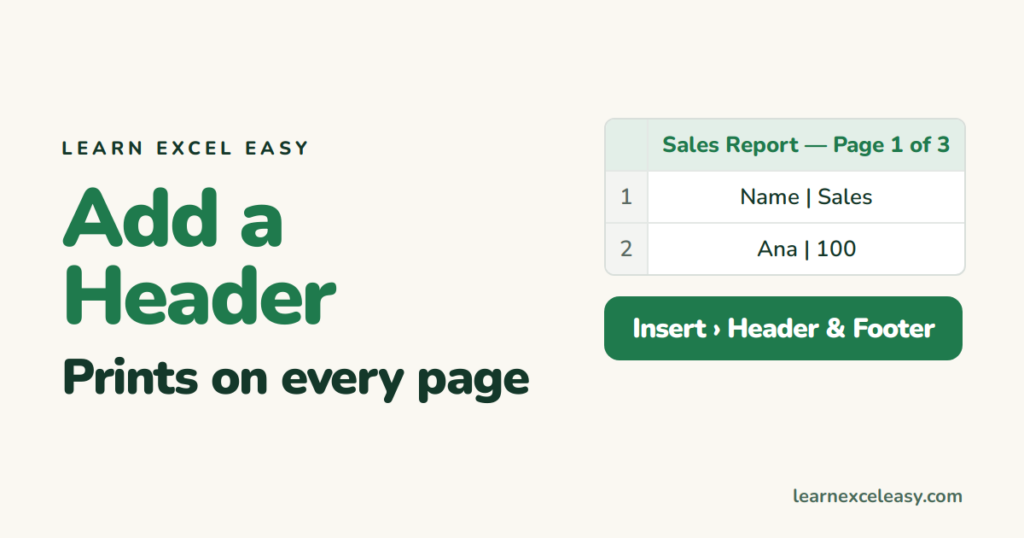
Add a header in Excel that prints at the top of every page: title, date, file name, page numbers, a logo — and the difference from a heading row.
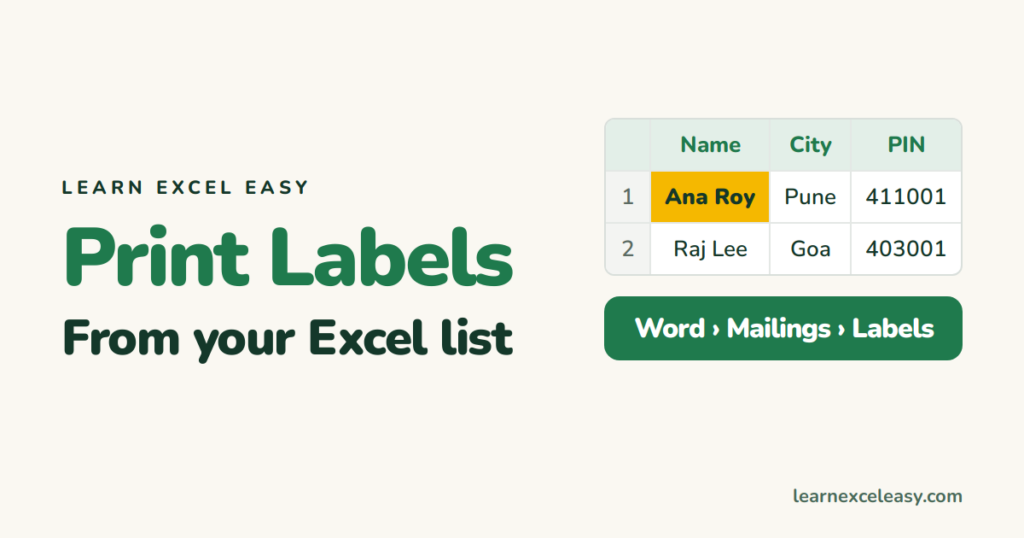
Print address labels from an Excel list using Word's mail merge: set up the sheet, pick the label size, map the columns, preview and print.
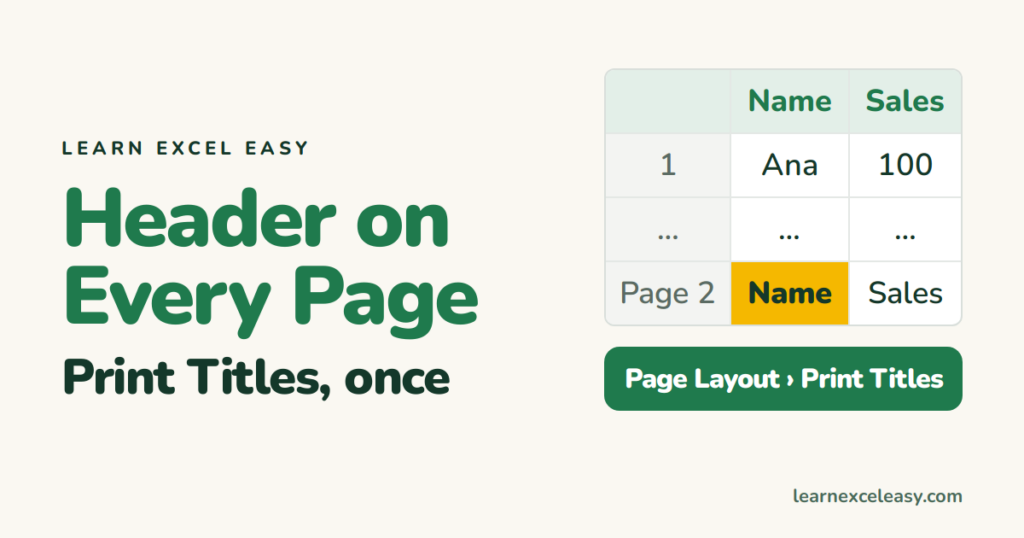
Repeat the heading row on every printed page in Excel with Print Titles, repeat a column too, and add page numbers in the footer.
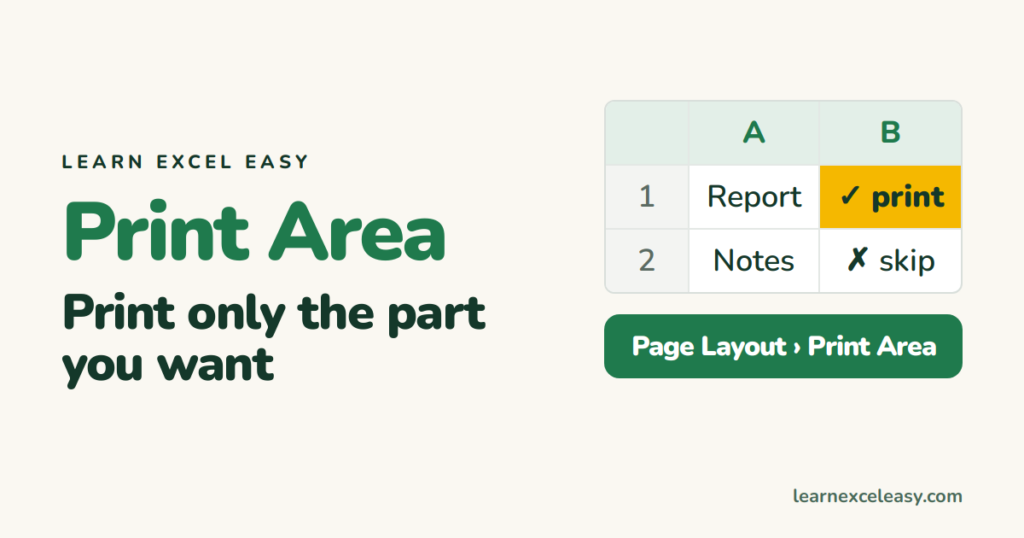
Set a print area in Excel so only your table prints, fit it on one page, repeat the heading row, and clear the area when done.
Password protect an Excel file so nobody can open it without the password, set a separate edit password, and remove the password later.
One short Excel lesson in your inbox every morning. Free, no spam, unsubscribe any time.
Also join us on Facebook
