
Print, Share & Protect
How to Print Labels from Excel (with Word mail merge)
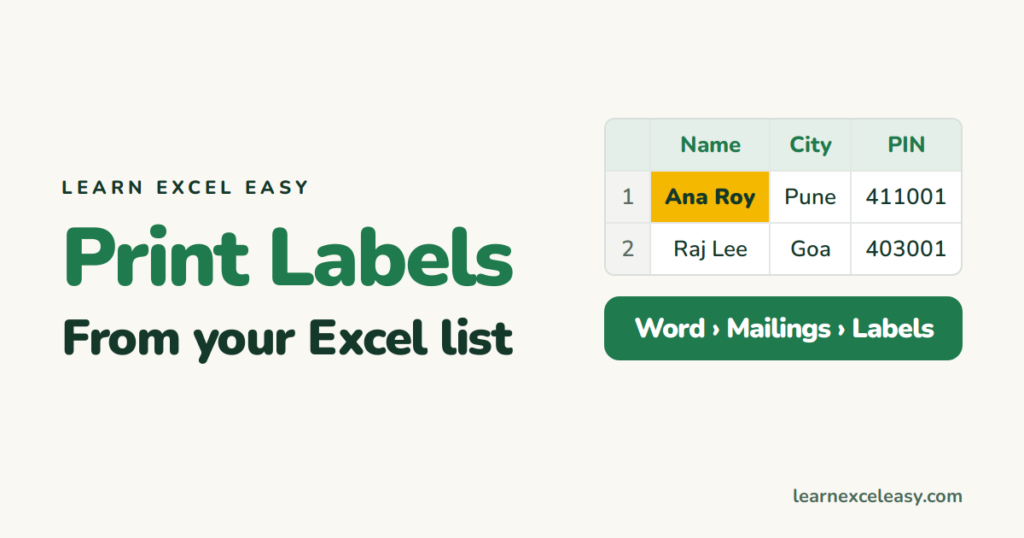
Print address labels from an Excel list using Word's mail merge: set up the sheet, pick the label size, map the columns, preview and print.
Print address labels from an Excel list using Word's mail merge: set up the sheet, pick the label size, map the columns, preview and print.
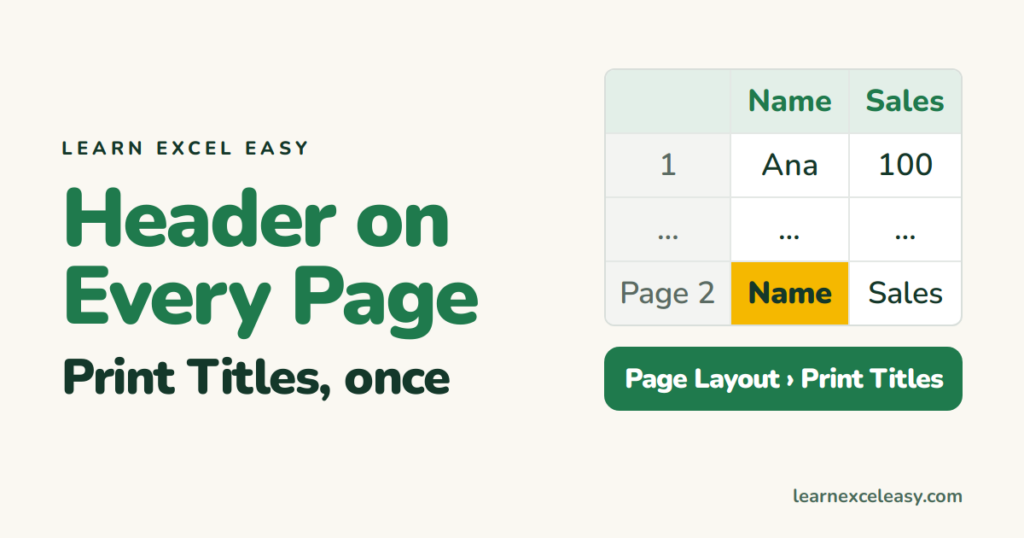
Repeat the heading row on every printed page in Excel with Print Titles, repeat a column too, and add page numbers in the footer.
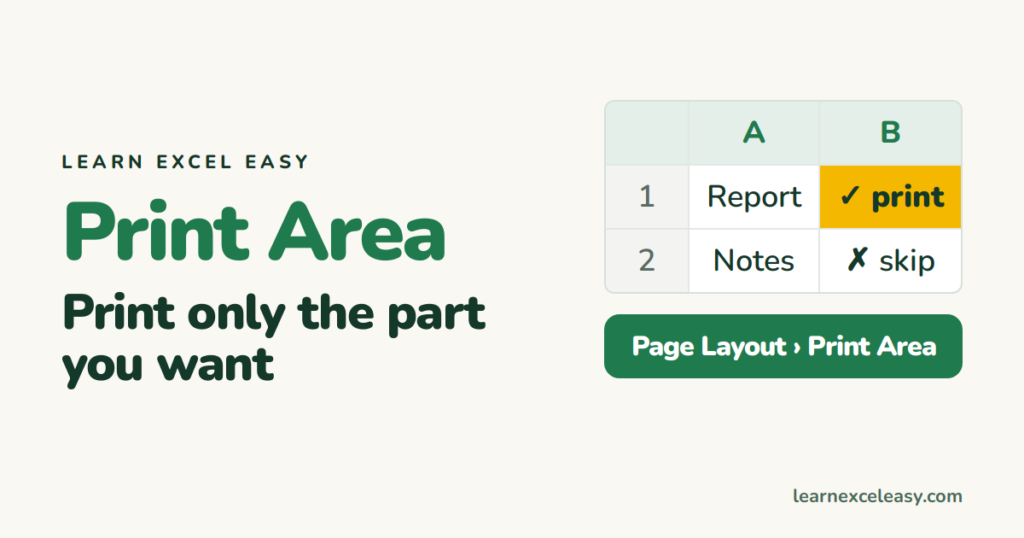
Set a print area in Excel so only your table prints, fit it on one page, repeat the heading row, and clear the area when done.
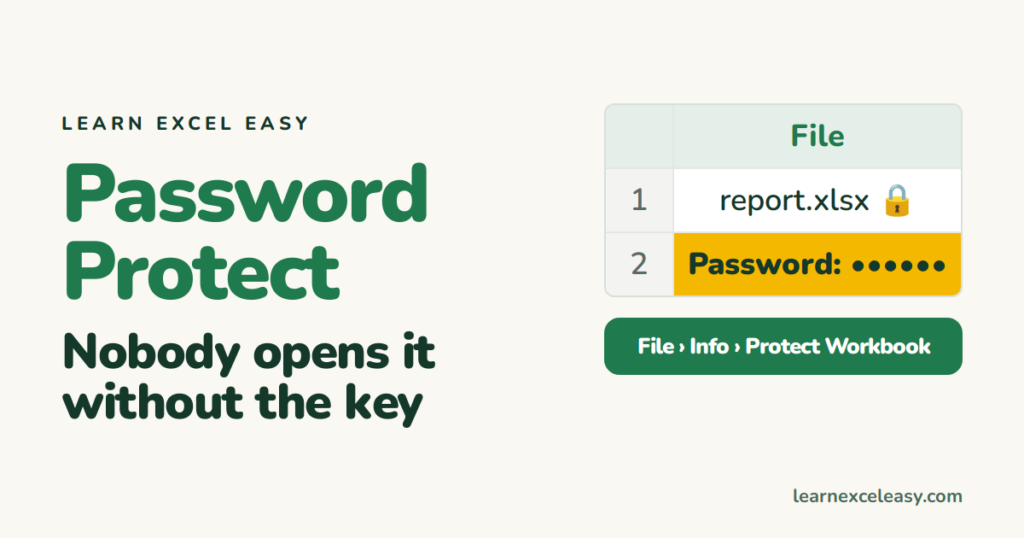
Password protect an Excel file so nobody can open it without the password, set a separate edit password, and remove the password later.
Unprotect an Excel sheet in two clicks when you know the password, what to do when you don't, and the difference from workbook protection.
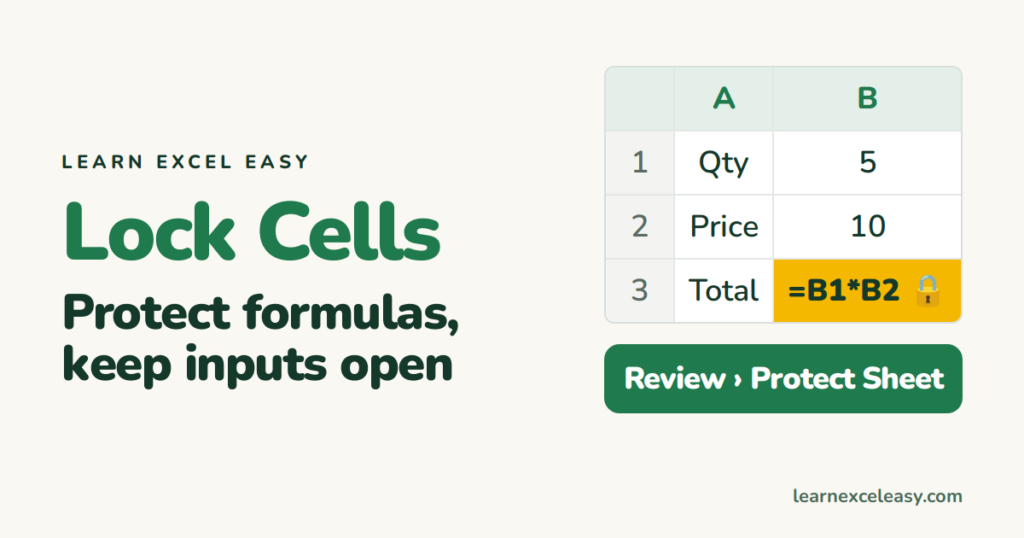
Lock cells in Excel so formulas cannot be edited while input cells stay open — the two-step method that catches everyone out.
