
Sorting, Filtering & Lists
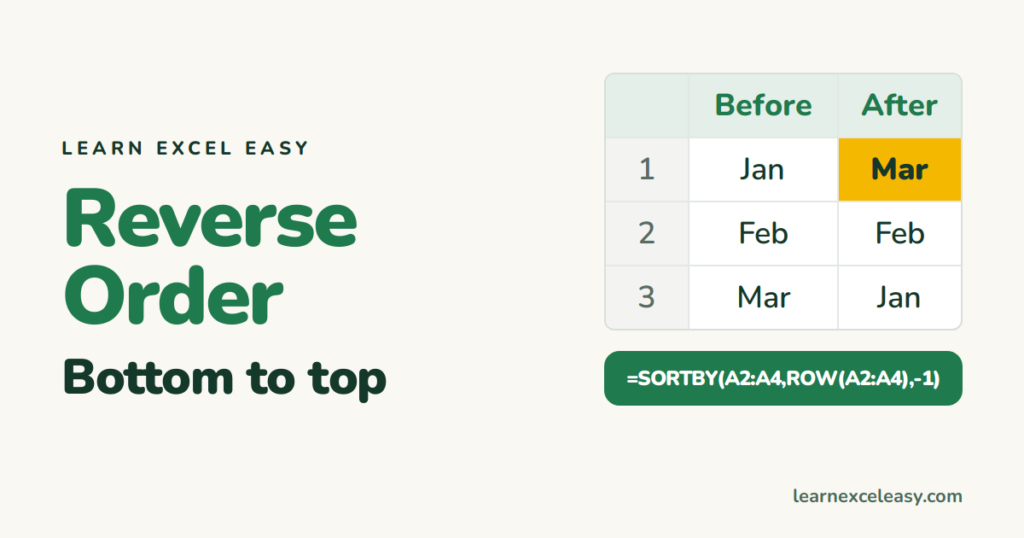
How to Reverse the Order of a List in Excel
Flip a column upside down with a helper column and sort, with SORTBY in one formula, or with INDEX in older Excel — plus reversing a row and reversing text.
Flip a column upside down with a helper column and sort, with SORTBY in one formula, or with INDEX in older Excel — plus reversing a row and reversing text.
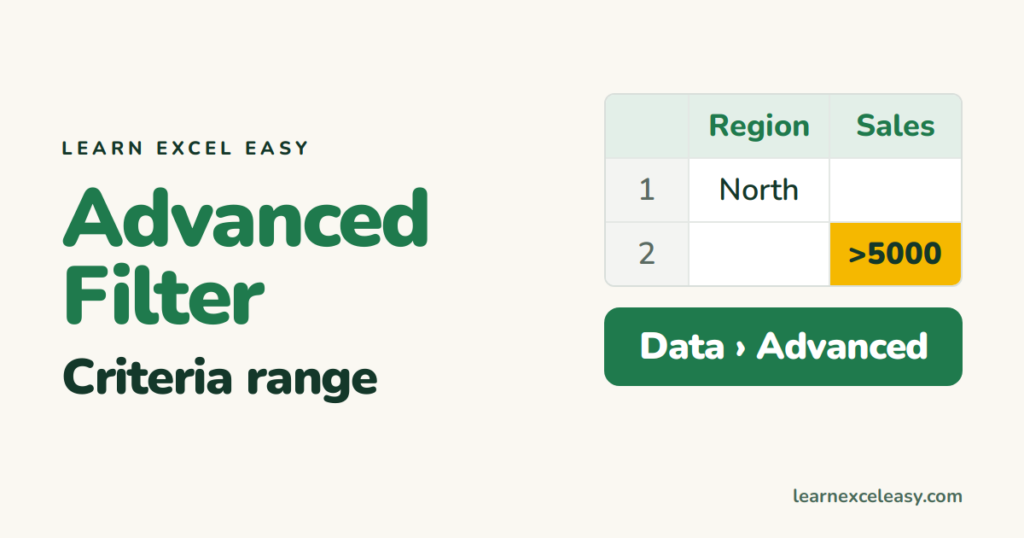
Advanced Filter handles OR across columns, copies results to another place, and extracts unique records. How to build the criteria range, AND vs OR rows, and wildcards.
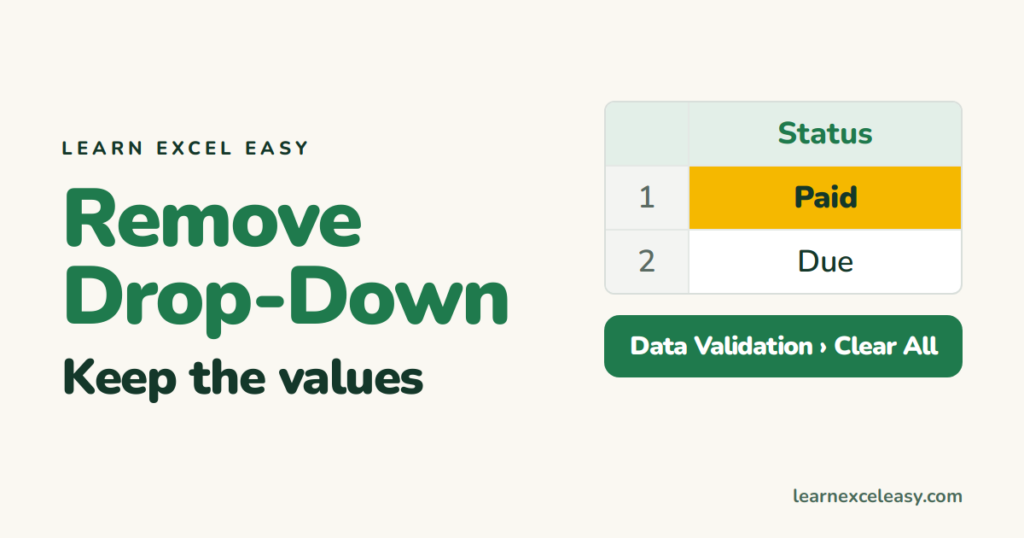
Delete a drop-down list without losing what's already selected: Data Validation › Clear All. Find every drop-down on a sheet, remove them all at once, or just change the options.
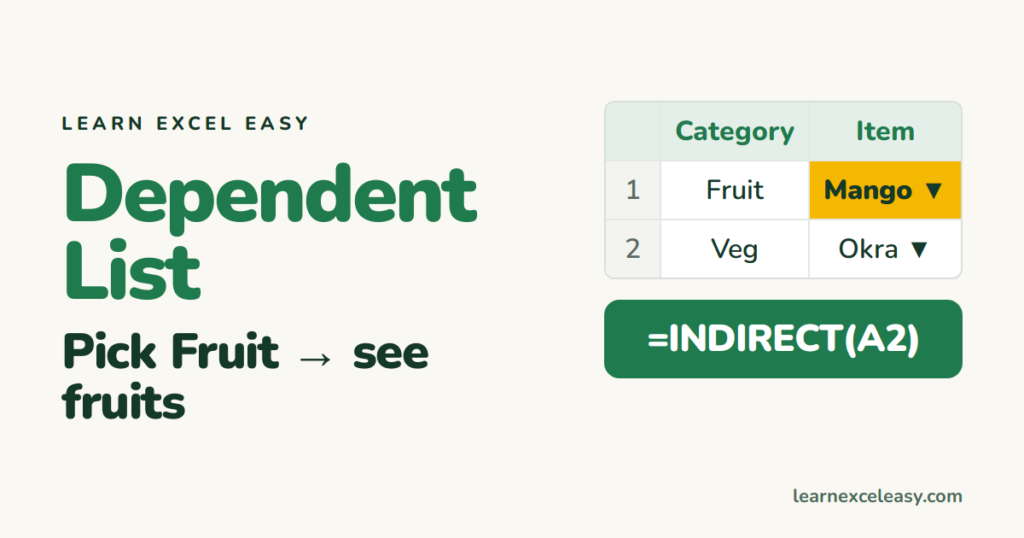
Pick a category in one drop-down and the next drop-down shows only its items: named ranges with INDIRECT for any version, and the FILTER method for Excel 365.
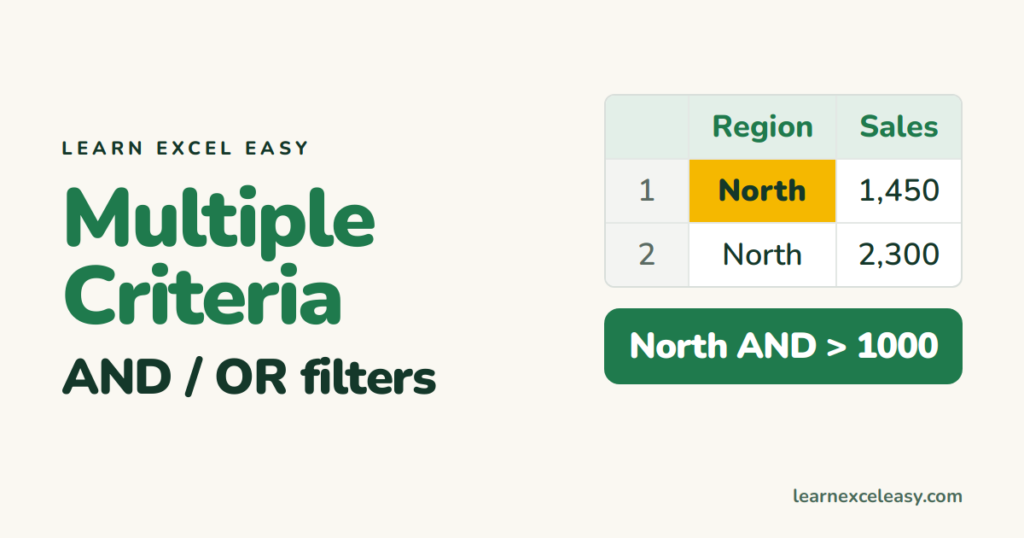
Filter for North AND over 1,000, or North OR South: stacking filters across columns, Custom AutoFilter for two conditions in one column, Advanced Filter, and the FILTER function.
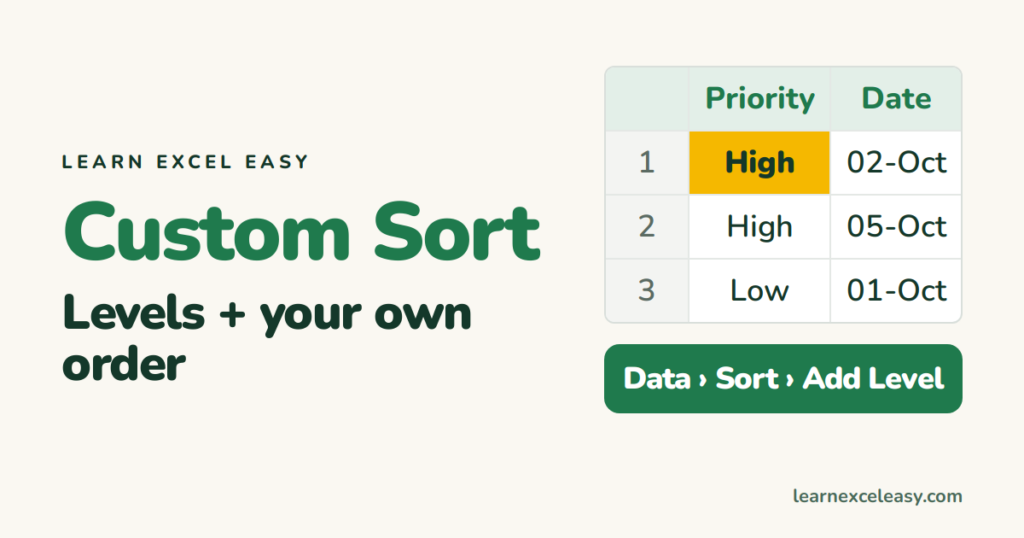
Sort by region, then by date, then by amount in one go. Sort months or days in calendar order, or by your own list like High, Medium, Low, with the Custom Sort box.
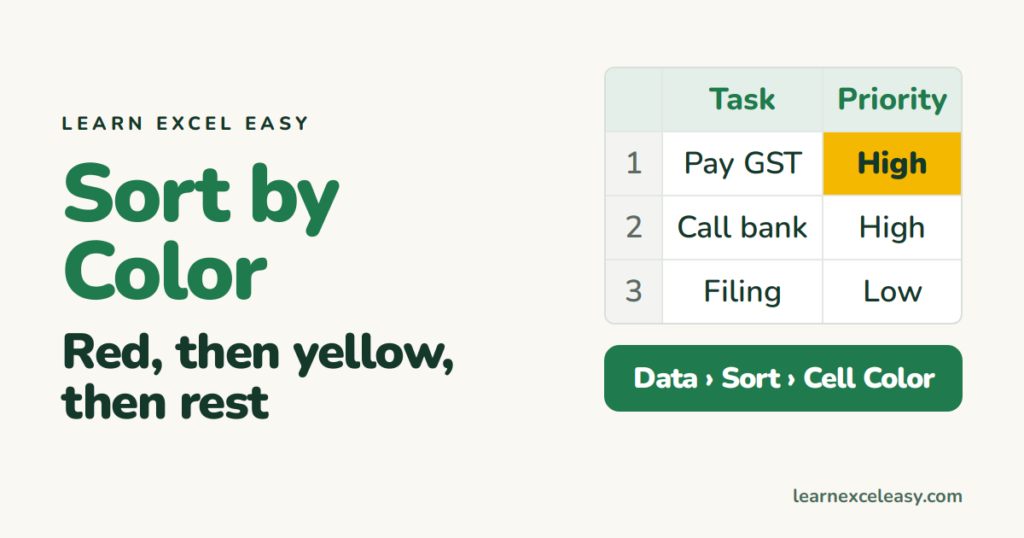
Sort rows by cell colour or font colour so red rows come first, then yellow, then the rest. Multiple colour levels, sorting by conditional formatting colour, and an icon sort.
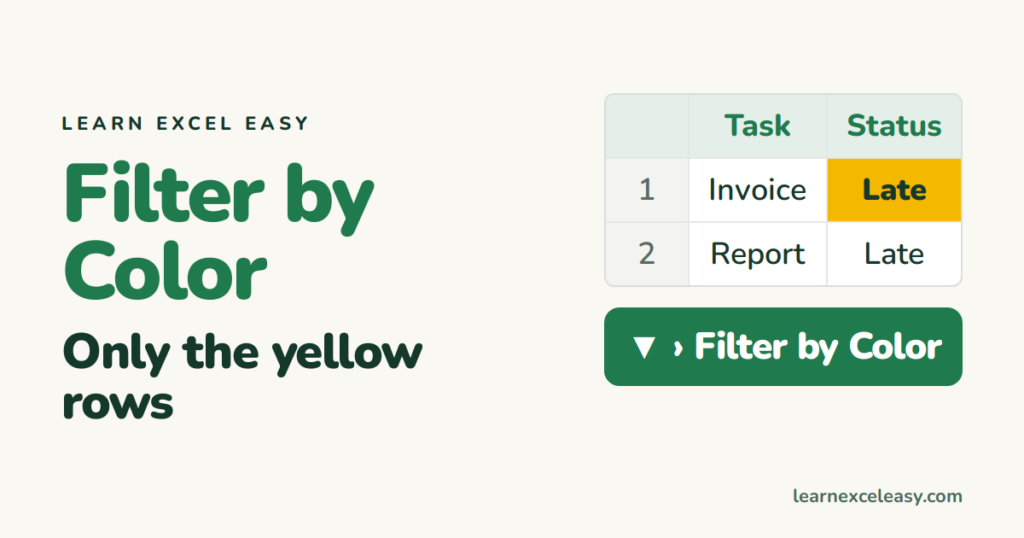
Show only the rows with a yellow fill or red text, whether you coloured them by hand or with conditional formatting. Plus counting coloured cells and removing the filter.
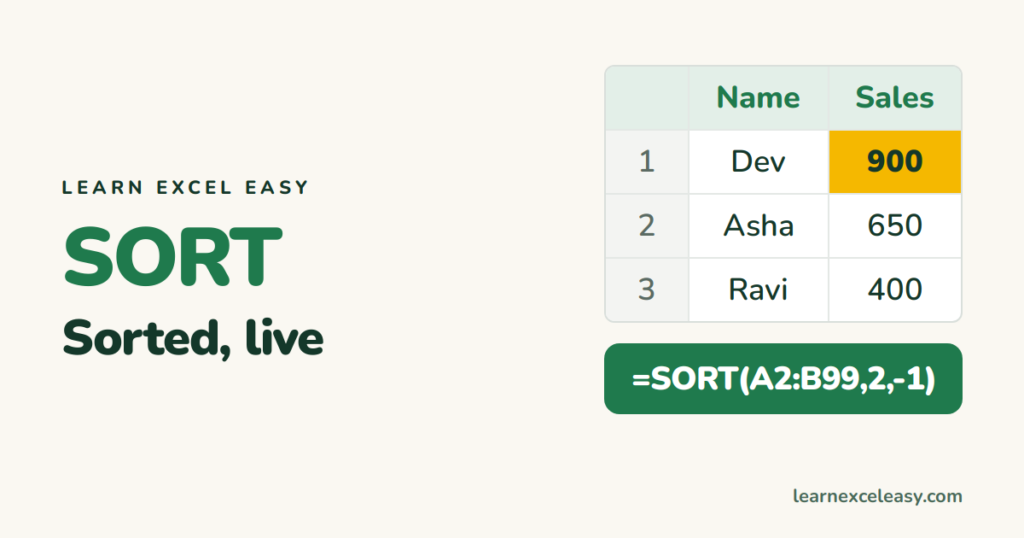
SORT returns a sorted copy of a range with one formula: by any column, largest first, by two columns with SORTBY, top 10 with TAKE. Excel 365 and 2021.
