
Macros & VBA
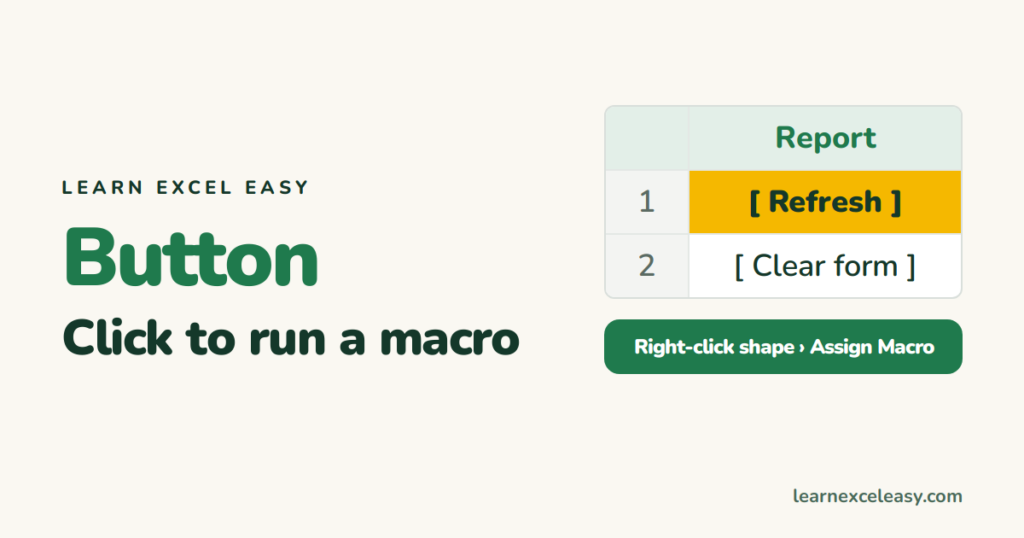
How to Create a Button in Excel (to run a macro)
Add a clickable button that runs a macro — using a shape (easiest), a Form Control button, or an ActiveX button — and save the file so the button keeps working.
Add a clickable button that runs a macro — using a shape (easiest), a Form Control button, or an ActiveX button — and save the file so the button keeps working.
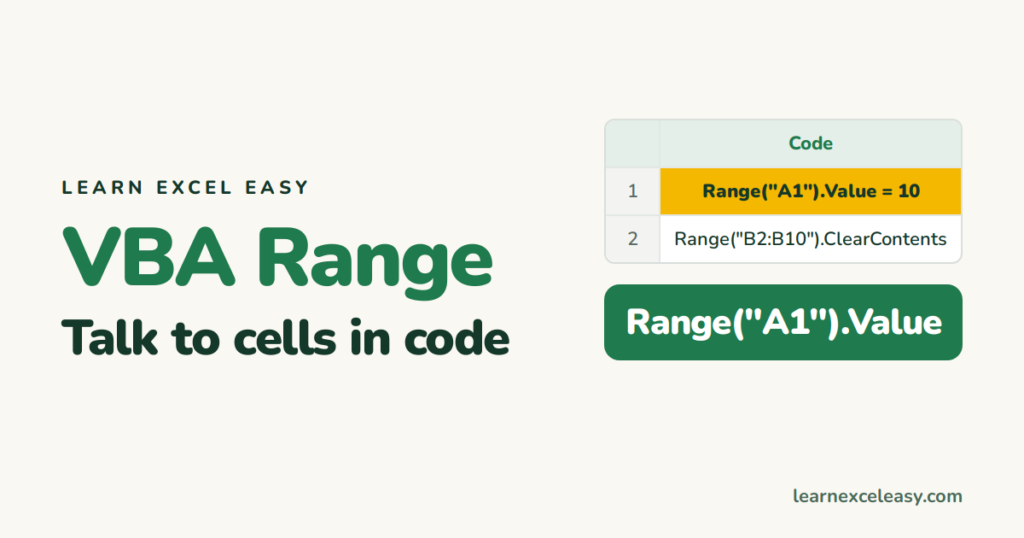
Range is how VBA talks to cells. Read and write a value, work with a block of cells, find the last row, use Cells for loops, and avoid Select for faster macros.
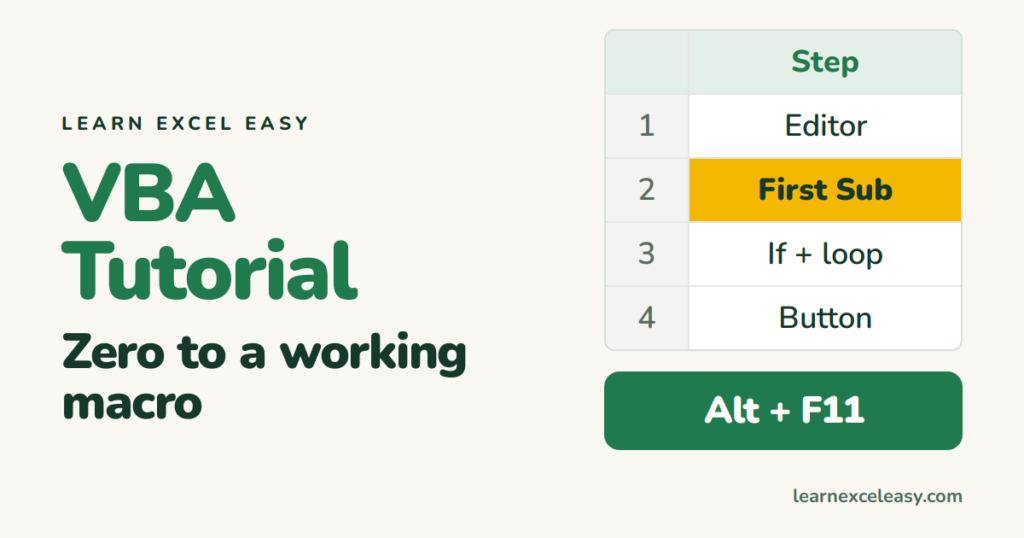
An Excel VBA tutorial for beginners with no coding background: the editor, your first Sub, variables, ranges, If, loops, a message box, and a button — in one sitting.
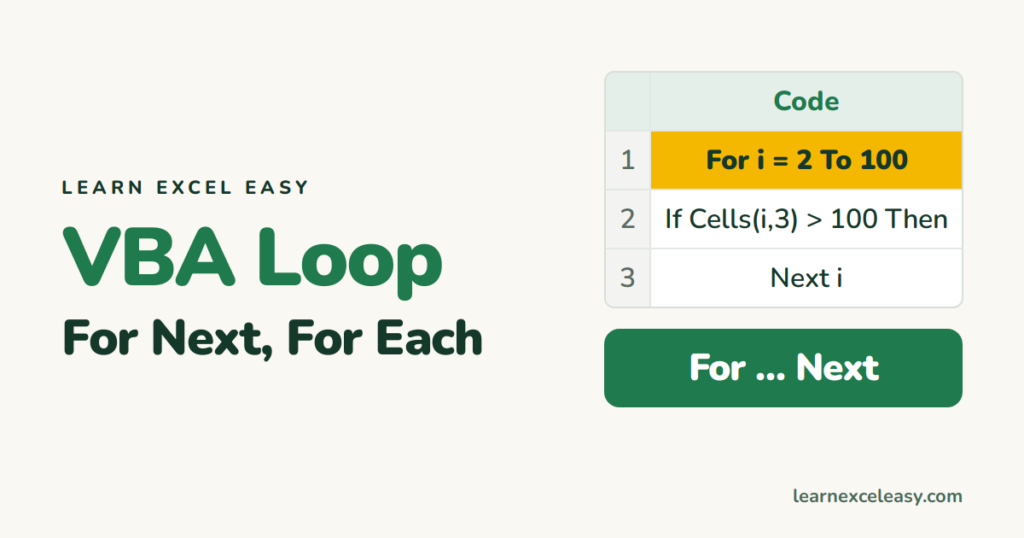
Loops in Excel VBA for beginners: For Next to go down rows, For Each to visit every cell or sheet, Do While for 'until empty', with copy-paste examples.
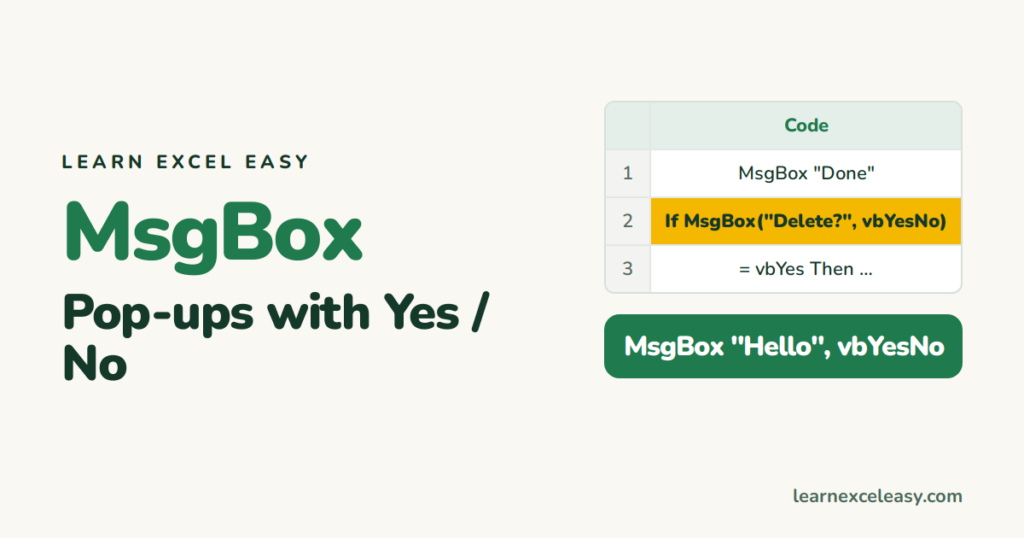
Use MsgBox in Excel VBA: a simple message, an icon and title, Yes/No buttons that change what the macro does, and a message with a cell's value in it.
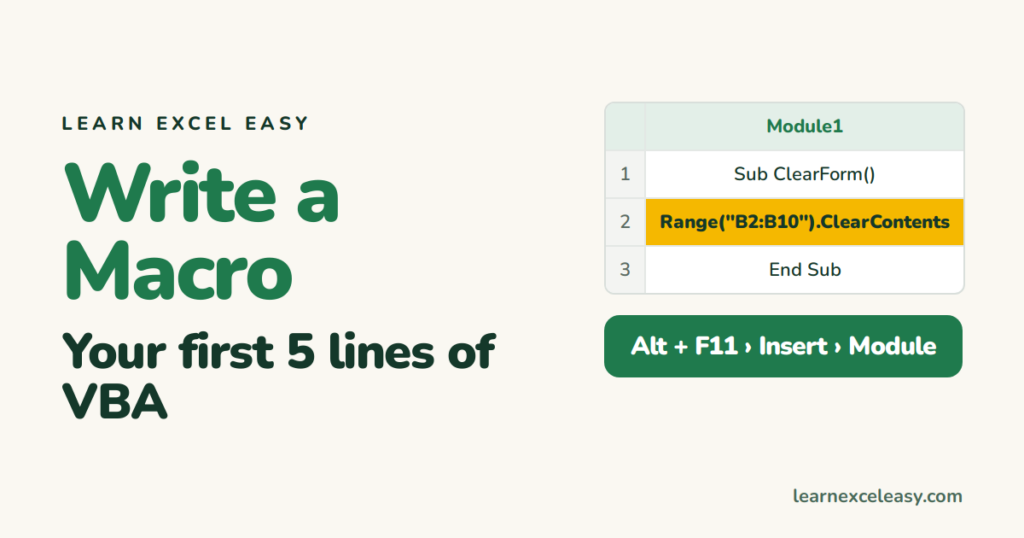
Write a macro in Excel by hand: open the editor, write a Sub that clears a range and adds a date stamp, run it, give it a button, and save it.
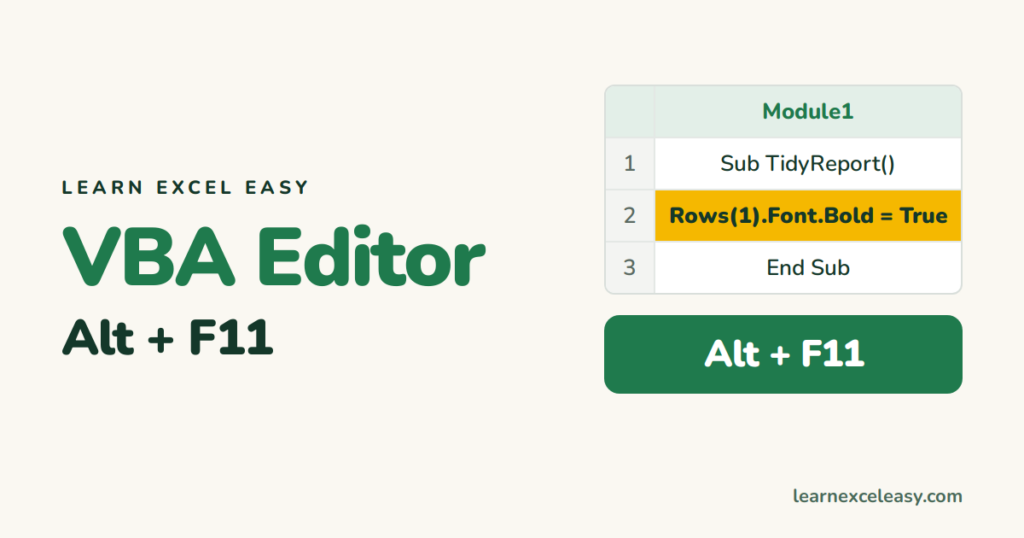
Open the VBA editor in Excel with Alt+F11 or the Developer tab, find the module holding your recorded macro, read the code, and change one value safely.
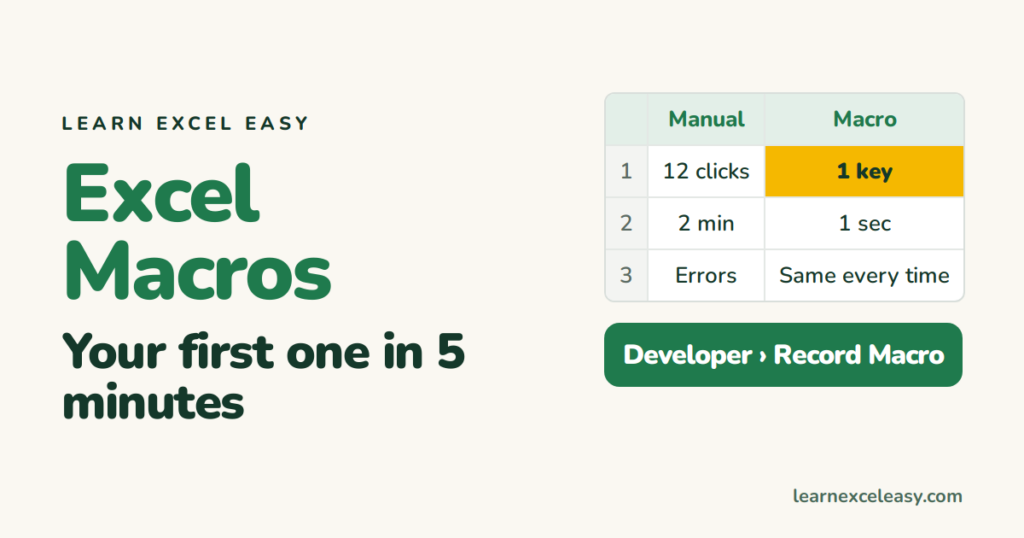
Excel macros explained without jargon: what a macro is, when to use one, how to record your first, run it, and keep it safe.
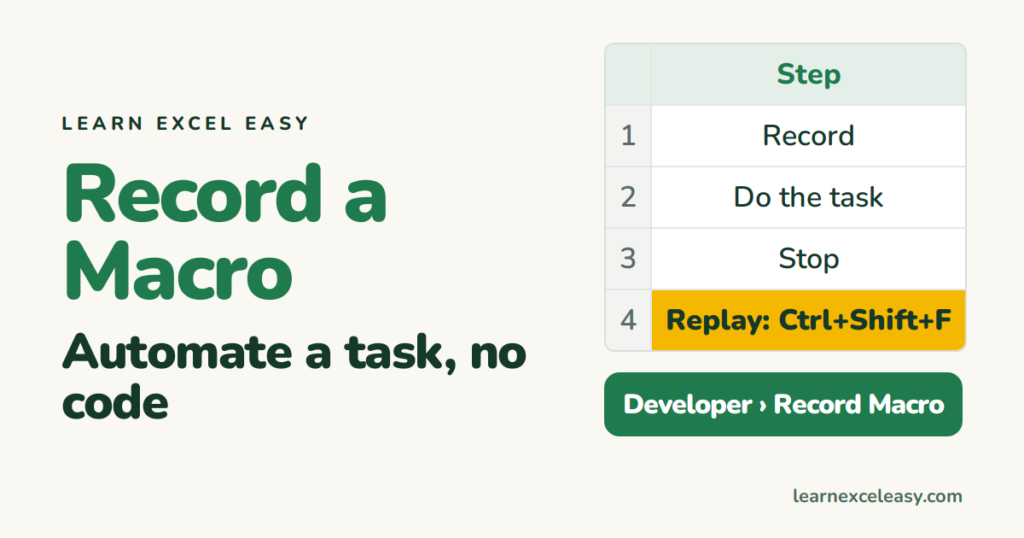
Record a macro in Excel with no code: turn the Developer tab on, record a formatting task, replay it with a shortcut, and save the file so the macro survives.
