
Excel VBA Message Box: MsgBox with buttons, icons and a Yes/No answer
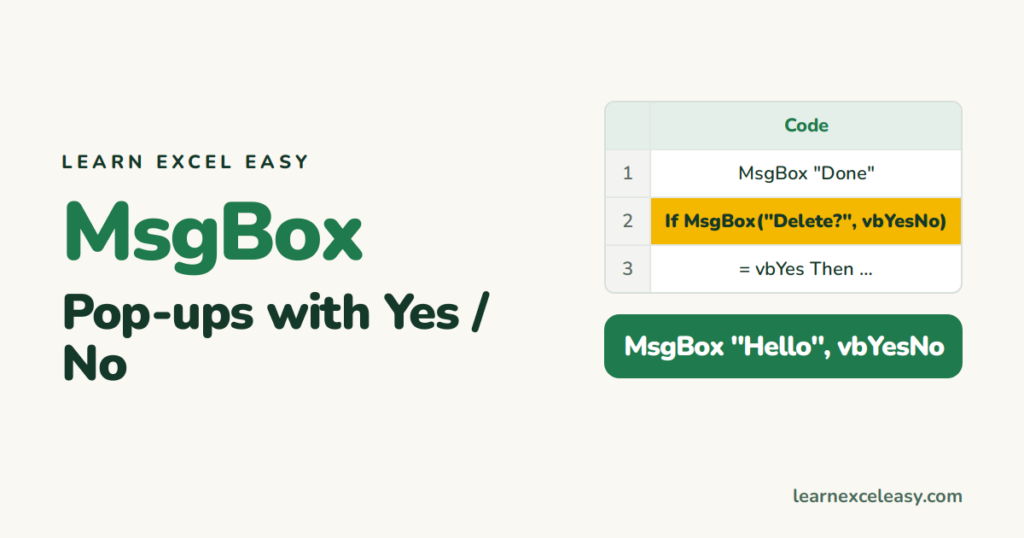
MsgBox shows a pop-up. It can also ask a question and hand the answer back to your macro.
The simplest
MsgBox "Report updated"
With a title and icon
MsgBox "Report updated", vbInformation, "Sales Tool"
Icons: vbInformation (i), vbExclamation (!), vbCritical (x), vbQuestion (?).
Ask Yes / No and act on it
Sub ClearData()
    Dim answer As Integer
    answer = MsgBox("Clear all data?", vbYesNo + vbQuestion, "Confirm")
    If answer = vbYes Then
        Range("A2:D100").ClearContents
        MsgBox "Cleared"
    End If
End Sub
Other button sets: vbOKCancel, vbYesNoCancel, vbRetryCancel. Answers: vbYes, vbNo, vbOK, vbCancel.
Put a cell’s value in the message
MsgBox "Total is " & Range("D20").Value
New line inside a message: & vbNewLine &.
Steps to try it
- Alt + F11 › Insert › Module. Paste the ClearData macro.
- F5. Click No — nothing happens. F5, click Yes — cells clear.
Ask for text instead
name = InputBox("Your name?")
Check it worked
The box shows your title in its bar and the icon on the left.
Common mistake
Writing MsgBox("Hi", vbYesNo) with brackets but not using the answer — VBA errors. Use brackets only when assigning: x = MsgBox(...).

20 years with spreadsheets and enterprise systems. Writes one short, plain-English Excel lesson a day. Got an Excel question? learnexceleasycom@gmail.com
