
Excel Basics
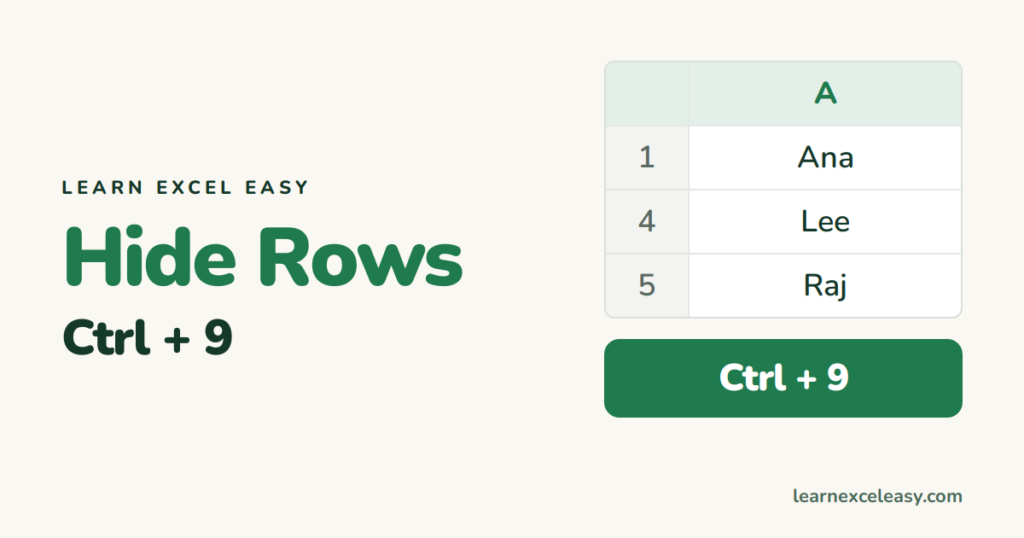
How to Hide Rows in Excel (and unhide them)
Hide rows in Excel with Ctrl+9, hide every row that matches a filter, unhide one or all, and use Group to collapse sections instead.
Hide rows in Excel with Ctrl+9, hide every row that matches a filter, unhide one or all, and use Group to collapse sections instead.
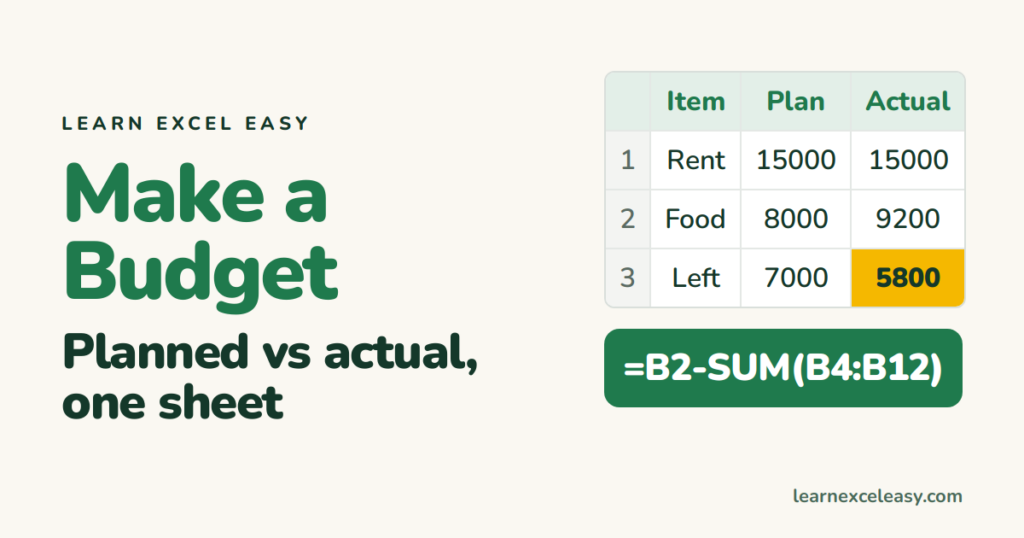
Make a monthly budget in Excel from a blank sheet: income, expense categories, planned vs actual, what's left, and a bar that shows overspending.
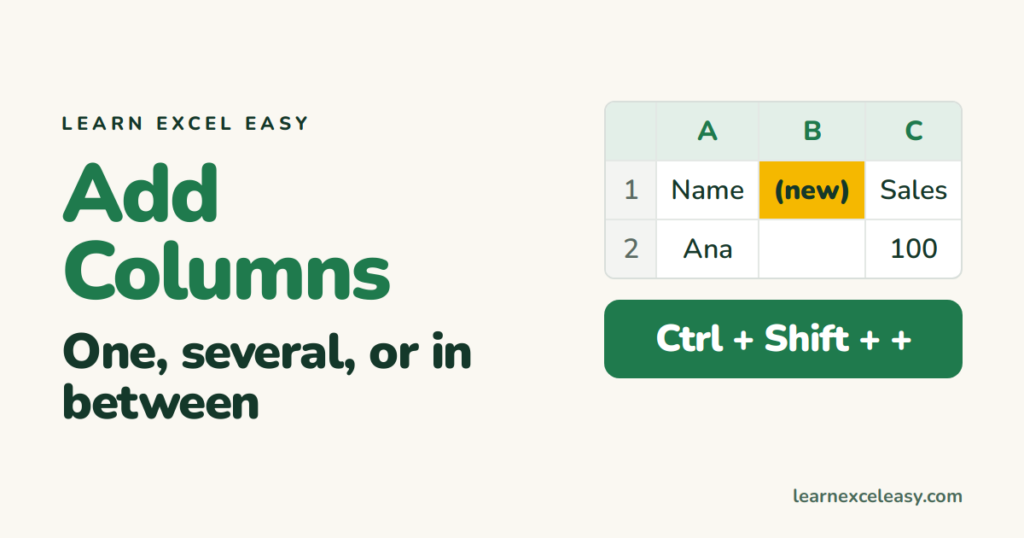
Add a column in Excel with right-click or Ctrl+Shift+Plus, insert several at once, add one at the end of a table, and undo if it went in the wrong place.
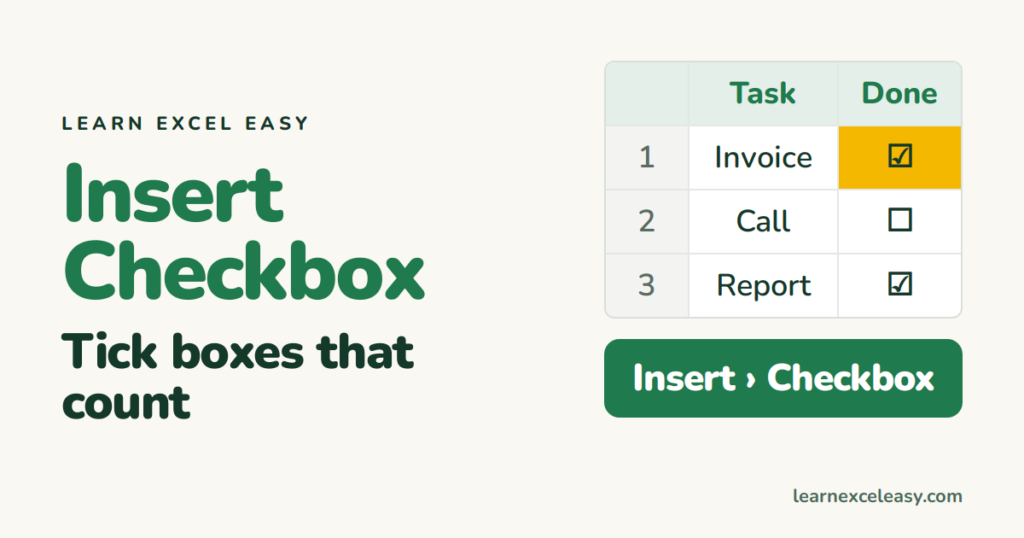
Insert a checkbox in Excel — the one-click way in Excel 365, the Developer-tab way in older versions, link it to a cell, and count how many are ticked.
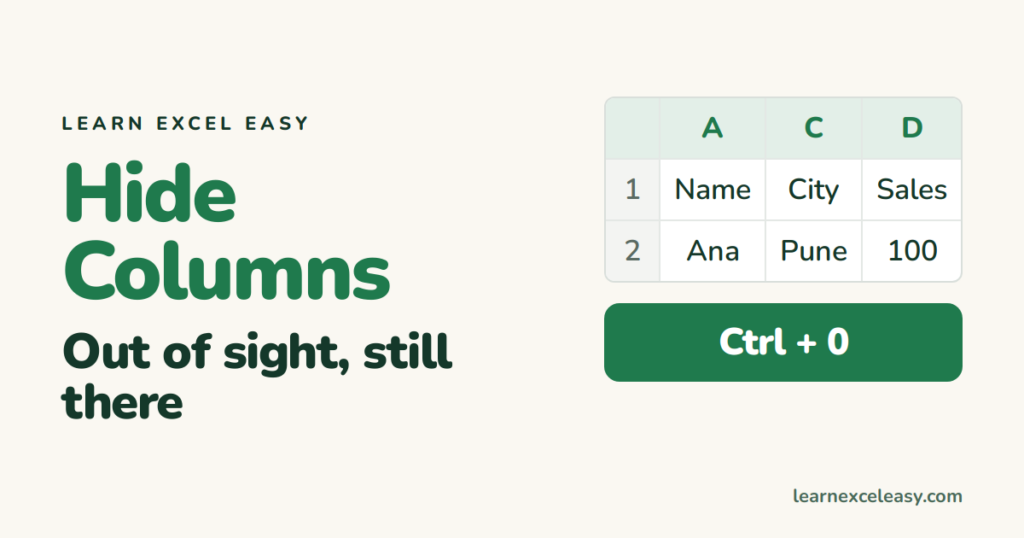
Hide columns in Excel with a right-click or Ctrl+0, hide several at once, unhide them, and use Group instead when you hide and show often.
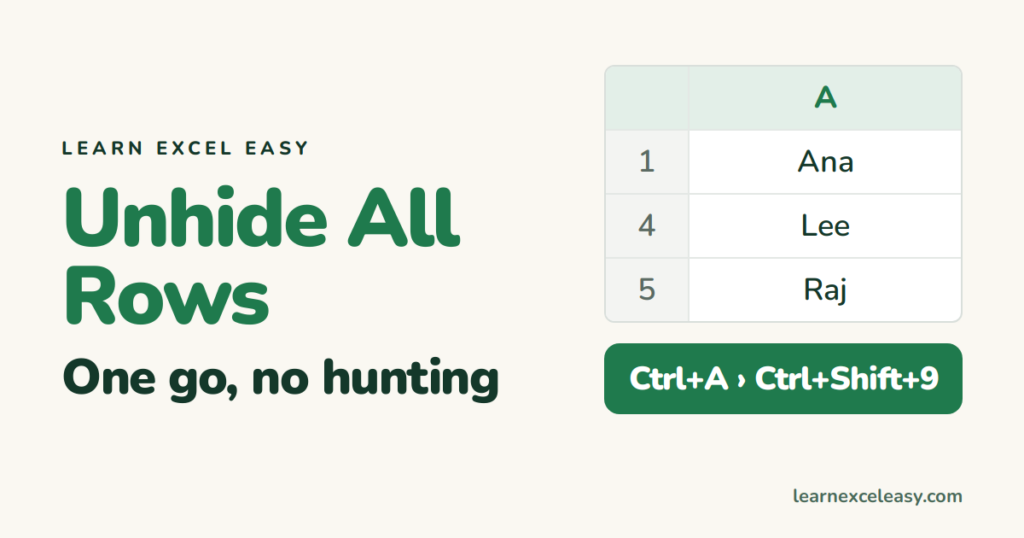
Unhide all rows in Excel with select-all and one shortcut, unhide columns the same way, and fix rows that stay hidden because of a filter or zero height.
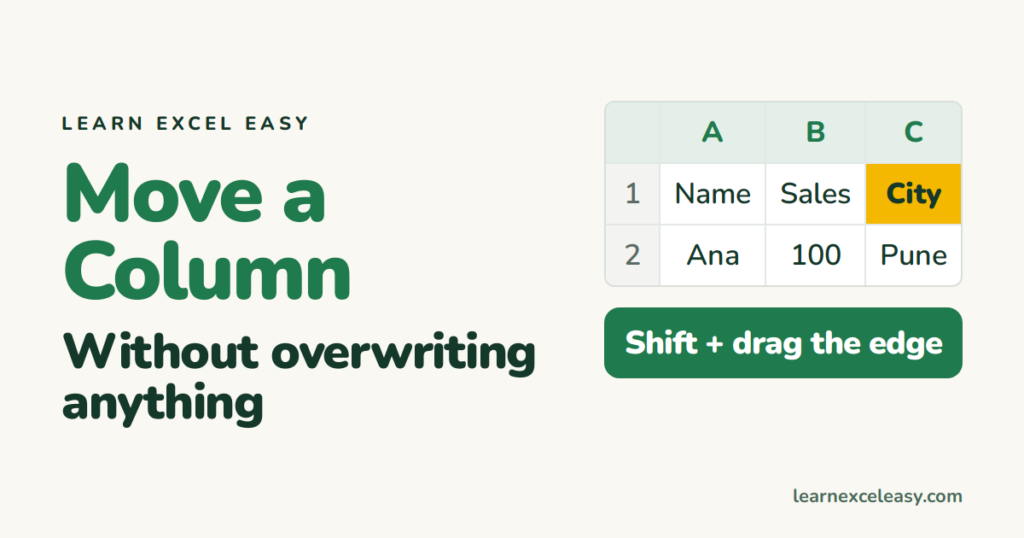
How to move a column in Excel: the Shift-drag method that inserts instead of overwriting, cut and insert, and swapping two columns.
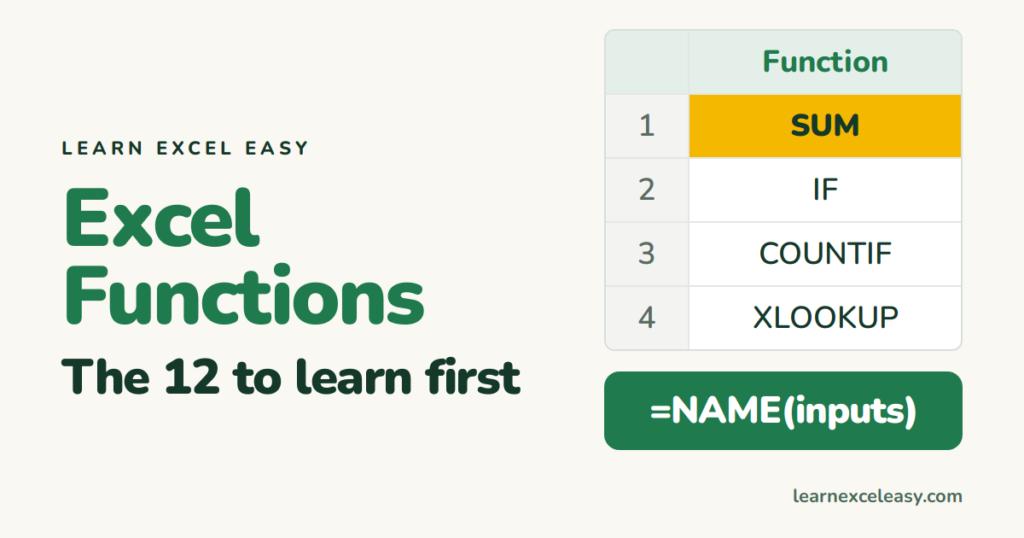
What an Excel function is, how it differs from a formula, how to type one with autocomplete, and the twelve functions worth learning in order.
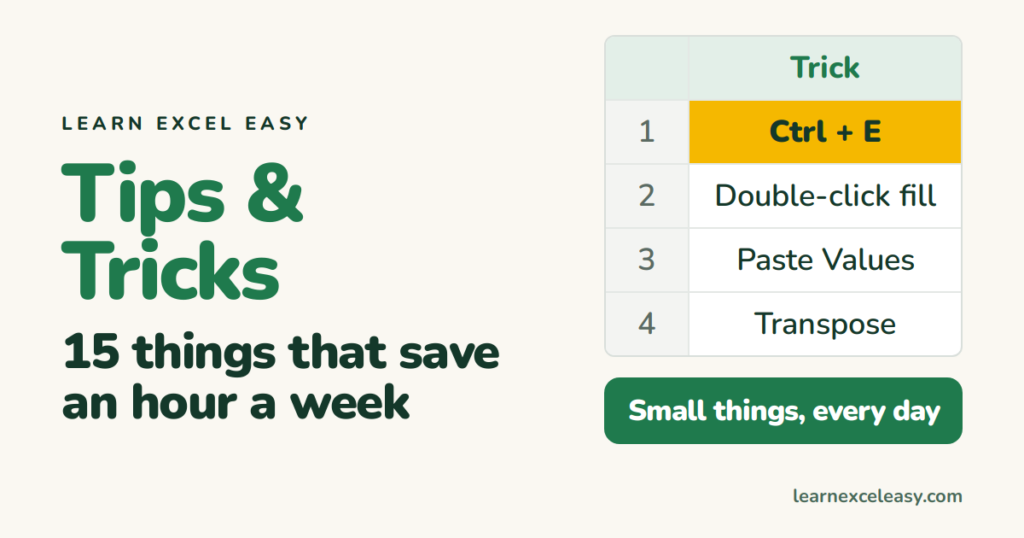
Fifteen Excel tips and tricks most people never learn: Flash Fill, double-click fill, the status bar calculator, paste values, transpose, and more.
One short Excel lesson in your inbox every morning. Free, no spam, unsubscribe any time.
Also join us on Facebook
