

Excel Basics
How to Delete a Sheet in Excel (and get it back)
Delete a worksheet from the tab menu or the ribbon, remove several at once, and what to do if you deleted the wrong one — because Ctrl+Z won't bring it back.
Delete a worksheet from the tab menu or the ribbon, remove several at once, and what to do if you deleted the wrong one — because Ctrl+Z won't bring it back.
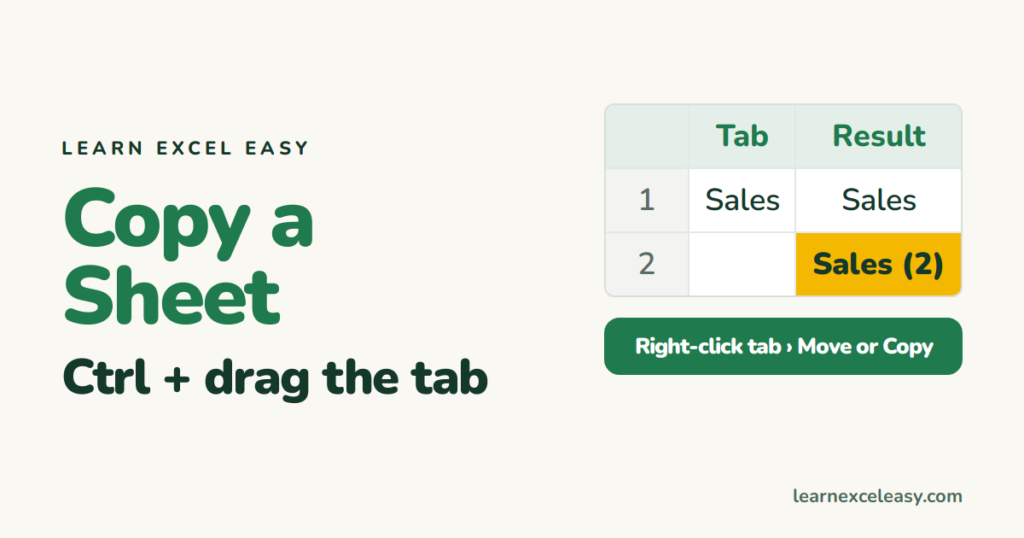
Copy a worksheet in two seconds with Ctrl+drag, or use Move or Copy to put the copy in another workbook. Formats, formulas and column widths all come along.
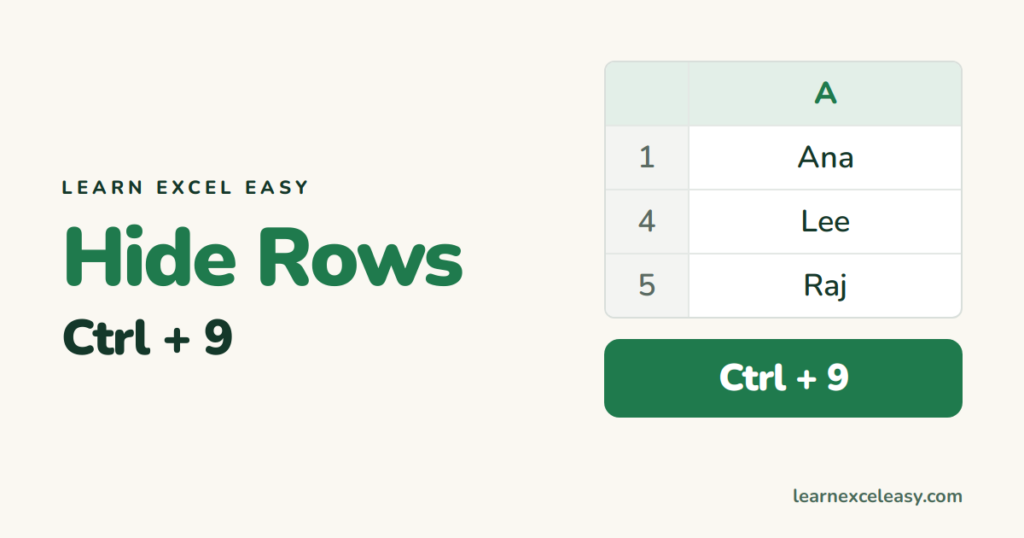
Hide rows in Excel with Ctrl+9, hide every row that matches a filter, unhide one or all, and use Group to collapse sections instead.
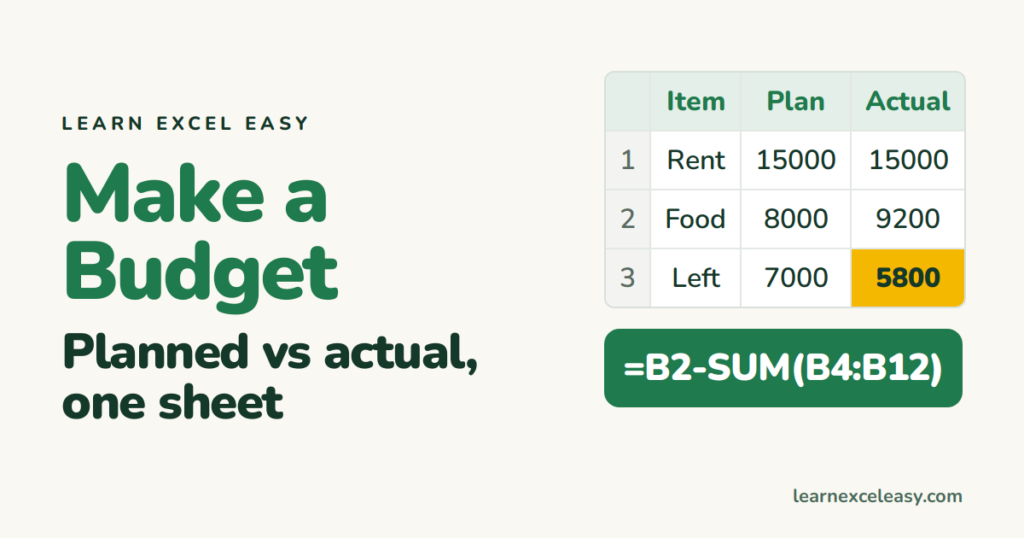
Make a monthly budget in Excel from a blank sheet: income, expense categories, planned vs actual, what's left, and a bar that shows overspending.
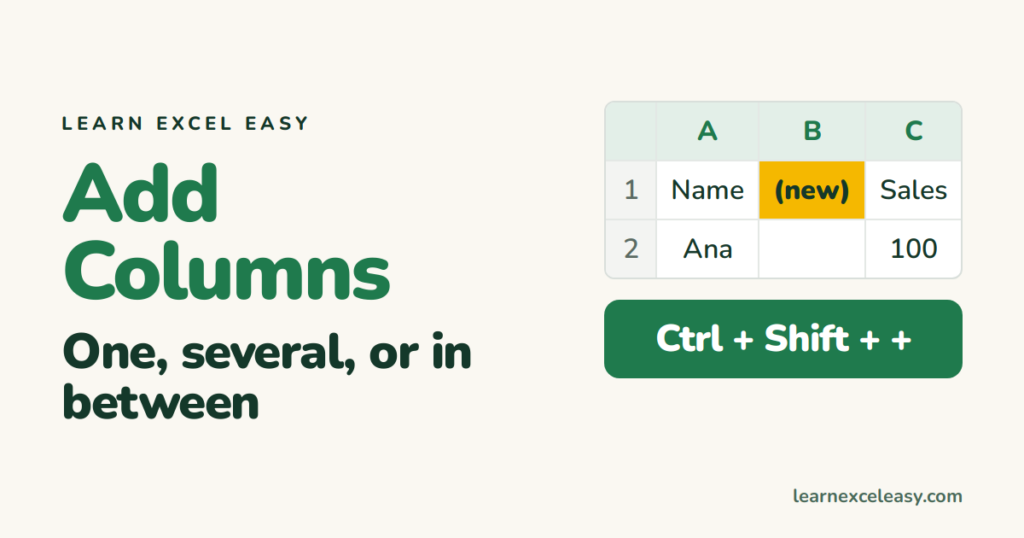
Add a column in Excel with right-click or Ctrl+Shift+Plus, insert several at once, add one at the end of a table, and undo if it went in the wrong place.
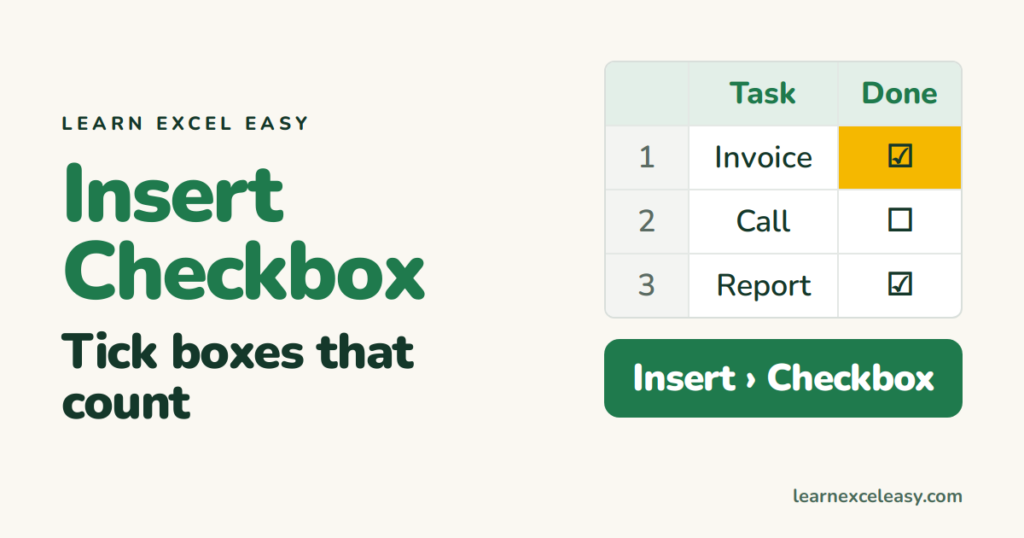
Insert a checkbox in Excel — the one-click way in Excel 365, the Developer-tab way in older versions, link it to a cell, and count how many are ticked.
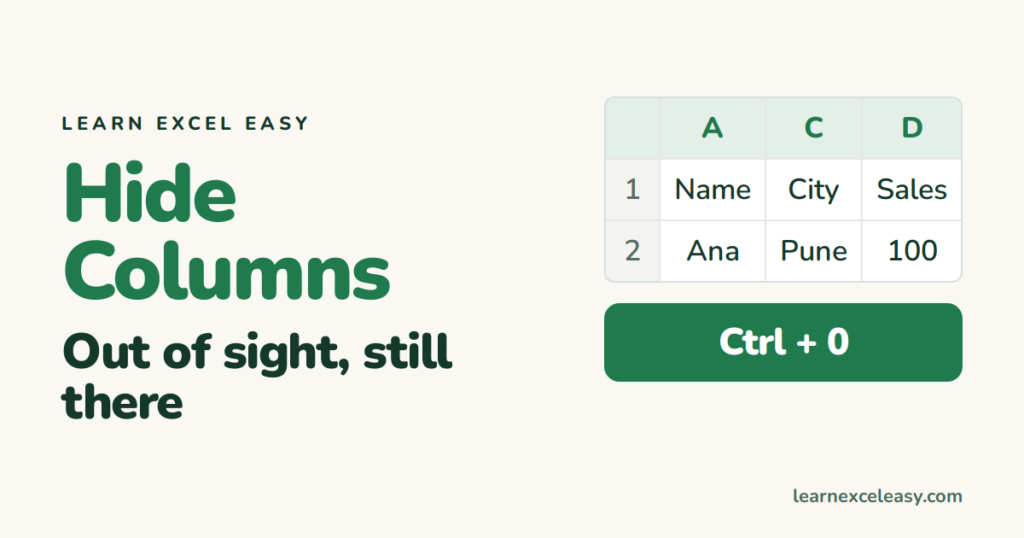
Hide columns in Excel with a right-click or Ctrl+0, hide several at once, unhide them, and use Group instead when you hide and show often.
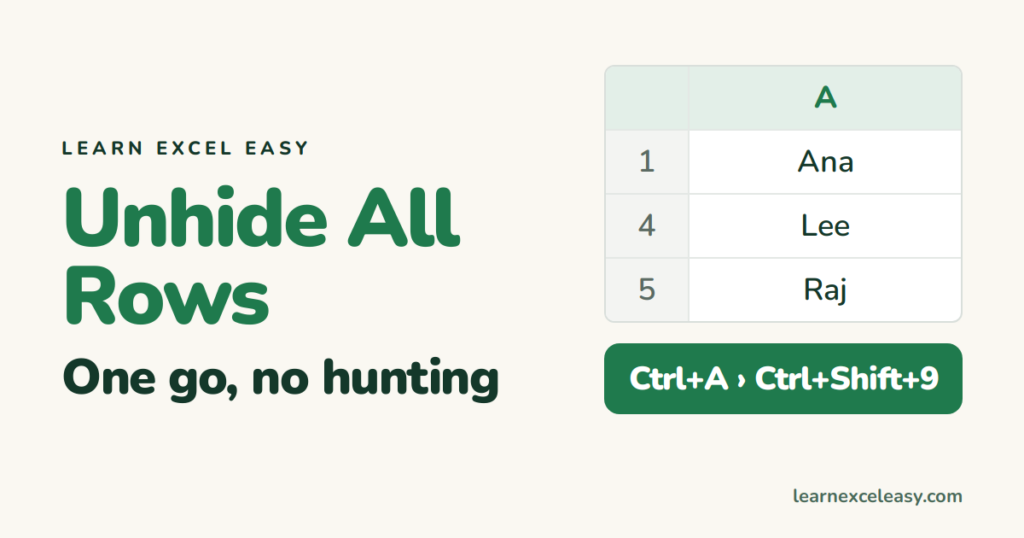
Unhide all rows in Excel with select-all and one shortcut, unhide columns the same way, and fix rows that stay hidden because of a filter or zero height.

How to move a column in Excel: the Shift-drag method that inserts instead of overwriting, cut and insert, and swapping two columns.
