
Excel Functions: what they are and the 12 to learn first
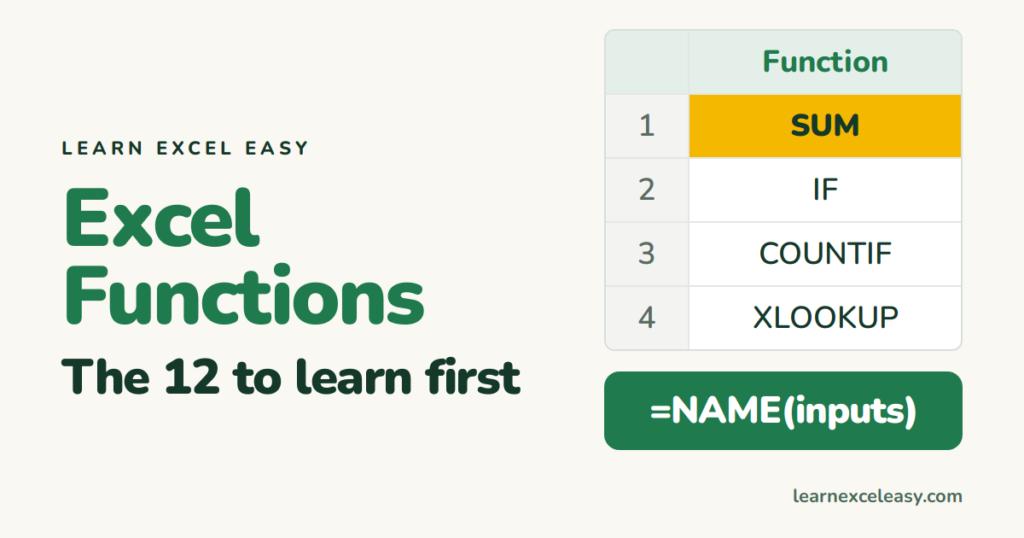
A function is a built-in tool with a name: SUM, IF, TODAY. A formula is anything you type after = — it may use a function or just arithmetic. =A1*2 is a formula with no function; =SUM(A1:A5) is a formula using a function.
How to type one
- Type
=then the first letters:=su. - Excel lists matches. Press Tab to accept SUM.
- Select the cells or type the inputs, close the bracket, Enter.
The tooltip under the cell shows what each input means.
The 12 to learn, in order
| # | Function | Job | Lesson |
|---|---|---|---|
| 1 | SUM | Add | → |
| 2 | AVERAGE | Mean | → |
| 3 | COUNT / COUNTA | How many | this page |
| 4 | ROUND | Tidy decimals | → |
| 5 | TODAY | Today’s date | → |
| 6 | IF | Decide | → |
| 7 | COUNTIF | Count matches | → |
| 8 | SUMIF | Add matches | → |
| 9 | TRIM | Clean text | → |
| 10 | LEFT / MID | Cut text | → |
| 11 | IFERROR | Hide errors | → |
| 12 | XLOOKUP | Look up | → |
COUNT vs COUNTA
=COUNT(A1:A10) counts cells with numbers. =COUNTA(A1:A10) counts cells that are not empty — text included. Use COUNTA for “how many names”.
See every function
Formulas › Insert Function (or the fx button) lets you search by what you want to do.
Check it worked
A function name in capitals with brackets that turn black means Excel recognised it. #NAME? means it did not — check the spelling.

20 years with spreadsheets and enterprise systems. Writes one short, plain-English Excel lesson a day. Got an Excel question? learnexceleasycom@gmail.com
