
Excel SUM Formula: every way to add numbers
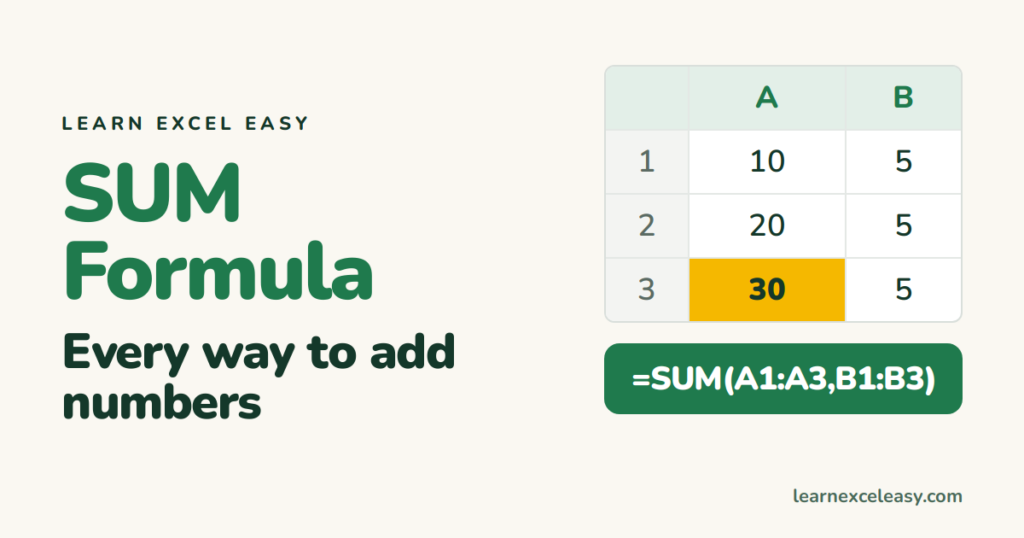
SUM adds numbers. It is the first formula everyone learns and the one you will use most.
Add a range
=SUM(A1:A3)
Adds every number from A1 to A3. Blank cells and text are ignored.
Add separate cells
=SUM(A1, A5, A9)
Commas separate the pieces. You can mix ranges and cells: =SUM(A1:A3, B7).
Add a whole column
=SUM(A:A)
Adds everything in column A, however long it gets. Put this formula in a different column or it will try to add itself.
Add across sheets
=SUM(Jan!B2, Feb!B2, Mar!B2)
Or for every sheet from Jan to Mar: =SUM(Jan:Mar!B2).
AutoSum shortcut
Click the empty cell under a column of numbers and press Alt + =. Excel writes the SUM for you. Press Enter.
Add only some numbers
Need to add only the rows that match a condition — sales for one person, say? That is SUMIF.
If the answer is 0 or wrong
Your numbers are probably text. Select them, click the small warning icon › Convert to Number. See formula not calculating for the other causes.

20 years with spreadsheets and enterprise systems. Writes one short, plain-English Excel lesson a day. Got an Excel question? learnexceleasycom@gmail.com
