
Fixes & Errors
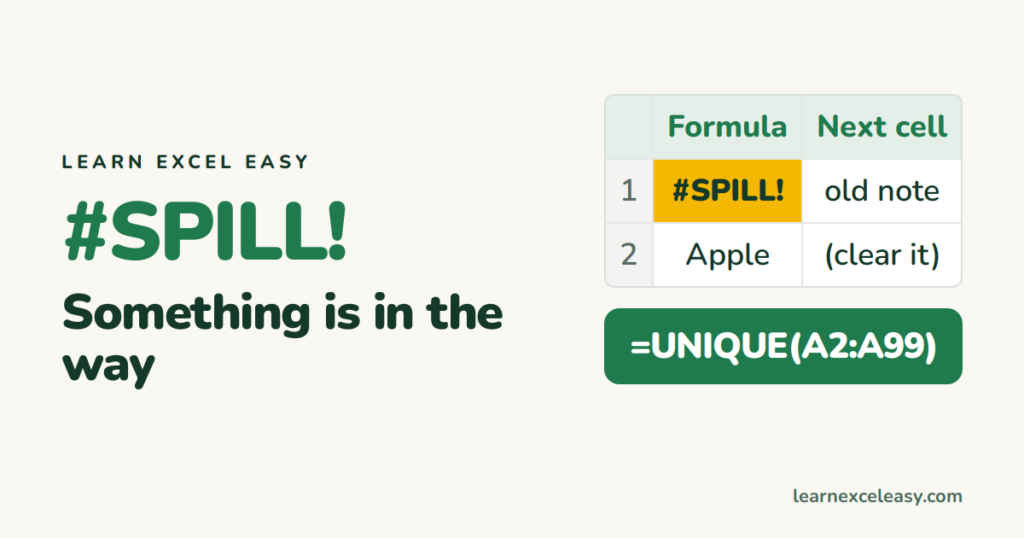
#SPILL! Error in Excel: what it means and how to fix it
#SPILL! means a formula's results can't spread into the cells they need. Clear the blocking cells, unmerge, move out of a table, or return a single value with @.
#SPILL! means a formula's results can't spread into the cells they need. Clear the blocking cells, unmerge, move out of a table, or return a single value with @.
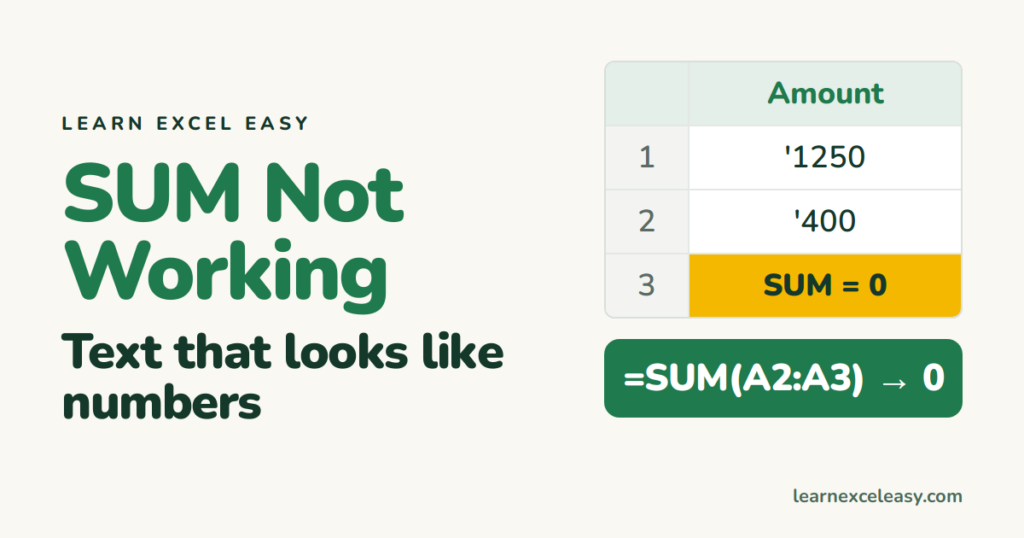
SUM returning 0, not updating, or ignoring some cells? Numbers stored as text, manual calculation, hidden spaces and circular references are the usual causes. Fixes for each.
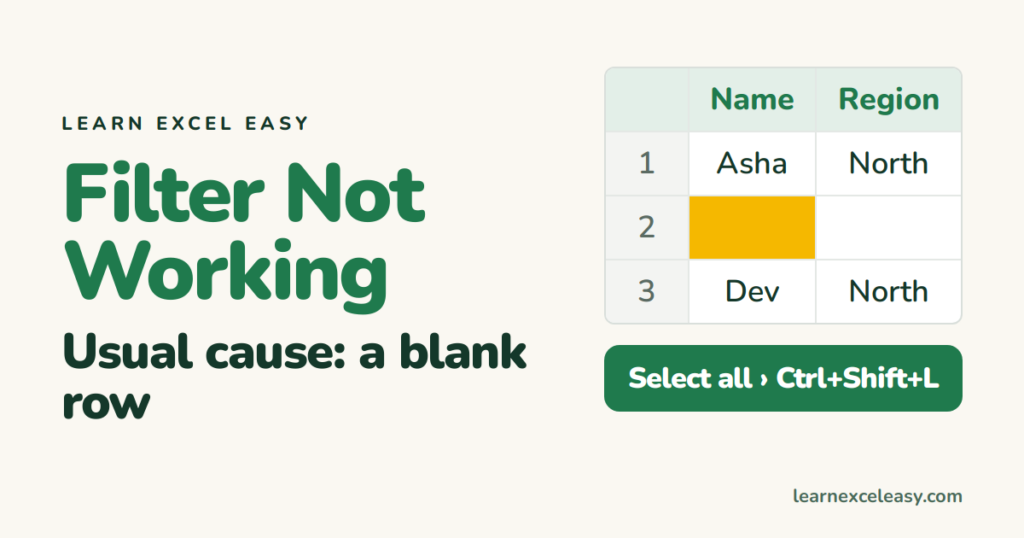
Filter missing rows, greyed out, or showing wrong results? The usual causes are blank rows, a partial selection, text-stored numbers, merged cells or a protected sheet.

Why files from email and the internet open read-only in Protected View, how to enable editing safely, and how to stop Protected View for trusted folders.
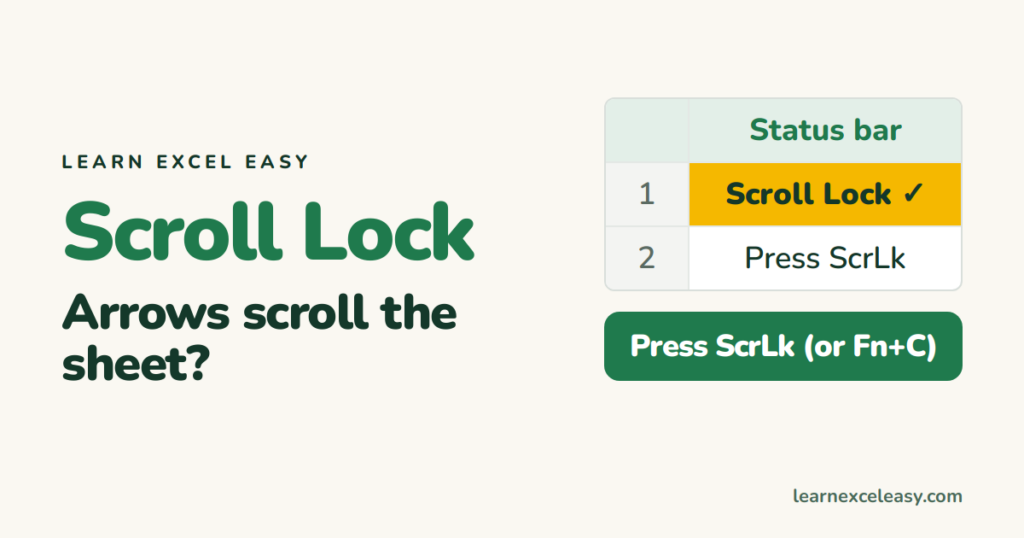
If the arrow keys scroll the whole sheet instead of moving the cell, Scroll Lock is on. Turn it off from the keyboard, the on-screen keyboard, or a Mac shortcut.
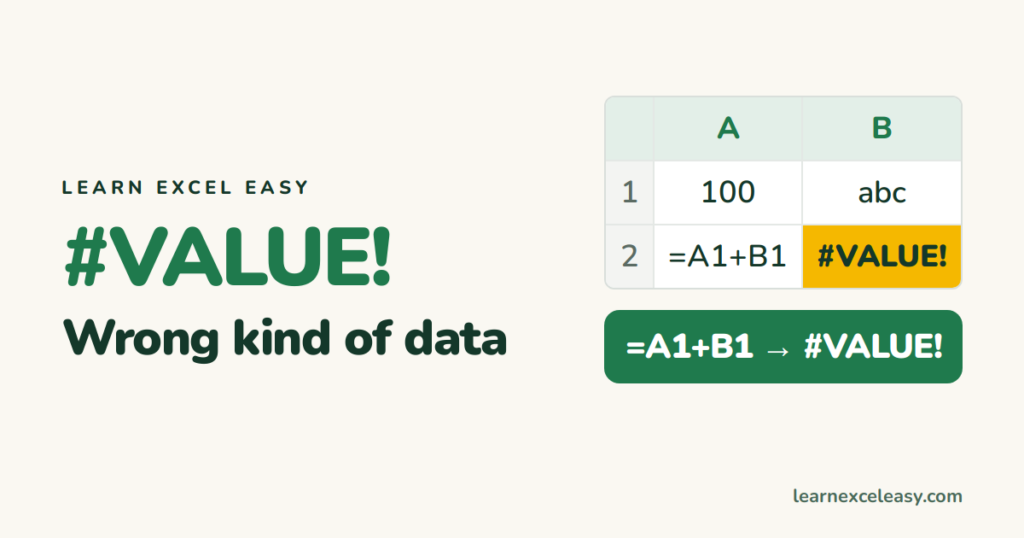
#VALUE! means a formula got the wrong kind of data — usually text where it expected a number. The six common causes, how to find the bad cell, and the fix for each.
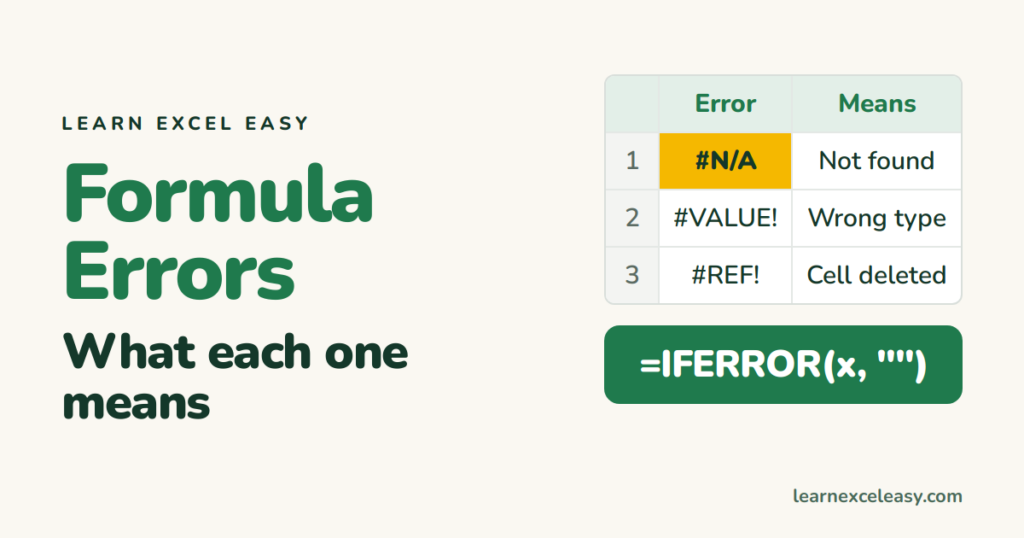
Every Excel formula error in one table — what each one means, the usual cause, and the one-line fix — plus how to hide errors and find them all at once.

Recover a corrupted Excel file: Open and Repair, extract values only, previous versions in OneDrive or Windows, open in Google Sheets, and the last-resort zip trick.
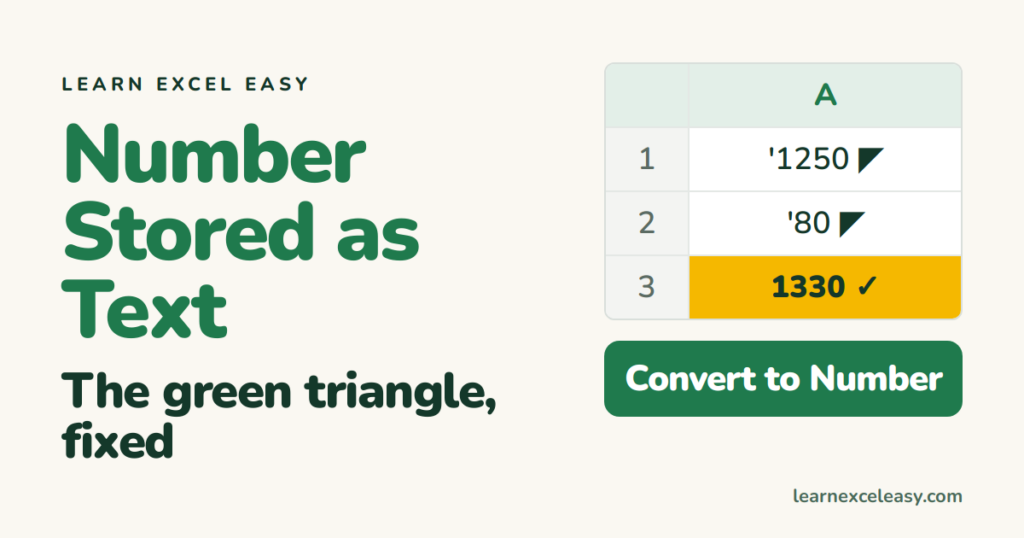
What 'Number Stored as Text' means in Excel, why it breaks SUM and lookups, the one-click fix, the fix for thousands of cells, and how to keep leading zeros on purpose.
