
Fixes & Errors
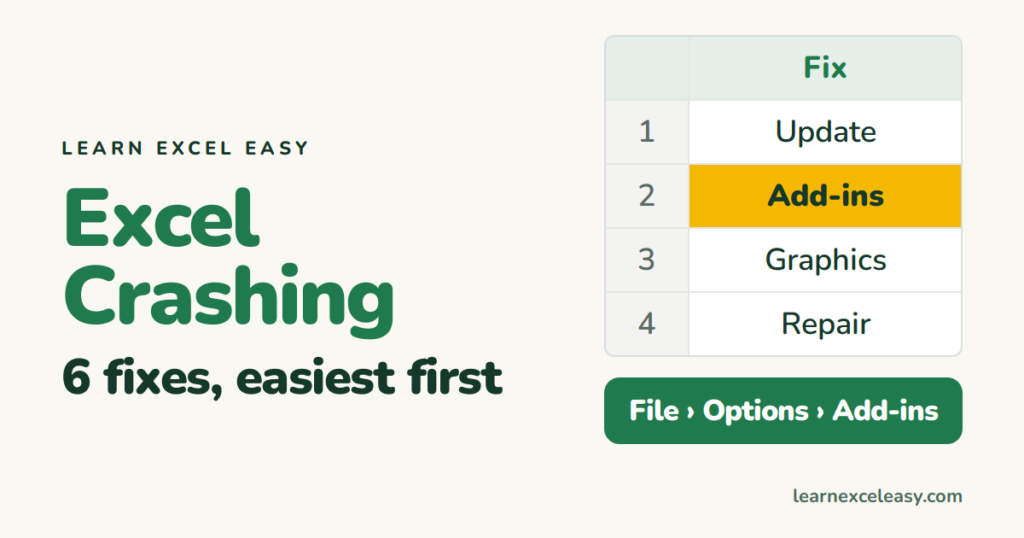
Excel Keeps Crashing? 6 fixes, easiest first
Excel keeps crashing or closing itself: update Office, disable add-ins, turn off hardware acceleration, repair the file, clear conditional formatting, repair Office.
Excel keeps crashing or closing itself: update Office, disable add-ins, turn off hardware acceleration, repair the file, clear conditional formatting, repair Office.

Excel not opening, or opens to a blank grey screen, or a file won't open — the fixes in order: safe mode, DDE setting, Open and Repair, add-ins, and Office repair.
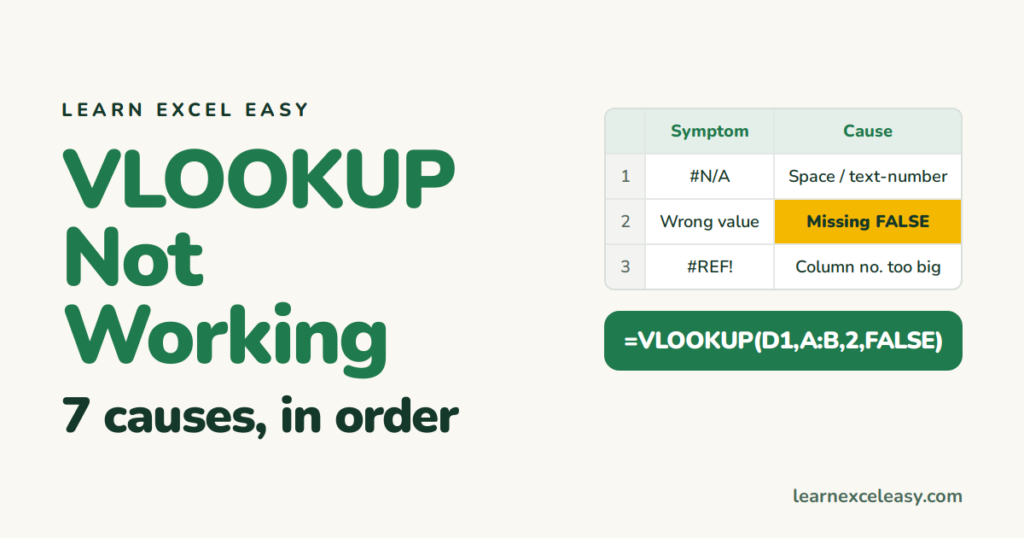
VLOOKUP not working in Excel — #N/A, wrong value, #REF!, or the formula shows as text. Seven causes in the order to check, each with a 10-second fix.
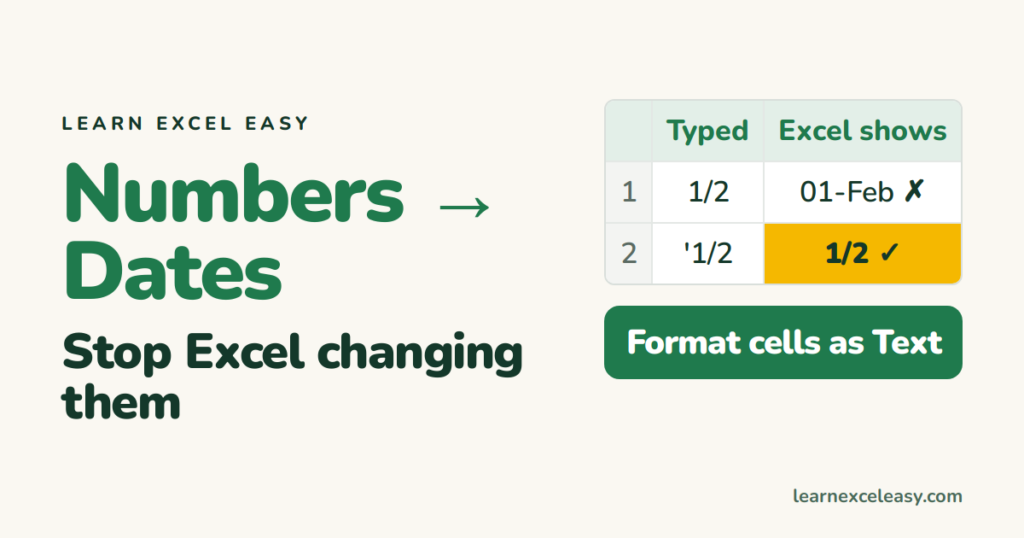
Excel turns 1/2 into 1-Feb and 3-4 into 4-Mar. Why it happens, three ways to stop it, and how to get the original values back.
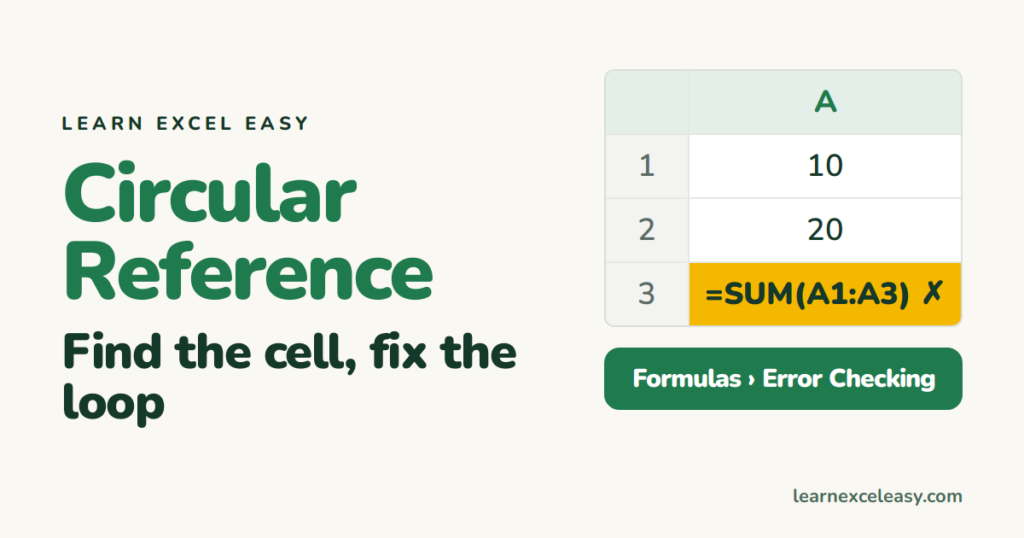
Excel says there is a circular reference: what it means, how to find the exact cell, and how to fix the two usual causes.
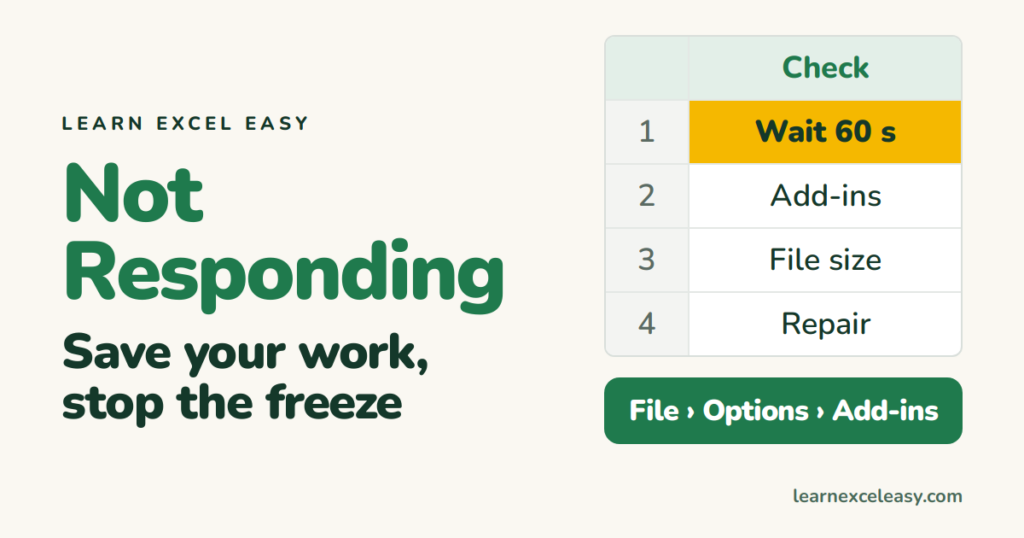
Excel not responding? What to do in the next 60 seconds to save your work, then the five causes that make it freeze and how to fix each.
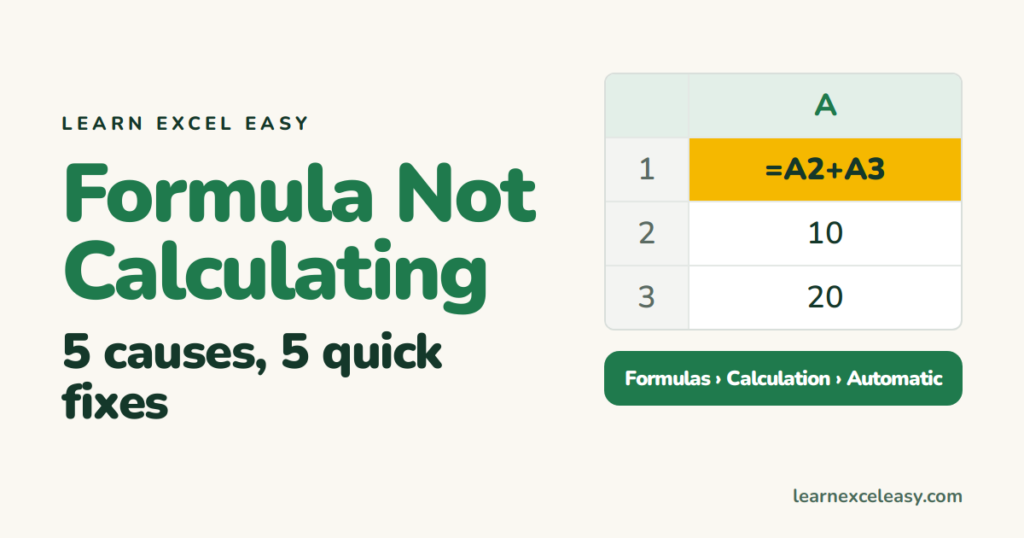
Excel formula not calculating or showing the formula as text? Five causes in order of likelihood, each with a 10-second fix.
