
Scroll Lock in Excel: turn it off (arrow keys move the sheet)
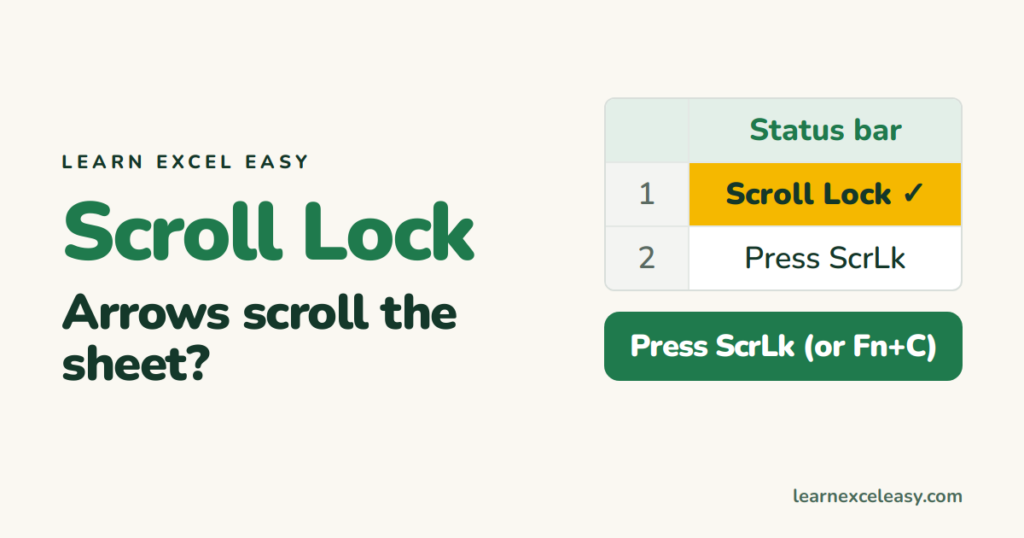
Sign it’s on: arrow keys slide the whole sheet while the selected cell stays put, and the status bar says Scroll Lock.
Turn it off
Press the ScrLk (Scroll Lock) key once.
No Scroll Lock key on your laptop
- Try Fn + C, Fn + S, Fn + K or Shift + F14 — it varies by maker.
- Or use the on-screen keyboard: Windows key, type osk, Enter, then click ScrLk.
Mac
Shift + F14. If that doesn’t work, try Fn + Shift + F12 or Command + F14.
See whether it’s on
Right-click the status bar at the bottom and tick Scroll Lock. It shows whenever it’s switched on.
Still moving the sheet?
- A stuck key or add-in — test in another program like Notepad.
- Keys still dead? Excel not responding.
More keys: Excel keyboard shortcuts

20 years with spreadsheets and enterprise systems. Writes one short, plain-English Excel lesson a day. Got an Excel question? learnexceleasycom@gmail.com
