
Excel SUM Not Working? Why it shows 0 or the wrong total
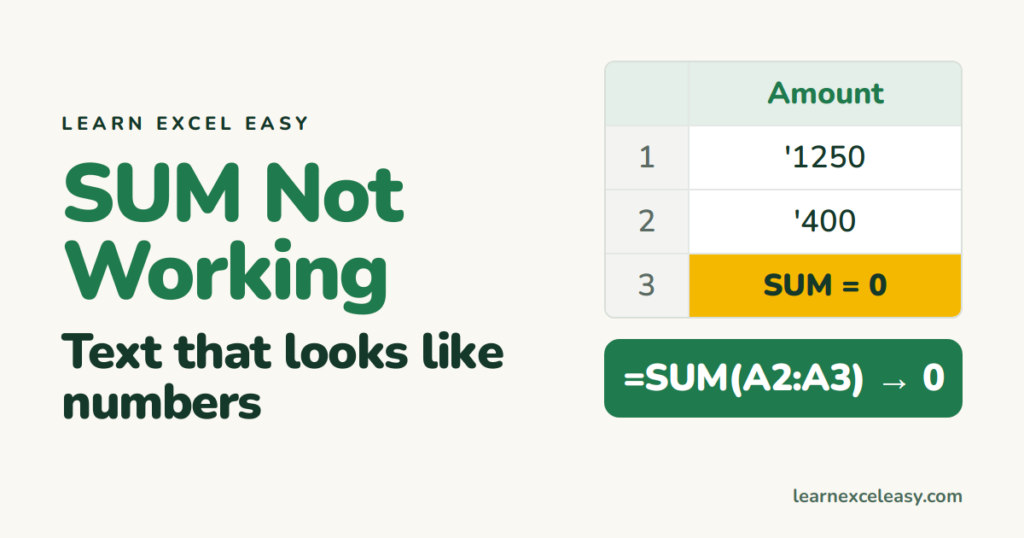
1. SUM returns 0: numbers stored as text
Signs: numbers sit on the left of the cell, or have a green triangle. Select them, click the ⚠ icon › Convert to Number. More ways: number stored as text.
2. Total doesn’t update
Calculation is set to Manual. Formulas › Calculation Options › Automatic. See formula not calculating.
3. The formula shows as text
The cell is formatted as Text, or Show Formulas is on. Fix in show formulas.
4. Numbers pasted from the web or a PDF
They often carry non-breaking spaces. Clean them:
=SUM(VALUE(SUBSTITUTE(A2:A20,CHAR(160),"")))
5. Total is slightly off
Displayed values are rounded, stored values aren’t. Round inside: =SUM(ROUND(A2:A20,2)). See ROUND.
6. Circular reference warning
The SUM range includes its own cell. Find and fix it.
7. Filtered rows counted
SUM adds hidden rows too. Use SUBTOTAL for visible cells.
Refresher: the SUM formula

20 years with spreadsheets and enterprise systems. Writes one short, plain-English Excel lesson a day. Got an Excel question? learnexceleasycom@gmail.com
