
COUNTIF in Excel: count the cells that match
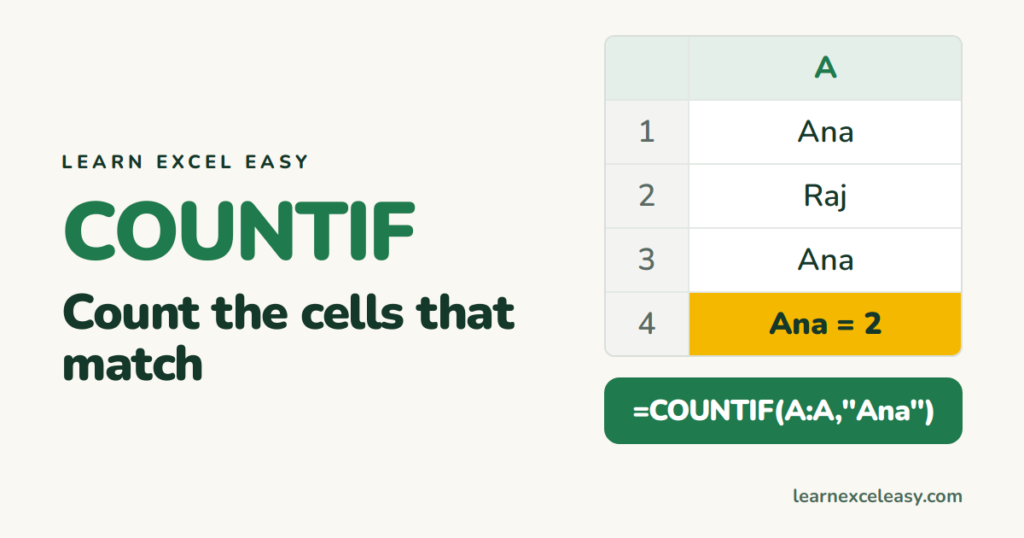
COUNTIF counts the cells that meet one condition. How many orders from Ana. How many scores over 50.
The formula
=COUNTIF(where_to_check, what_to_match)
What you will make
A count of how many rows belong to Ana.
Steps
- Names in column A.
- Click an empty cell, say C1.
- Type
=COUNTIF(A:A, "Ana"), press Enter.
| A | |
|---|---|
| 1 | Ana |
| 2 | Raj |
| 3 | Ana |
Result: 2.
Point at a cell
=COUNTIF(A:A, C1)
Type any name in C1, the count follows.
Conditions with numbers and text
| Count cells that are… | Formula |
|---|---|
| Over 50 | =COUNTIF(B:B, ">50") |
| Exactly 50 | =COUNTIF(B:B, 50) |
| Not Ana | =COUNTIF(A:A, "<>Ana") |
| Blank | =COUNTIF(A:A, "") |
| Not blank | =COUNTIF(A:A, "<>") |
| Containing “an” | =COUNTIF(A:A, "*an*") |
Check it worked
Filter column A to Ana. The status bar says “2 of N records found”. Same as your COUNTIF.
Common mistake
COUNTIF ignores capitals — “ana” and “Ana” both count. But “Ana ” with a trailing space does not. Use TRIM on messy data first.
Two conditions at once (Ana and over 50)? Use COUNTIFS with pairs: =COUNTIFS(A:A,"Ana",B:B,">50").

20 years with spreadsheets and enterprise systems. Writes one short, plain-English Excel lesson a day. Got an Excel question? learnexceleasycom@gmail.com
