
Excel TODAY Function: today’s date that updates itself
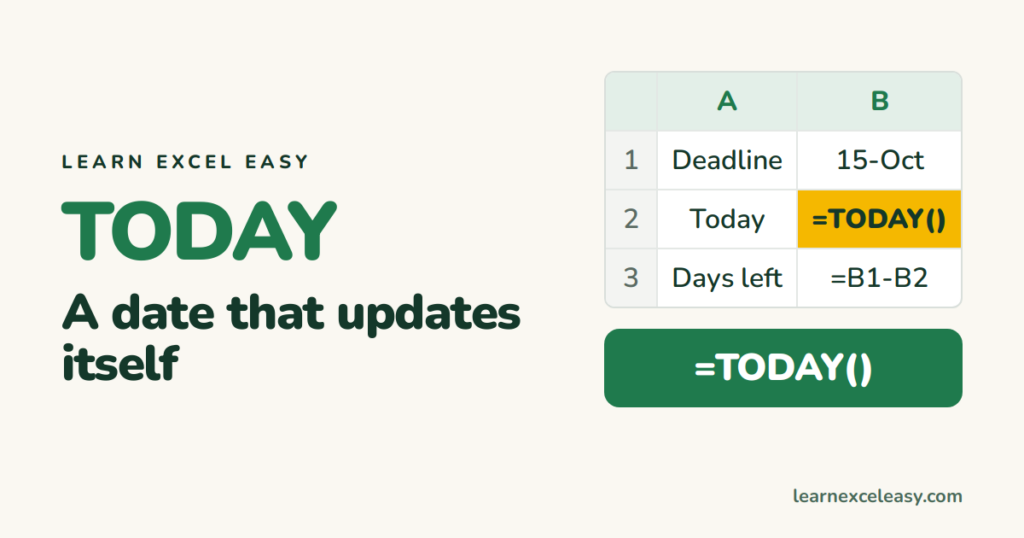
=TODAY() gives today’s date. Open the file tomorrow and it shows tomorrow. That makes it perfect for “days until” and “days since” counters.
Steps
- Click a cell.
- Type
=TODAY()— the brackets stay empty — and press Enter.
The cell shows today’s date.
Days until a deadline
Deadline in B1:
=B1-TODAY()
If the answer shows as a date instead of a number, press Ctrl + Shift + ~ to set the General format.
Days since something
=TODAY()-B1
Someone’s age in years
=DATEDIF(B1, TODAY(), "y")
Date and time together
=NOW() gives the date and the current time.
A date that must NOT change
For an invoice date or an “entered on” stamp, do not use TODAY — it will move. Press Ctrl + ; to type today’s date as a fixed value. Ctrl + Shift + ; types the time.
Check it worked
Press F9. A TODAY cell stays on today; a Ctrl+; cell stays on the day you typed it. Both correct — they just do different jobs.
Common mistake
Typing =TODAY without brackets gives #NAME?. The empty brackets are required.

20 years with spreadsheets and enterprise systems. Writes one short, plain-English Excel lesson a day. Got an Excel question? learnexceleasycom@gmail.com
