
Lab › Sorting, Filtering & Lists
Sorting, Filtering & Lists: Excel Lab
Sort a table and filter it, then total what you see. Pick a lab. Watch how, then do it yourself.
LAB 36Beginner
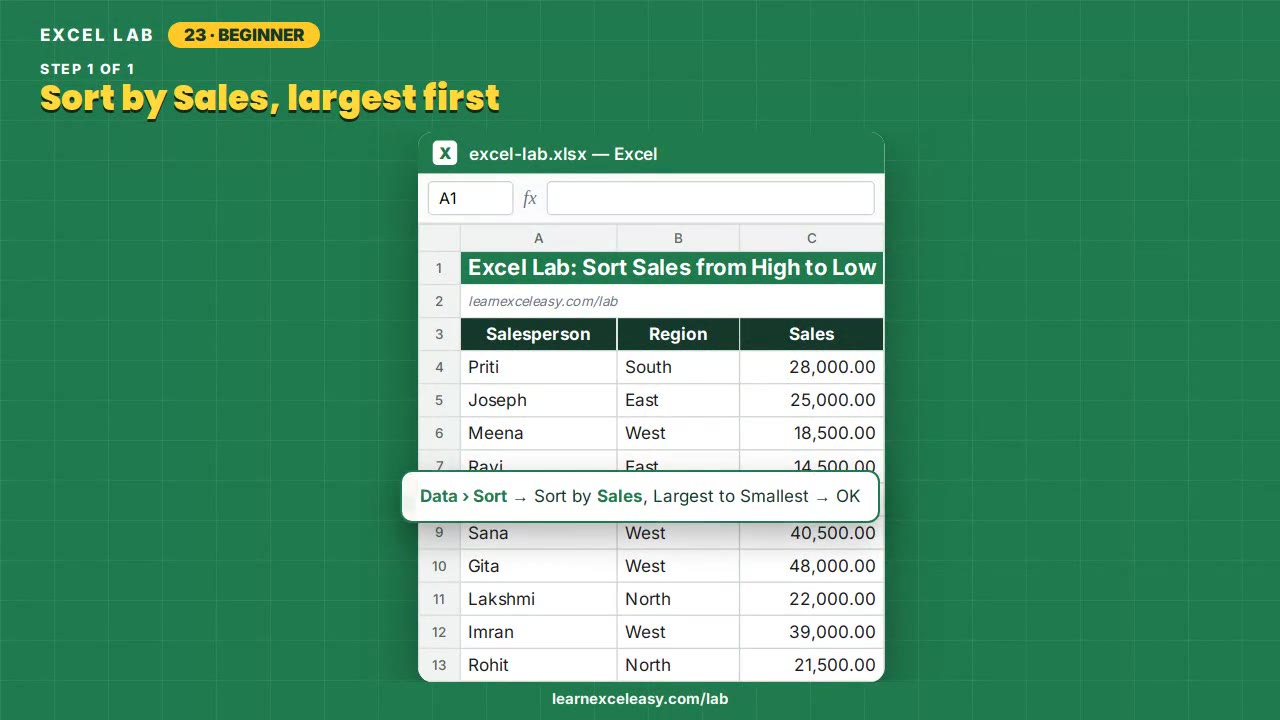
Sort Sales from High to Low
Put the salespeople in order: the highest sales at the top.
Sort, Largest to SmallestOpen lab →
LAB 37Beginner
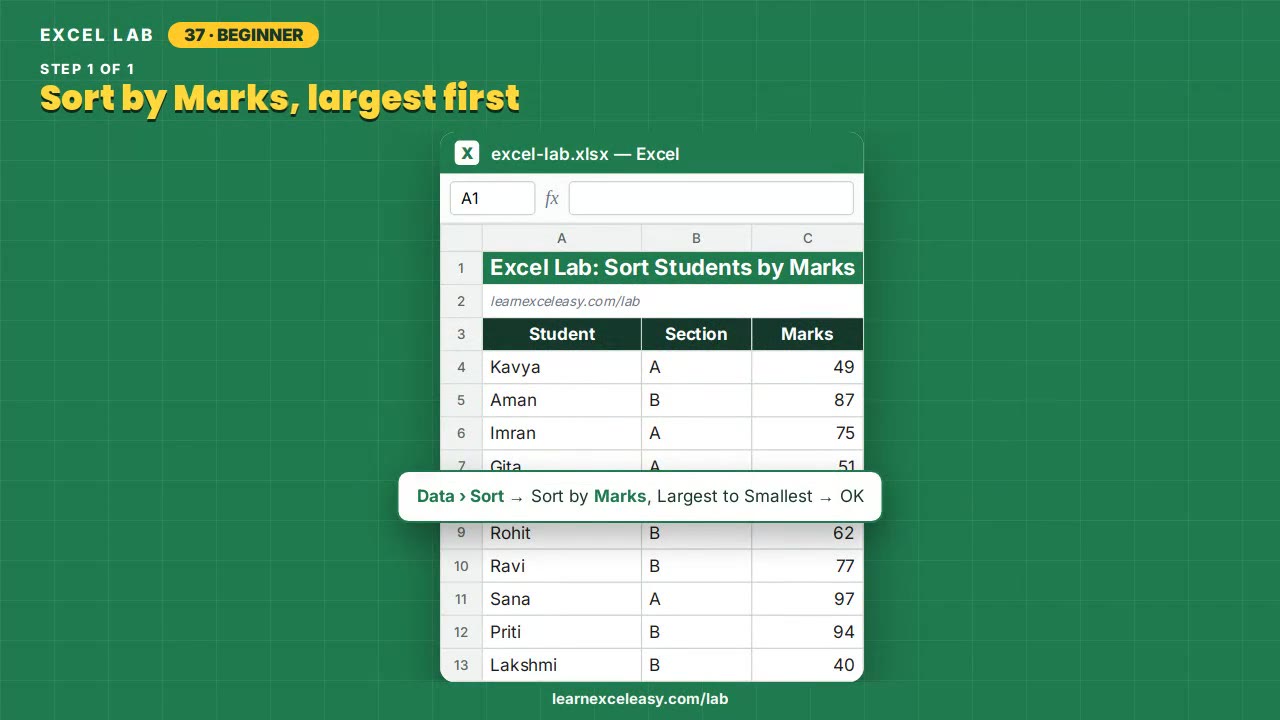
Sort Students by Marks
Put the class in order of marks, topper first — and make sure every student keeps their own marks.
Sort, Largest to Smallest, Rows stay togetherOpen lab →
LAB 38Intermediate
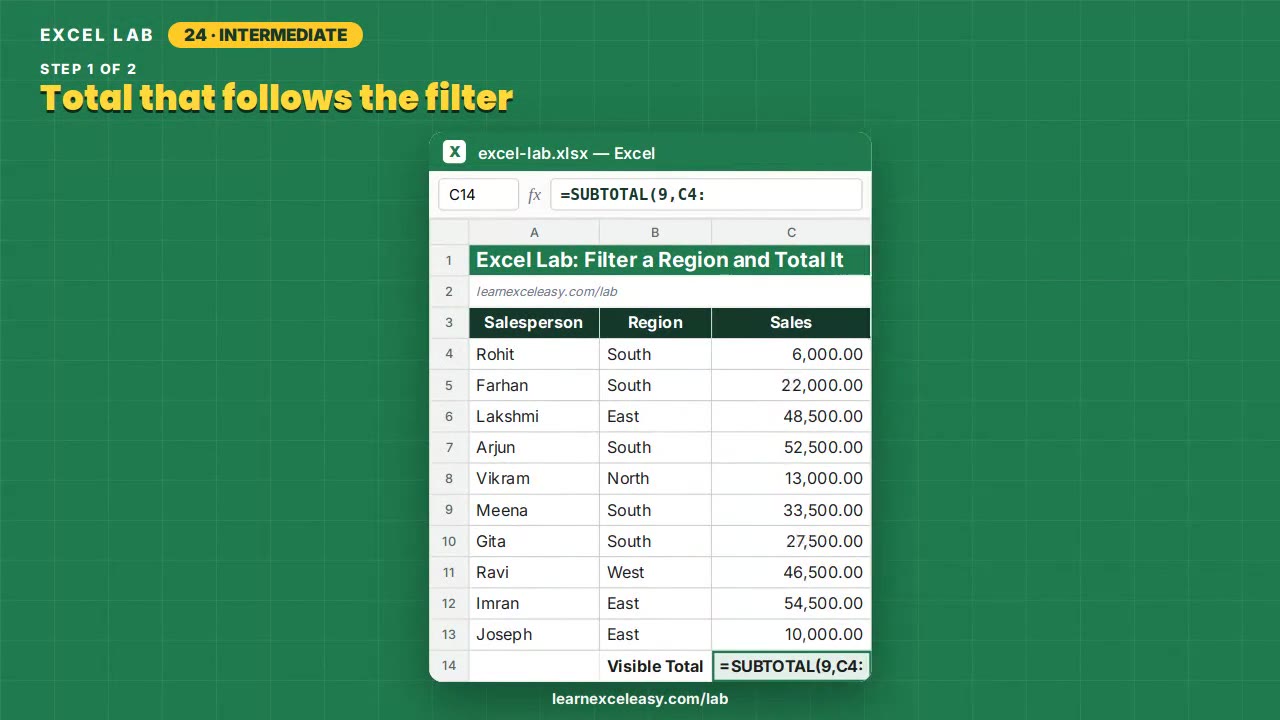
Filter a Region and Total It
Show only the East region and get the total of the rows you can see.
Filter, SUBTOTALOpen lab →
LAB 39Intermediate
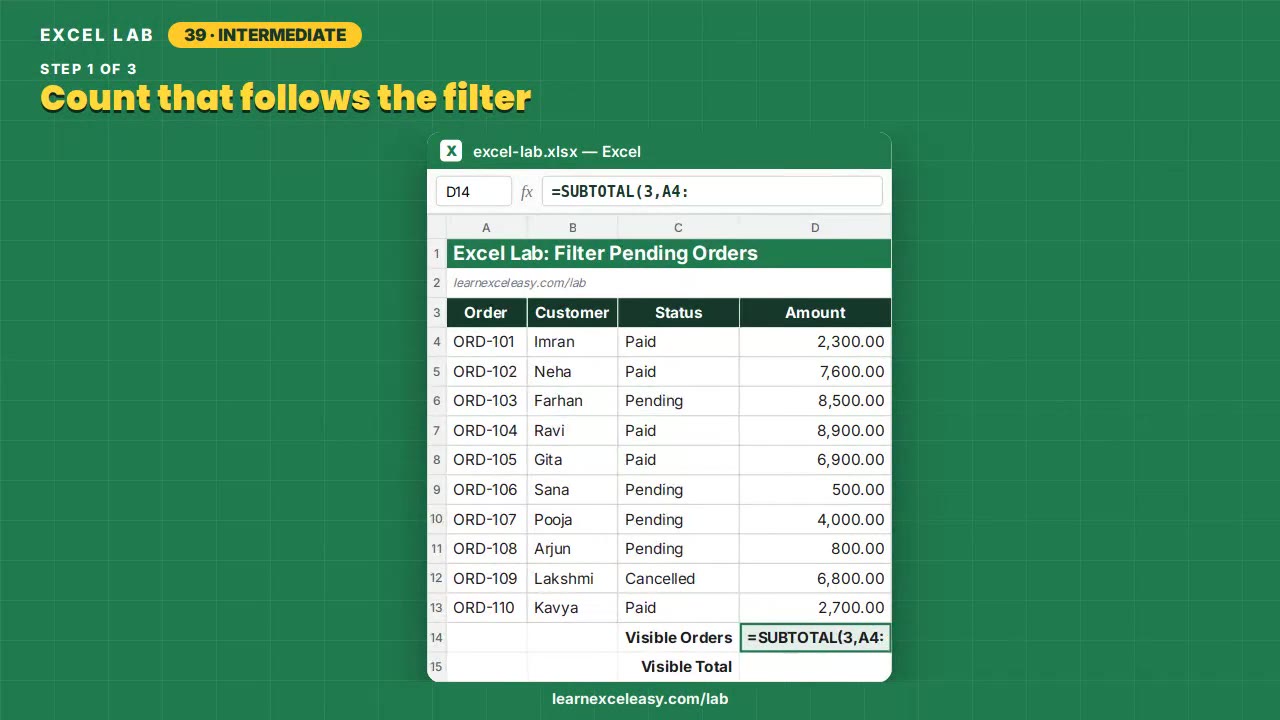
Filter Pending Orders
Show only the Pending orders and read how many there are and how much money is waiting.
Filter, SUBTOTAL 3 and 9Open lab →
