

Formulas & Functions
VLOOKUP in Excel: explained with one example
VLOOKUP in Excel: the four parts of the formula, one example, and the two mistakes that cause #N/A.
Short, plain-English tutorials on formulas, shortcuts, charts and everyday Excel tasks. No jargon. One idea per post.
Start here Get Daily One Lesson
VLOOKUP in Excel: the four parts of the formula, one example, and the two mistakes that cause #N/A.

How to enable macros in Excel for one file or for good, why the yellow bar appears, and how to unblock a downloaded file.

INDEX MATCH in Excel, explained in two small steps. Looks left, never breaks when columns move, works in every Excel version.

XLOOKUP in Excel explained with one example: find a value in a list and return what sits next to it, with no column counting.
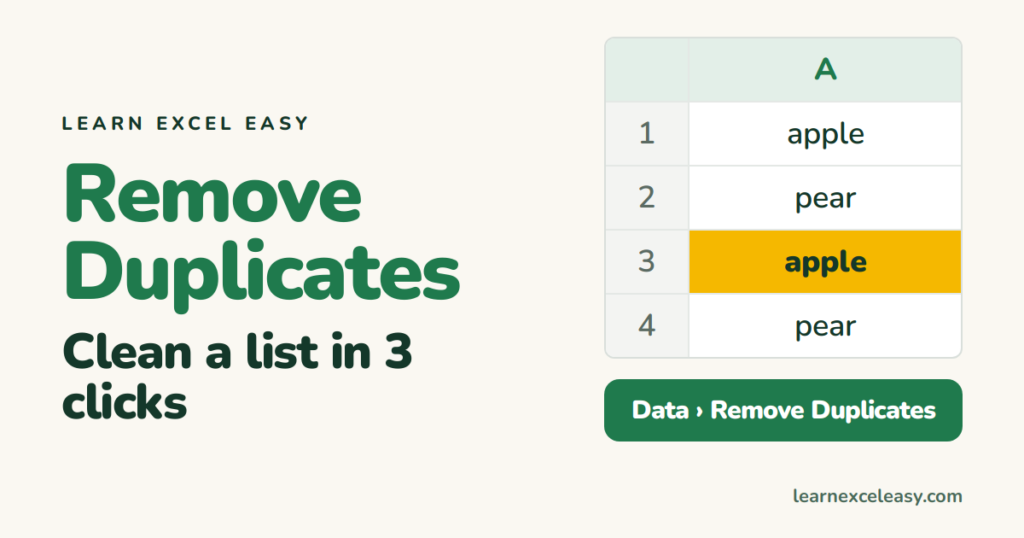
Remove duplicates in Excel with the built-in button in three clicks, and see the two ways it goes wrong.
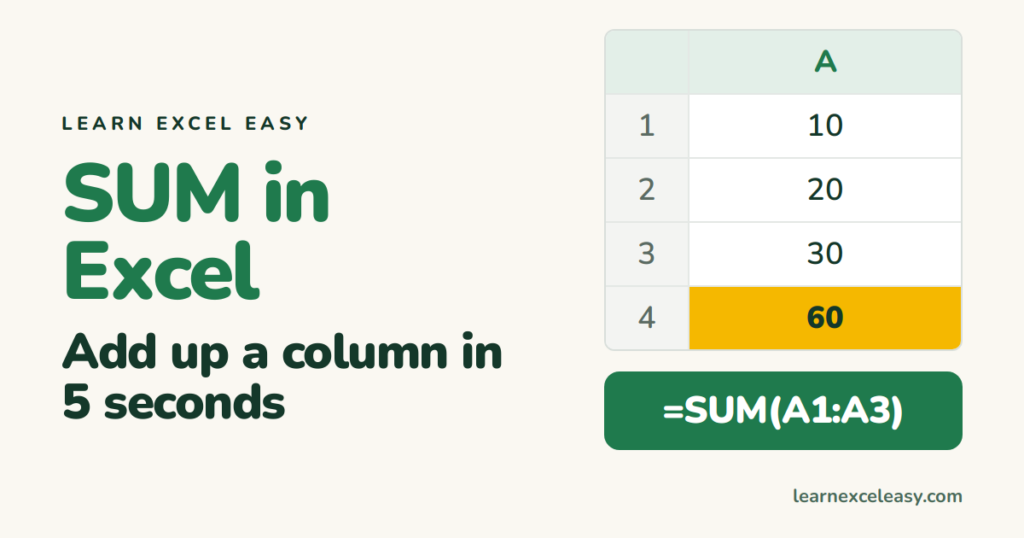
Add up a column of numbers with =SUM(range), or let Excel write it for you with Alt+=. Plus the fix when SUM shows 0.
