
Formulas & Functions
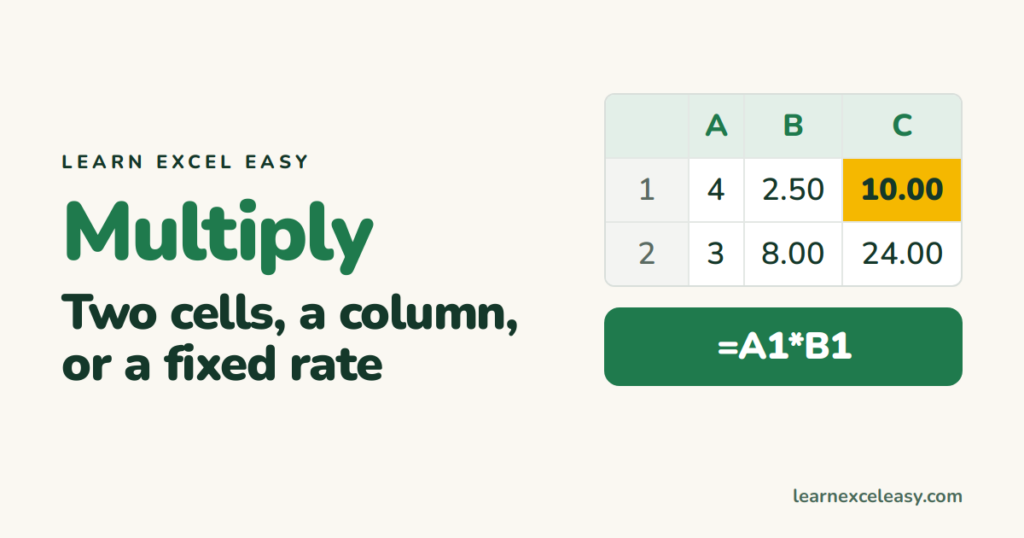
Excel Multiply Formula: multiply two cells, a column, or by a fixed number
The Excel multiply formula with the * sign: two cells, a whole column, a fixed price or tax rate, and PRODUCT for many cells.
Short, plain-English tutorials on formulas, shortcuts, charts and everyday Excel tasks. No jargon. One idea per post.
Start here Get Daily One Lesson
The Excel multiply formula with the * sign: two cells, a whole column, a fixed price or tax rate, and PRODUCT for many cells.
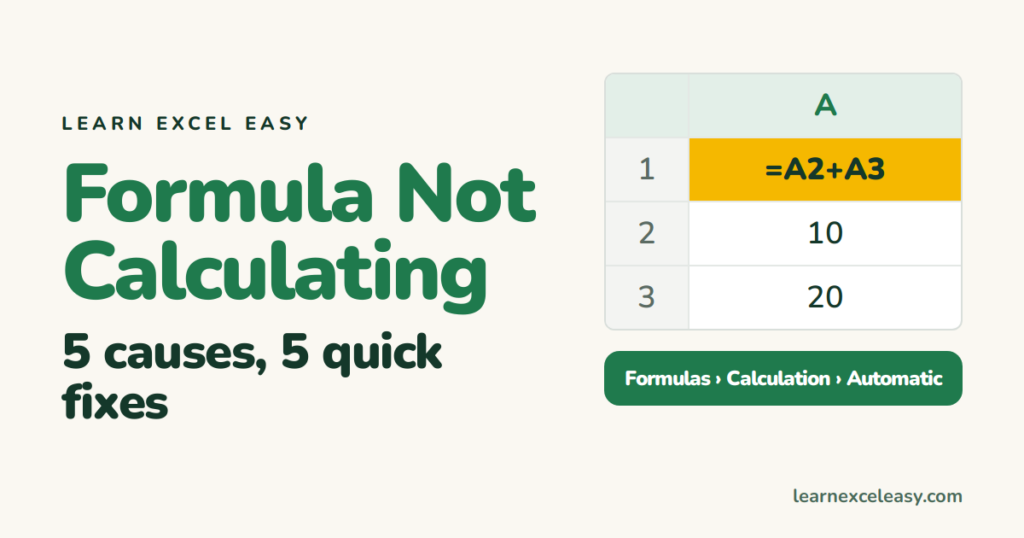
Excel formula not calculating or showing the formula as text? Five causes in order of likelihood, each with a 10-second fix.

CONCATENATE in Excel and its shorter replacements: join first and last name, add a space, and join a whole column with TEXTJOIN.

The 25 Excel keyboard shortcuts that save real time, grouped by what they do. Learn three a week.
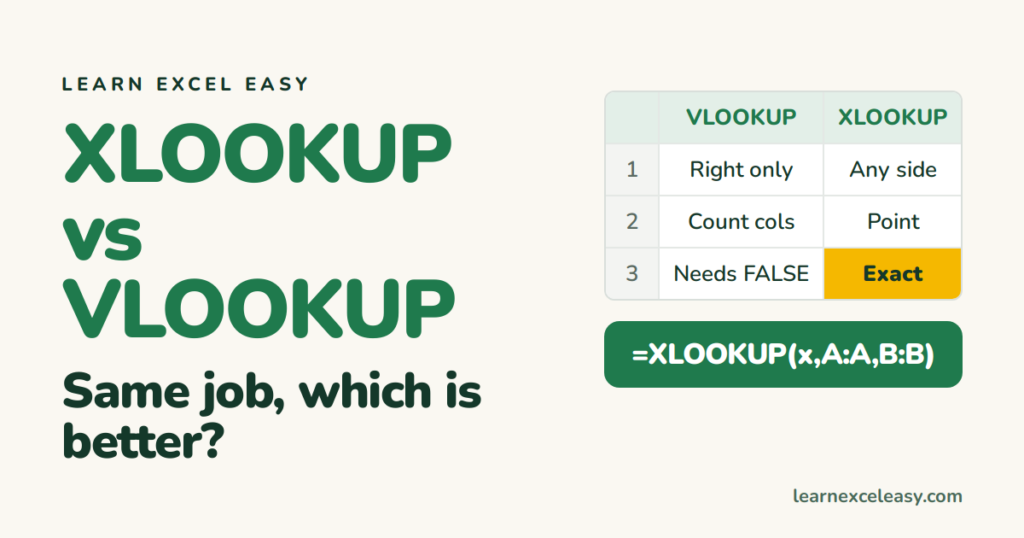
XLOOKUP vs VLOOKUP side by side: same task, both formulas, and the five differences that decide it.
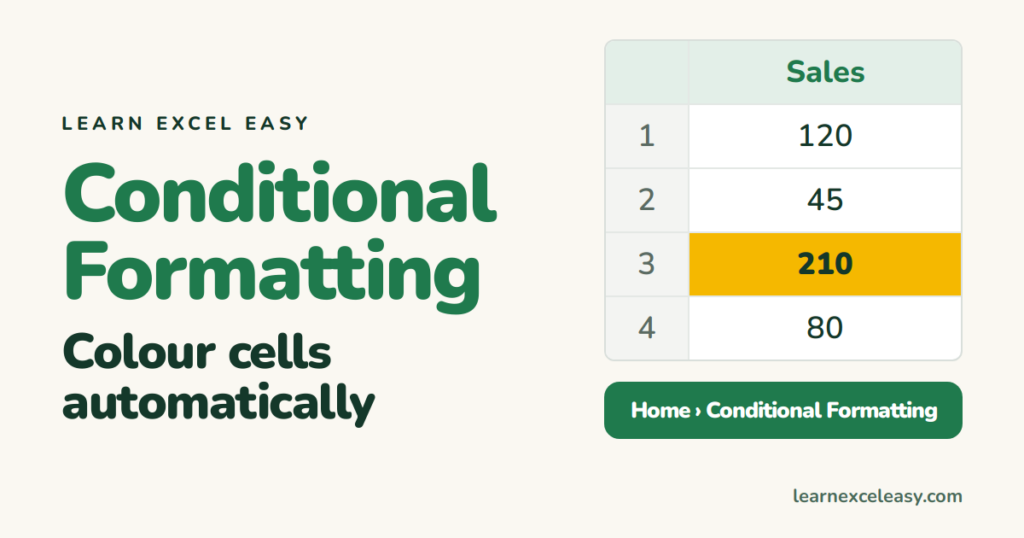
Conditional formatting in Excel: highlight values over a number, duplicates, top 10, and colour a whole row with a formula.

Merge cells in Excel for a heading, unmerge them, and the better alternative — Center Across Selection — that avoids the sorting trap.
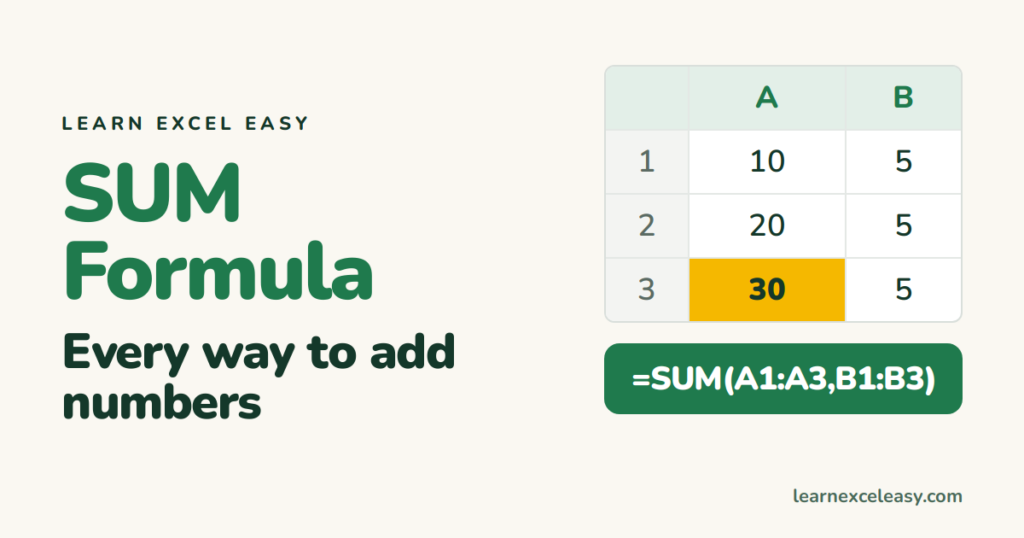
How to add numbers in a column in Excel with SUM or Alt+=, plus adding separate cells, whole columns, across sheets, and with conditions.

Make an Excel drop down list with a data validation list in 30 seconds, from typed options or from a range, and edit it later.
