
XLOOKUP vs VLOOKUP: which one should you use?
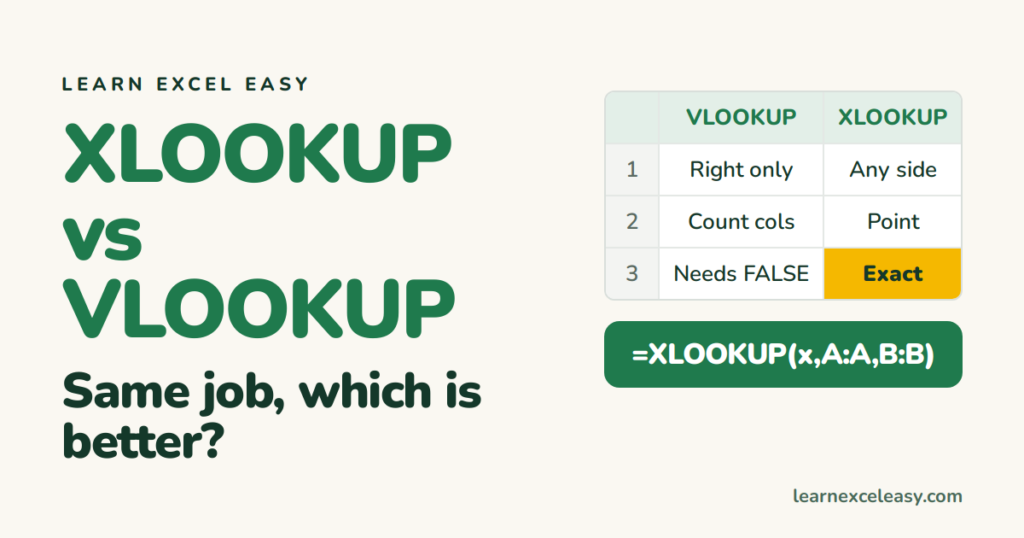
Both find a value in a list and return something from the same row. XLOOKUP is the newer one. If your Excel has it, use it.
The same task, both ways
Find the price of the item typed in D1, from a list with names in A and prices in B.
=VLOOKUP(D1, A:B, 2, FALSE)
=XLOOKUP(D1, A:A, B:B)
Five differences
| VLOOKUP | XLOOKUP | |
|---|---|---|
| Return column | Must be to the right of the lookup column | Anywhere, left or right |
| How you name it | Count columns (2, 3, 4…) | Point at the column |
| Exact match | Must add FALSE or it guesses | Exact by default |
| Not found | #N/A, wrap in IFERROR | Built-in: 4th part is your message |
| Insert a column | Breaks (number now points elsewhere) | Still works |
When VLOOKUP still makes sense
- You share files with people on Excel 2019 or older — XLOOKUP shows
#NAME?for them. - A template already uses VLOOKUP and works. Do not rewrite for its own sake.
Bottom line
Excel 2021 or Microsoft 365: use XLOOKUP. Older Excel: use VLOOKUP with FALSE, or INDEX MATCH when the return column is on the left.

20 years with spreadsheets and enterprise systems. Writes one short, plain-English Excel lesson a day. Got an Excel question? learnexceleasycom@gmail.com
