

Print, Share & Protect
Password Protect an Excel File: so it cannot be opened
Password protect an Excel file so nobody can open it without the password, set a separate edit password, and remove the password later.
Short, plain-English tutorials on formulas, shortcuts, charts and everyday Excel tasks. No jargon. One idea per post.
Start here Get Daily One Lesson
Password protect an Excel file so nobody can open it without the password, set a separate edit password, and remove the password later.
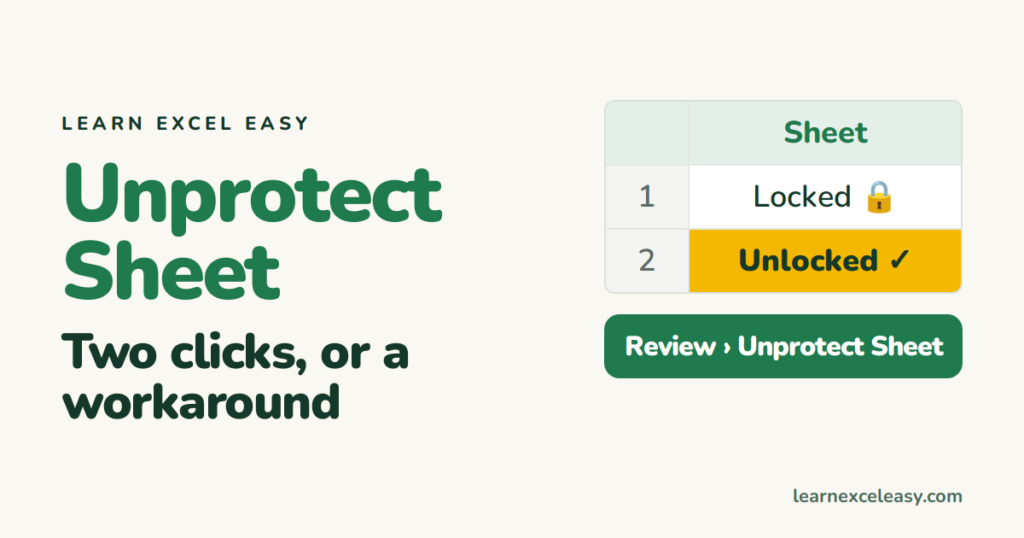
Unprotect an Excel sheet in two clicks when you know the password, what to do when you don't, and the difference from workbook protection.
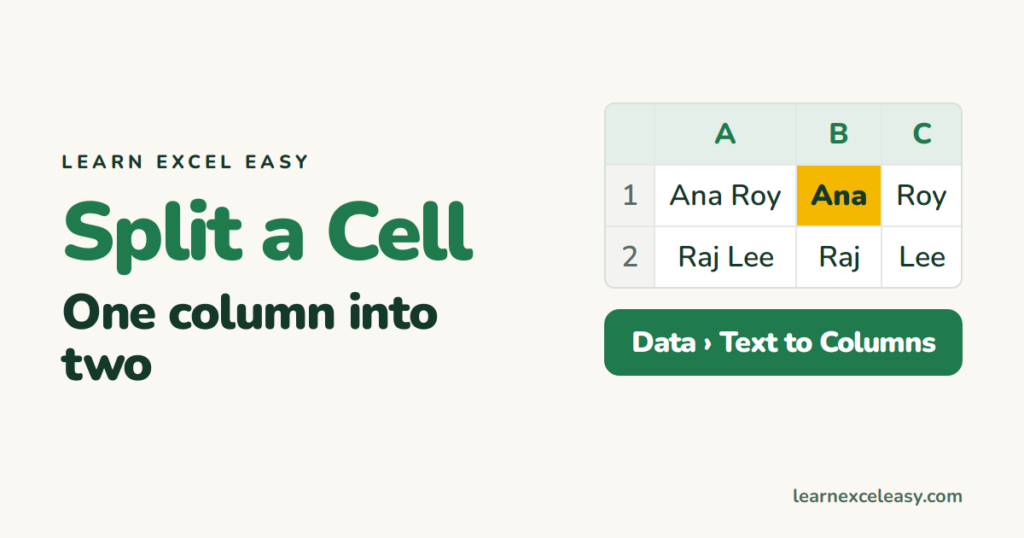
Split a cell in Excel: full names into first and last with Text to Columns, or the instant Flash Fill trick, plus TEXTSPLIT for newer Excel.
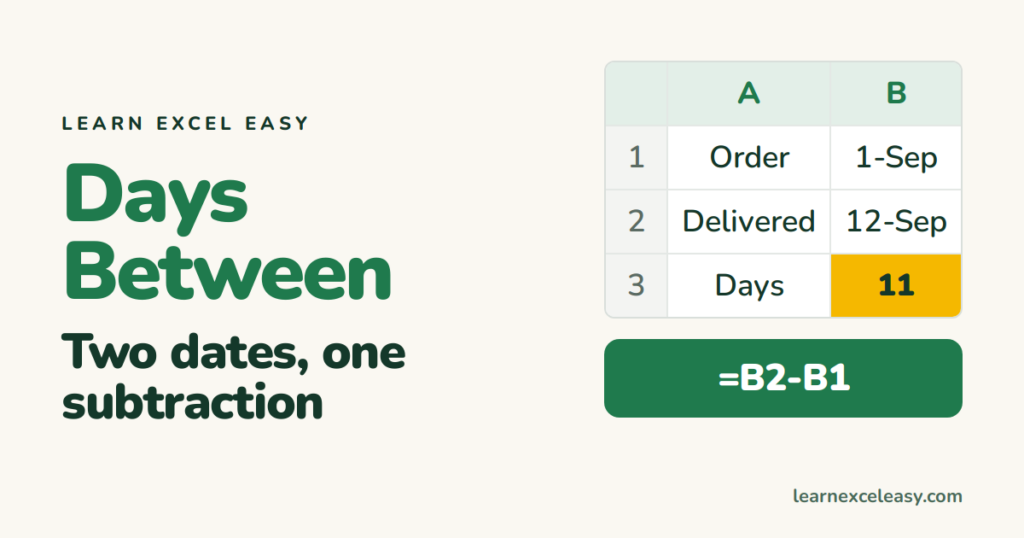
Count days between two dates in Excel by subtracting them, count only working days with NETWORKDAYS, and fix the result that shows as a date.

Excel DATEDIF explained: the hidden function that gives full years, months or days between two dates — ages, service length, contract terms.

The Excel TODAY function: insert a date that updates every day, count days until a deadline, and the shortcut for a date that never changes.
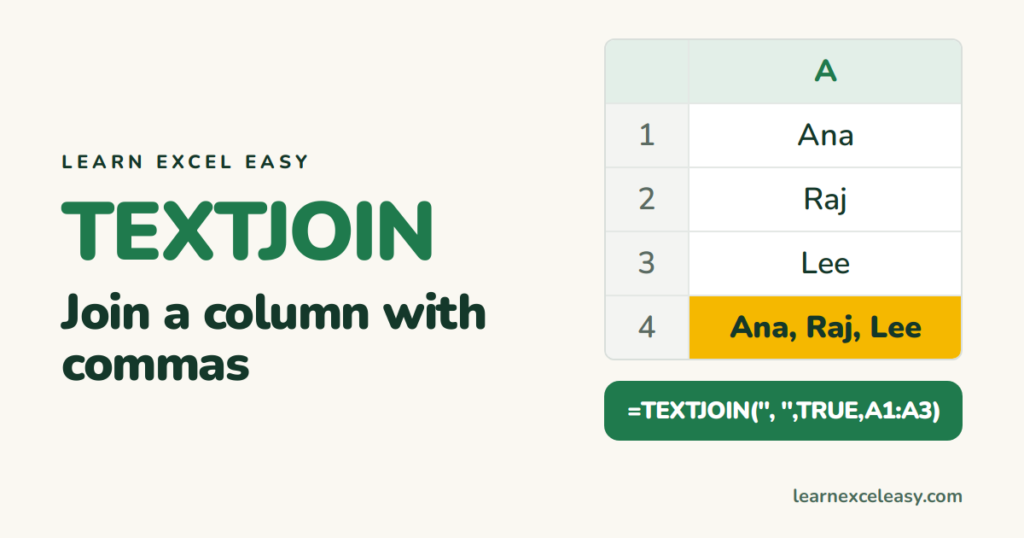
TEXTJOIN in Excel joins a range of cells with any separator and skips blanks — the one-formula way to make a comma list.

Find and replace in Excel with Ctrl+H: change a word across the sheet, replace in a selection only, and remove characters by replacing with nothing.
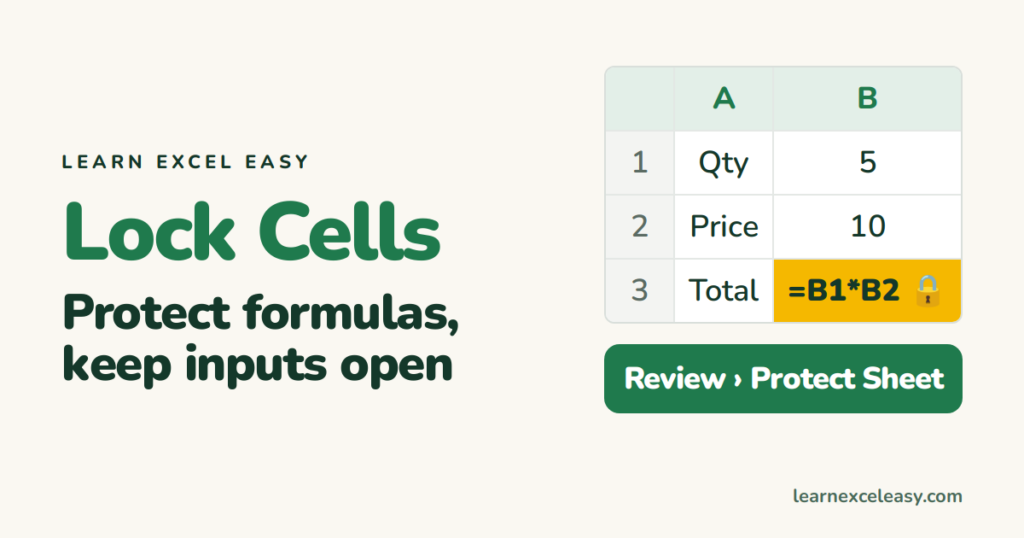
Lock cells in Excel so formulas cannot be edited while input cells stay open — the two-step method that catches everyone out.
