
Charts
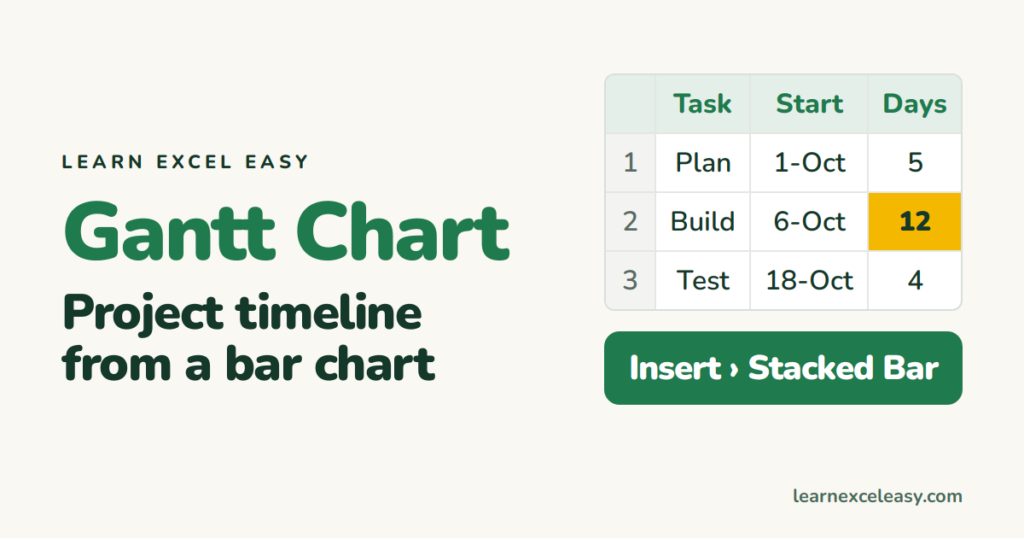
Excel Gantt Chart: build a project timeline from a bar chart
Build an Excel Gantt chart in eight steps from a stacked bar chart: tasks, start dates, durations, and the one trick that hides the first bar.
Short, plain-English tutorials on formulas, shortcuts, charts and everyday Excel tasks. No jargon. One idea per post.
Start here Get Daily One Lesson
Build an Excel Gantt chart in eight steps from a stacked bar chart: tasks, start dates, durations, and the one trick that hides the first bar.
Excel for beginners: cells, typing, the fill handle, your first formula, saving — the ten things to learn on day one, in order, each with a link to its lesson.
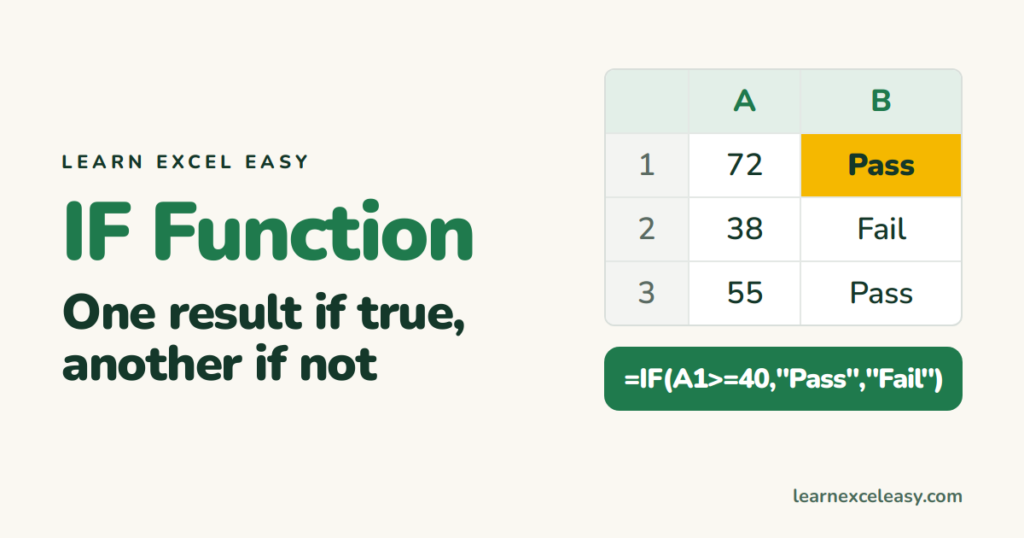
The IF function in Excel with one example: pass or fail, then two conditions with AND, and several outcomes with nested IF or IFS.
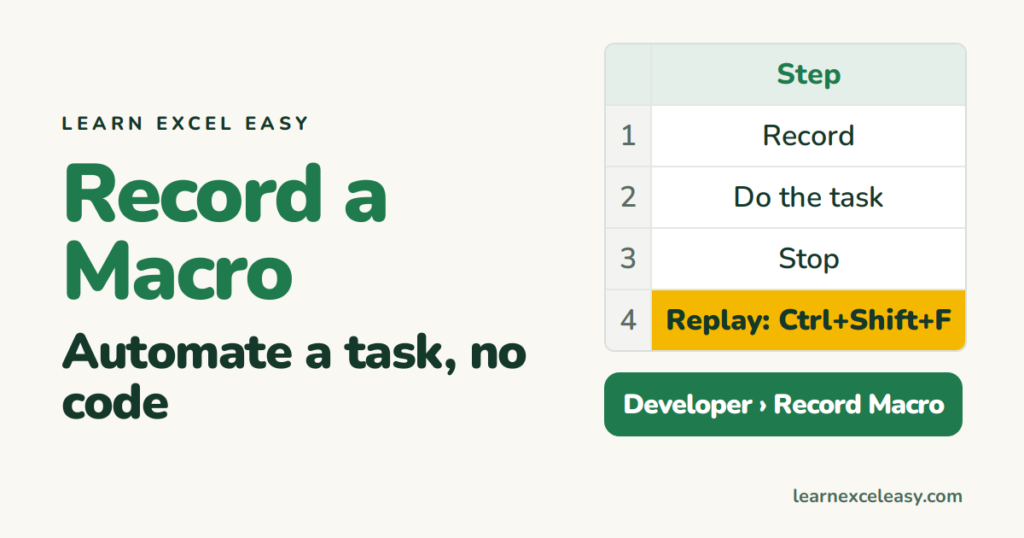
Record a macro in Excel with no code: turn the Developer tab on, record a formatting task, replay it with a shortcut, and save the file so the macro survives.
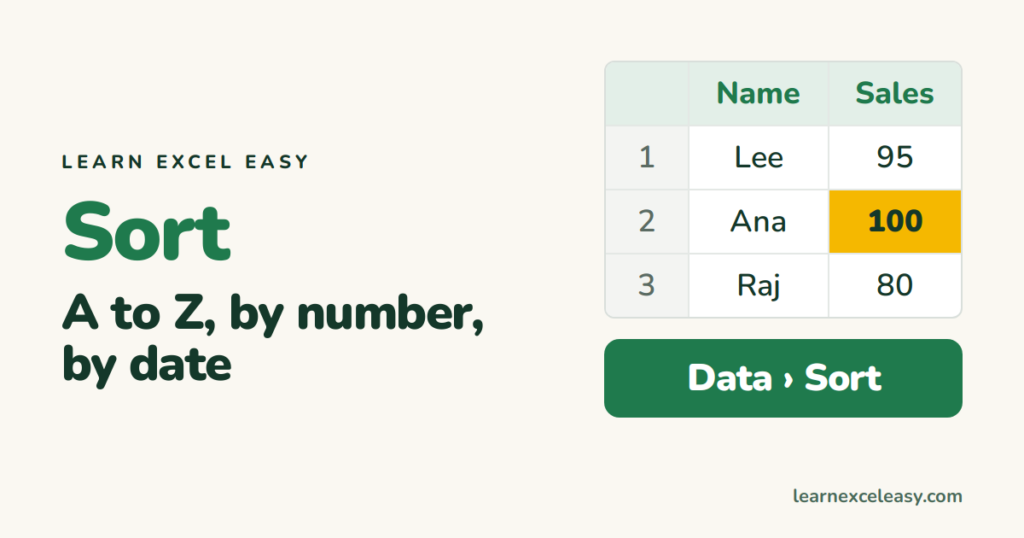
Sort in Excel without scrambling your data: one column, two columns (by city then name), by date, and put it back the way it was.
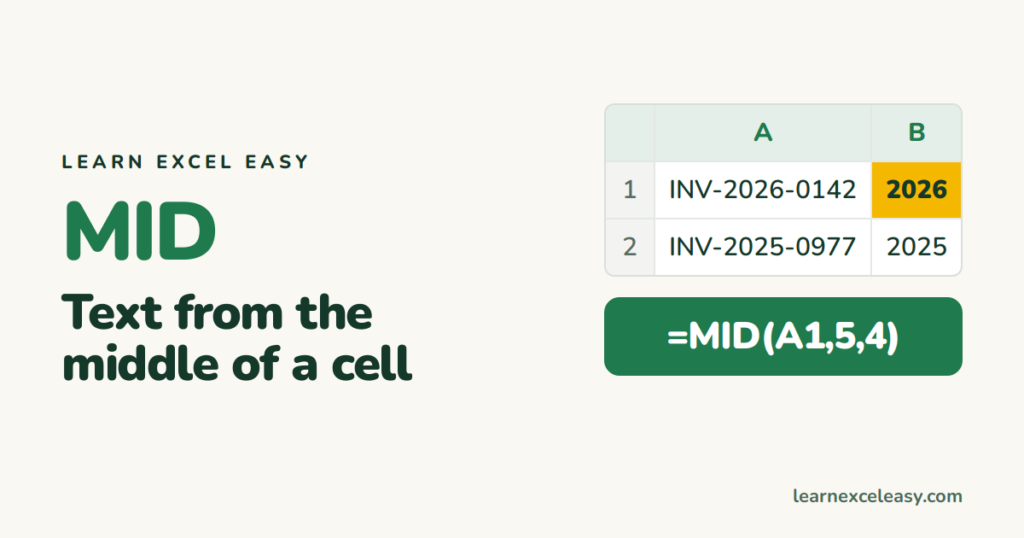
The Excel MID function with LEFT and RIGHT: extract characters from the middle, start, or end of a cell — product codes, area codes, years.
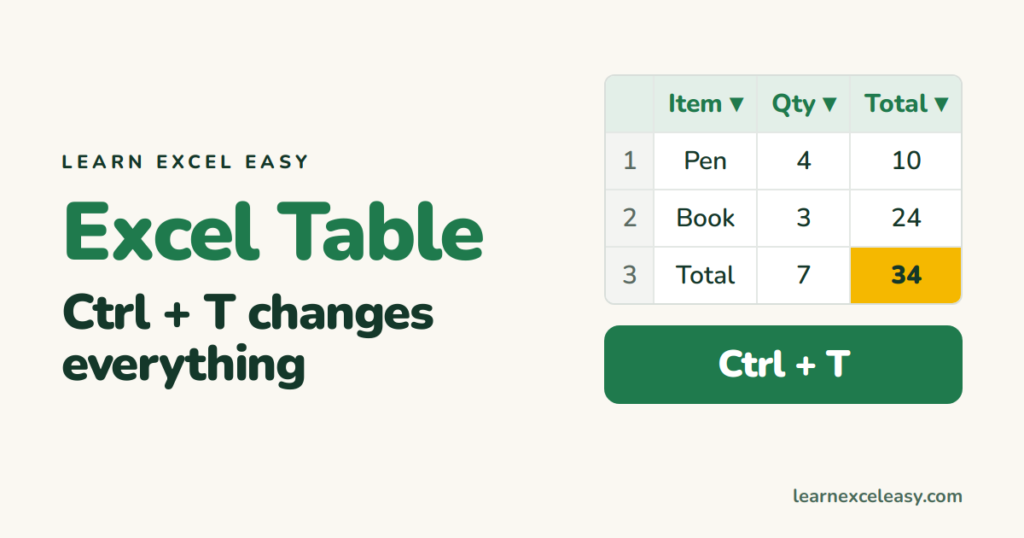
Turn a range into an Excel Table with Ctrl+T: automatic stripes, filters, formulas that copy themselves, and a total row.
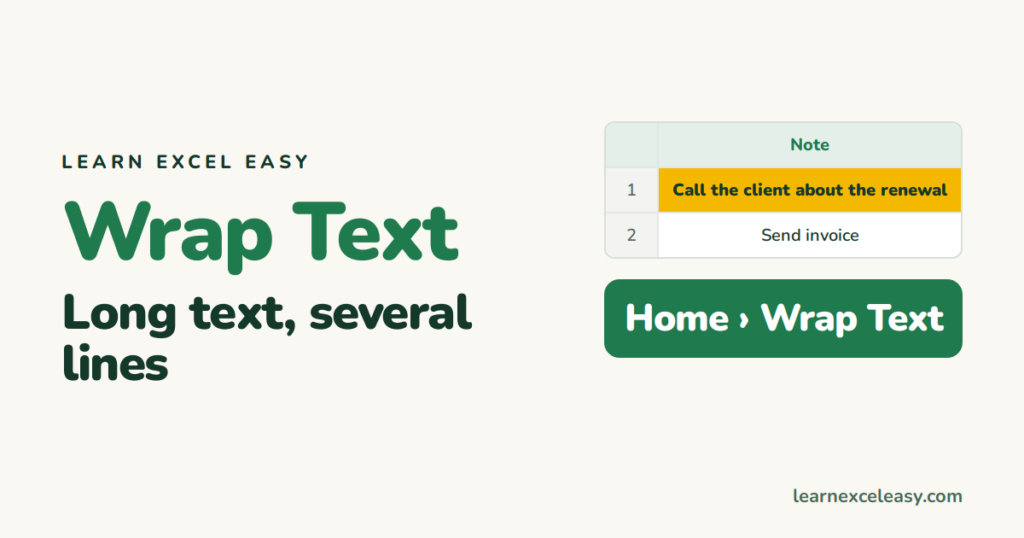
Wrap text in Excel so long entries show on several lines inside the cell, add a manual line break, and fix rows that will not grow.
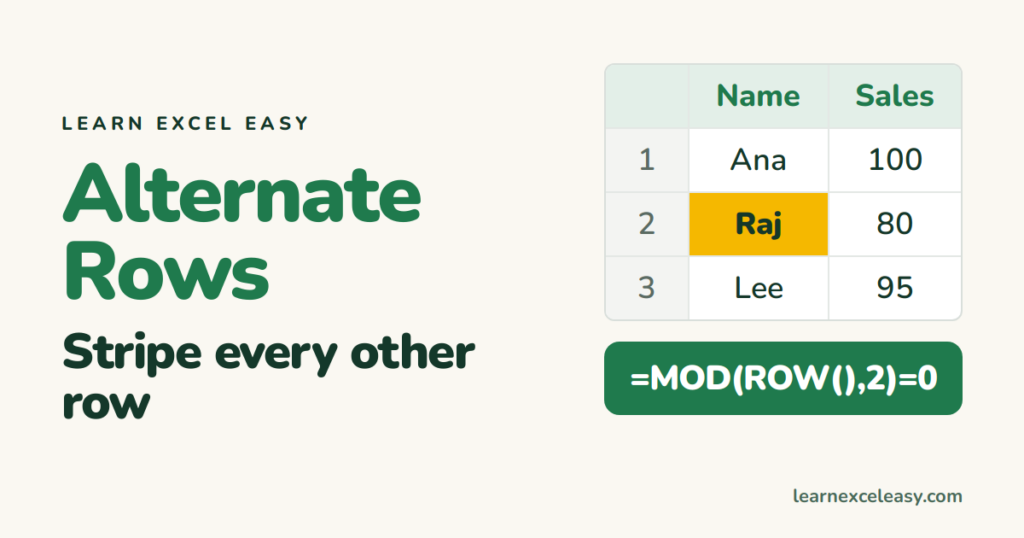
Colour alternate rows in Excel two ways: instantly with a Table, or with one conditional formatting formula that survives sorting.
