

Data Cleaning
Find and Replace in Excel: fix a word everywhere at once
Find and replace in Excel with Ctrl+H: change a word across the sheet, replace in a selection only, and remove characters by replacing with nothing.
Find and replace in Excel with Ctrl+H: change a word across the sheet, replace in a selection only, and remove characters by replacing with nothing.
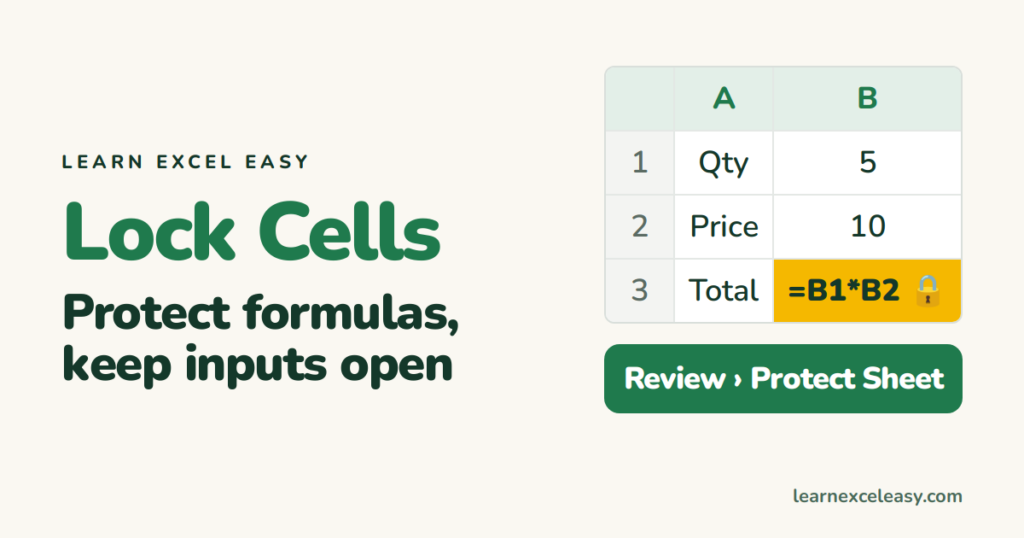
Lock cells in Excel so formulas cannot be edited while input cells stay open — the two-step method that catches everyone out.

Freeze panes in Excel so the heading row (or first column) stays put while you scroll, and how to unfreeze.
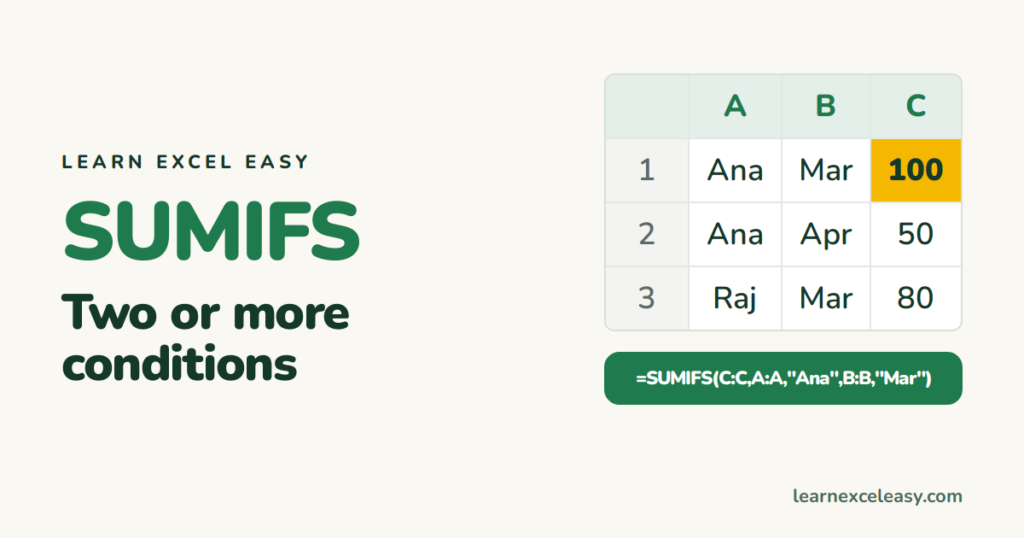
SUMIFS in Excel: add sales for one person in one month, or amounts between two dates — several conditions, one formula.

Turn on the Excel filter with one shortcut, filter by value, text, number or date, see how many rows match, and clear it.
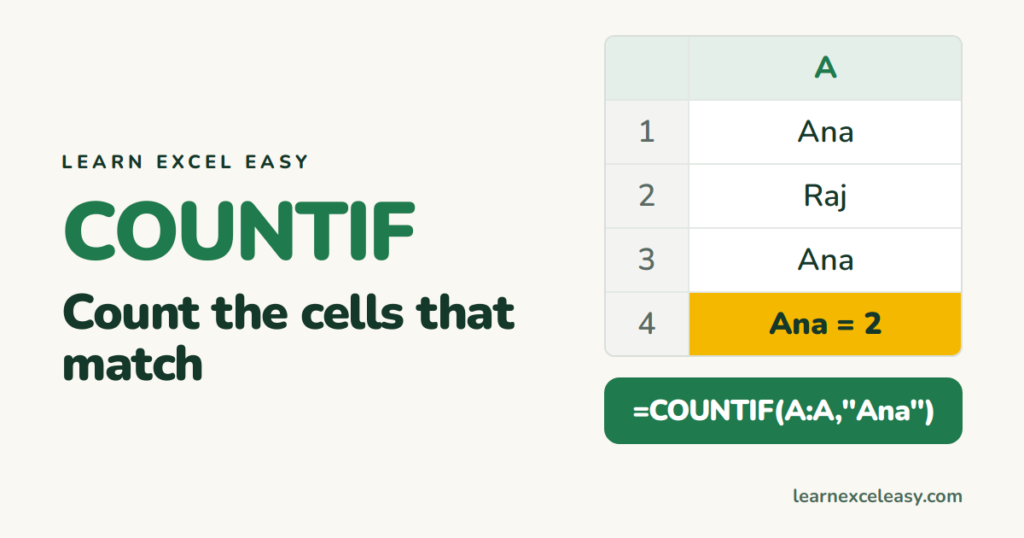
COUNTIF in Excel: count how many times a name appears, how many values are over a number, how many cells are blank or not.

The Excel percentage formula for the three jobs people need: percent of a total, percentage change, and taking a discount off a price.
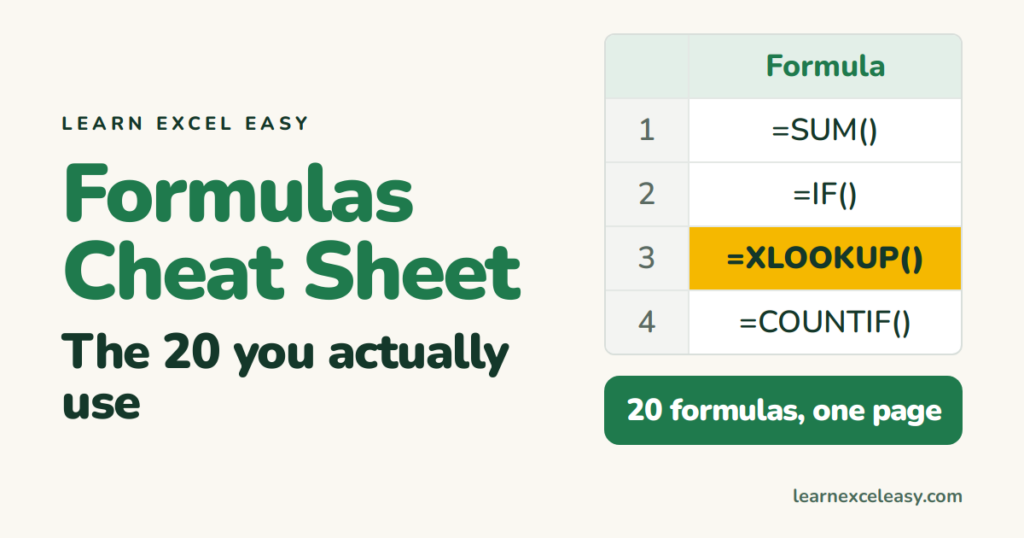
An Excel formulas cheat sheet with the 20 formulas people use every week — what each does, the exact syntax, and a link to the full lesson.

SUMIF in Excel: add sales for one person, amounts over a number, or dates in a month — one condition, one formula.
One short Excel lesson in your inbox every morning. Free, no spam, unsubscribe any time.
Also join us on Facebook
