

Excel Basics
How to Move a Column in Excel (without overwriting anything)
How to move a column in Excel: the Shift-drag method that inserts instead of overwriting, cut and insert, and swapping two columns.
How to move a column in Excel: the Shift-drag method that inserts instead of overwriting, cut and insert, and swapping two columns.
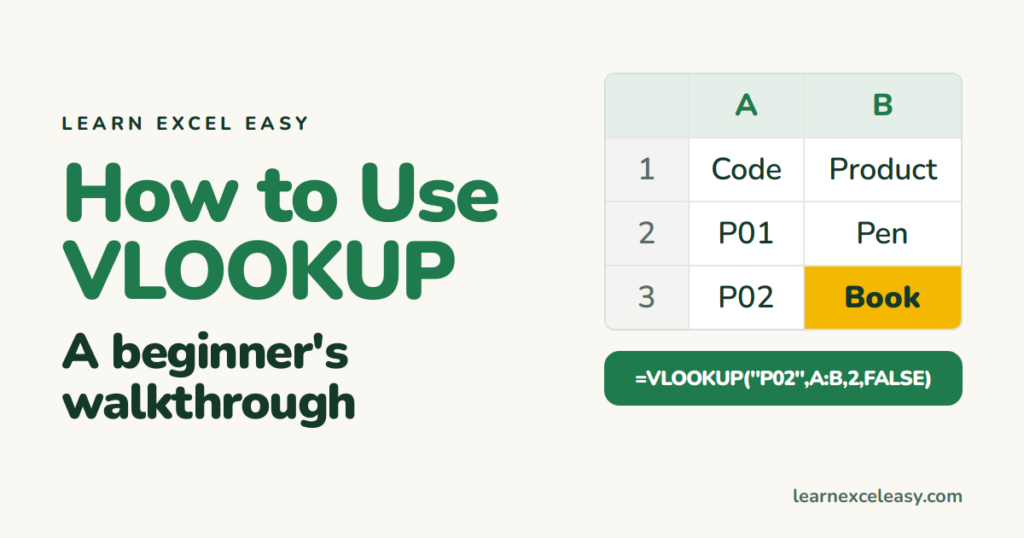
How to use VLOOKUP in Excel from a blank sheet: build the lookup table, write the formula piece by piece, copy it down, and fix #N/A.
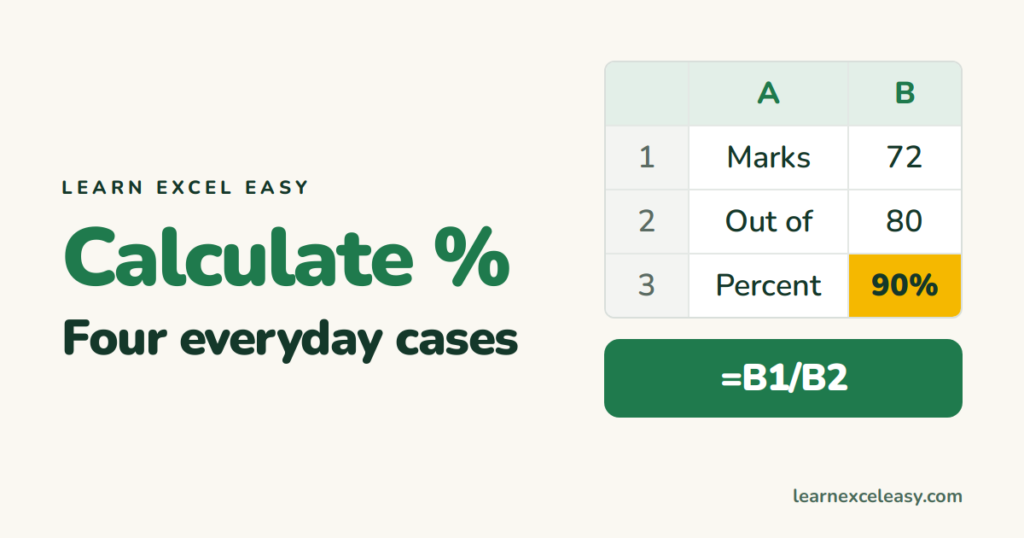
How to calculate percentage in Excel: marks out of total, share of a whole, increase from last year, and a discount — each in two steps.

What an Excel function is, how it differs from a formula, how to type one with autocomplete, and the twelve functions worth learning in order.
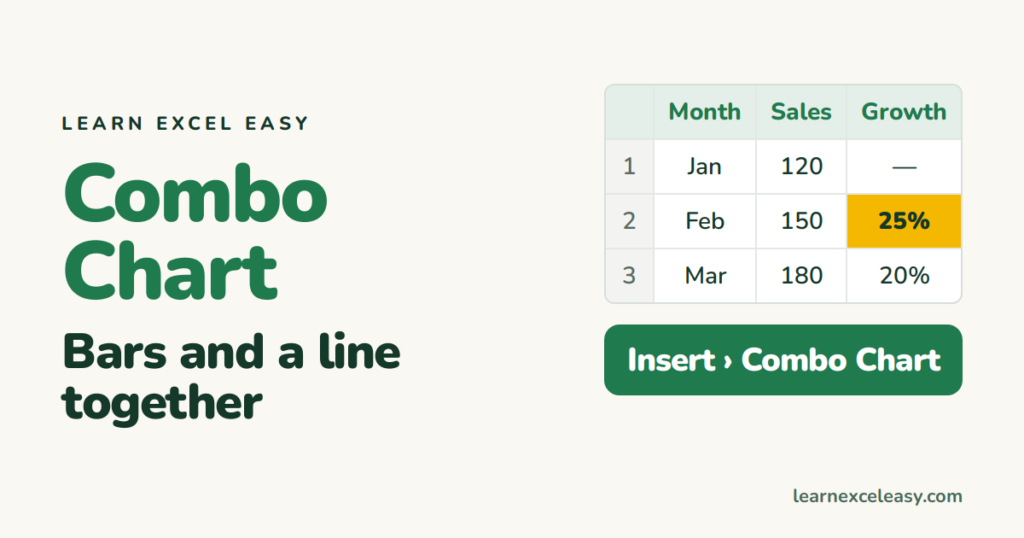
Make an Excel combo chart: sales as bars and growth % as a line on a second axis, in five steps, with the two settings that make it readable.

Repeat the heading row on every printed page in Excel with Print Titles, repeat a column too, and add page numbers in the footer.
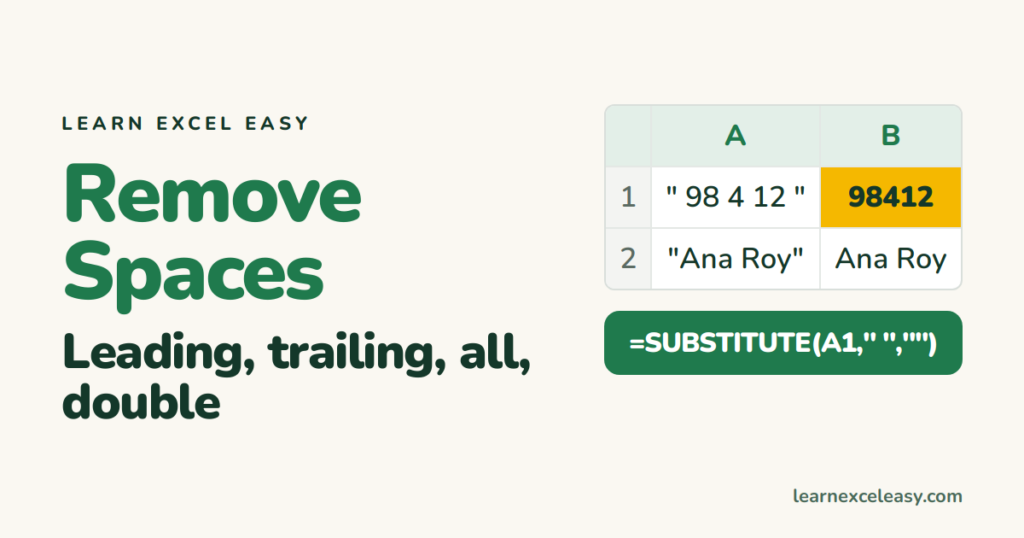
Remove spaces in Excel: TRIM for extra spaces, SUBSTITUTE for every space, Find and Replace for a one-off, and the invisible space that survives all three.

Insert a row in Excel with Ctrl+Shift+Plus, delete with Ctrl+Minus, insert several at once, and insert a column the same way.
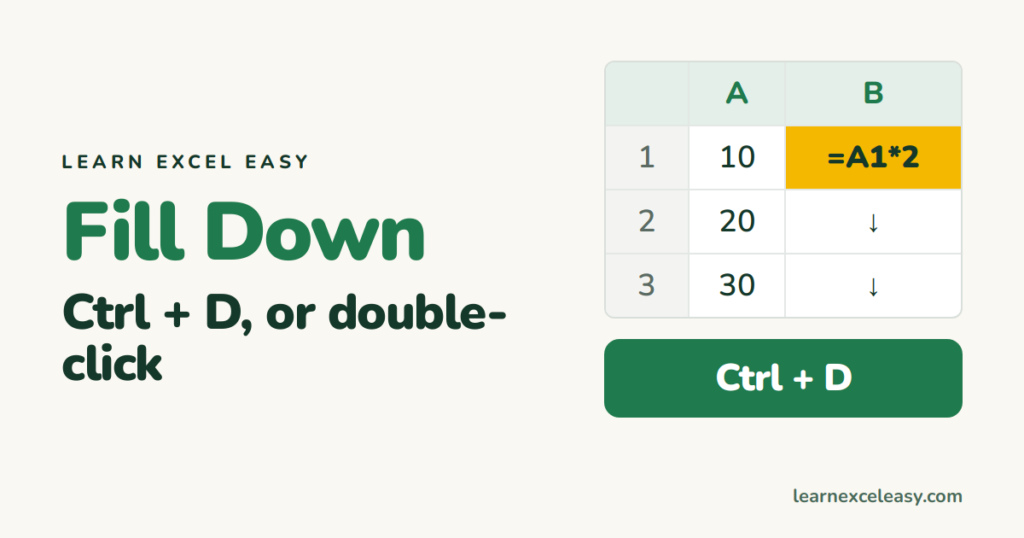
The Excel fill down shortcut Ctrl+D, fill right with Ctrl+R, the double-click that fills to the bottom, and filling only the blank cells.
One short Excel lesson in your inbox every morning. Free, no spam, unsubscribe any time.
Also join us on Facebook
