
Data Cleaning
How to Separate Data in a Cell in Excel (names, addresses, codes)
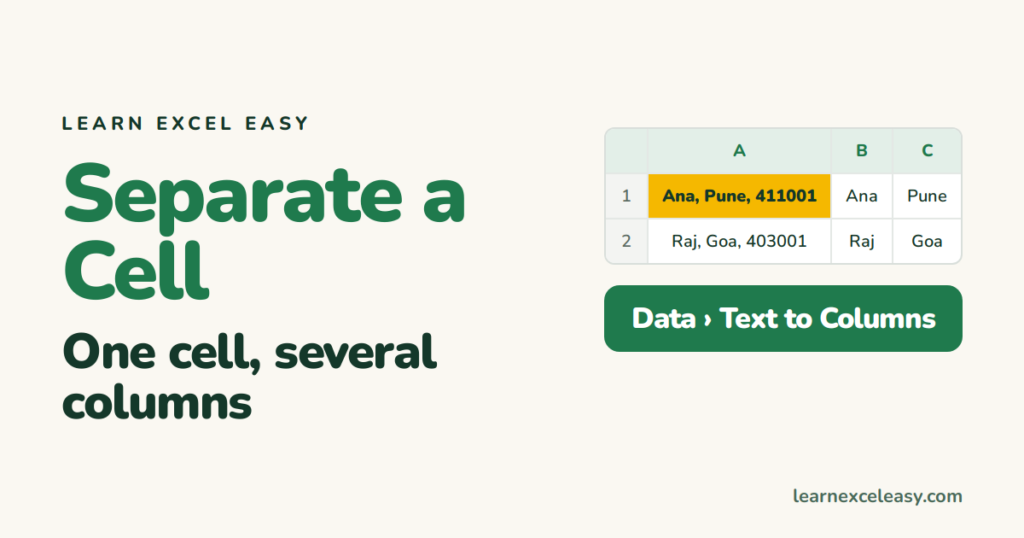
Separate data in one Excel cell into several: by comma or space with Text to Columns, by pattern with Flash Fill, or with TEXTSPLIT — and which to pick.
Separate data in one Excel cell into several: by comma or space with Text to Columns, by pattern with Flash Fill, or with TEXTSPLIT — and which to pick.

Convert text to numbers in Excel: the green-triangle button, Paste Special multiply, VALUE, and Text to Columns — and how to tell text from numbers.

Remove spaces in Excel: TRIM for extra spaces, SUBSTITUTE for every space, Find and Replace for a one-off, and the invisible space that survives all three.

TRIM in Excel removes leading, trailing and double spaces — the fix for VLOOKUPs that fail and duplicates that won't merge. Plus the space TRIM cannot remove.

Text to Columns in Excel step by step: split by comma, space or a fixed width, keep leading zeros, and undo when it goes wrong.

How to remove blank rows in Excel in one go: Go To Special for fully empty rows, the filter method for partly empty rows, and the mistake that deletes real data.
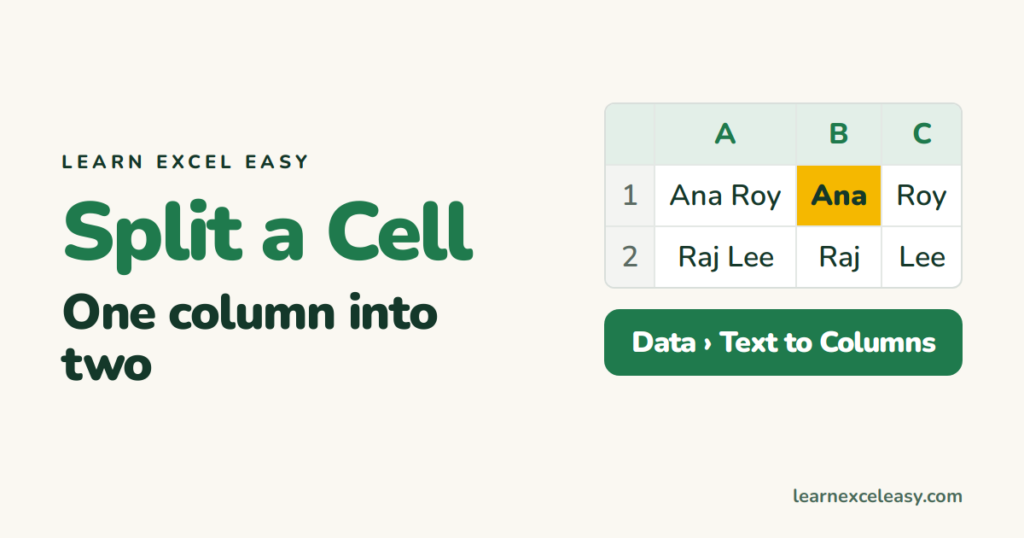
Split a cell in Excel: full names into first and last with Text to Columns, or the instant Flash Fill trick, plus TEXTSPLIT for newer Excel.

Find and replace in Excel with Ctrl+H: change a word across the sheet, replace in a selection only, and remove characters by replacing with nothing.

Remove duplicates in Excel with the built-in button in three clicks, and see the two ways it goes wrong.
