

Formulas & Functions
Excel RANK Formula: rank scores or sales from highest to lowest
RANK.EQ gives each number its position in a list: 1 for the highest, or 1 for the lowest. How ties work, ranking within groups, and ranking without duplicates.
RANK.EQ gives each number its position in a list: 1 for the highest, or 1 for the lowest. How ties work, ranking within groups, and ranking without duplicates.
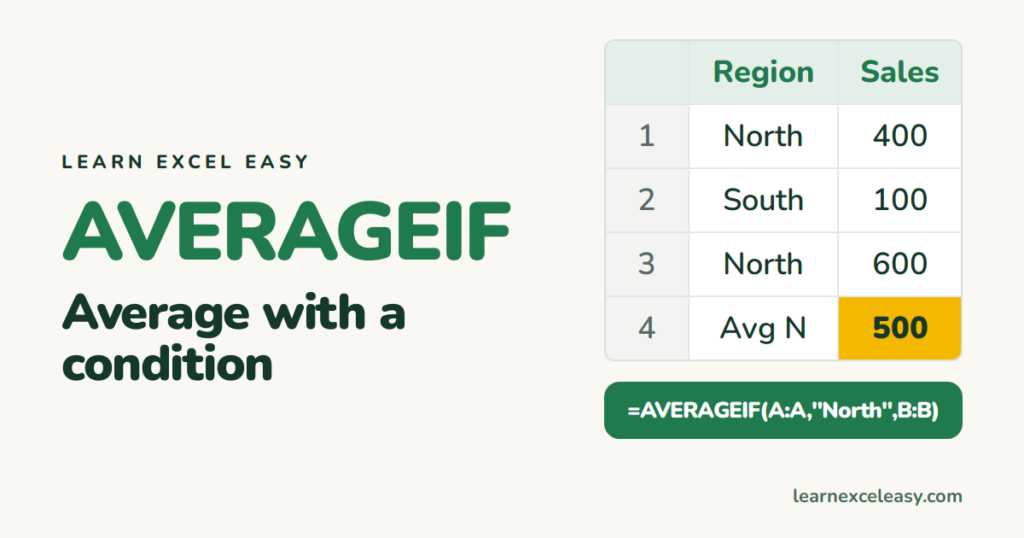
AVERAGEIF averages only the numbers that meet a condition: sales for one region, scores above zero, amounts for one product. Syntax, examples, AVERAGEIFS for two conditions.
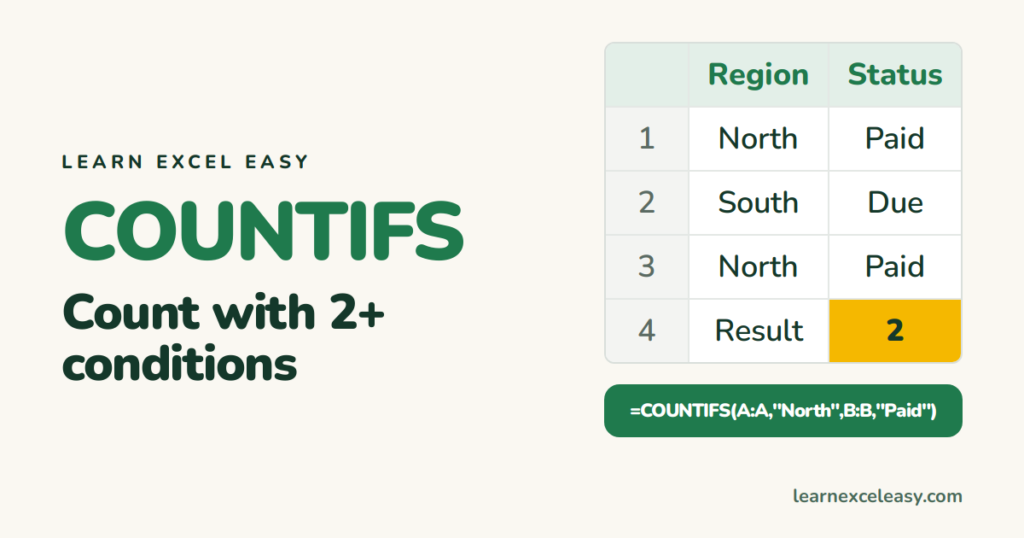
COUNTIFS counts rows that meet several conditions at once: region AND month, status AND owner, dates between two limits. Syntax, 5 real examples and the mistakes that return 0.
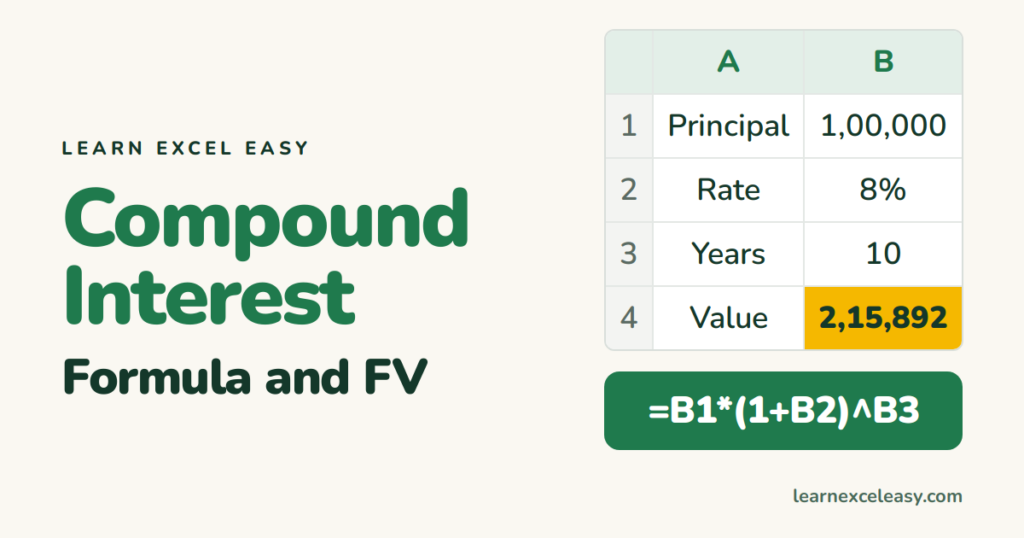
Calculate compound interest in Excel with the plain formula, with FV, with monthly compounding, with monthly deposits, and build a year-by-year table.
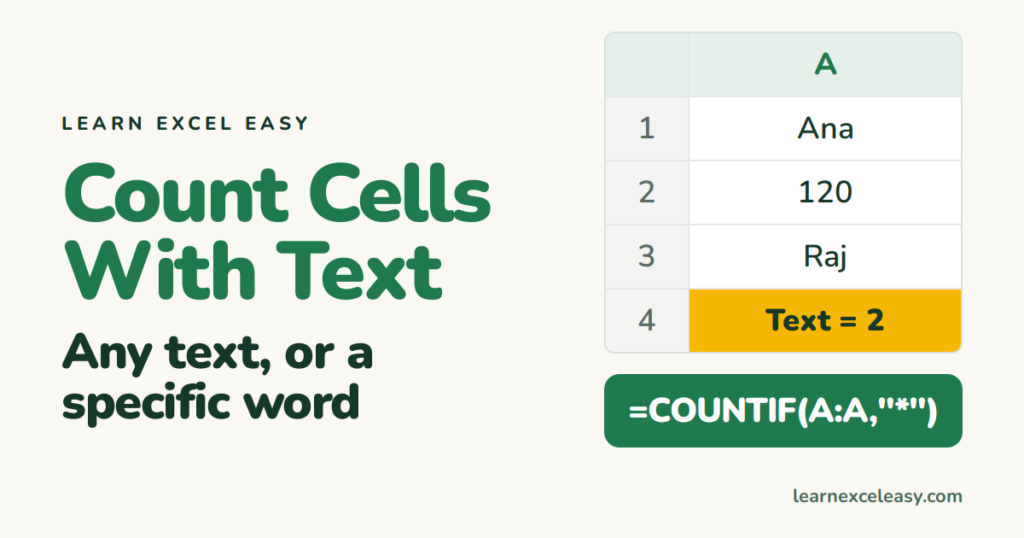
Count cells that contain any text in Excel with COUNTIF and a wildcard, count cells with specific text, and count non-empty cells including numbers.
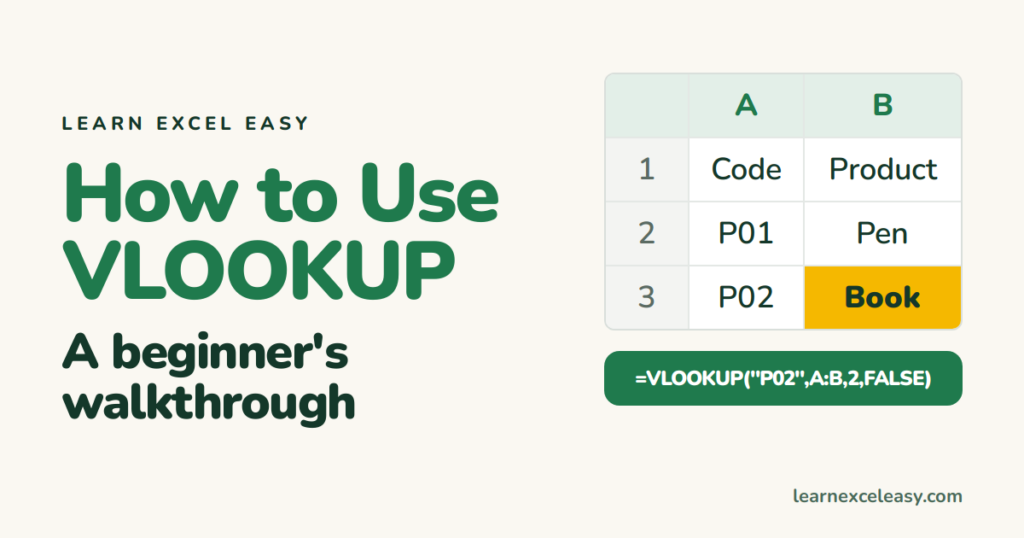
How to use VLOOKUP in Excel from a blank sheet: build the lookup table, write the formula piece by piece, copy it down, and fix #N/A.
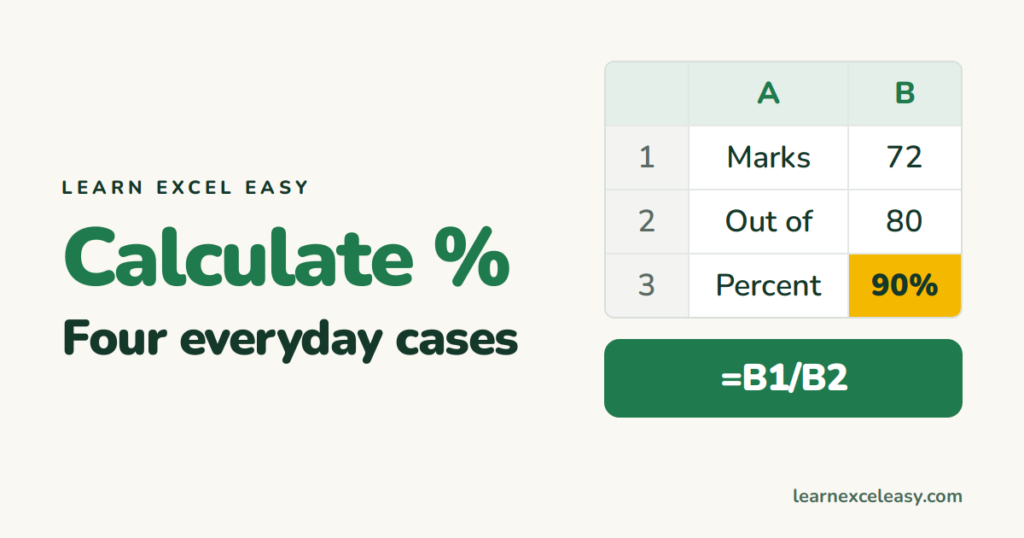
How to calculate percentage in Excel: marks out of total, share of a whole, increase from last year, and a discount — each in two steps.
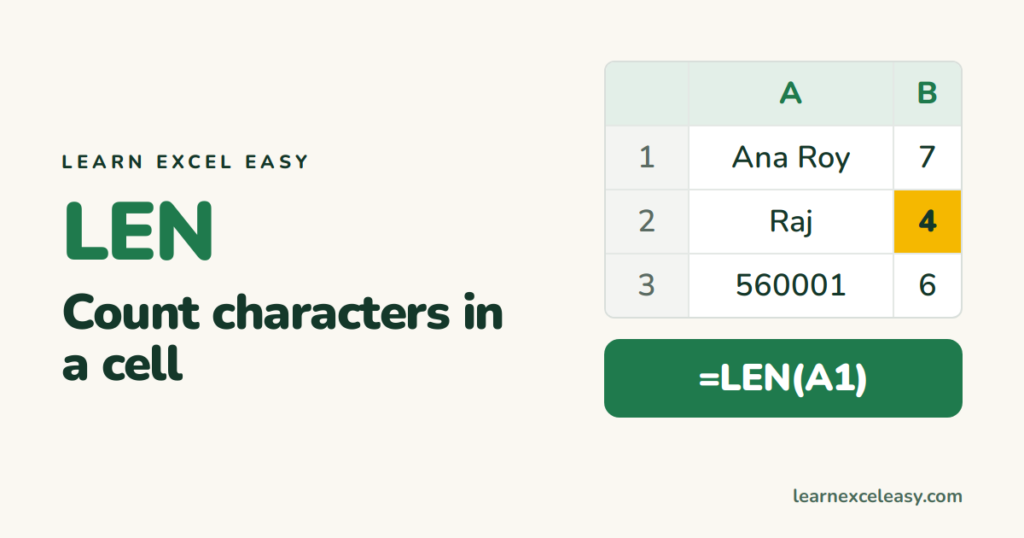
The Excel LEN function counts characters — use it to find cells that are too long, spot hidden spaces, and check codes are the right length.
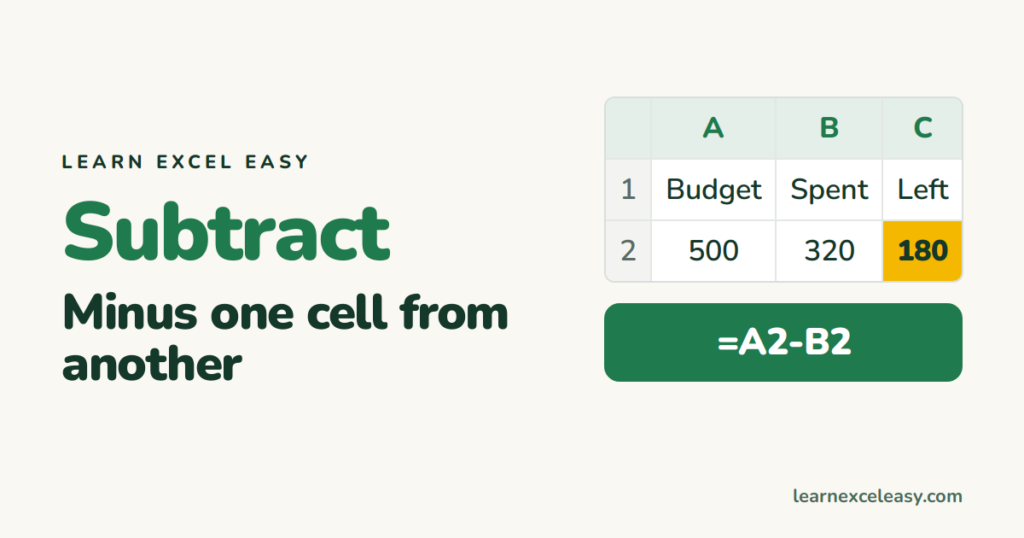
There is no SUBTRACT function in Excel — use the minus sign. Subtract two cells, a column from another, a fixed number, and dates.
