
Excel Subtract Formula: minus one cell from another
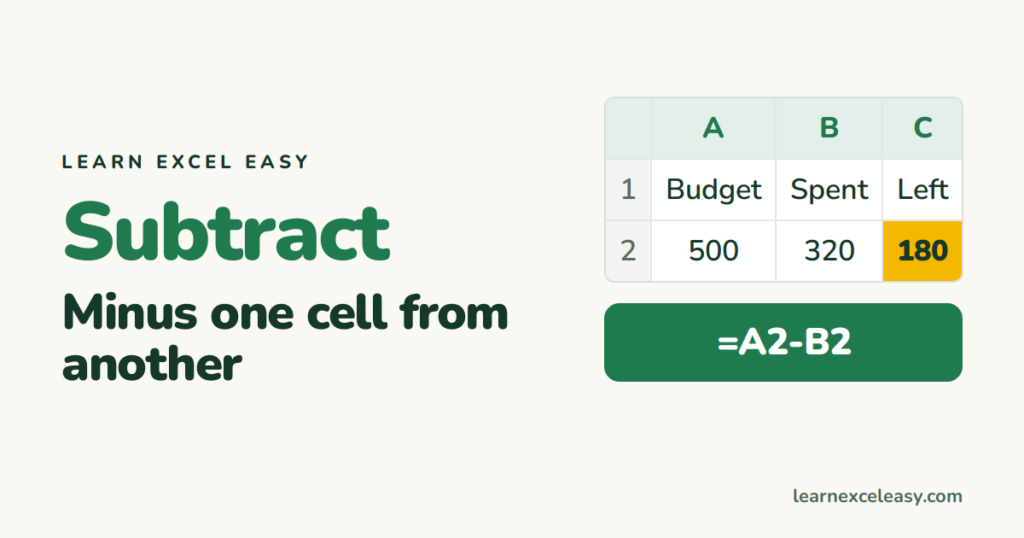
There is no SUBTRACT function. Excel uses the minus sign, exactly like a calculator.
Steps
- Budget in A2, spent in B2.
- Click C2. Type
=A2-B2. Enter.
Result: 180.
Subtract a whole column
Drag C2 down. Each row subtracts its own B from its own A.
Subtract a fixed number
Every price minus a 50 discount: =A2-50. Or discount in E1, locked: =A2-$E$1.
Subtract several cells
=A2-B2-C2-D2
Or one total minus a group: =A2-SUM(B2:D2).
Subtract dates
=B2-A2 gives the days between two dates. See days between dates.
Subtract a percentage
Take 20% off: =A2*(1-20%). Details in percentage formula.
Check it worked
Change B2 to 0. C2 should equal A2.
Common mistakes
#VALUE! — one cell holds text. Convert to number.
Negative answer in brackets like (140) — that is just accounting format. Ctrl + Shift + ~ resets it.

20 years with spreadsheets and enterprise systems. Writes one short, plain-English Excel lesson a day. Got an Excel question? learnexceleasycom@gmail.com
