
Formulas & Functions
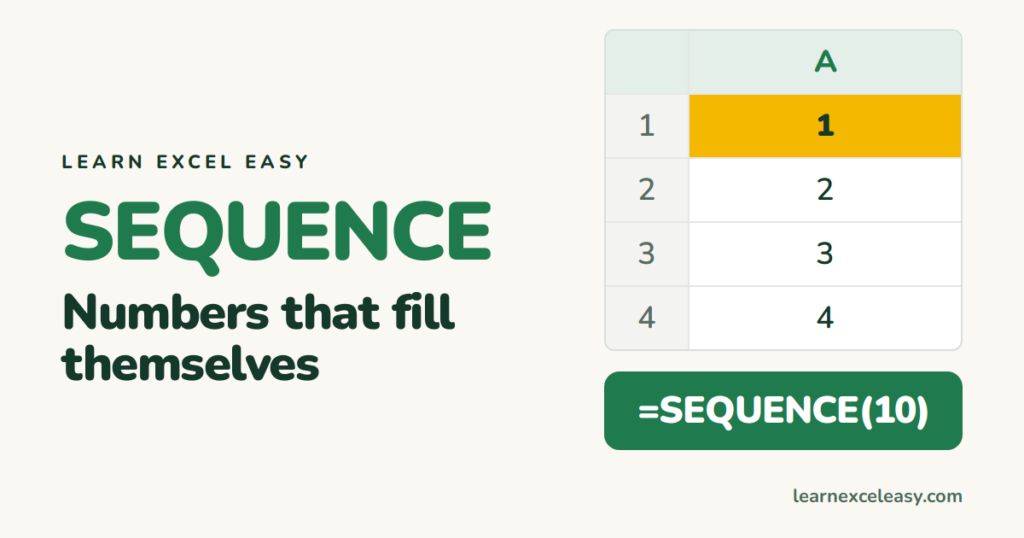
Excel SEQUENCE Function: number lists, dates and grids in one formula
SEQUENCE fills a list of numbers that updates itself: 1 to 100, every 5th number, a list of dates, a numbered grid. Excel 365 and 2021.
SEQUENCE fills a list of numbers that updates itself: 1 to 100, every 5th number, a list of dates, a numbered grid. Excel 365 and 2021.
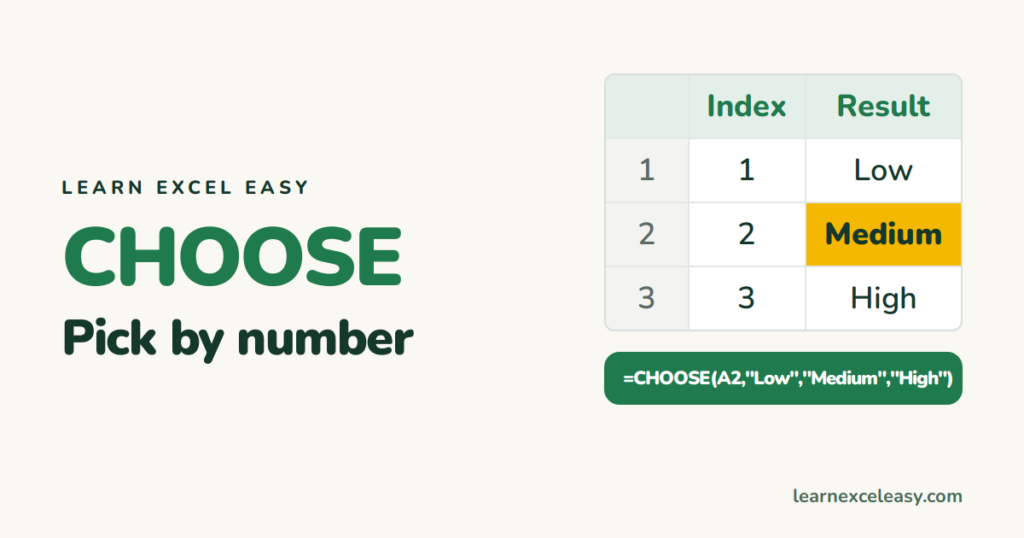
CHOOSE returns the 1st, 2nd or 3rd value from a list you type in. Weekday names, quarter labels, scenario switching, and the trick that makes VLOOKUP look left.
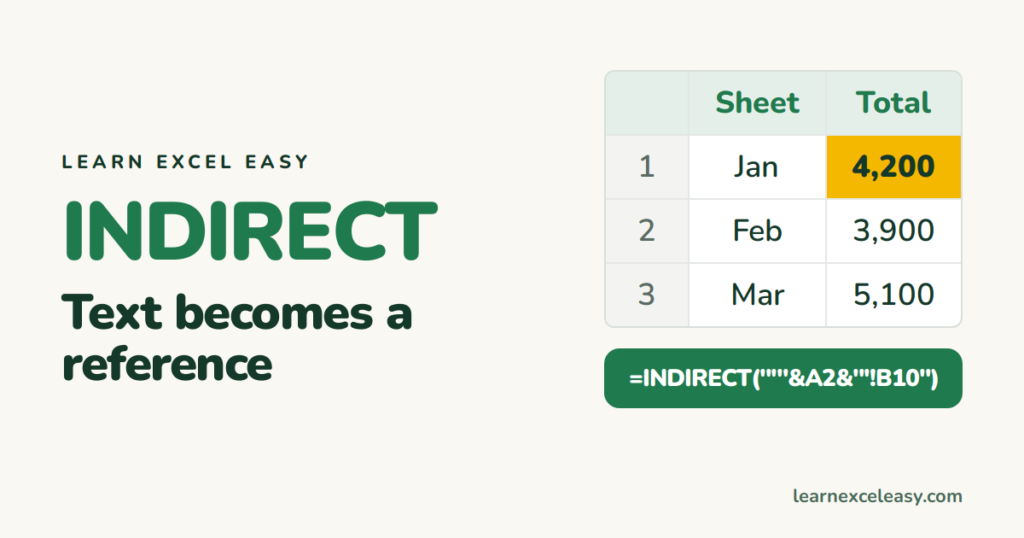
INDIRECT turns text like "Sheet2!B5" into a real reference. Pull the same cell from a sheet named in a cell, dependent dropdowns, and a lock that survives inserted rows.

OFFSET returns a range a set number of rows and columns away from a starting cell. Last 3 months total, a dropdown that grows with the list, and why INDEX is often better.

IFS checks conditions in order and returns the result for the first one that is true. Grades, commission bands and status labels without a tangle of nested IF brackets.
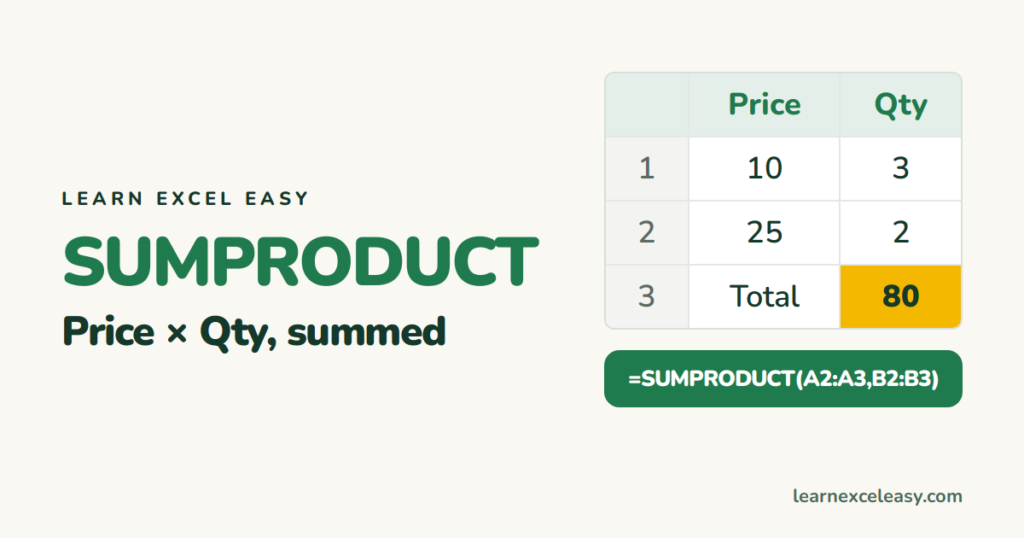
SUMPRODUCT multiplies columns row by row and adds the results: total sales from price × quantity, weighted averages, and multi-condition sums that work in any Excel version.
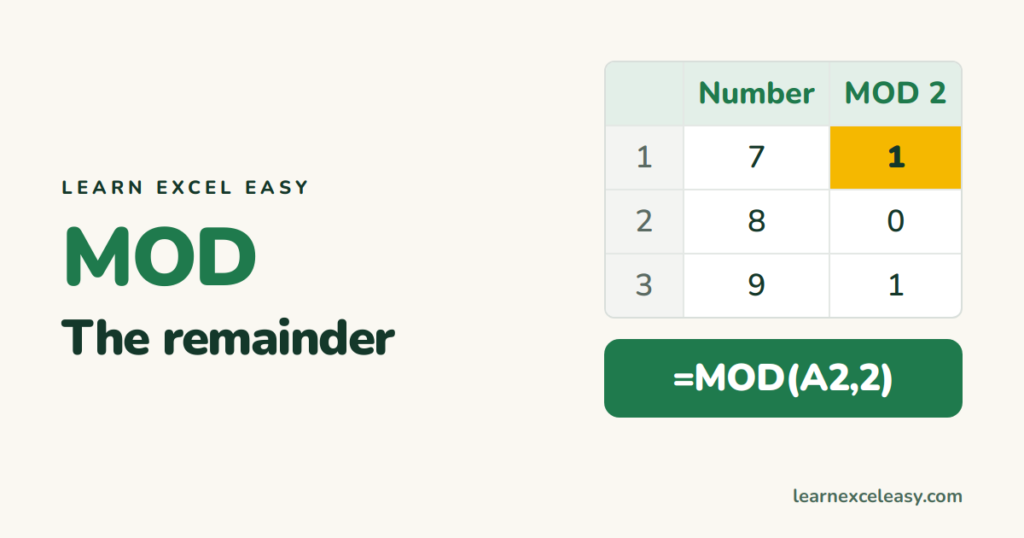
MOD returns the remainder after division. Use it to test odd or even, shade every 3rd row, split minutes into hours and minutes, and repeat a cycle.
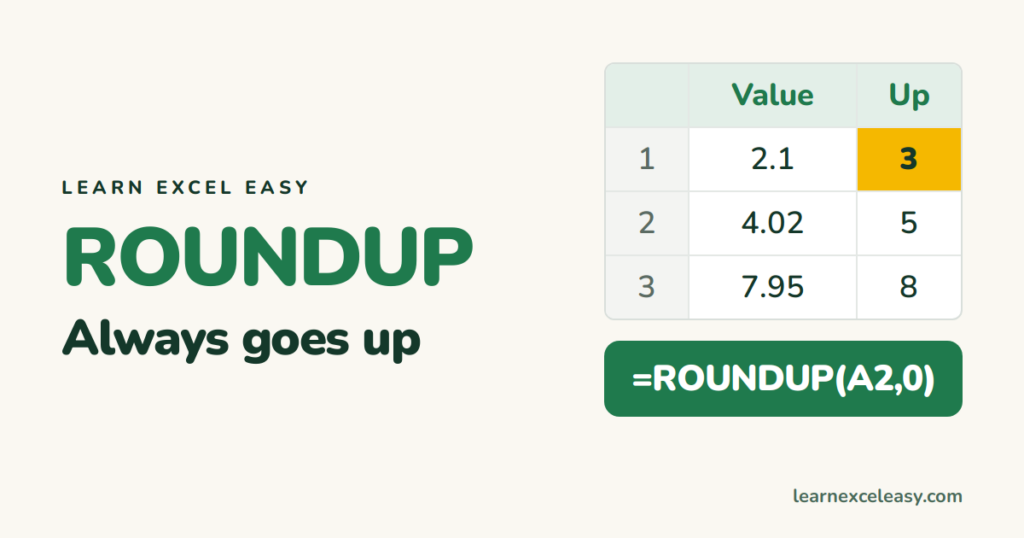
ROUNDUP always rounds away from zero: 2.1 becomes 3. How many digits to use, rounding up to the nearest 10 or 100, and when to use CEILING instead.
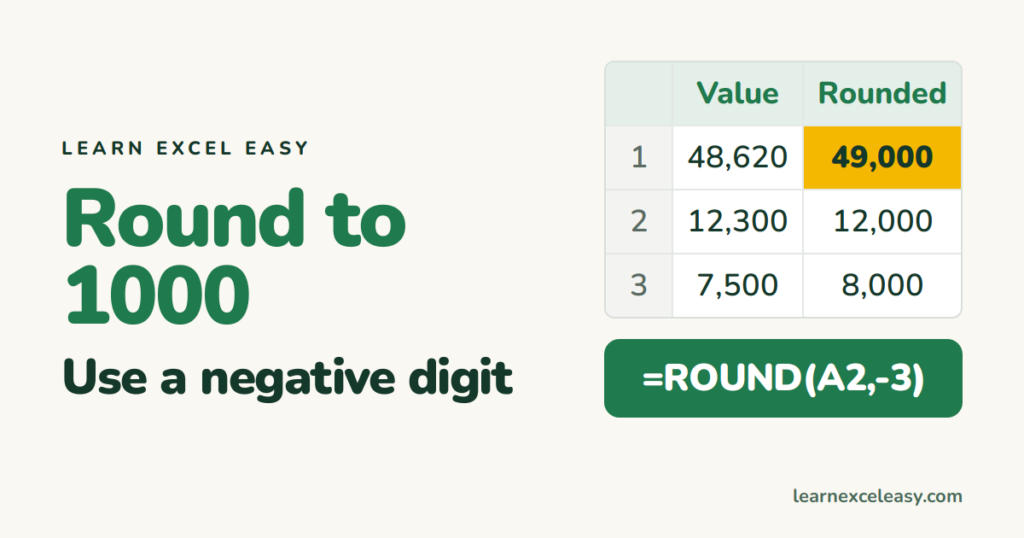
Round numbers to the nearest thousand, hundred or ten with ROUND and a negative digit. Always up, always down, to the nearest 5 or 0.5, and display-only rounding.
