
Lab › Data Cleaning
Data Cleaning: Excel Lab
Fix spaces and case, split names, build email IDs. Pick a lab. Watch how, then do it yourself.
LAB 23Beginner
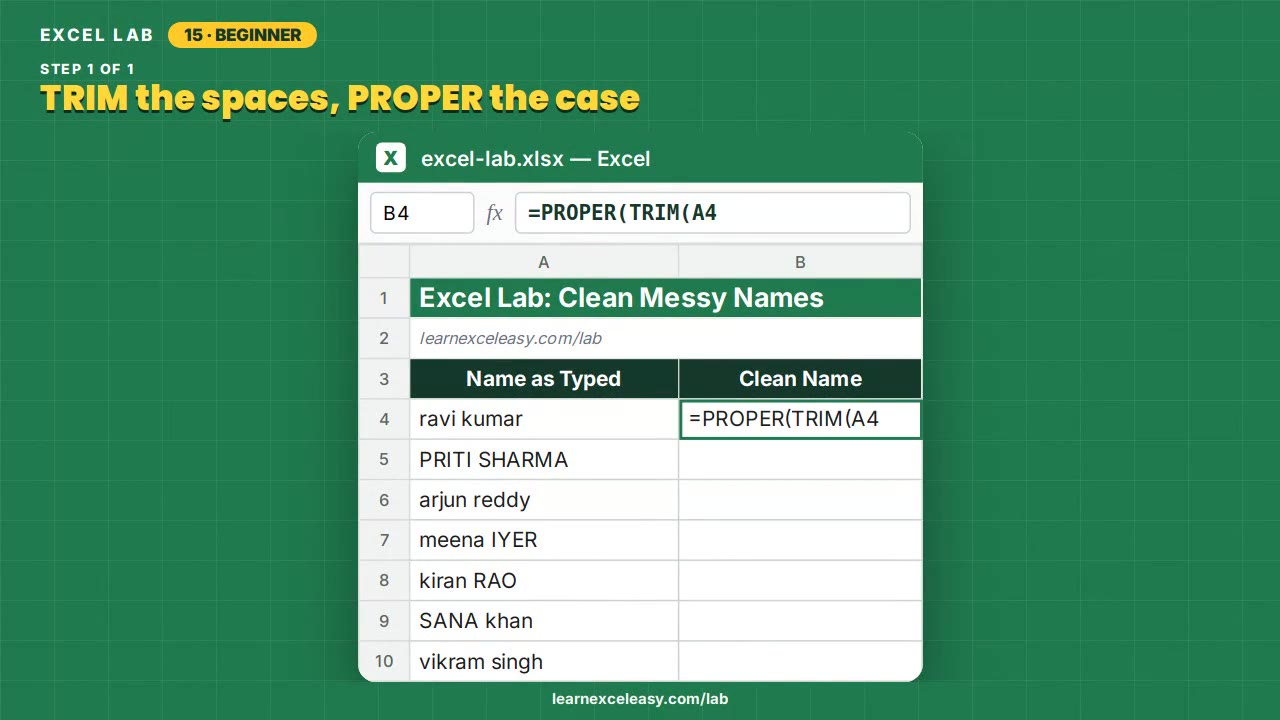
Clean Messy Names
Names came in with extra spaces and MIXED case. Make them clean: one space, first letter capital.
TRIM, PROPEROpen lab →
LAB 24Beginner
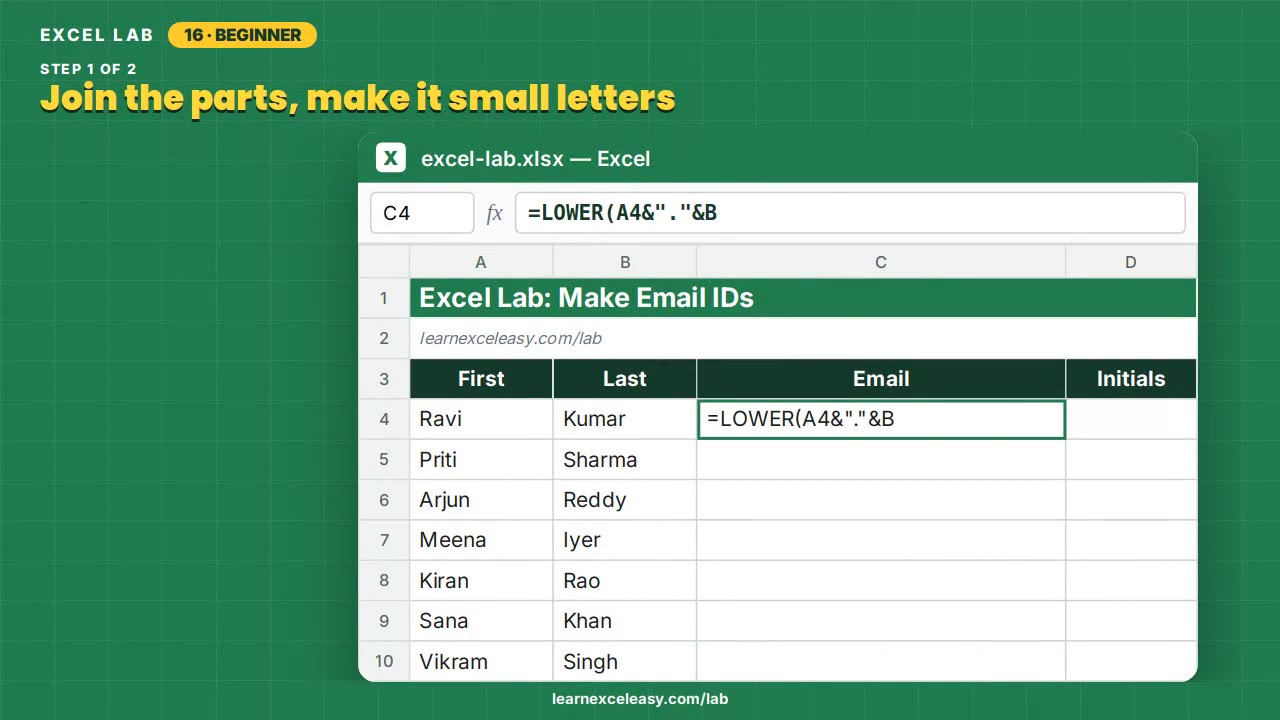
Make Email IDs
Make an office email ID (first.last@company.com) and initials for every employee.
& (join text), LOWER, LEFTOpen lab →
LAB 25Beginner
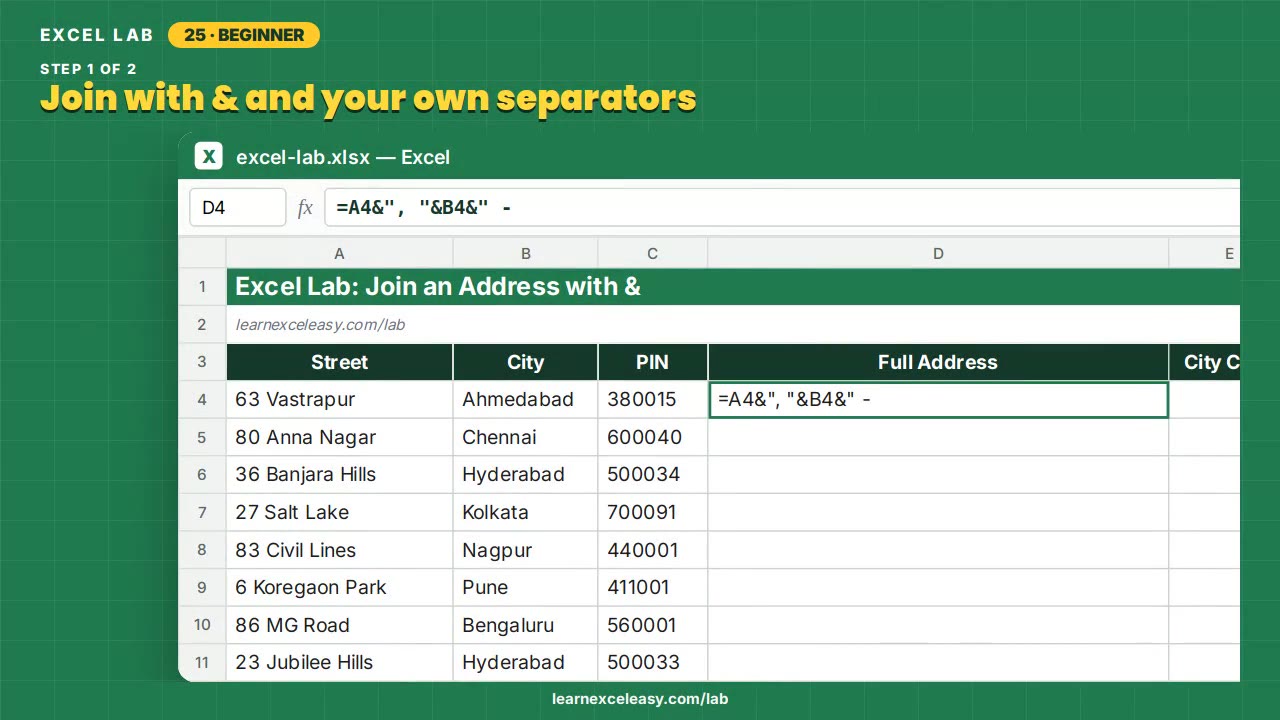
Join an Address with &
Street, city and PIN are in three columns. Join them into one address line, and make a 3-letter city code.
& operator, Text in quotes, UPPER, LEFTOpen lab →
LAB 26Beginner
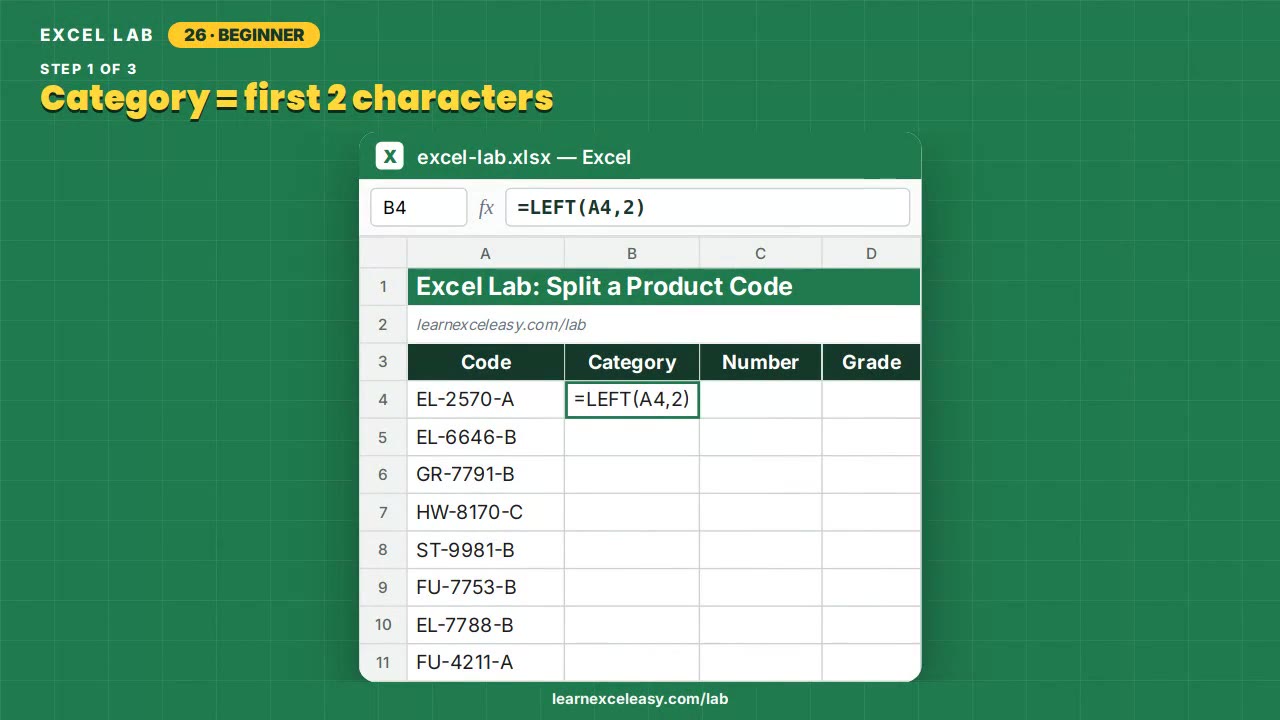
Split a Product Code
Codes look like EL-1042-A: category, number, grade. Pull the three parts into their own columns.
LEFT, MID, RIGHTOpen lab →
LAB 27Intermediate
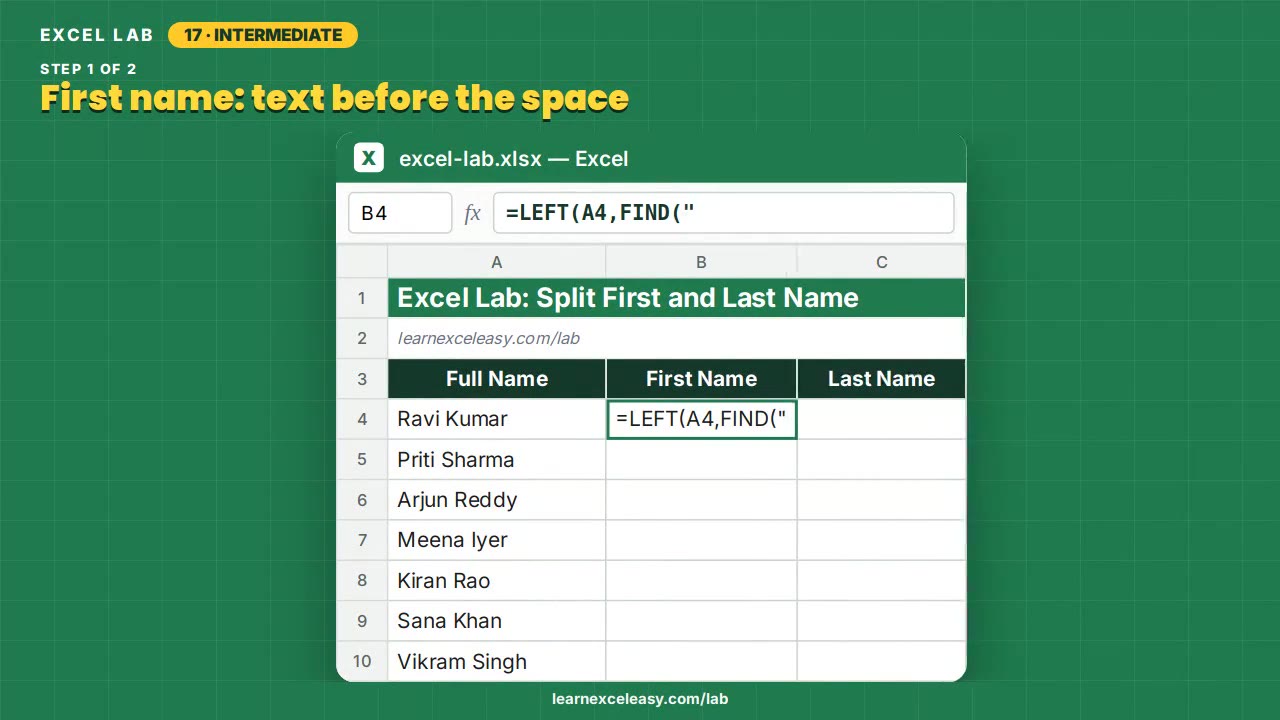
Split First and Last Name
Split each full name into a first name and a last name.
LEFT, MID, FINDOpen lab →
LAB 28Intermediate
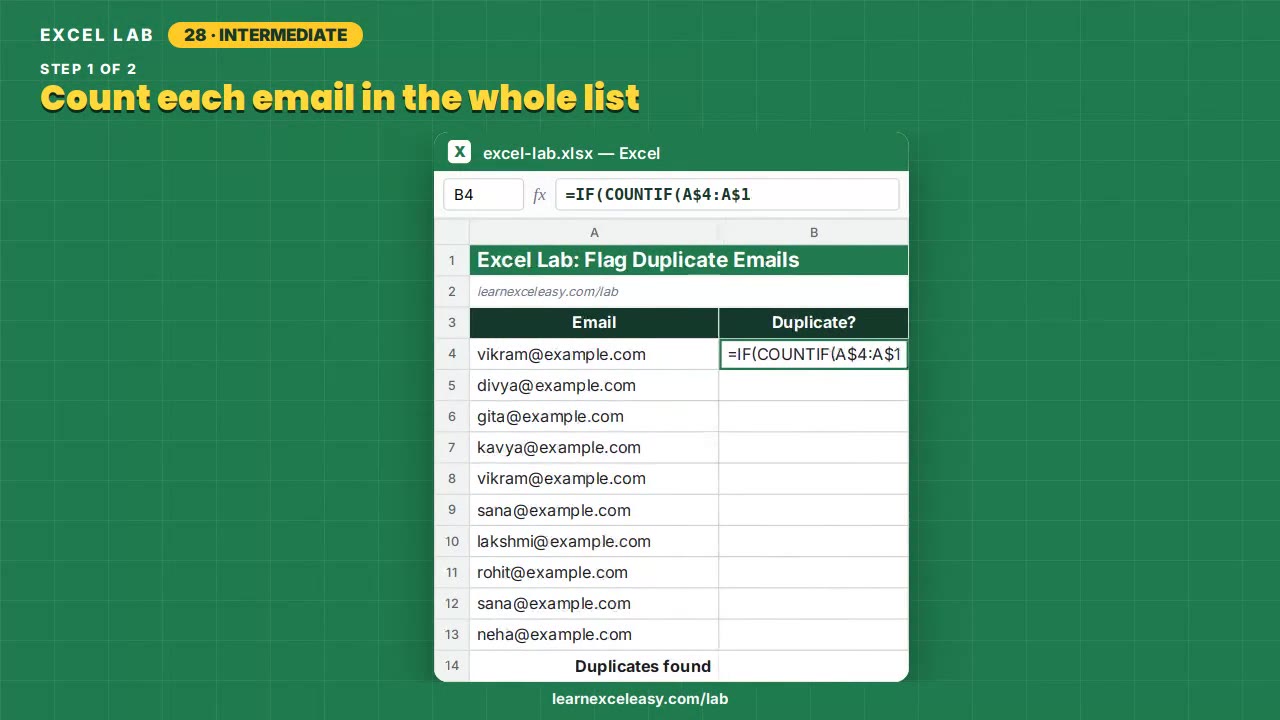
Flag Duplicate Emails
A mailing list has repeats. Mark every email that appears more than once, then count the flags.
COUNTIF, $ absolute reference, IFOpen lab →
