
Formulas & Functions
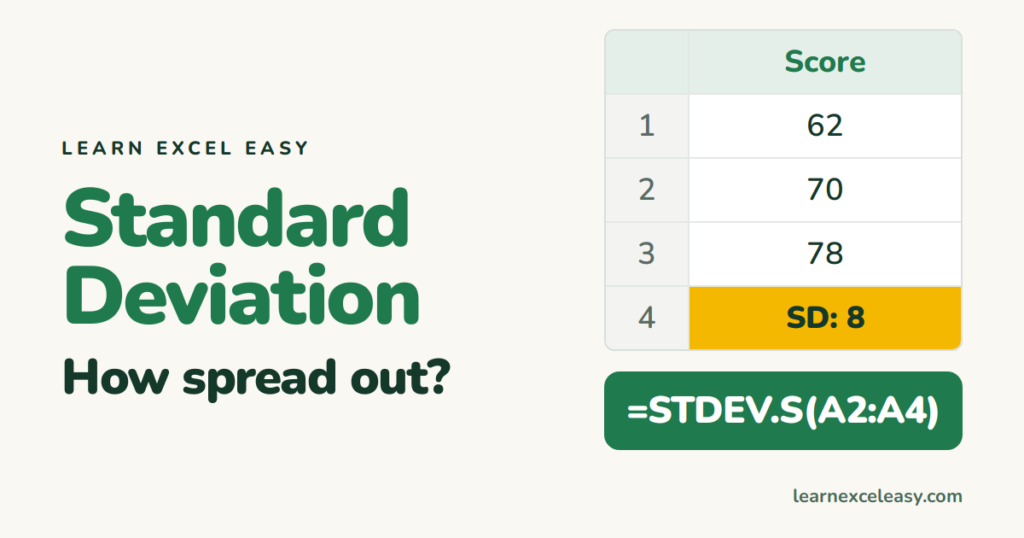
Standard Deviation in Excel: STDEV.S vs STDEV.P
Calculate standard deviation in Excel, pick between STDEV.S (a sample) and STDEV.P (the whole population), read what the number means, and add it to a chart.
Calculate standard deviation in Excel, pick between STDEV.S (a sample) and STDEV.P (the whole population), read what the number means, and add it to a chart.
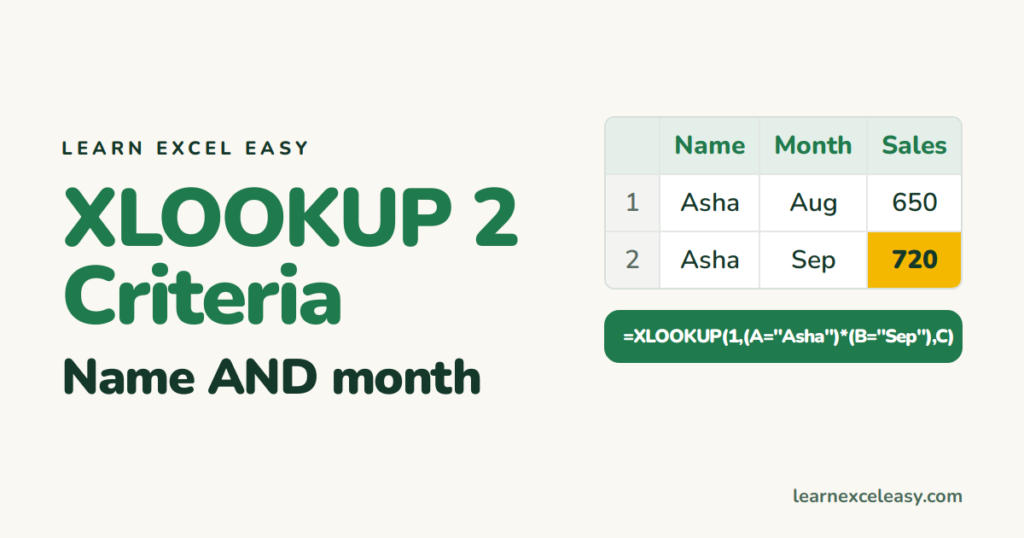
Look up a value that matches two or more conditions with XLOOKUP — the multiply-the-conditions method, the join-with-& method, and how to match 'either' condition.

VLOOKUP only returns the first match. Get every match with FILTER, put them in one cell with TEXTJOIN, or return several columns at once — plus an older-Excel method.

Look up a value when you only know part of it: VLOOKUP with * and ? wildcards, a partial match from a cell, and XLOOKUP's wildcard mode.

TEXTAFTER returns everything after a delimiter — the domain after @, the last name after a space, the text after the last slash. With the older RIGHT/FIND version.

TEXTBEFORE returns everything before a delimiter — a space, @, comma or word. Pick the 2nd or last occurrence, handle missing delimiters, and the older LEFT/FIND version.
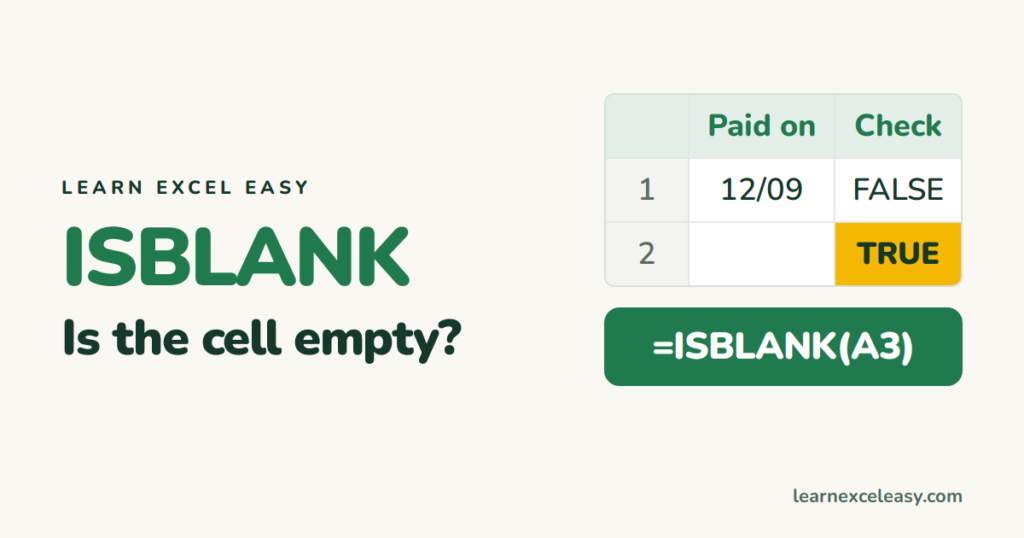
ISBLANK returns TRUE for an empty cell. Use it inside IF, know why it says FALSE for cells that look empty, and the = test that often works better.

Excel has no word count button. Count words in a cell with LEN, TRIM and SUBSTITUTE, total a whole column, and count one specific word.
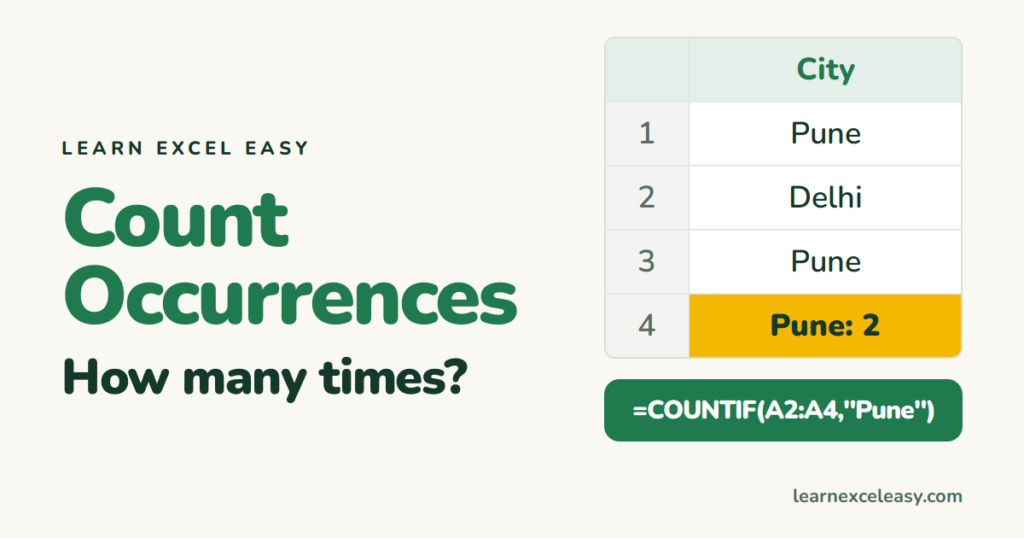
Count how many times a value appears in a range, how many cells contain a word, how often a character appears in a cell, and a count for every item at once.
