
ISBLANK in Excel: check if a cell is empty
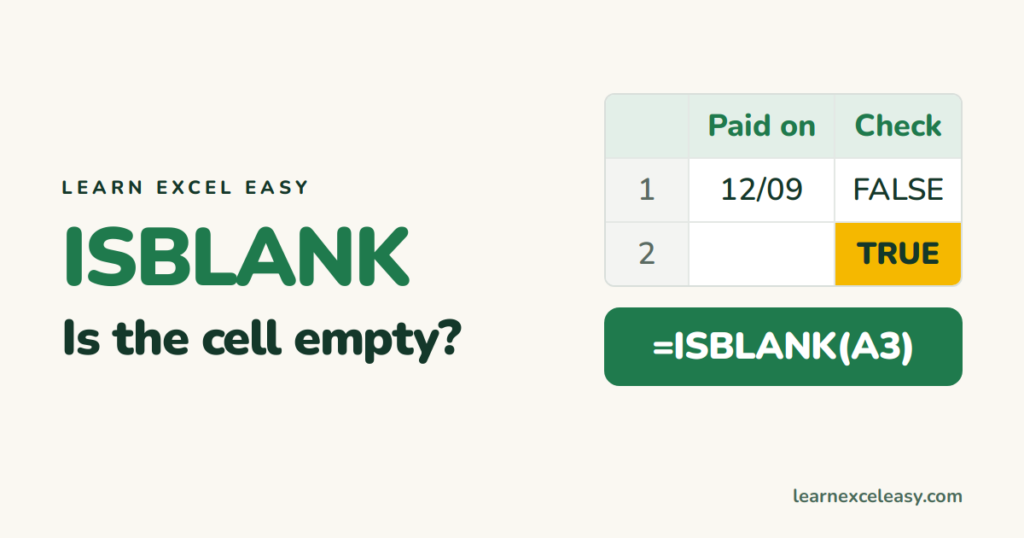
Syntax
=ISBLANK(A2)
TRUE if A2 is empty, FALSE if it holds anything.
With IF
=IF(ISBLANK(C2),"Not paid","Paid")
The opposite test: =IF(NOT(ISBLANK(C2)),...). See IF not blank.
Why ISBLANK says FALSE for an “empty” cell
- The cell has a formula returning
"". - It holds a space.
- It holds an apostrophe from an import.
The test that catches those too
=IF(TRIM(C2)="","Empty","Has data")
C2="" is TRUE for truly blank cells and for formulas returning “”. Adding TRIM also catches spaces.
Check a range
=COUNTBLANK(A2:A100)
=SUMPRODUCT(--ISBLANK(A2:A100))
COUNTBLANK counts “” results as blank; ISBLANK doesn’t.
Skip blanks in a calculation
=IF(ISBLANK(B2),"",B2*C2)
Find and fill empty cells in bulk: find blank cells.

20 years with spreadsheets and enterprise systems. Writes one short, plain-English Excel lesson a day. Got an Excel question? learnexceleasycom@gmail.com
