

Formulas & Functions
Excel IF Greater Than: formulas with >, >= and between
Write IF formulas that test whether a value is greater than, less than or between two numbers, compare to another cell or date, and return text or a calculation.
Write IF formulas that test whether a value is greater than, less than or between two numbers, compare to another cell or date, and return text or a calculation.

Add up values greater than a number, a cell or a date with SUMIF, sum one column based on another, and sum between two limits with SUMIFS.
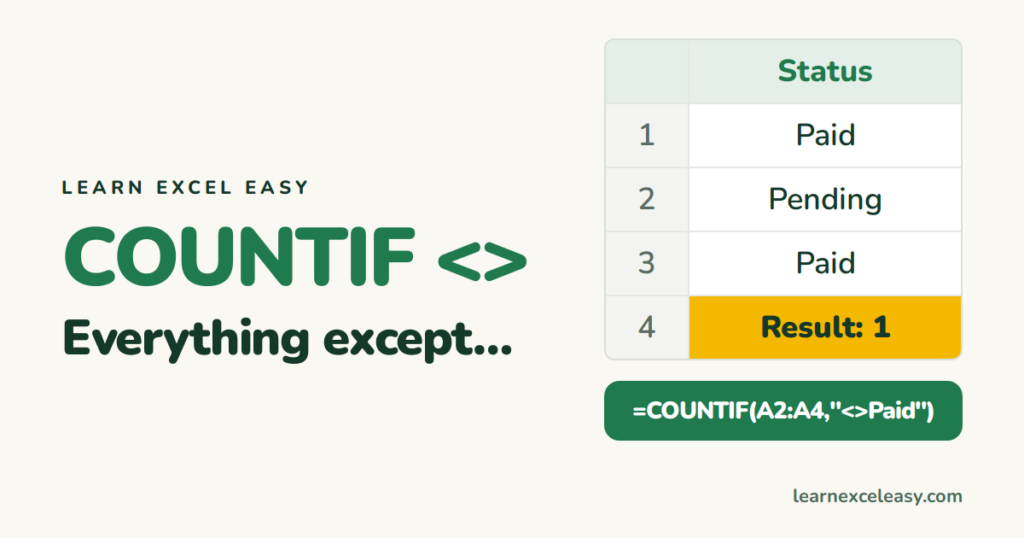
Count cells that are not equal to a word, number or cell with the <> operator, count non-blank cells, and exclude several values at once.
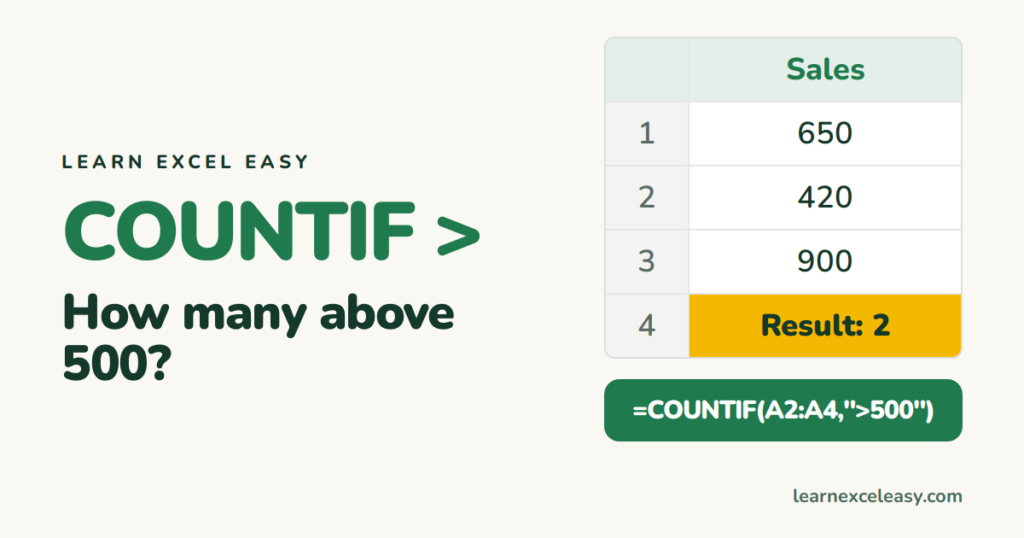
Count cells greater than or less than a number, a cell value or a date with COUNTIF — including the quote-and-ampersand rule that trips everyone up.
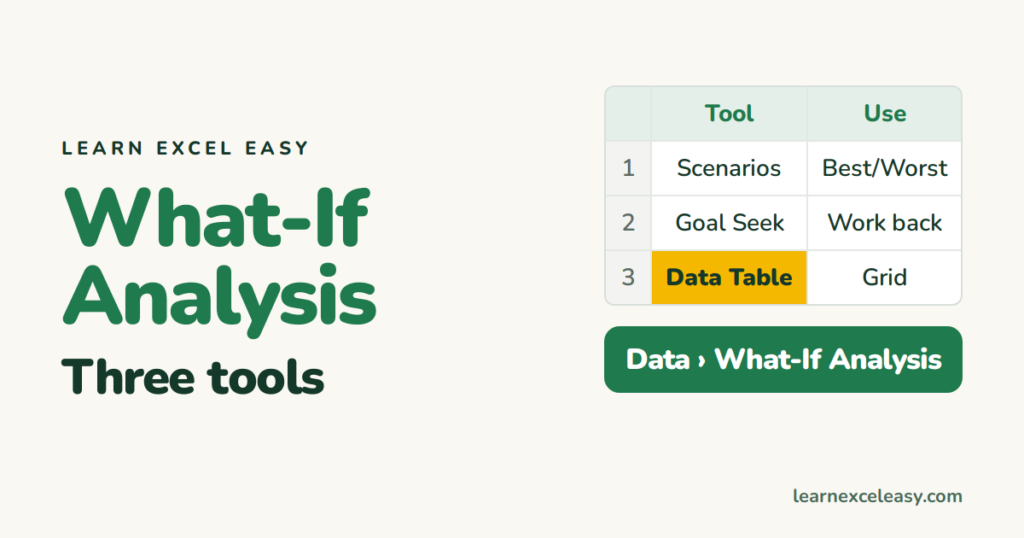
Excel's three What-If tools compared: Scenario Manager for named sets of inputs, Goal Seek to work backwards, and Data Tables to see many results at once. When to use each.
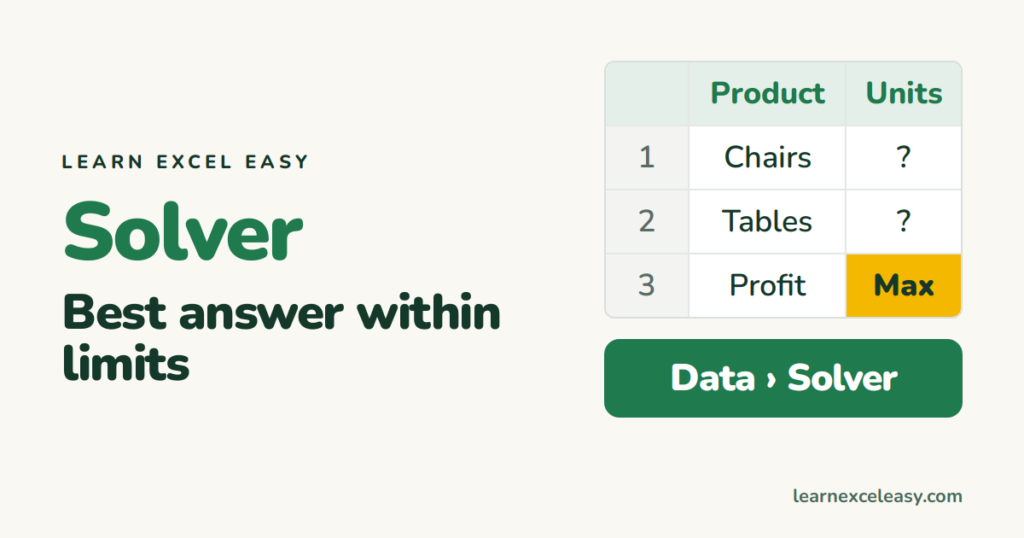
Solver finds the best combination of inputs — maximum profit, minimum cost — while respecting limits you set. Turning it on, a worked product-mix example, and fixing 'no feasible solution'.
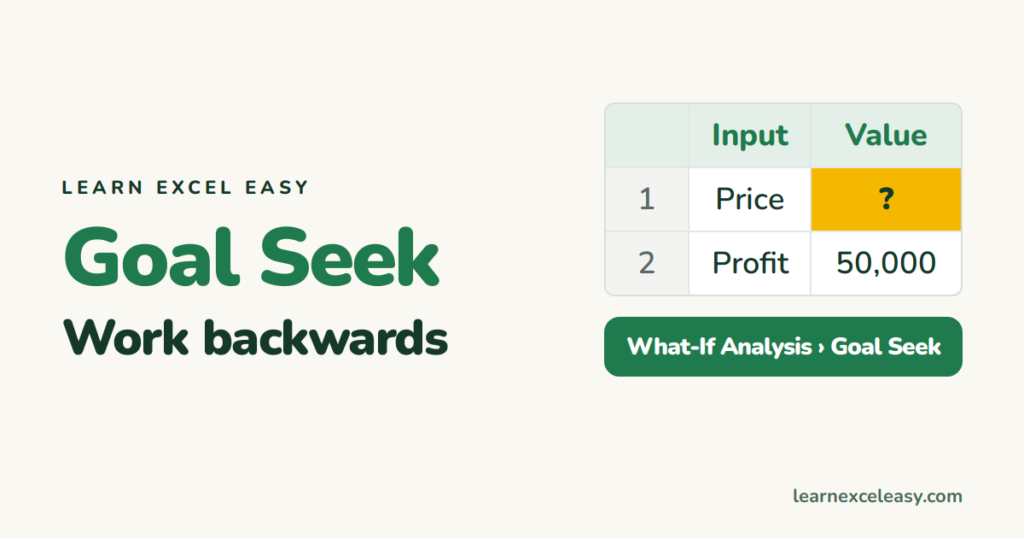
Goal Seek works backwards: set the result you want and Excel finds the input. Price for a target profit, loan amount for a budget EMI, marks needed to pass. Step by step.
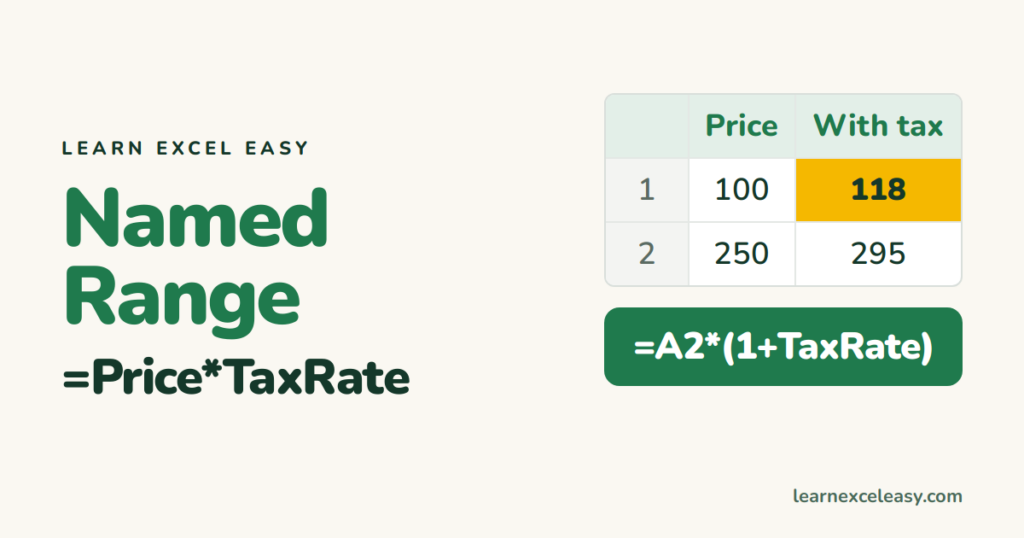
Name a cell or range so formulas read =Price*TaxRate instead of =B2*$F$1. Create names with the Name Box, manage and fix them, and use them in drop-downs and lookups.
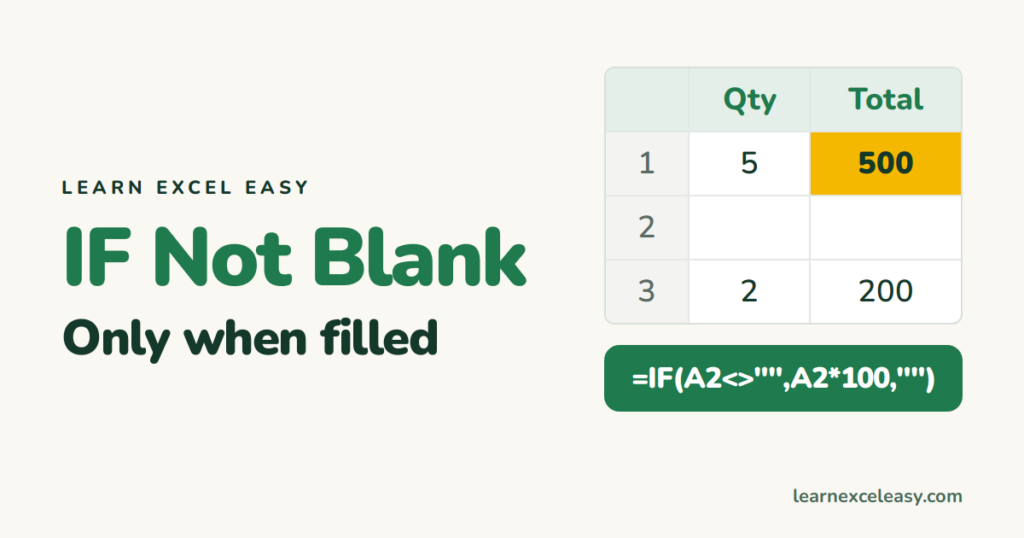
Run a calculation only when a cell is filled, and leave the result empty otherwise. The <>"" test, ISBLANK, checking two cells, and why 'blank' cells sometimes aren't.
