
COUNTIF Greater Than (and Less Than) in Excel
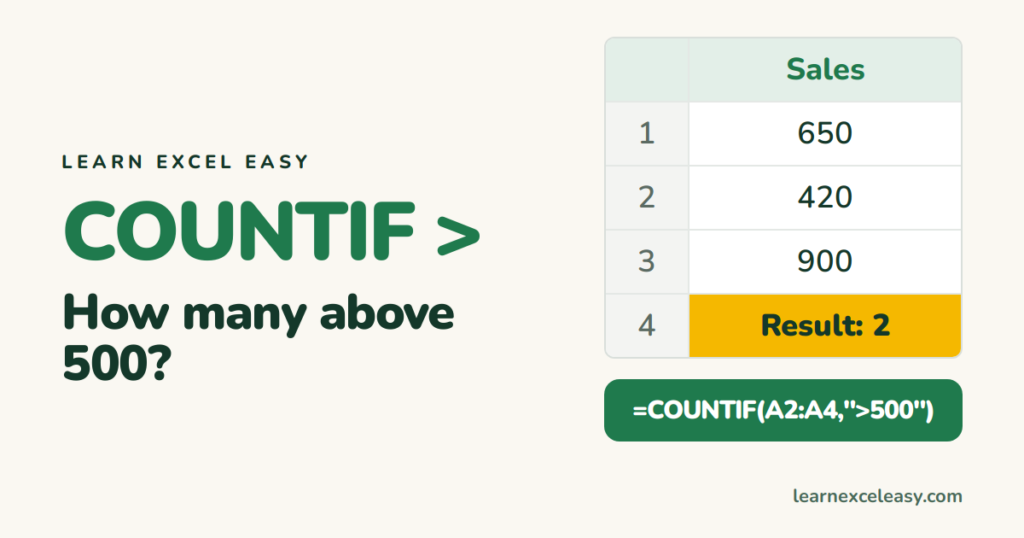
Greater than a number
=COUNTIF(B2:B100,">500")
The condition goes in quotes, operator and number together.
Less than
=COUNTIF(B2:B100,"<500")
Or equal to
=COUNTIF(B2:B100,">=500")
=COUNTIF(B2:B100,"<=500")
Greater than a value in another cell
The operator stays in quotes, the cell goes outside, joined with &:
=COUNTIF(B2:B100,">"&E1)
">E1" won’t work — Excel would look for the text “E1”.
After a date
=COUNTIF(A2:A100,">"&DATE(2026,9,1))
=COUNTIF(A2:A100,">"&TODAY())
Between two numbers
Use COUNTIFS with two conditions on the same range:
=COUNTIFS(B2:B100,">=100",B2:B100,"<=500")
See COUNTIFS.
Result is 0 when it shouldn’t be
The numbers are stored as text. Convert them.
Add them up instead of counting: SUMIF greater than · Basics: COUNTIF

20 years with spreadsheets and enterprise systems. Writes one short, plain-English Excel lesson a day. Got an Excel question? learnexceleasycom@gmail.com
