
Count Occurrences in Excel (a value, a word, or a character)
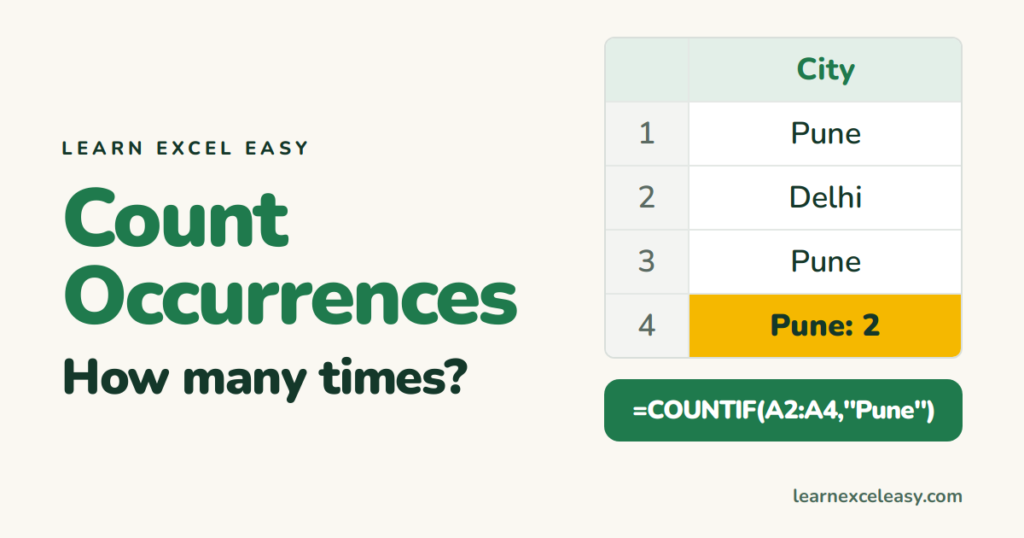
How many times a value appears
=COUNTIF(A2:A100,"Pune")
Or point at a cell: =COUNTIF(A2:A100,D2). Not case-sensitive.
Cells that contain a word anywhere
=COUNTIF(A2:A100,"*refund*")
A count for every item
- List each item once:
=UNIQUE(A2:A100)in D2 (UNIQUE). - Next to it:
=COUNTIF(A2:A100,D2#).
Or a pivot table with the field in Rows and Values.
How many times a character appears in one cell
=LEN(A2)-LEN(SUBSTITUTE(A2,",",""))
Counts the commas in A2: length before minus length after removing them.
How many times a word appears in one cell
=(LEN(A2)-LEN(SUBSTITUTE(A2,"tax","")))/LEN("tax")
SUBSTITUTE is case-sensitive; wrap A2 in LOWER() to ignore case.
Across a whole range
=SUMPRODUCT(LEN(A2:A100)-LEN(SUBSTITUTE(A2:A100,"x","")))
Related: find duplicates · count words

20 years with spreadsheets and enterprise systems. Writes one short, plain-English Excel lesson a day. Got an Excel question? learnexceleasycom@gmail.com
