
Pivot Tables & Tables
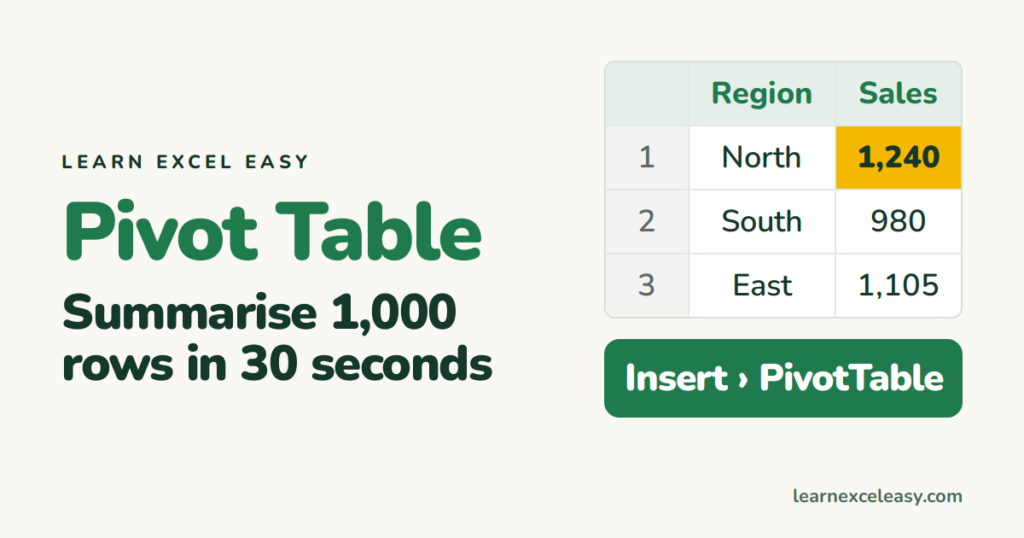
How to Make a Pivot Table in Excel: summarise 1,000 rows in 30 seconds
How to make a pivot table in Excel step by step: sales by region, count by category, drag fields, refresh when data changes.
How to make a pivot table in Excel step by step: sales by region, count by category, drag fields, refresh when data changes.
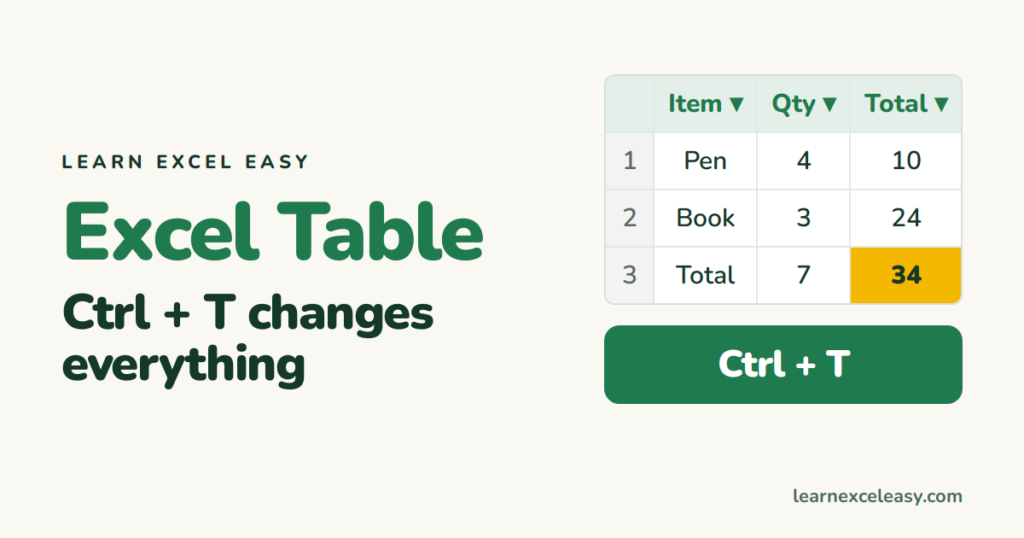
Turn a range into an Excel Table with Ctrl+T: automatic stripes, filters, formulas that copy themselves, and a total row.
