
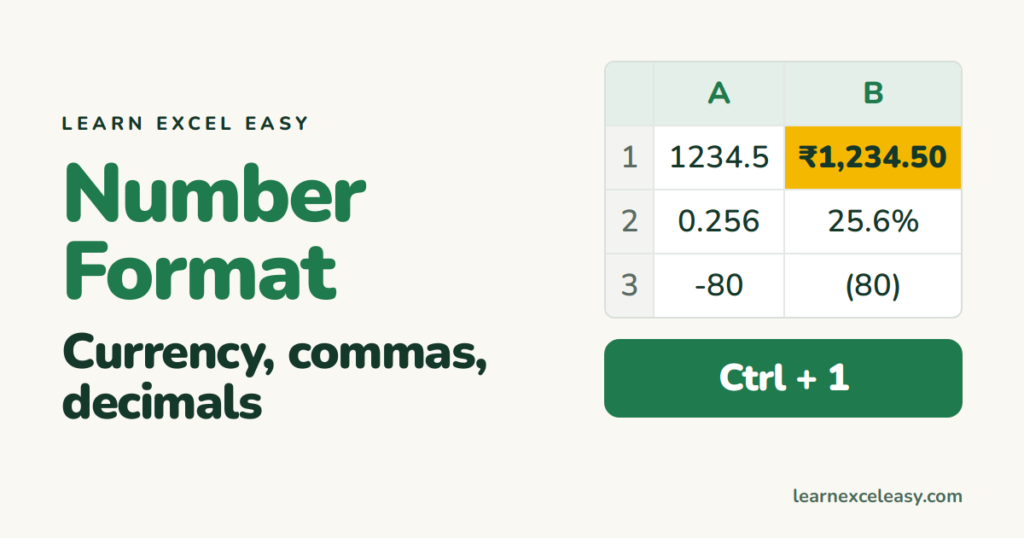
Formatting
Excel Number Format: currency, thousands separator, decimals, negative in red
Excel number formats explained: currency, comma thousands separator, decimal places, percent, dates, and a custom format with negatives in red.
Excel number formats explained: currency, comma thousands separator, decimal places, percent, dates, and a custom format with negatives in red.
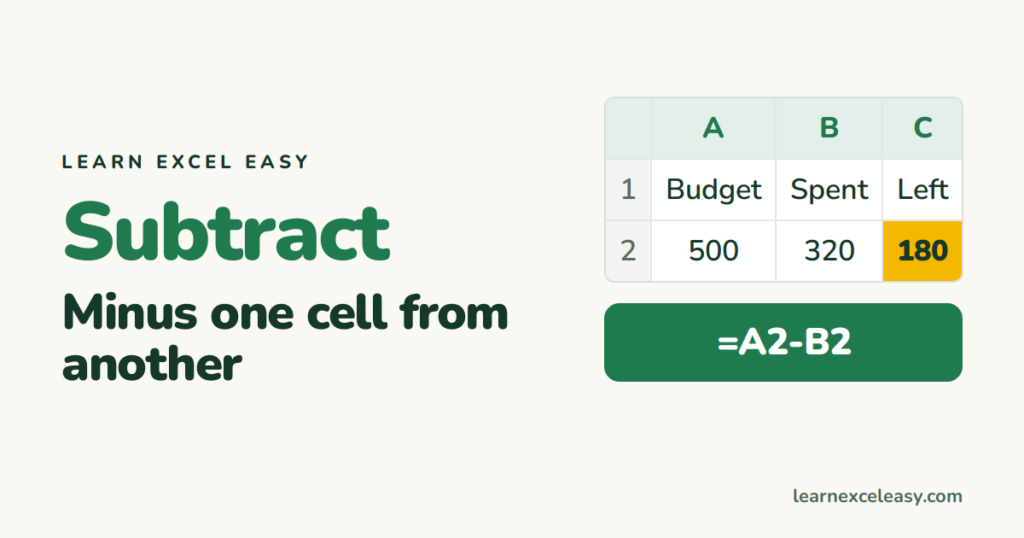
There is no SUBTRACT function in Excel — use the minus sign. Subtract two cells, a column from another, a fixed number, and dates.
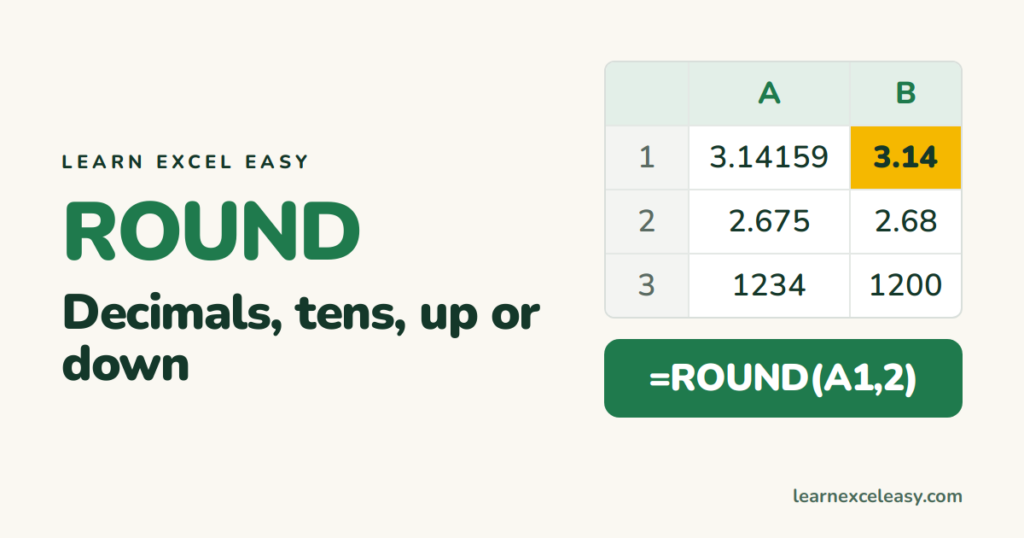
ROUND in Excel: round to decimals, to whole numbers, to the nearest 10 or 100, always up or always down, and why formatting is not rounding.

The Excel LEFT function: take the first N characters, everything before a dash or space, and turn the result back into a number.
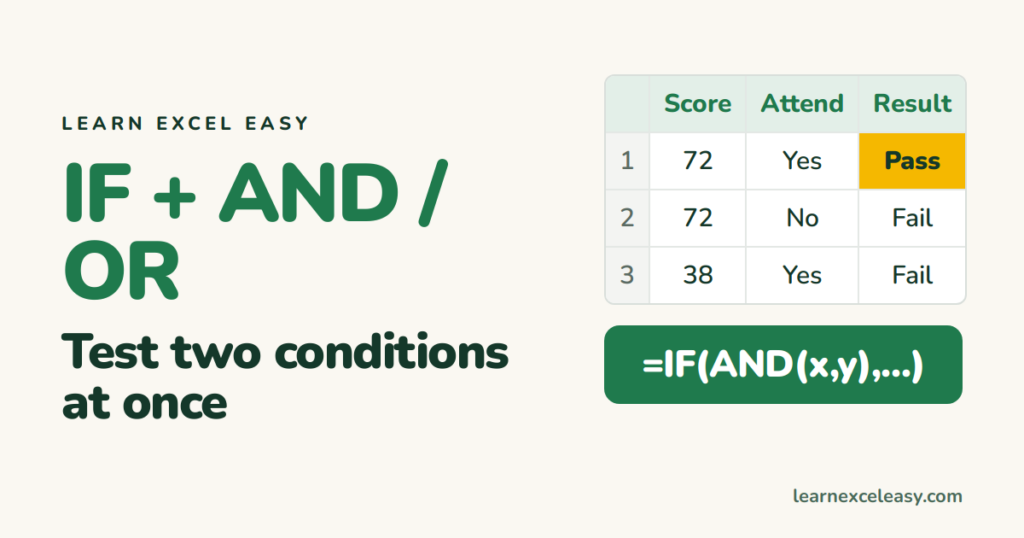
Combine IF with AND or OR in Excel: pass only if both conditions hold, or if either does, with a bonus example that uses both.
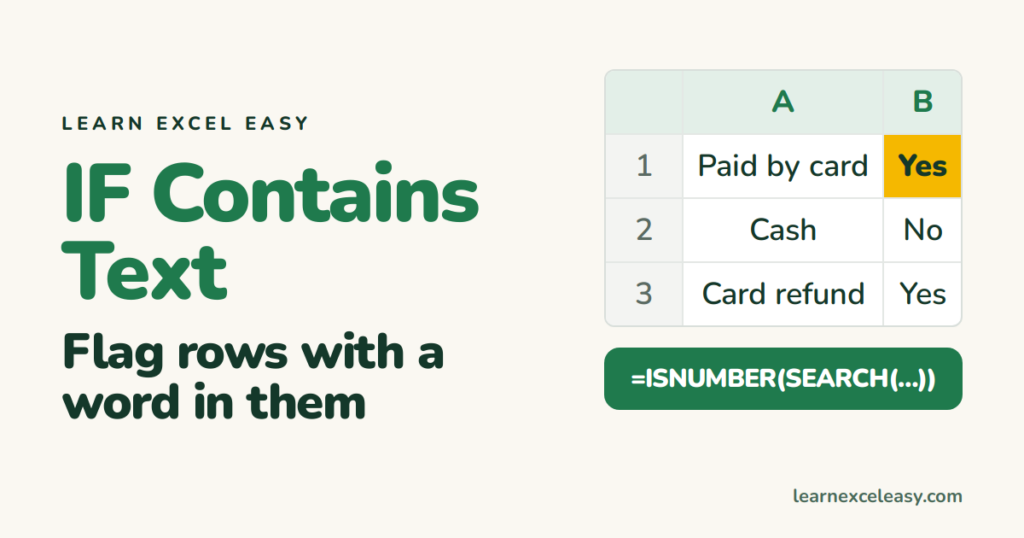
Excel formula to check if a cell contains specific text, using ISNUMBER and SEARCH — case-insensitive, partial match, with a Yes/No result.

Nested IF in Excel explained with a grade example, how to keep the brackets straight, and the IFS function that replaces it in newer Excel.
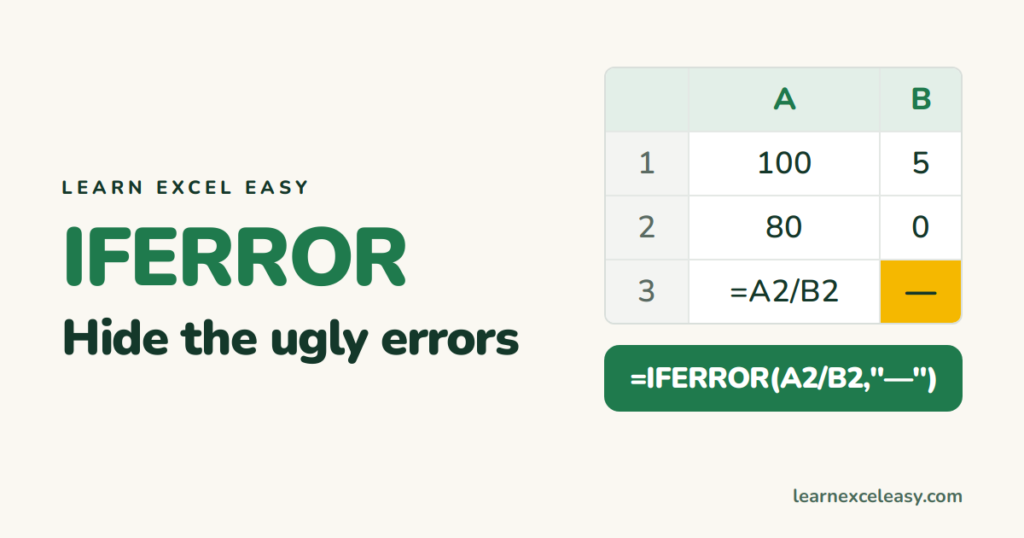
IFERROR in Excel wraps any formula and shows your own text or a blank instead of #N/A, #DIV/0! or #VALUE!. When to use it and when not to.
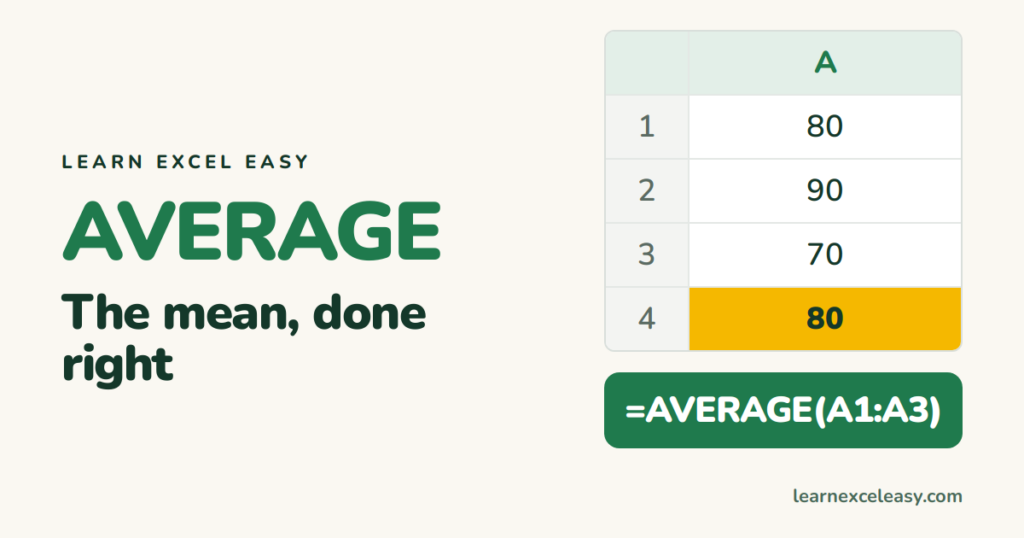
The Excel AVERAGE formula, why blanks and zeros give different answers, AVERAGEIF for one condition, and the median when one big number distorts the mean.
One short Excel lesson in your inbox every morning. Free, no spam, unsubscribe any time.
Also join us on Facebook
