
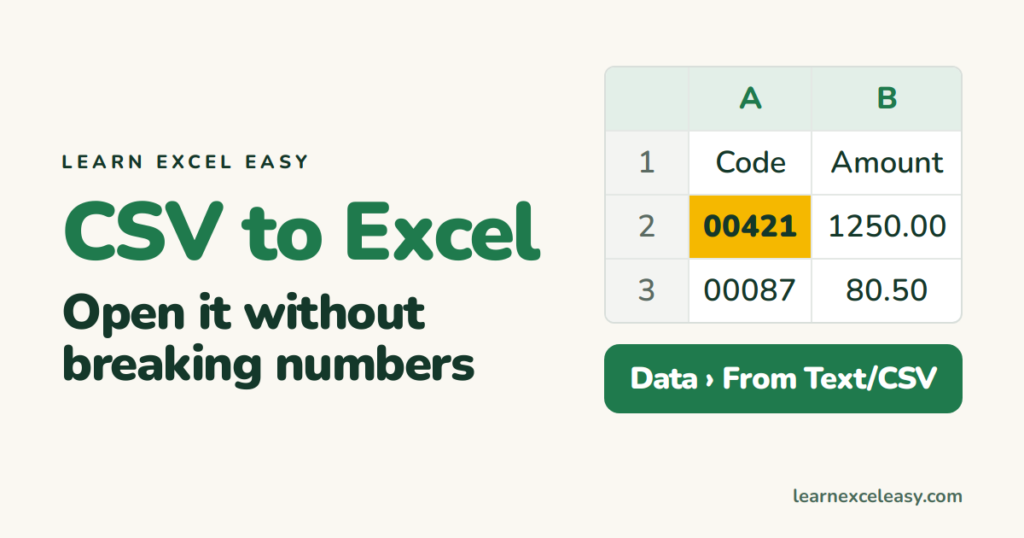
Import, Export & Convert
CSV to Excel: open it without breaking the numbers
Open a CSV in Excel properly: keep leading zeros, stop dates flipping, handle a file where everything landed in one column, then save as .xlsx.
Open a CSV in Excel properly: keep leading zeros, stop dates flipping, handle a file where everything landed in one column, then save as .xlsx.
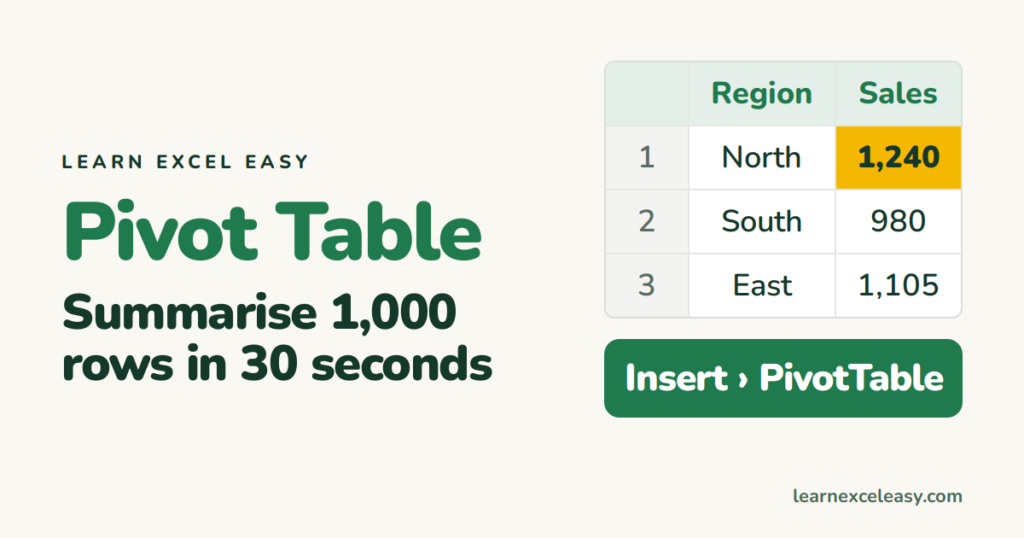
How to make a pivot table in Excel step by step: sales by region, count by category, drag fields, refresh when data changes.
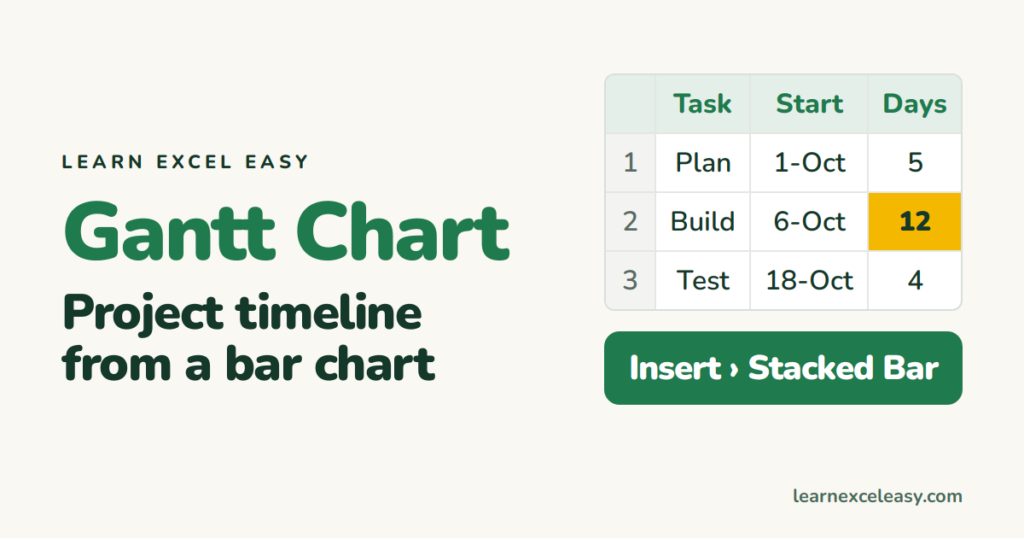
Build an Excel Gantt chart in eight steps from a stacked bar chart: tasks, start dates, durations, and the one trick that hides the first bar.
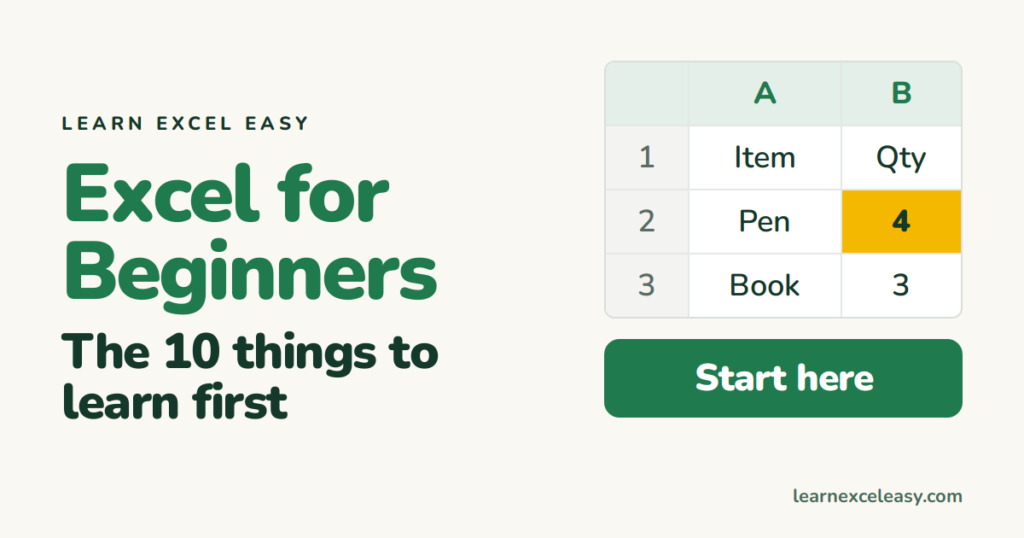
Excel for beginners: cells, typing, the fill handle, your first formula, saving — the ten things to learn on day one, in order, each with a link to its lesson.
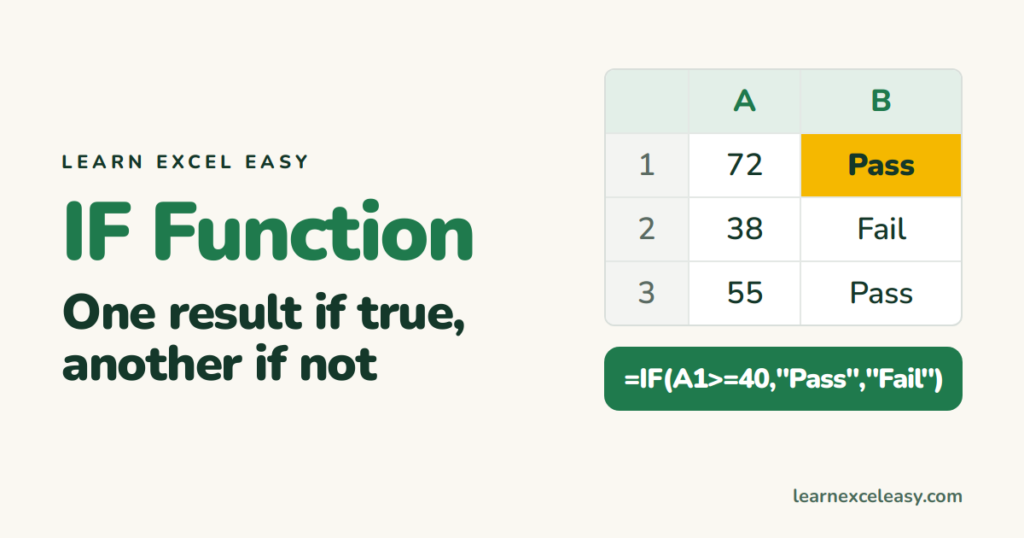
The IF function in Excel with one example: pass or fail, then two conditions with AND, and several outcomes with nested IF or IFS.
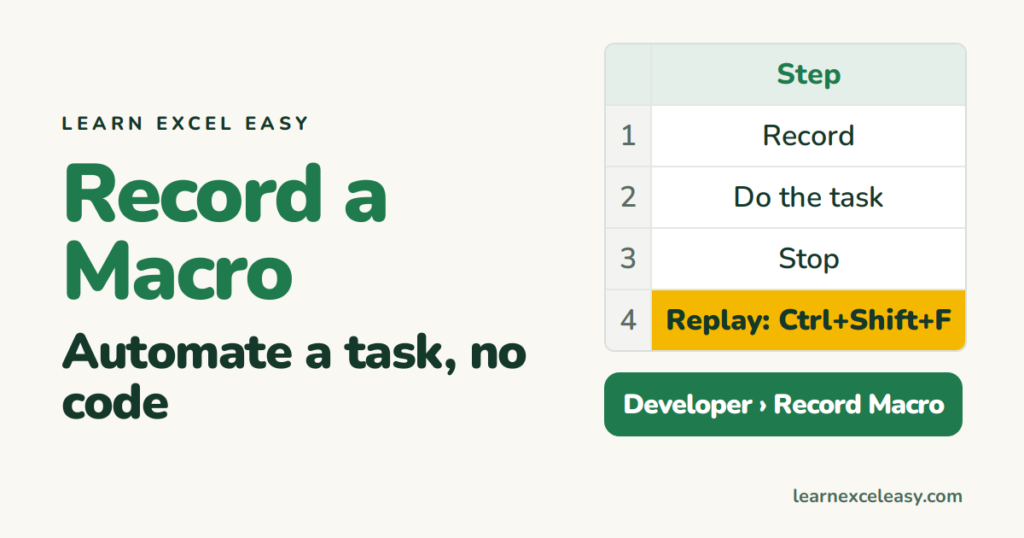
Record a macro in Excel with no code: turn the Developer tab on, record a formatting task, replay it with a shortcut, and save the file so the macro survives.
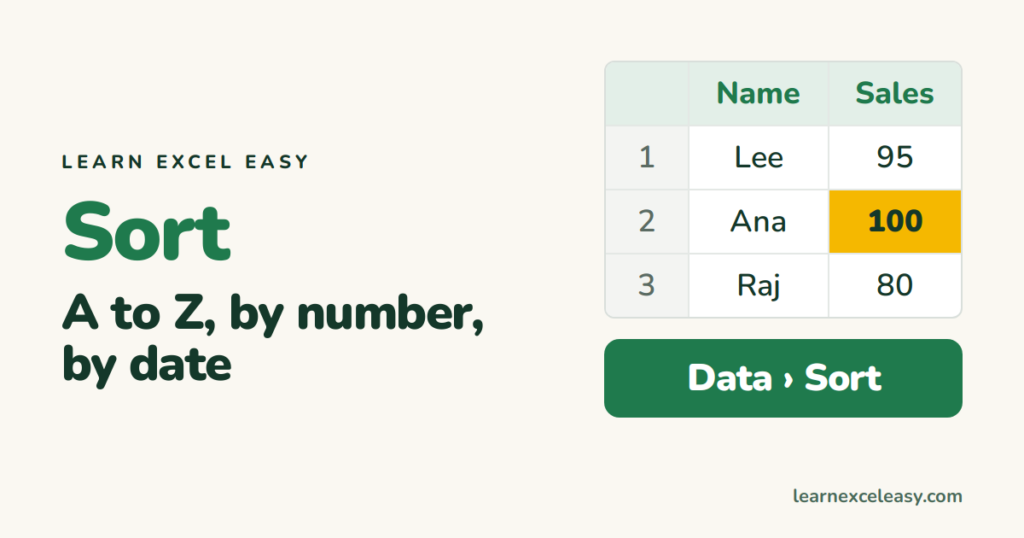
Sort in Excel without scrambling your data: one column, two columns (by city then name), by date, and put it back the way it was.
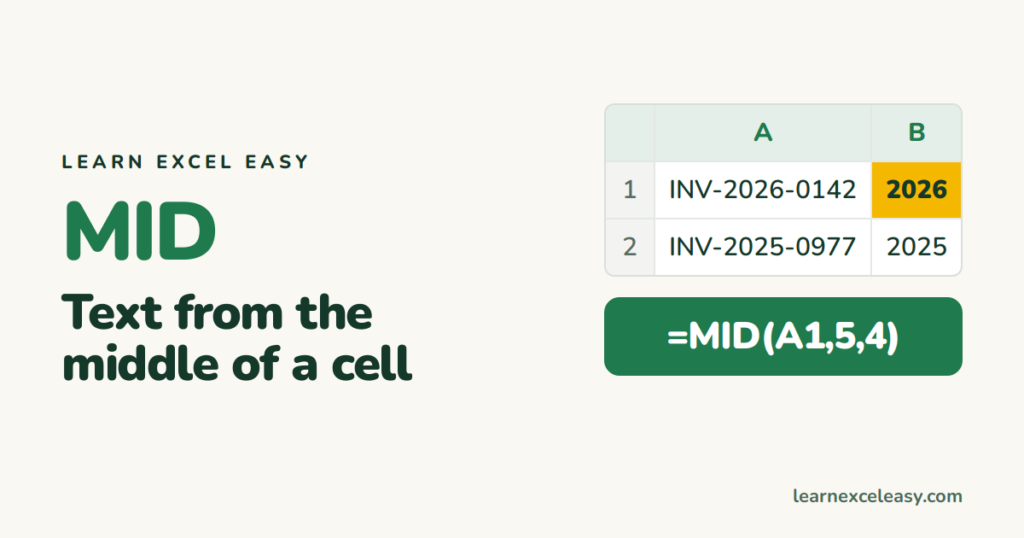
The Excel MID function with LEFT and RIGHT: extract characters from the middle, start, or end of a cell — product codes, area codes, years.
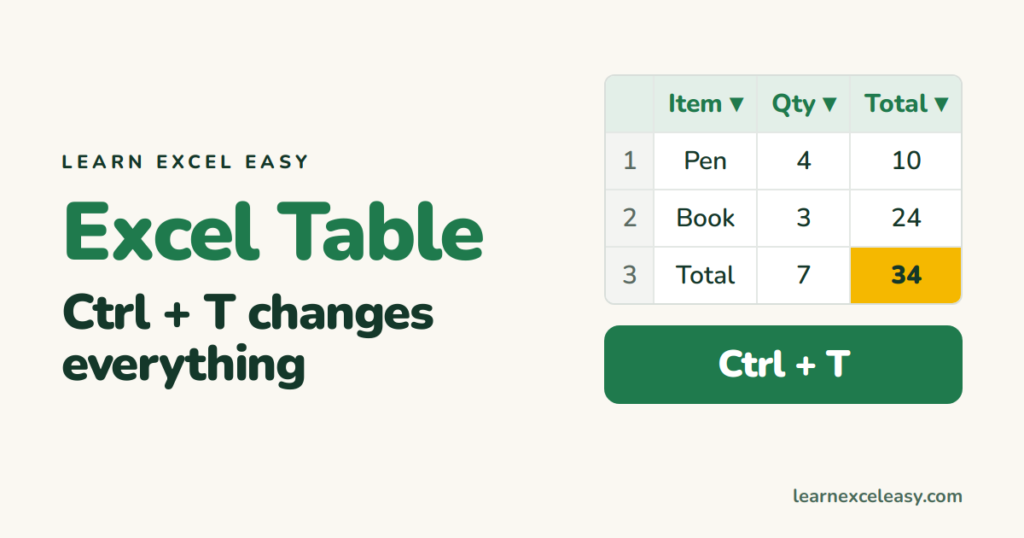
Turn a range into an Excel Table with Ctrl+T: automatic stripes, filters, formulas that copy themselves, and a total row.
One short Excel lesson in your inbox every morning. Free, no spam, unsubscribe any time.
Also join us on Facebook
