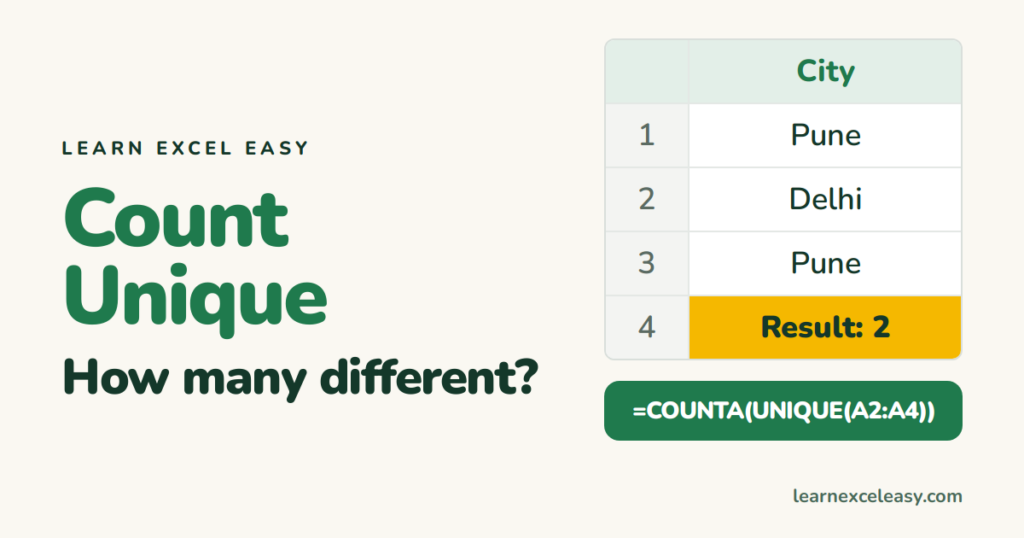
Count Unique Values in Excel: 3 formulas for any version
How many different customers, products or cities are in a column? COUNTA(UNIQUE()) in Excel 365, SUMPRODUCT/COUNTIF for older versions, counting with a condition, and ignoring blanks.

Short, plain-English tutorials on formulas, shortcuts, charts and everyday Excel tasks. No jargon. One idea per post.
Start here Get Daily One Lesson
How many different customers, products or cities are in a column? COUNTA(UNIQUE()) in Excel 365, SUMPRODUCT/COUNTIF for older versions, counting with a condition, and ignoring blanks.

FIND returns the position of text inside a cell and respects upper and lower case. Take text before or after a character, find the 2nd occurrence, and FIND vs SEARCH.
RIGHT returns the last few characters of a cell: last 4 digits, file extension, code suffix. Plus taking everything after a space or dash when the length varies.
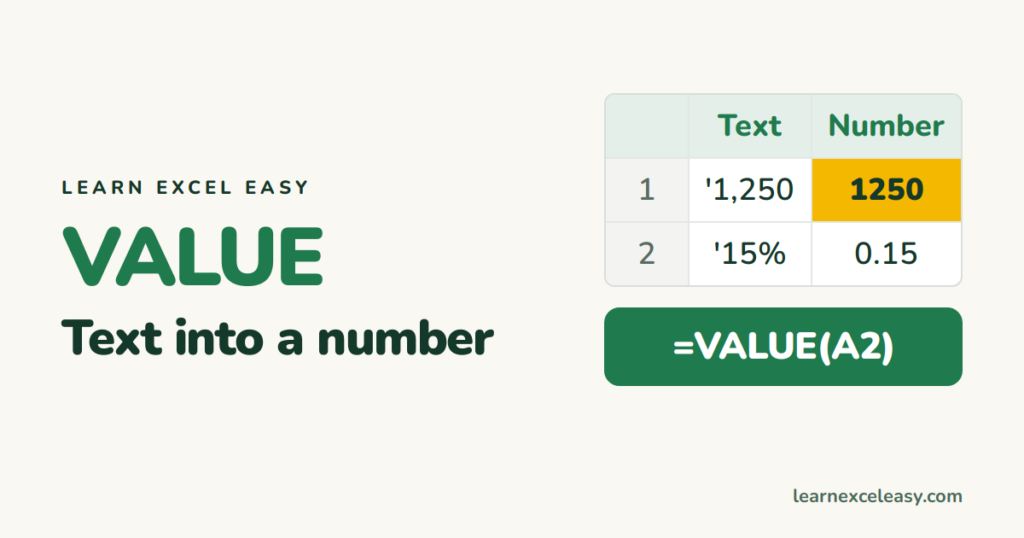
VALUE converts text such as '1,250' or '15%' into a real number you can add up. When you need it, the faster no-formula fixes, and why it sometimes returns #VALUE!.
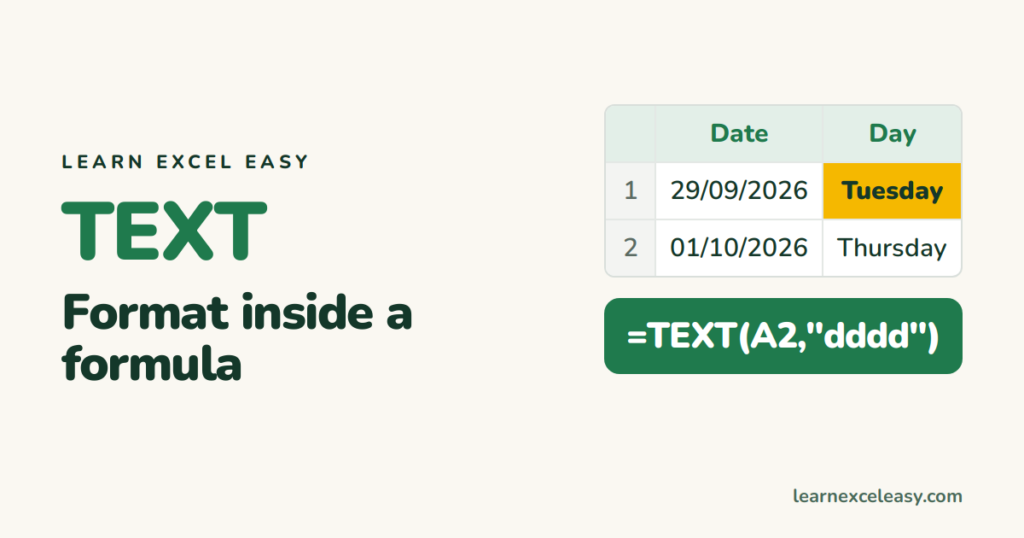
TEXT turns a number or date into formatted text: '29-Sep-2026', 'Monday', '₹1,25,000', '07.5%'. The format codes you need, joining with words, and the one downside.
SORT returns a sorted copy of a range with one formula: by any column, largest first, by two columns with SORTBY, top 10 with TAKE. Excel 365 and 2021.
FILTER returns every row that meets your conditions and updates live. One condition, AND, OR, 'no results' text, and combining with SORT. Excel 365 and 2021.
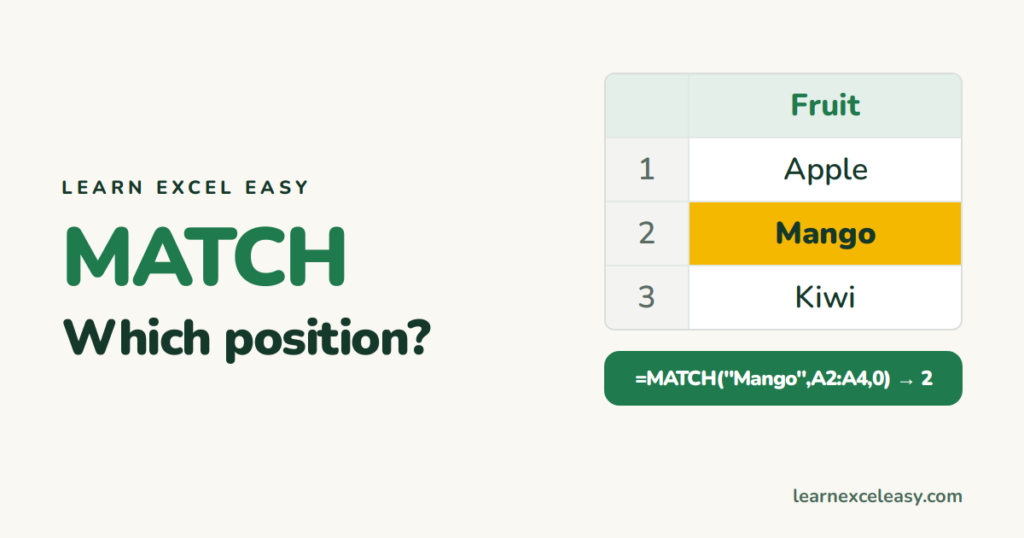
MATCH tells you which row (or column) a value is in. Exact match with 0, approximate match for bands, and the pairing with INDEX that replaces VLOOKUP.
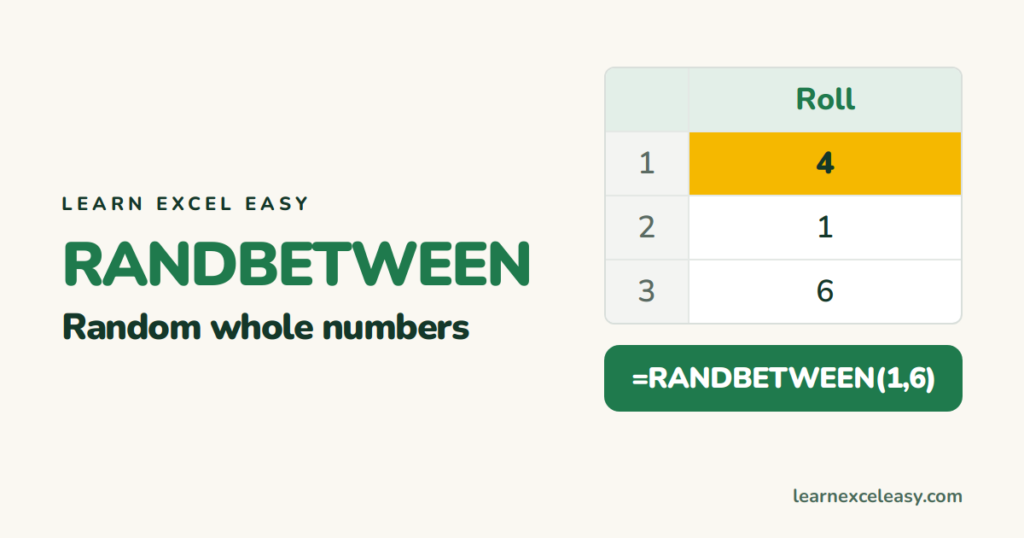
RANDBETWEEN gives a random whole number between two limits. Random test data, a random pick from a list, random dates, and how to stop the numbers changing every time.