Custom Sort in Excel: sort by several columns or your own order
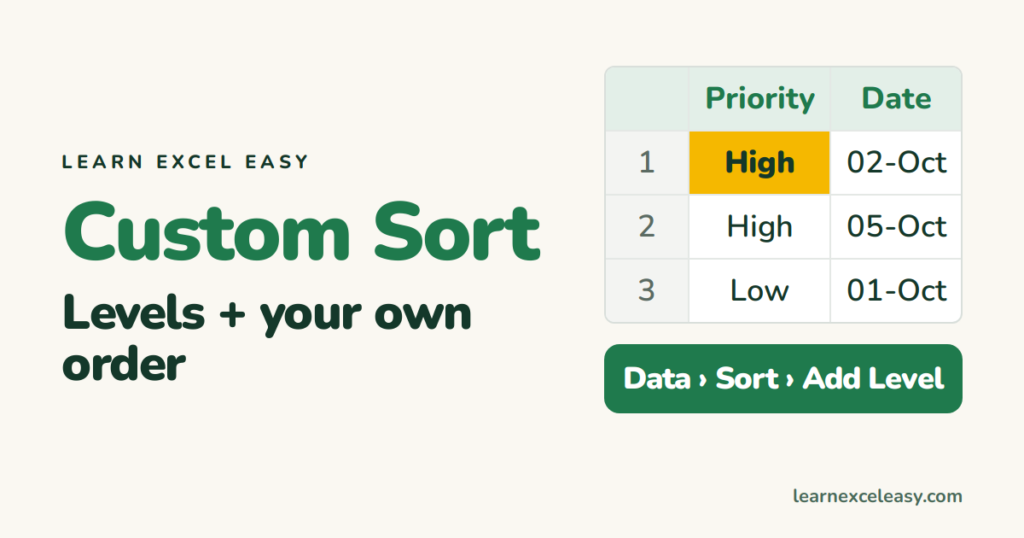
Sort by region, then by date, then by amount in one go. Sort months or days in calendar order, or by your own list like High, Medium, Low, with the Custom Sort box.
Short, plain-English tutorials on formulas, shortcuts, charts and everyday Excel tasks. No jargon. One idea per post.
Start here Get Daily One Lesson
Sort by region, then by date, then by amount in one go. Sort months or days in calendar order, or by your own list like High, Medium, Low, with the Custom Sort box.
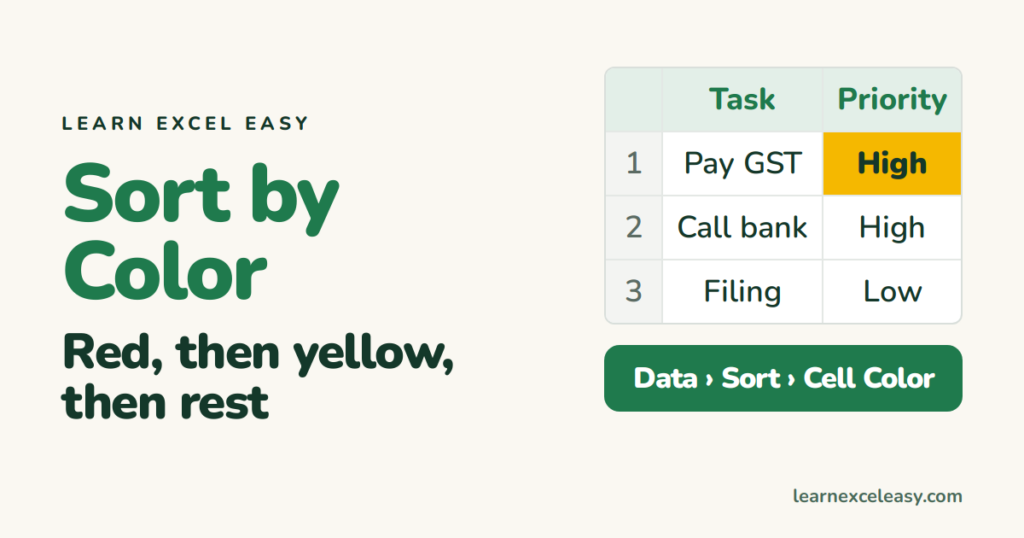
Sort rows by cell colour or font colour so red rows come first, then yellow, then the rest. Multiple colour levels, sorting by conditional formatting colour, and an icon sort.
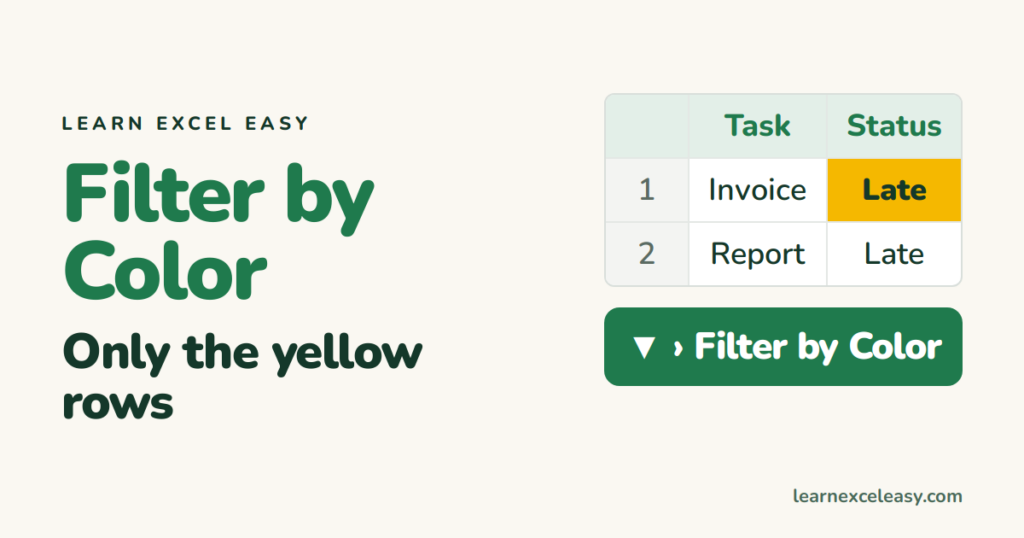
Show only the rows with a yellow fill or red text, whether you coloured them by hand or with conditional formatting. Plus counting coloured cells and removing the filter.
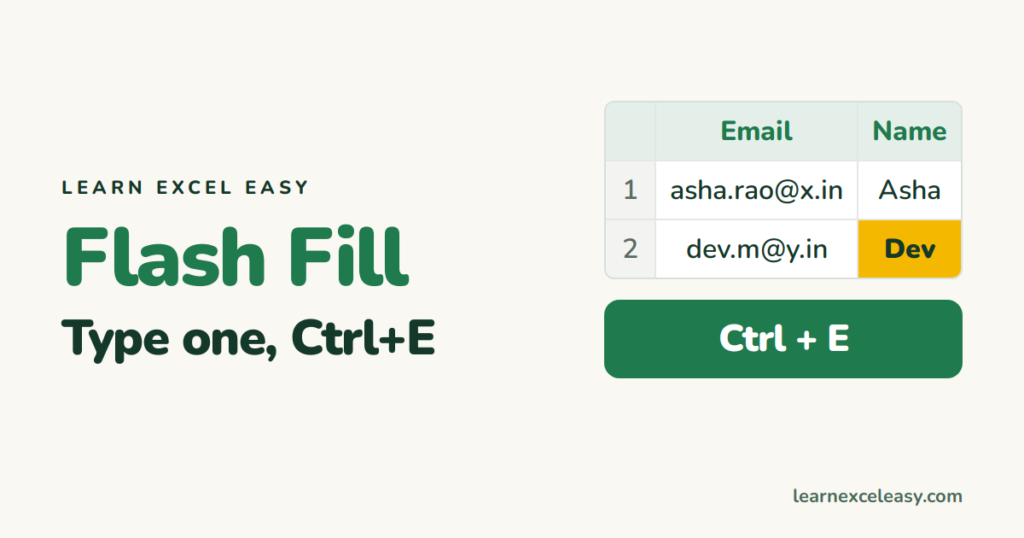
Flash Fill copies a pattern you type once: split names, join columns, reformat phone numbers, pull out codes. How to use Ctrl+E, what it can't do, and when it doesn't start.
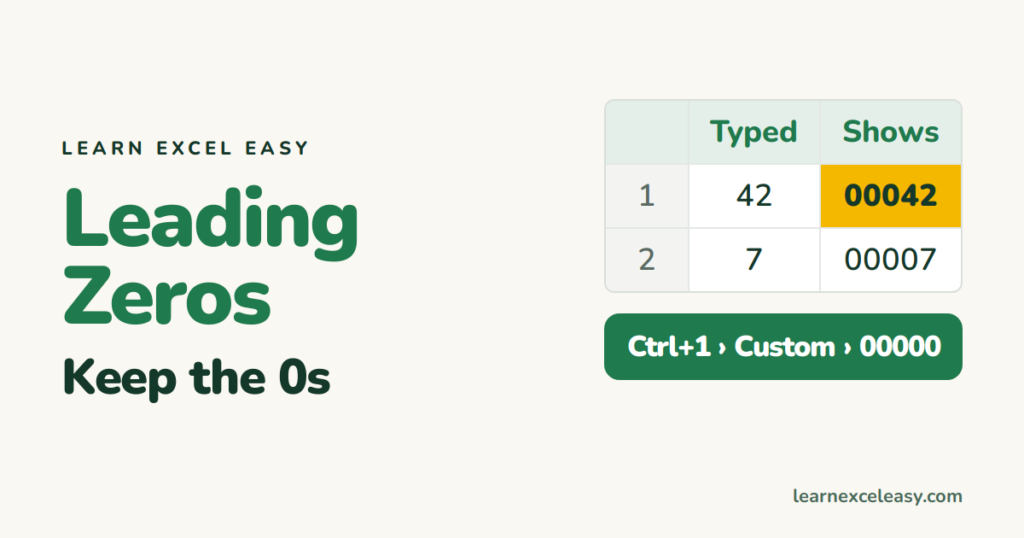
Excel drops the zeros from 00042. Keep them with a custom number format, the TEXT function, an apostrophe, or by formatting as Text before typing. Pincodes, IDs and phone numbers.
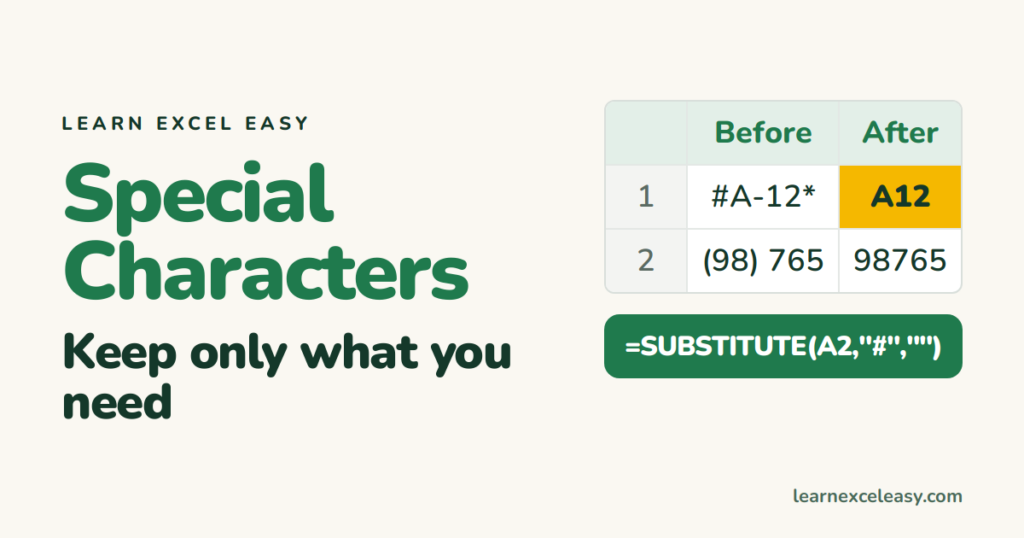
Clean symbols out of text: nested SUBSTITUTE for a few characters, Find and Replace with the ~ trick for * and ?, CLEAN for invisible characters, and a 365 formula that keeps only letters and numbers.
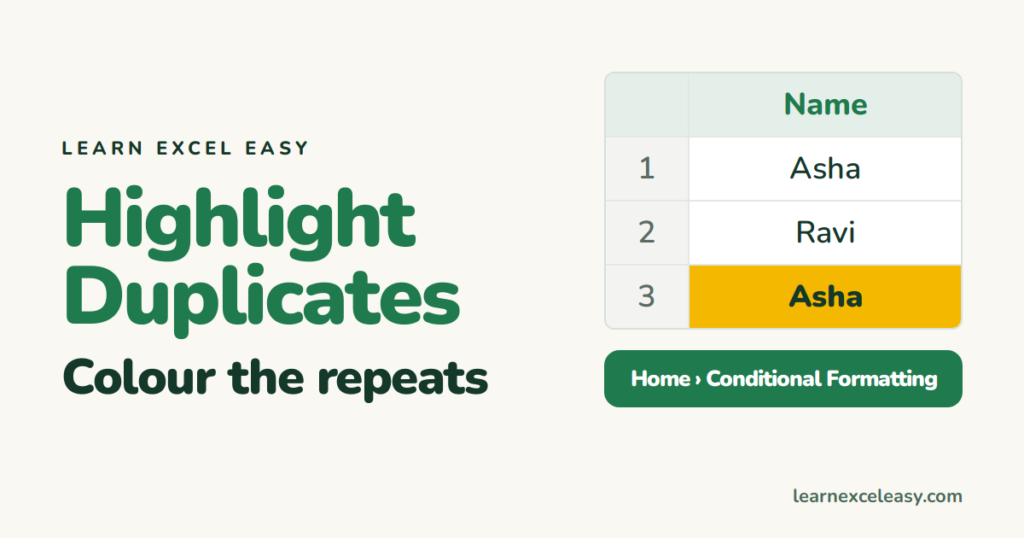
Colour duplicate values with conditional formatting in 3 clicks. Highlight only the 2nd and later copies, whole duplicate rows, duplicates across two columns, and remove the colour.
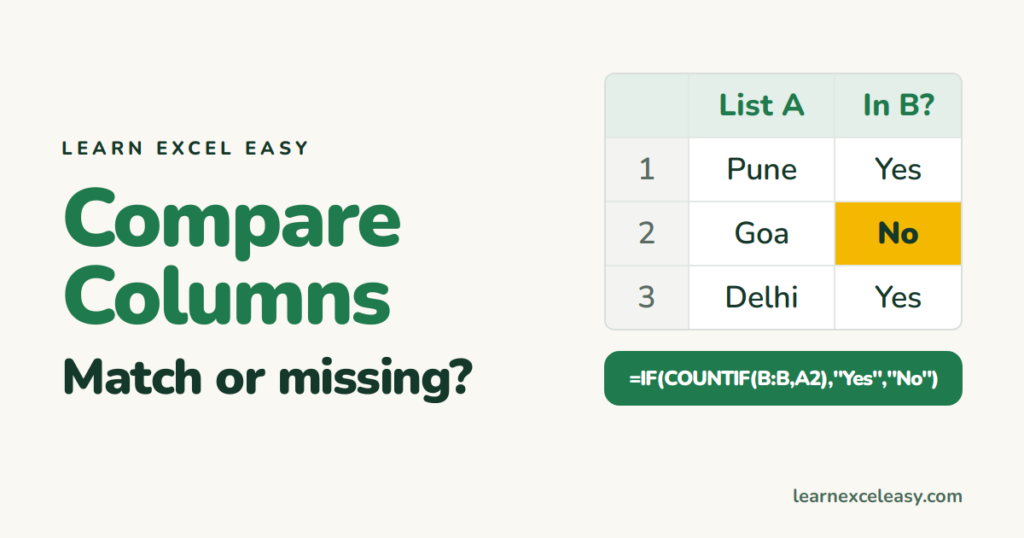
Compare two columns row by row, or find which items in list A are missing from list B. Simple = test, EXACT for case, COUNTIF/MATCH across lists, and colouring the differences.
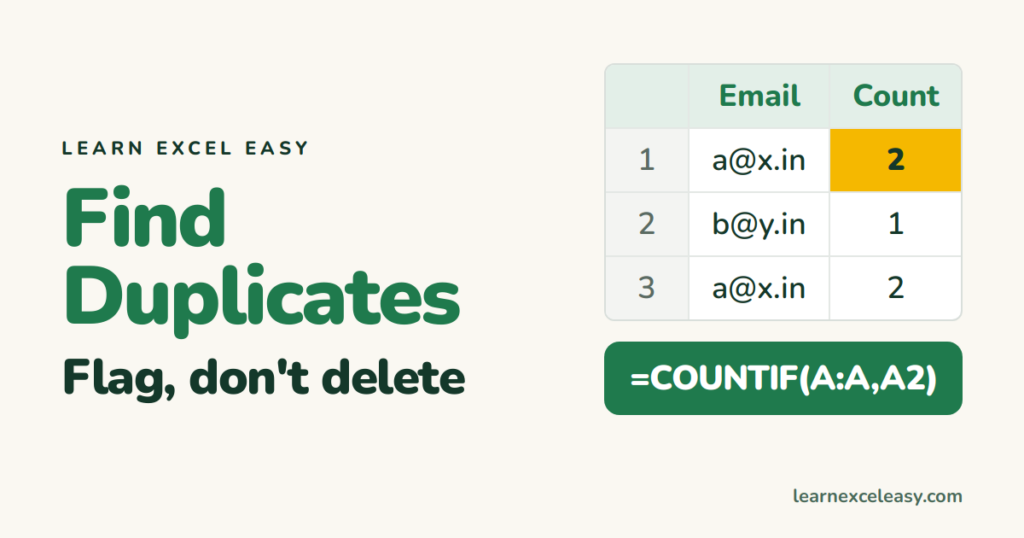
Find duplicate values before you remove them: colour them, flag them with COUNTIF, count how many times each appears, and find duplicate rows across several columns.