
How to Compare Two Columns in Excel (find matches and differences)
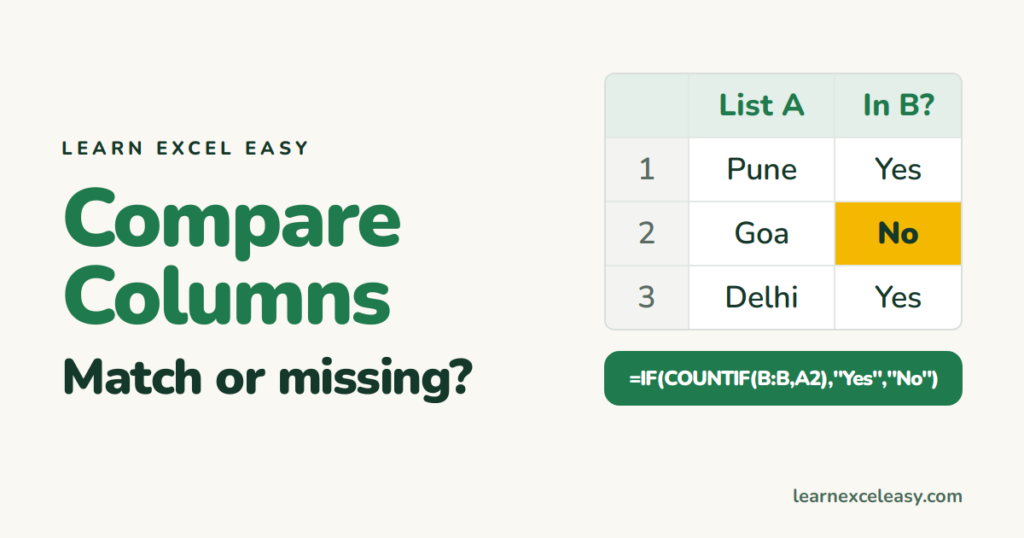
There are two different questions. Pick yours:
- Row by row: is A2 the same as B2, A3 the same as B3?
- List against list: does each item in column A appear anywhere in column B?
Row by row
=A2=B2
TRUE or FALSE. A friendlier label: =IF(A2=B2,"Match","Different").
Capitals matter? =EXACT(A2,B2) treats “Asha” and “ASHA” as different.
Row by row, coloured
Select both columns › Ctrl+\ (Ctrl+backslash) selects the cells in the second column that differ from the first. Give them a fill colour. Or Home › Find & Select › Go To Special › Row differences. See Go To Special.
List against list
Is each item in A anywhere in B?
=IF(COUNTIF($B$2:$B$500,A2)>0,"In both","Missing from B")
Or with MATCH: =ISNUMBER(MATCH(A2,$B$2:$B$500,0)).
Only the missing items (Excel 365)
=FILTER(A2:A500,COUNTIF(B2:B500,A2:A500)=0)
A clean list of what’s in A but not in B. Swap the ranges for the reverse.
Colour items that appear in both lists
Select A2:A500 › Conditional Formatting › New Rule › Use a formula:
=COUNTIF($B$2:$B$500,A2)>0
Bring back a value from the other list
Want B’s price next to each A item? That’s a lookup: XLOOKUP.
Matches that should match but don’t
Trailing spaces or numbers stored as text. Clean with TRIM and check number stored as text.

20 years with spreadsheets and enterprise systems. Writes one short, plain-English Excel lesson a day. Got an Excel question? learnexceleasycom@gmail.com
