

Dates & Times
Excel NETWORKDAYS: working days between two dates
NETWORKDAYS counts Monday-to-Friday days between two dates and can skip holidays. NETWORKDAYS.INTL for other weekends like Friday-Saturday or a 6-day week.
Short, plain-English tutorials on formulas, shortcuts, charts and everyday Excel tasks. No jargon. One idea per post.
Start here Get Daily One Lesson
NETWORKDAYS counts Monday-to-Friday days between two dates and can skip holidays. NETWORKDAYS.INTL for other weekends like Friday-Saturday or a 6-day week.

Go To Special (F5 › Special) selects cells by type in one step: all blanks, formulas, constants, errors, visible cells only, differences between rows. Five real jobs it makes easy.
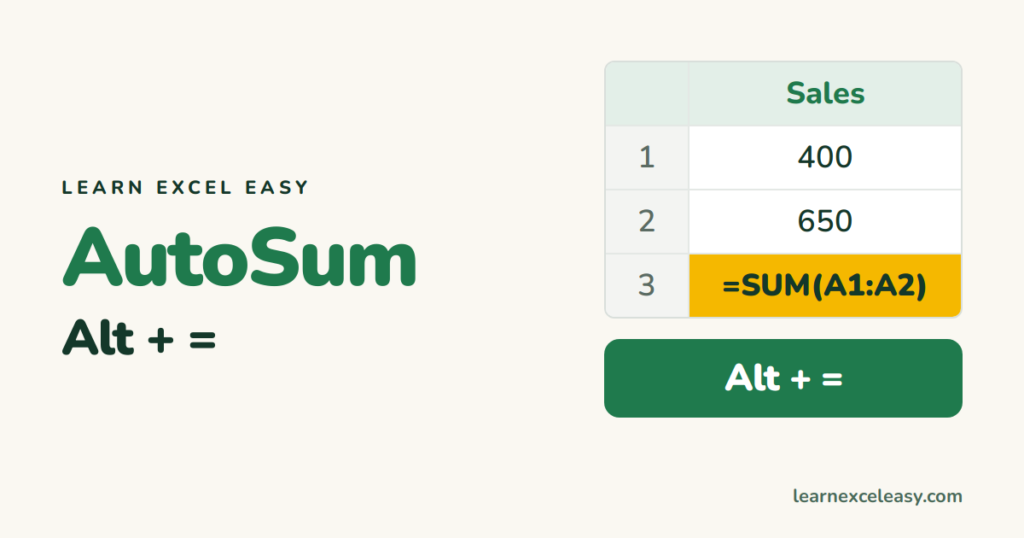
Alt+= writes a SUM formula for the numbers above or to the left. Total several columns and rows at once, the Mac shortcut, and why AutoSum sometimes picks the wrong range.
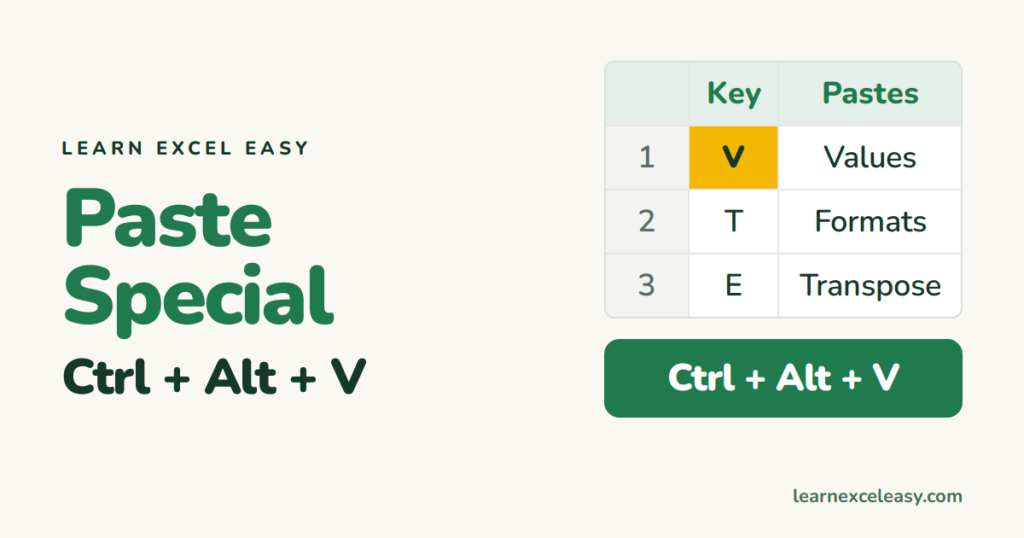
Ctrl+Alt+V opens Paste Special. The letter keys for values, formats, formulas, transpose and column widths, plus the fastest paste-values combos and multiplying a whole range.

Turn off the grey gridlines for a clean report or dashboard: View › untick Gridlines. Hide them for one sheet, all sheets, just a range with white fill, and control printing separately.
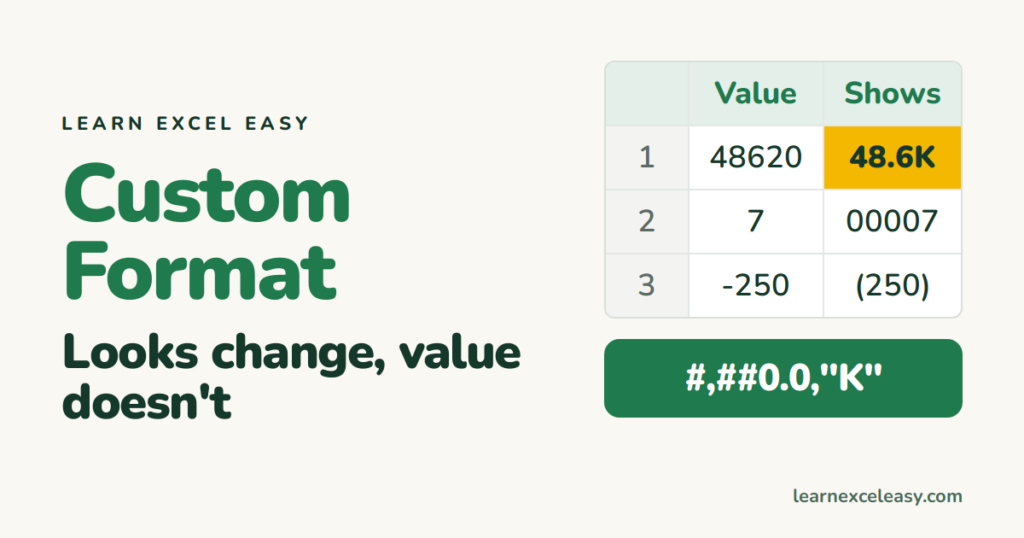
Change how numbers look without changing their value: 12.5K, ₹ lakhs, units like 'kg', leading zeros, negative in red, hide zeros. The four-part code explained with ready-to-copy formats.

Make rows grow to fit wrapped text: double-click the row border, Home › Format › AutoFit Row Height, or Alt H O A. Why it fails on merged cells and how to work around it.

Format Painter copies colours, fonts, borders and number formats from one cell to others. Single-click vs double-click to paint many places, the keyboard route, and what it copies.
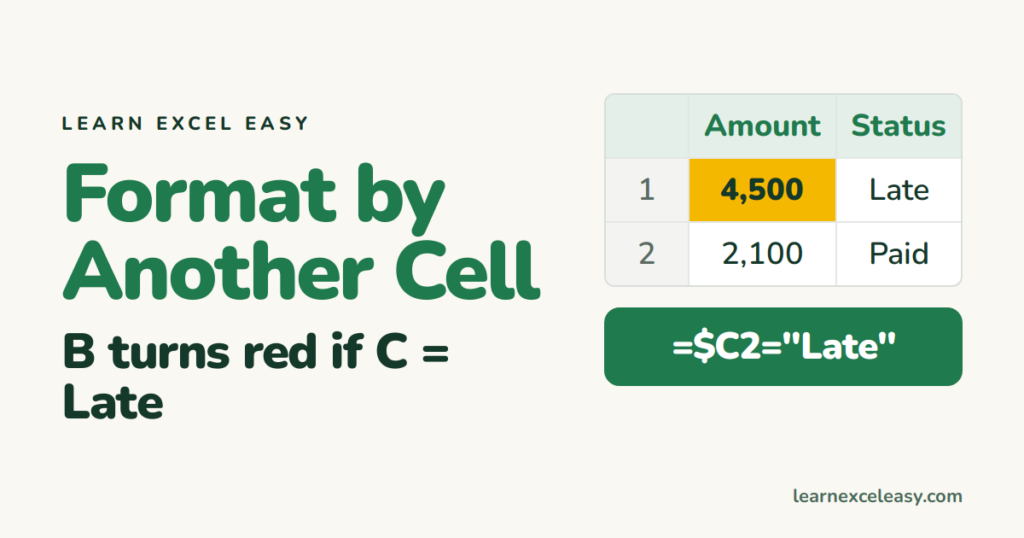
Colour a cell depending on the value in a different cell: overdue dates, amounts over a target in another cell, a status column. The formula rule, the $ signs that make it work, and fixes.
